
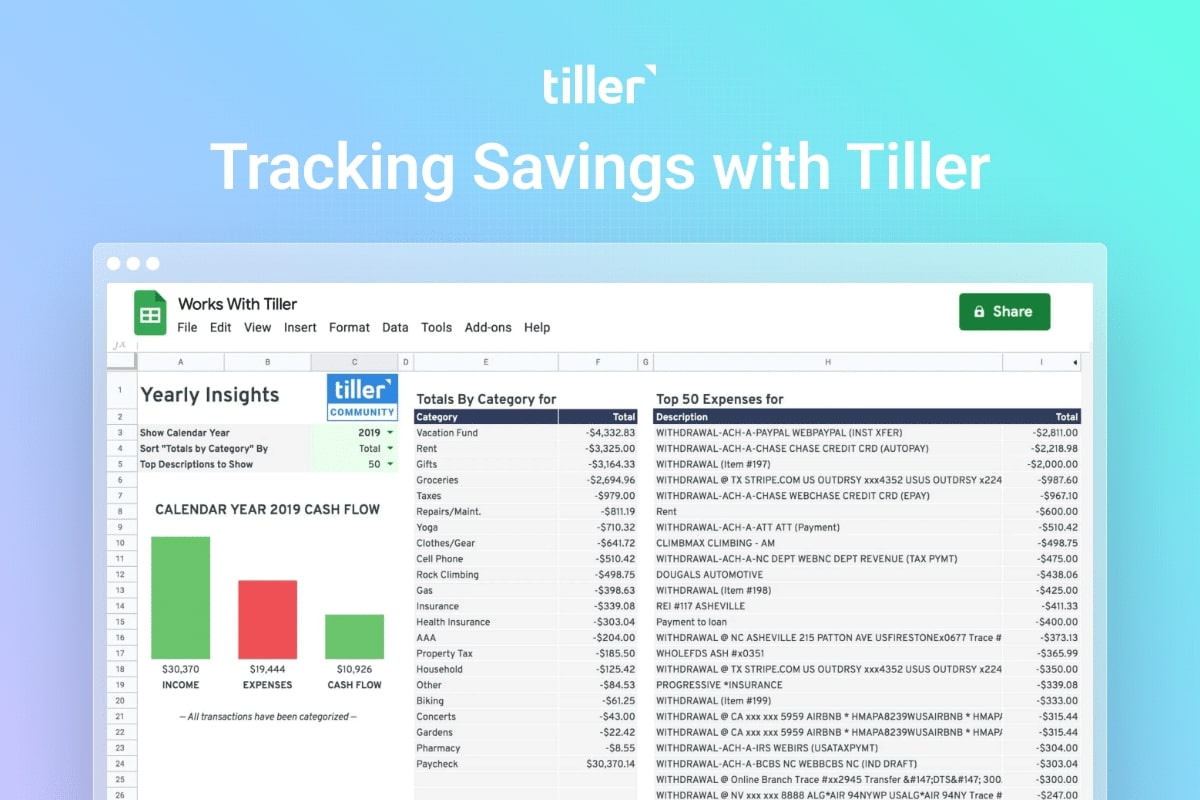
In my first year of using Tiller, I didn’t have an easy way to see how much I saved over the past twelve months.
I don’t use a rollover method (which the Savings Budget sheet covers). Instead, I have a set amount I save each month, and then try to save more on top of that when I can.
So I fumbled around with the Transfer category in my Foundation Template, but still never quite settled on a workflow that truly worked for me.
Year two
In my second year of using Tiller, I made savings an “Expense” type. However, when I categorized the actual transfer amounts and positive deposits as savings, the total amounts were overcounted and then undercounted.
I also didn’t like seeing red and reading “cash flow negative” when I actually increased my savings and therefore exceeded my savings “budget.”
I admit most of my issues were user error. But this lead me to an elegant solution for accurately tracking my annual savings. I’ve now found a template and workflow I LOVE for very simply tracking my savings.
Using a New Transfer Category
First, I created a new transfer type called “Money Saved.”
This new “Money Saved” transfer category doesn’t get confused with my other transfer categories: money transfer, payment, and credit card payment.
And unlike those transfer types, I do not hide these “Money Saved” from reports.
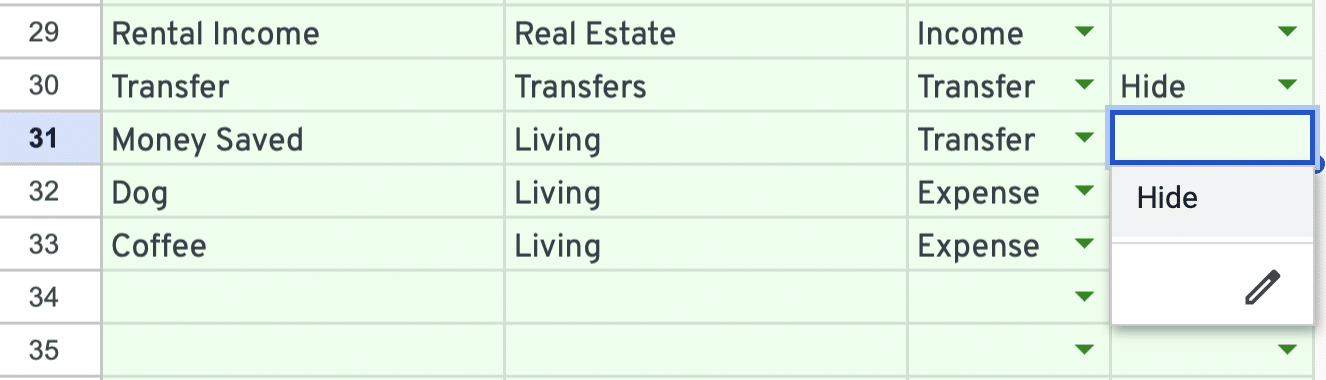
I’m now better at categorizing transfers from my checking to my savings accounts, and my deposits from savings to my Roth and other saving accounts.
Adding the Yearly Insights Sheet
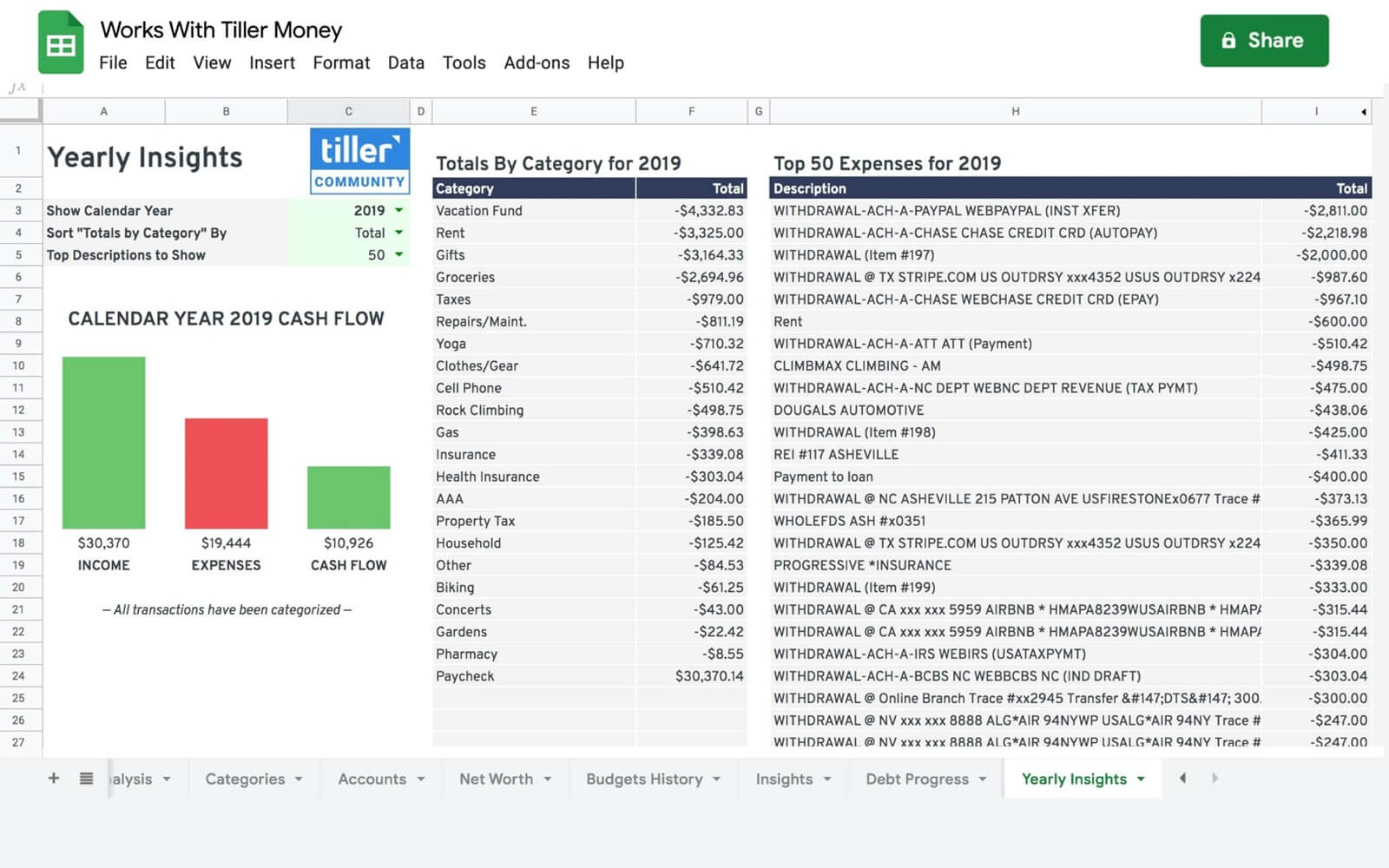
Next, I started using the Yearly Insights sheet. This simple Google Sheet template shows a summary of your previous year or current year-to-date earnings and spending, plus information about where you spent your money.
Now “Money Saved” has a spot in the list of my total yearly expenses by category. I can see how my savings stands up against where the rest of my money is going.
I just wanted a simple way to see the total amount and this template nails it!
How do you track savings with Tiller?
Share your savings workflow, tips, and questions here in the Tiller Community!

