How Tiller Works
Keep a clear view of your spending, etc
for Google Sheets and Microsoft Excel
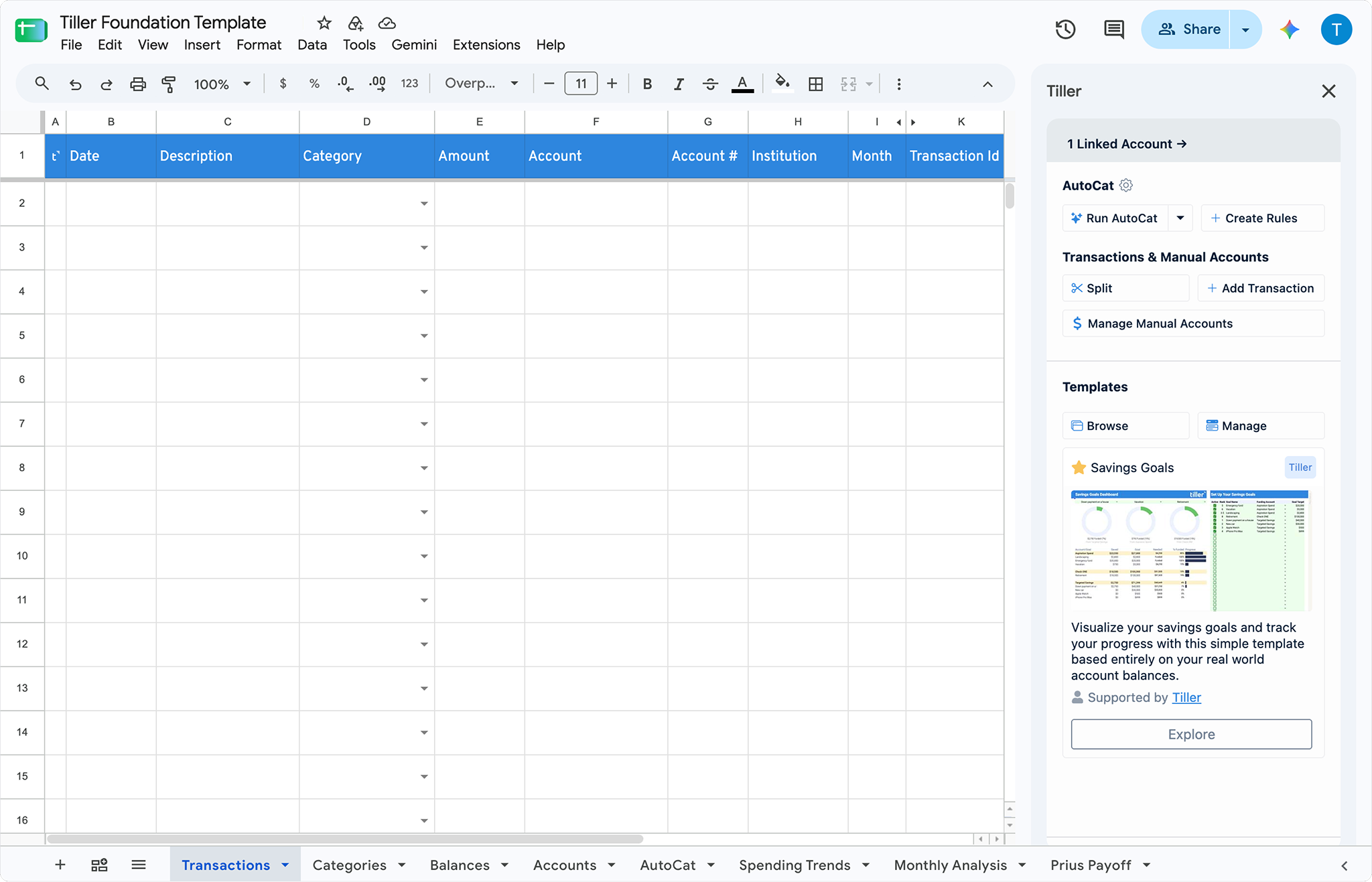
Tiller automatically imports your spending, transactions, and balances into Google Sheets and Microsoft Excel and keeps everything organized by your custom categories and rules.
Automation
A personal finance system based in Google Sheets and Microsoft Excel
Unlike apps or AI bank connections, Tiller builds a financial source of truth you own in Google Sheets and Excel. Point AI at your spreadsheet instead of linking your banks. Ask questions about your money and explore your finances with any AI you choose. Your spreadsheet is yours, even without Tiller.
Connect your banks and spreadsheets
Connect supported accounts in the Tiller Console, then choose which accounts to include in your spreadsheet.
Explore bank connections
Start with the Foundation Template
Point AI at your spreadsheets instead of linking banks directly.
Customize your transaction categories
You own the data in your spreadsheet. Take it with you wherever you go.
Step 1
Connect your banks and spreadsheets
See where your money goes, keep up with account balances, and monitor your investments in your spreadsheets. Tiller Money Feeds automatically updates Google Sheets and Excel with your daily spending, account balances, and investments.
Securely link your banks to your spreadsheets in the Tiller Console
Learn more ›

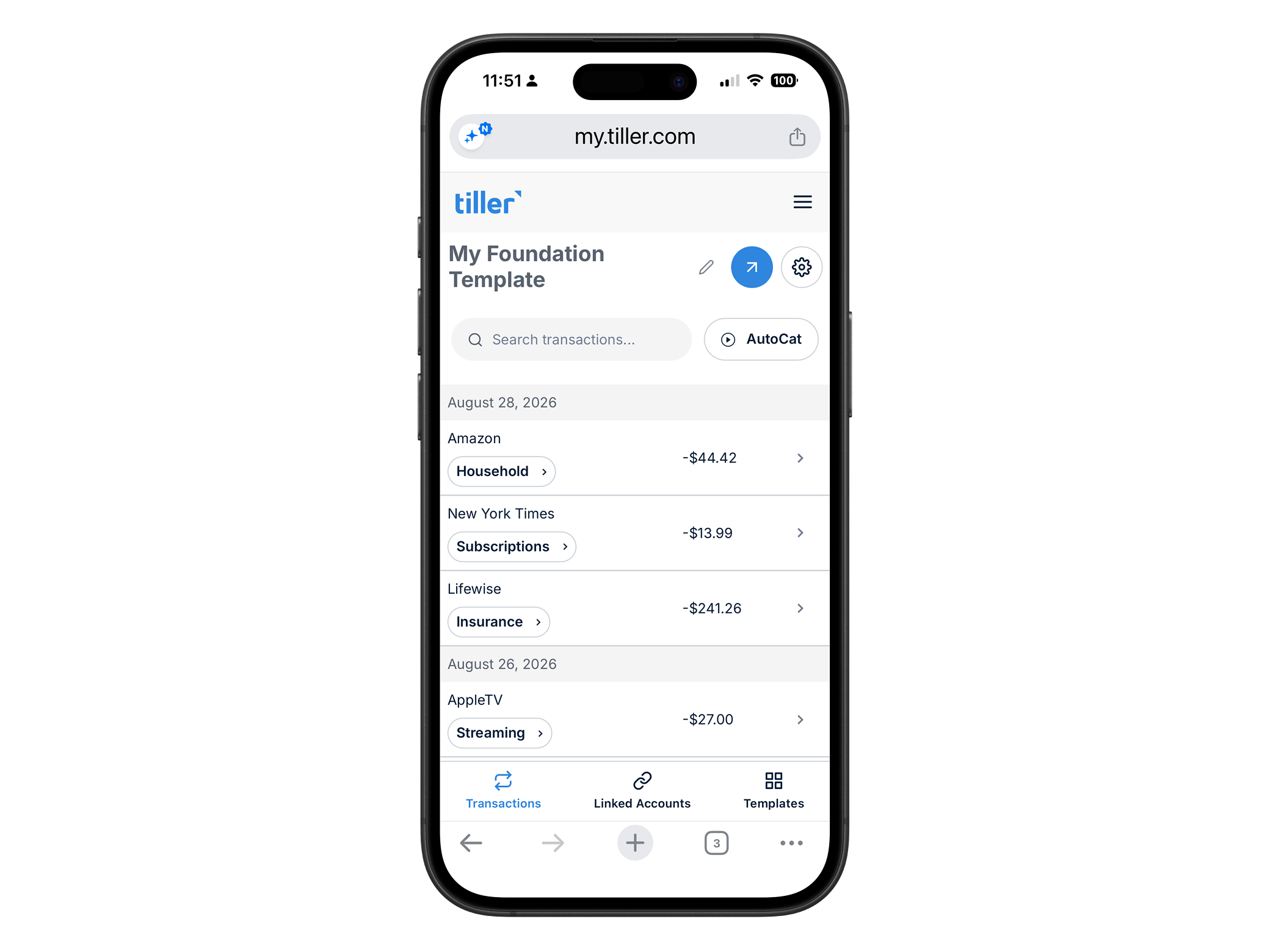
Check up on the go
See your account balances, refresh etc from the mobile web view – no app download required.
Choice
Start with the Foundation Template
With a Tiller spreadsheet, you can pick the best AI model for each job and work natively with chatbots, agents, coding tools, and whatever comes next.
Start with the Foundation Template
Point AI at your spreadsheets instead of linking banks directly.
Connect your accounts to Google Sheets
Use the Tiller add-on to link the accounts you want to include in your spreadsheet.