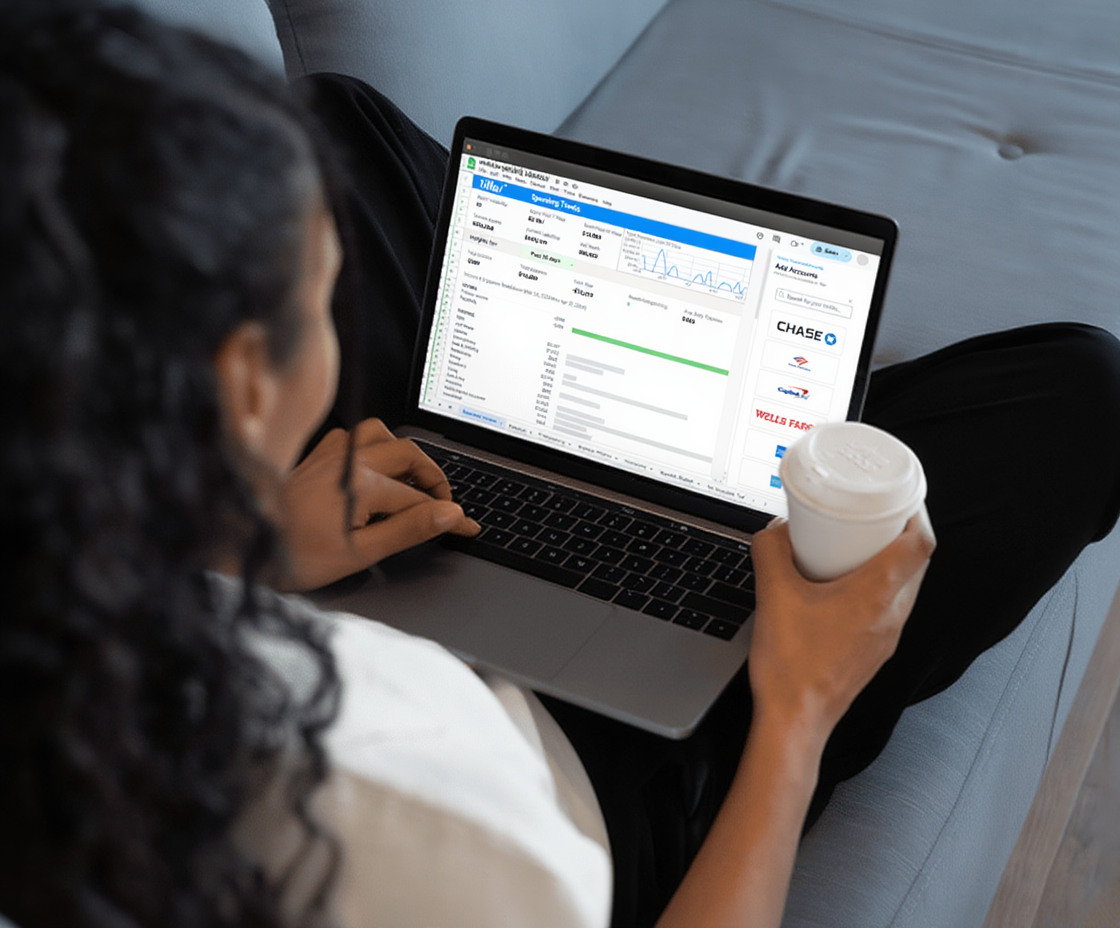
Managing your finances in a spreadsheet gives you flexibility, full control over your data, and a system that works exactly the way you want it to. The problem most people run into isn’t the spreadsheet itself—it’s keeping it current.
Logging into several bank websites, downloading CSV files, reformatting columns, pasting data, re-categorizing transactions. It works, technically. But it’s tedious enough that most people fall behind, and once a spreadsheet is stale, it loses most of its value.
The solution is automated personal finance in a spreadsheet.
What “automated personal finance” actually means
Automated personal finance in a spreadsheet means your bank transactions, balances, and account data flow into your spreadsheet automatically—without logging into bank websites or downloading CSV files. You set it up once, and the data is there every day.
All decisions stay with you, but the tedious data work goes away. Your tracking and visibility into your accounts is automated, but decision-making stays with you.
The result is a spreadsheet that behaves like a living financial system instead of a static document you have to maintain manually.
The problem with manually updating spreadsheets
Anyone who has managed finances in a spreadsheet knows the experience: you open Google Sheets or Microsoft Excel, realize your spreadsheet is three weeks out of date, and face a choice between spending an hour catching up or just closing the tab and pretending it doesn’t exist.
With three or more accounts—checking, savings, credit card, maybe an investment account—manual updates can take 30–60 minutes . . . each time. You have to log in to each institution separately, find the transaction export, download the file, deal with inconsistent formatting, paste the data in the right place, and then actually review it.
That friction is the real reason people abandon spreadsheet budgets. Not because the system doesn’t work, but because the maintenance cost is too high when life gets busy. And once you’re behind, catching up feels impossible.
There’s another drawback. When your spreadsheet is out-of-date, your financial decisions are based on incomplete information. You think you have $800 left in your dining budget. But you actually have $200. Bad data isn’t just inconvenient—it undermines the whole point of tracking.
Ready to stop maintaining your spreadsheet manually? Tiller connects your accounts and keeps the data current — try it free for 30 days.
How automated finance tracking works in Google Sheets and Excel
Bank feed connections
Financial data aggregators—companies like Plaid and Yodlee—specialize in securely connecting to banks and pulling transaction data via read-only access (meaning they can’t complete any transactions with your money). This is the same technology that powers apps like Mint and YNAB, applied to spreadsheets instead of proprietary apps.
These aggregators maintain connections to tens of thousands of financial institutions: major banks, regional banks, credit unions, online banks, credit card issuers, investment platforms, and loan providers.
Daily transaction delivery
Once connected, new transactions and updated balances from every linked account appear in your spreadsheet automatically each day. You don’t have to do anything. Whenever you open your spreadsheet, your data is current.
The spreadsheet stays yours
Unlike personal finance apps, your data lives in your Google Sheet or Excel workbook. That means you own the structure, the formulas, the categories, and the layout. While automation handles the data layer, everything you build on top of it remains in your control.
You get the best of both worlds: automation and control. Tiller makes this easy. It downloads your data daily and then gets out of your way.
What you can build on an automated foundation
When transaction data flows in automatically, a whole category of financial work becomes practical that wasn’t before.
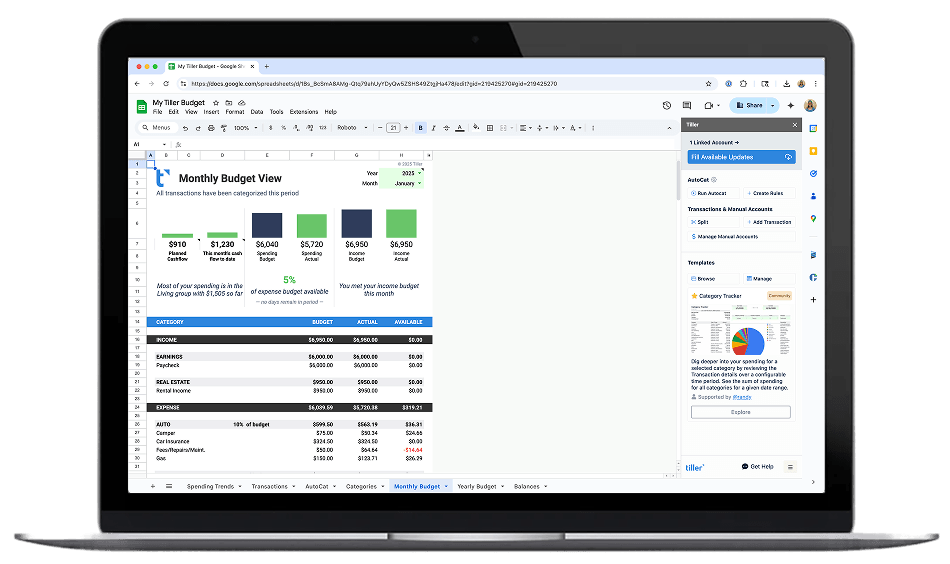
Budget vs. actual tracking that updates every day, not whenever you remember to update it. Your SUMIF formulas pull from a Transactions sheet that’s already current.
Spending by category reports that reflect what you’ve actually spent this week, not what you spent three weeks ago when you last updated.
Net worth snapshots that show real balances across all accounts—checking, savings, investments, and loans—pulled from live data rather than your best recollection.
Cash flow visibility across all accounts in one view, so you always know where you stand before a big expense or a bill cluster hits.
Custom dashboards with charts, trend lines, and summary views that you design to show the numbers you actually care about.
The templates and structure are entirely up to you. Automation just keeps the data fresh so everything built on top of it stays accurate.
Setting up automated personal finance with Tiller
Setting up Tiller is easy — just four steps:
1. Start a free trial at tiller.com.
2. Connect your accounts — banks, credit cards, investment accounts, and others. The connection is read-only—meaning Tiller can see your transactions and balances but cannot initiate transfers or move money—using bank-level encryption.
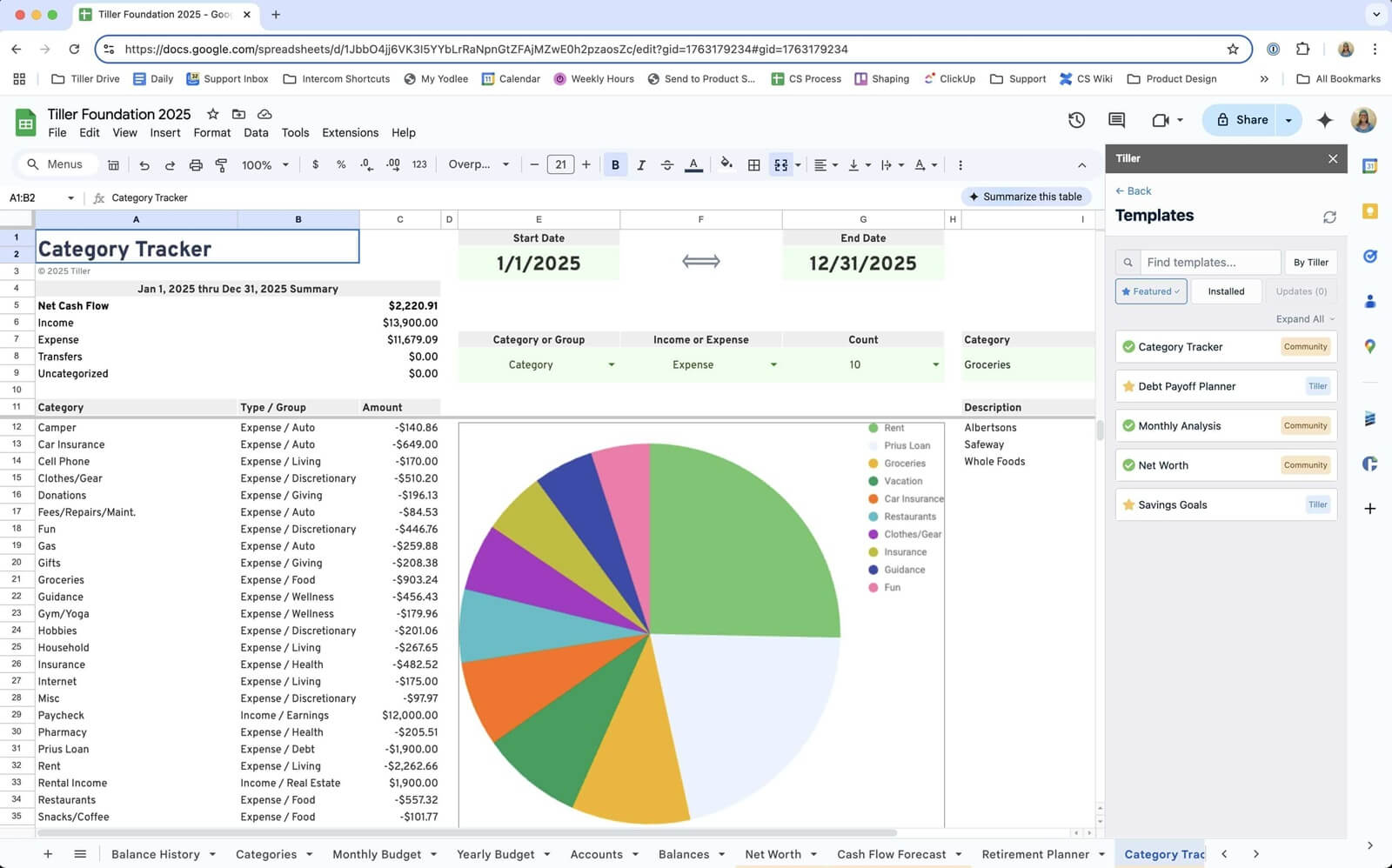
3. Get your Foundation Template — a pre-built Google Sheet or Excel workbook with budget tracking, net worth monitoring, and spending dashboards already built in. It’s a great starting point for learning what Tiller is capable of.
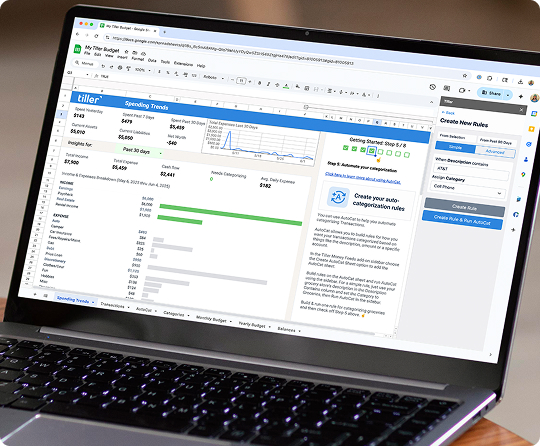
4. Transactions appear daily — plus many can be auto-categorized by AutoCat rules you set, ready to review.

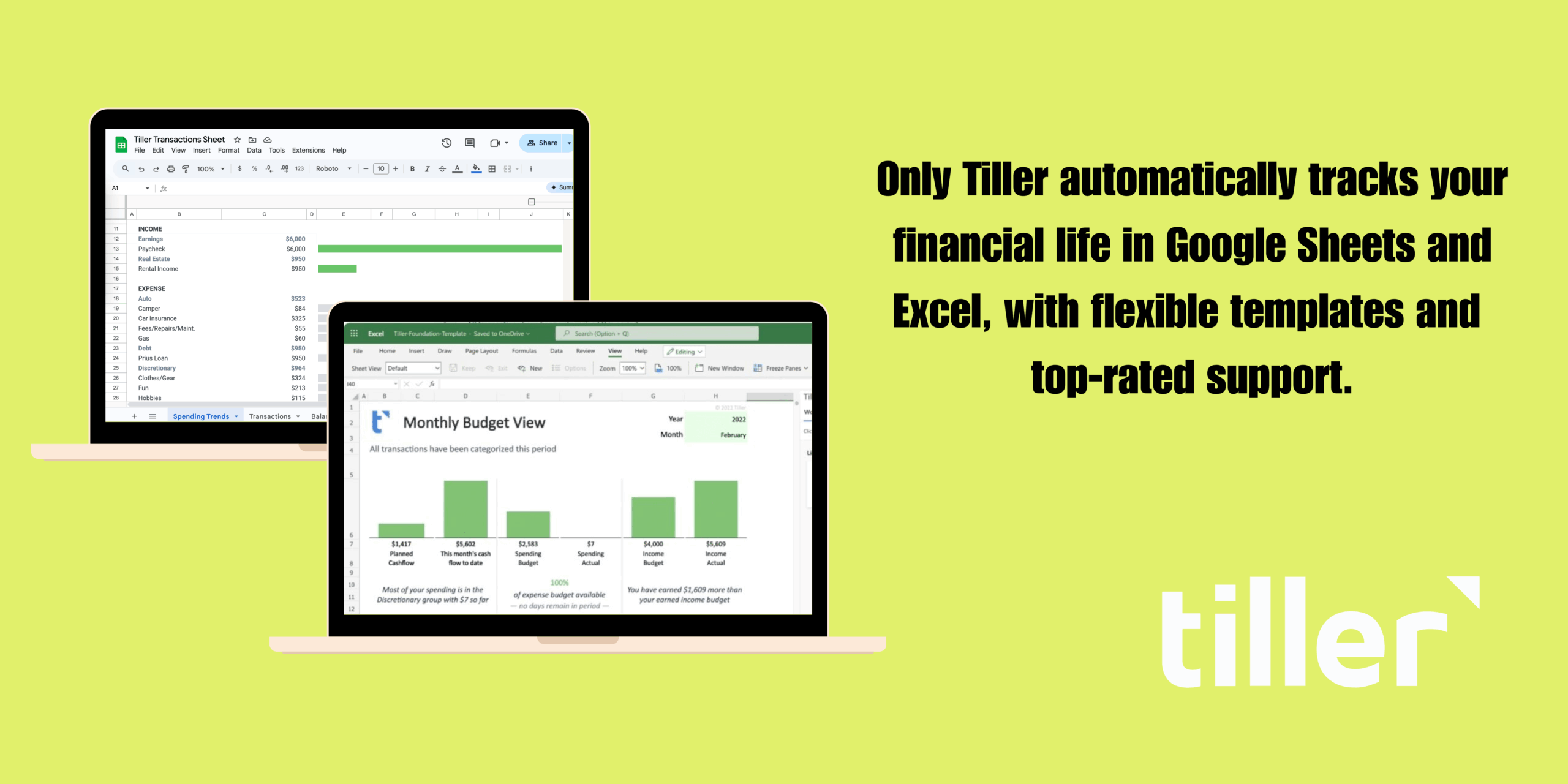
Tiller works with both Google Sheets and Microsoft Excel — the experience is functionally identical across both platforms.
For advanced users who want to build their own sheets from scratch, Tiller also delivers raw transaction data you can use however you want. The Foundation Template is the fastest starting point, but a blank canvas is always an option.
Automated finance spreadsheets vs. finance apps
Spreadsheets and apps both work. The right choice depends on how you think about money management.
Finance apps like Monarch, YNAB, and Copilot offer polished interfaces, guided setup, and mobile-first experiences. They’re quick to start and require minimal configuration. The tradeoff is that you work within their system—their categories, their budgeting method, their reporting views. And that data lives on their platform, not yours.
Automated spreadsheets (Tiller + Google Sheets or Excel) require more initial setup and some comfort with spreadsheet tools. The payoff is complete ownership. You design the categories, formulas, and views. Your data lives in a file you control. You can share it with a partner, export it, hand it to a financial advisor, or build anything on top of it.
Consider an app if you want a guided experience, prefer mobile-first interfaces, and don’t need to customize beyond what the app offers.
Consider an automated spreadsheet if you’re already comfortable in Google Sheets or Excel, want complete control over how your financial data is organized, or have tracking needs—multiple accounts, complex categories, custom reporting—that apps don’t support well.
The benefits of apps are shrinking. Tiller handles the data-import work automatically, which was the main advantage apps had. What remains is the question of control: Do you want to live in someone else’s system, or build your own?
Frequently asked questions
Can Google Sheets or Microsoft Excel automatically pull in bank transactions?
Yes — not natively, but with a tool like Tiller, Google Sheets and Excel can receive daily transaction updates directly from your connected bank accounts, credit cards, and investment accounts. Tiller uses a secure, read-only bank feed connection to pull new transactions into your sheet automatically each day.
Is it safe to connect my bank account to a Google Sheets or Excel automation tool?
Yes, when using a reputable service. The connection is read-only—the tool can see your transactions and balances but cannot initiate transfers or move money. The same underlying technology powers mainstream apps like Mint and YNAB. Tiller uses bank-level encryption throughout.
What’s the difference between using Tiller and tracking finances manually in a spreadsheet?
Manual tracking requires you to regularly log into your bank accounts, download transaction files, and paste data into your spreadsheet—typically 20–60 minutes per month depending on how many accounts you have. Tiller automates this: new transactions from every connected account appear in your spreadsheet daily. The spreadsheet itself stays fully yours—you control the structure, templates, and formulas. Tiller handles the data layer.
Does automated personal finance in a spreadsheet work with Excel, or only Google Sheets?
Both. Tiller supports Microsoft Excel in addition to Google Sheets. On Excel, you install the Tiller Money Feeds add-in, which works the same way—connecting your accounts and delivering daily transaction updates into your workbook. The core experience is identical across both platforms.