Tiller Resource Center > Spreadsheet Financial Systems
Automated Personal Finance in Spreadsheets
How to connect your financial accounts to a spreadsheet so your data stays up to date without manual entry.
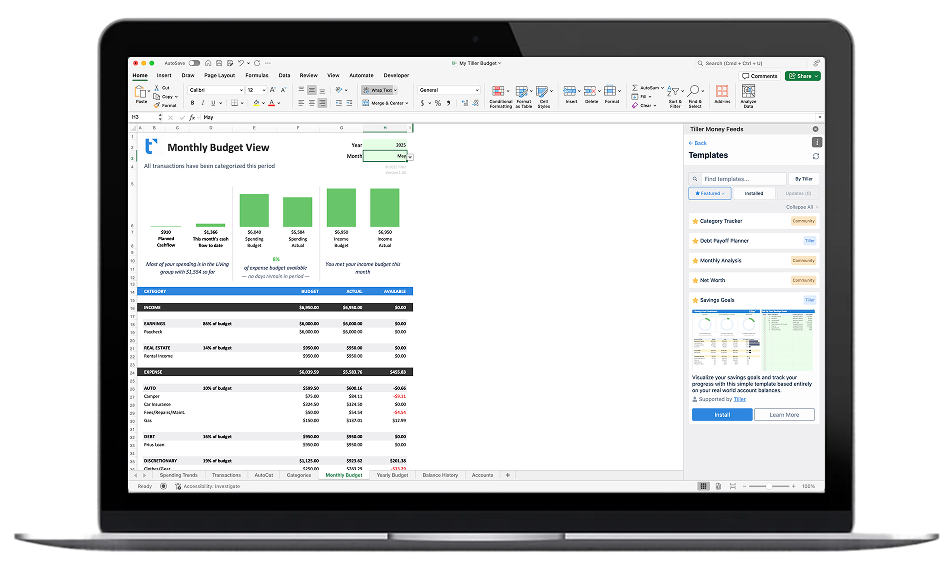
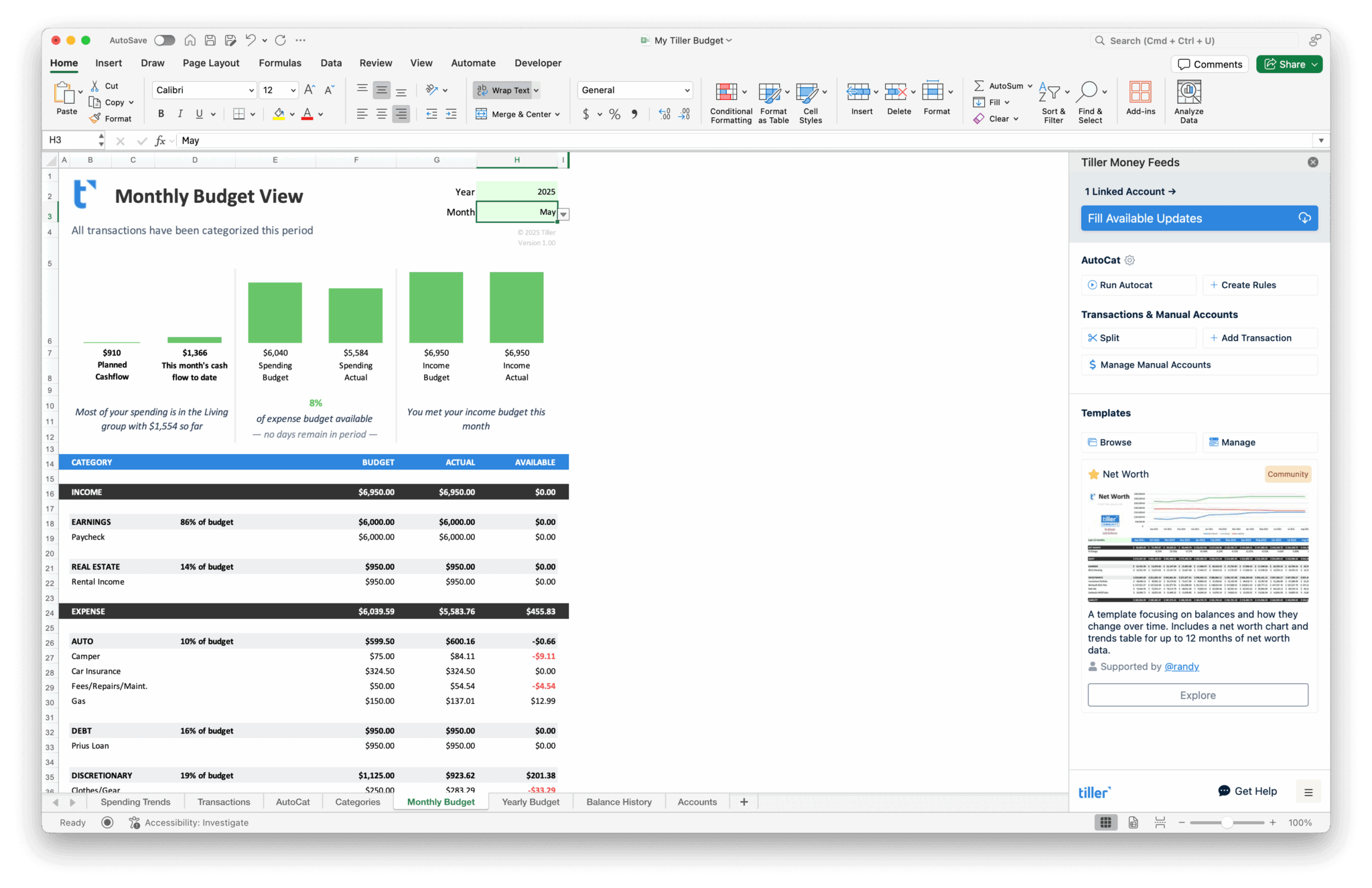
Spreadsheets are powerful tools for managing money, but they’ve always had one significant drawback: keeping the data current. Logging into bank websites, downloading CSV files, reformatting columns—it works, but the manual upkeep is enough that many people eventually fall behind or give up.
Automation changes that equation. When your bank transactions flow into your spreadsheet automatically, a static document becomes a living financial system—budgets stay current, spending reports update themselves, and net worth tracking reflects reality without extra effort.
This section explores how automated spreadsheet finance works, what tools and approaches are available, and how to set up a system that keeps your financial data fresh. Several of the guides here feature Tiller, which connects to your bank accounts and delivers daily transaction updates directly into Google Sheets or Excel.
Start with these guides and templates:

Why Spreadsheet-Based Finance Gives You More Control
Budgeting apps give you their system. Spreadsheets give you yours. Here’s why serious personal finance people choose spreadsheets

How to Build a Complete Personal Finance System in a Spreadsheet
A complete personal finance spreadsheet system puts your entire money picture in one place — transactions, budget, net worth, and goals, all connected in a single workbook.
How to Manage All Your Finances in One Spreadsheet
How to consolidate all your bank accounts, credit cards, investments, and loans into a single spreadsheet — so your complete financial picture is in one place without switching between apps and websites.

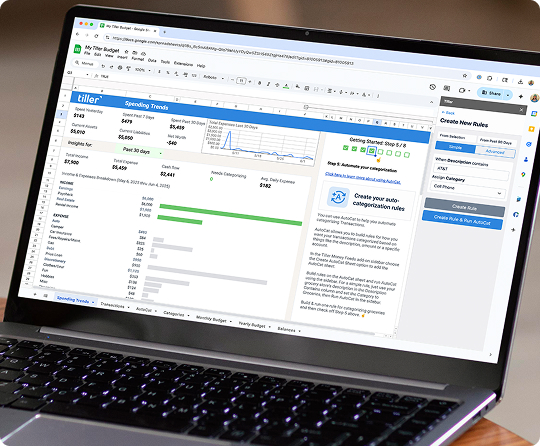
Setting Up a Complete Personal Finance System with Tiller
Step-by-step walkthrough for getting Tiller running — connecting your accounts, installing the Foundation Template, configuring AutoCat for automatic categorization, and what to expect in your first few weeks.

Automated Personal Finance with Google Sheets and Microsoft Excel
Why keeping a spreadsheet current manually is the problem that causes most people to fall behind — and how connecting your bank accounts to Google Sheets or Excel solves it. An overview of what automated spreadsheet finance looks like in practice.
Foundation Template
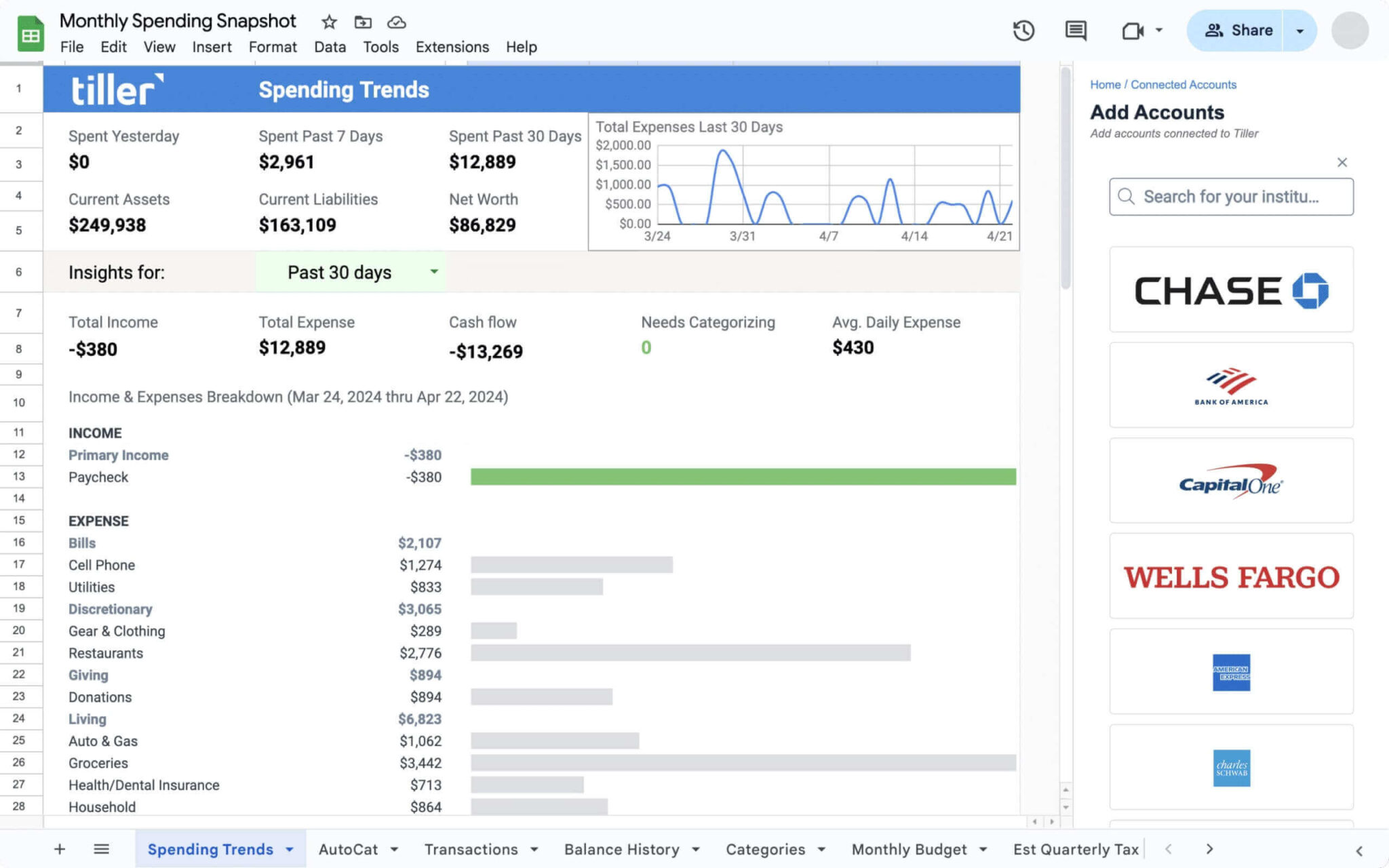
Your complete starting point. Includes automated budgeting, net worth tracking, spending insights, and account summaries—all connected to your bank accounts for daily updates.

How to Build a Live Financial Dashboard with Automated Transaction Data
Turn your automated bank transaction data into a real-time financial dashboard. Covers layout, formulas, charts, and how to build a view that always reflects your current situation.

How to Sync Bank Transactions Automatically to a Spreadsheet
How automatic bank transaction syncing works — secure aggregator connections, daily data delivery, step-by-step setup for Google Sheets and Excel, and what to expect in the first few weeks after connecting your accounts.
How Does Automating Finance Tracking Change Everything?
Manual tracking is a barrier to actually using your financial data. When it takes 20 minutes to update your spreadsheet, you stop doing it regularly. When it updates automatically, you check it daily—because there’s no friction.
Tiller handles the tedious parts (transaction downloads, balance updates, data formatting) so you can focus on the decisions. Should you adjust your budget? Are you on track for savings goals? Where did all that restaurant spending come from? These questions become easy to answer when your data is always current.
The automation is invisible. You just open your spreadsheet and everything’s there. Build any system you want on top of that foundation—budgets, trackers, planners, dashboards. The data layer runs itself.