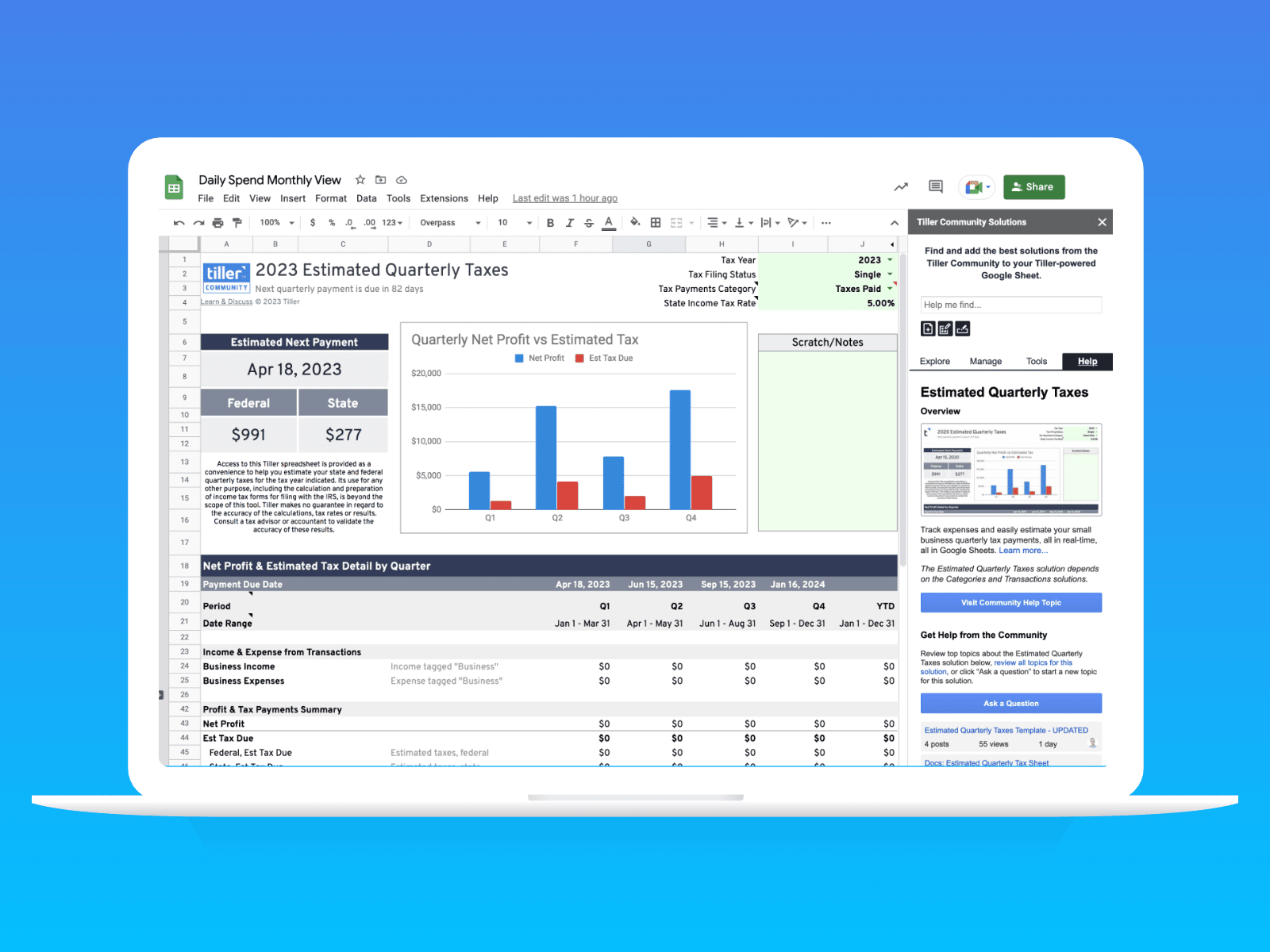
Tax season doesn’t have to take all weekend. If you’ve been using Tiller all year, your taxes are mostly done. Below is Peter’s 15-minute walkthrough, along with the exact steps to get your deductions out of your spreadsheet – whether you’re handing them off to an accountant or filing yourself.
Watch Peter’s Tax Walkthrough
Peter (Tiller’s founder and a daily Tiller user) recorded a short masterclass on his actual tax workflow, including the sheet he shares with his accountant.
Using Excel?
Using Google Sheets?
Step 1 — Get Your Transactions Categorized
Tax prep is fastest when your transactions are already categorized. Pick the option that matches where you are.
Already categorized throughout the year? Skip to Step 2. You’re ready.
Behind on categories?
Don’t go back and organize all of 2025. Sort your Transactions sheet by Description: you’ll see every Amazon charge, every doctor visit, every Costco run grouped together. Find the tax-relevant ones, categorize those, and leave the rest alone.
If you have a large backlog and want to move faster, AutoCat can apply rules automatically: every charge from a specific merchant gets categorized without touching each row individually.
Really behind and starting from scratch? Reach out to beta@tillerhq.com about the pre-categorize workflow.
Step 2 — Filter to Your Tax-Deductible Expenses
Once your relevant transactions are categorized, filtering takes about two minutes.
- Click the dropdown arrow in the Category column header in your Transactions sheet
- Click “Clear” to deselect all categories
- Check only the tax-deductible categories you want to review:
- Medical
- Donations
- Mortgage Interest
- State & Local Taxes
- (Add any other categories that apply to your tax situation)
- Click OK
- Create a new tab in your spreadsheet (click the + icon at the bottom), name it “2025 Tax Deductions”
- From your Transaction sheet, select all visible rows, copy, and paste into the new 2025 Tax Deductions tab.
- Google Sheets users: filtered data copies automatically, only visible rows will paste
- Excel users: before copying, press Alt+; (Windows) or Cmd+Shift+Z (Mac) to select visible rows only. Skipping this step will include hidden rows in your paste.
Learn more about filtering in Google Sheets | Excel
Step 3 — Share With Your Accountant (or File Yourself)
Export your new 2025 Tax Deductions tab as a PDF or if they need a live editable version, copy it into a new standalone Google Sheet in your Drive. Accountants appreciate the spreadsheet format; it’s easy to edit, easy to sum, and everything is labeled.
Want a more polished report?
A yearly pivot table gives you a clean summary of spending by category for the year. It’s easy to filter to just your tax-relevant categories and share with your accountant.
For Self-Employed Filers
If you’re self-employed or freelancing, the Tiller Community has a tool for that.
95 IRS business expense categories →
Still Have Questions About Using Tiller for Taxes?
Join the conversation in the Tiller Community. Our members share tax workflows, answer questions, and help each other navigate tax season every year.
Need hands-on help? Our support team is here for you.
Ready to Make Tax Season Easier?
With Tiller, your financial data is automatically organized all year long, so when tax season rolls around, you’re already prepared.

Start Your Free Trial
Your transactions, automatically organized all year, so next tax season looks exactly like this one.