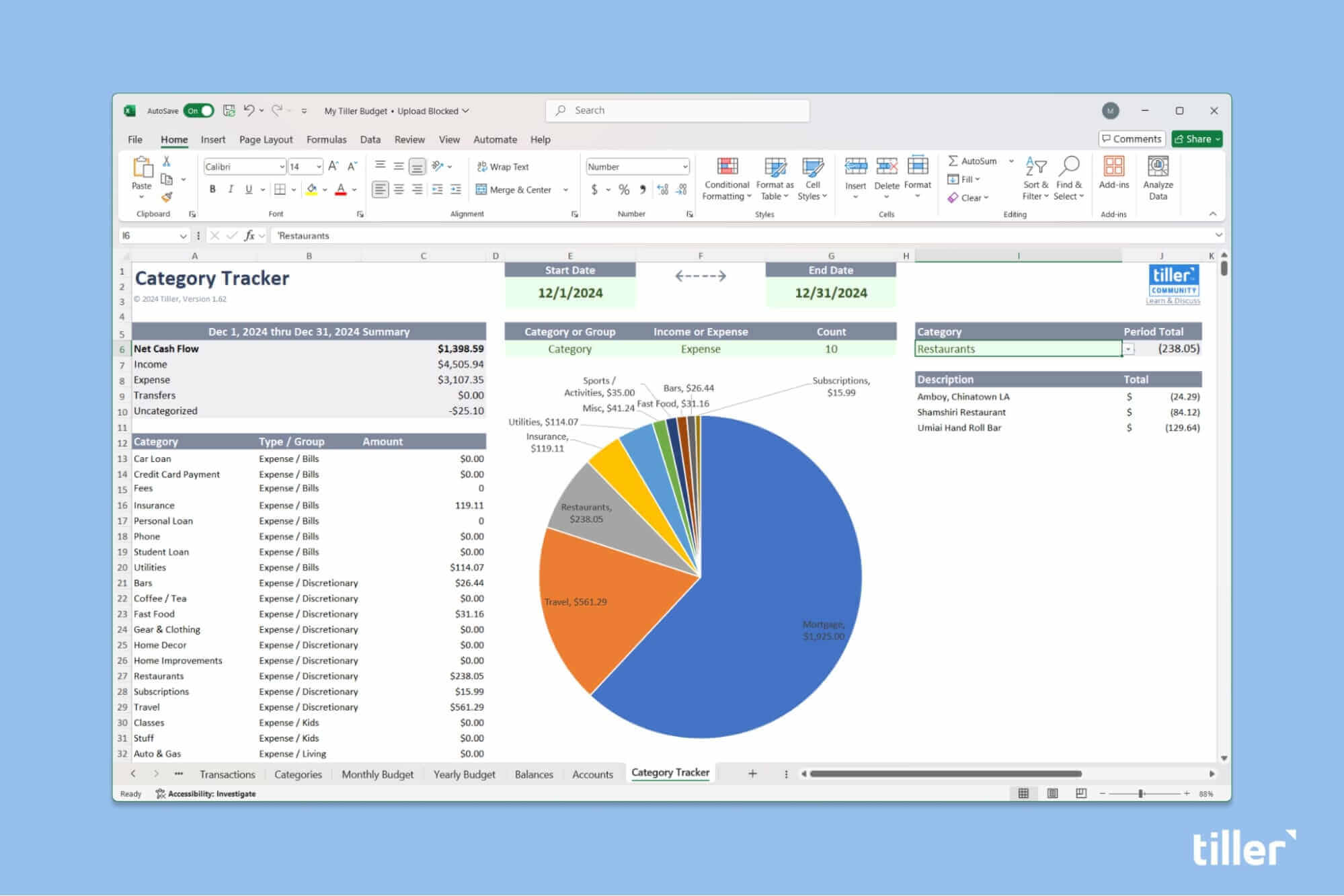
Categories are the key in keeping track of your spending and income.
They’re so important, there’s a two year old Tiller Community topic sharing and brainstorming on category lists that garners engagement month after month.
Tiller makes it super easy to customize your categories list. We offer a simple place to get started with example categories and groups in our Foundation Template budget spreadsheet, but then the sky’s the limit.
You can easily customize your transaction categories to meet your unique financial preferences and situation.
The challenging part of using any financial tool is making sure that your actual spending data is accurately and promptly categorized. A lot of tools attempt to do this for you, but they get it wrong, and that’s frustrating. Tiller doesn’t try to guess your spending categories, instead we empower you to choose what’s best for you.
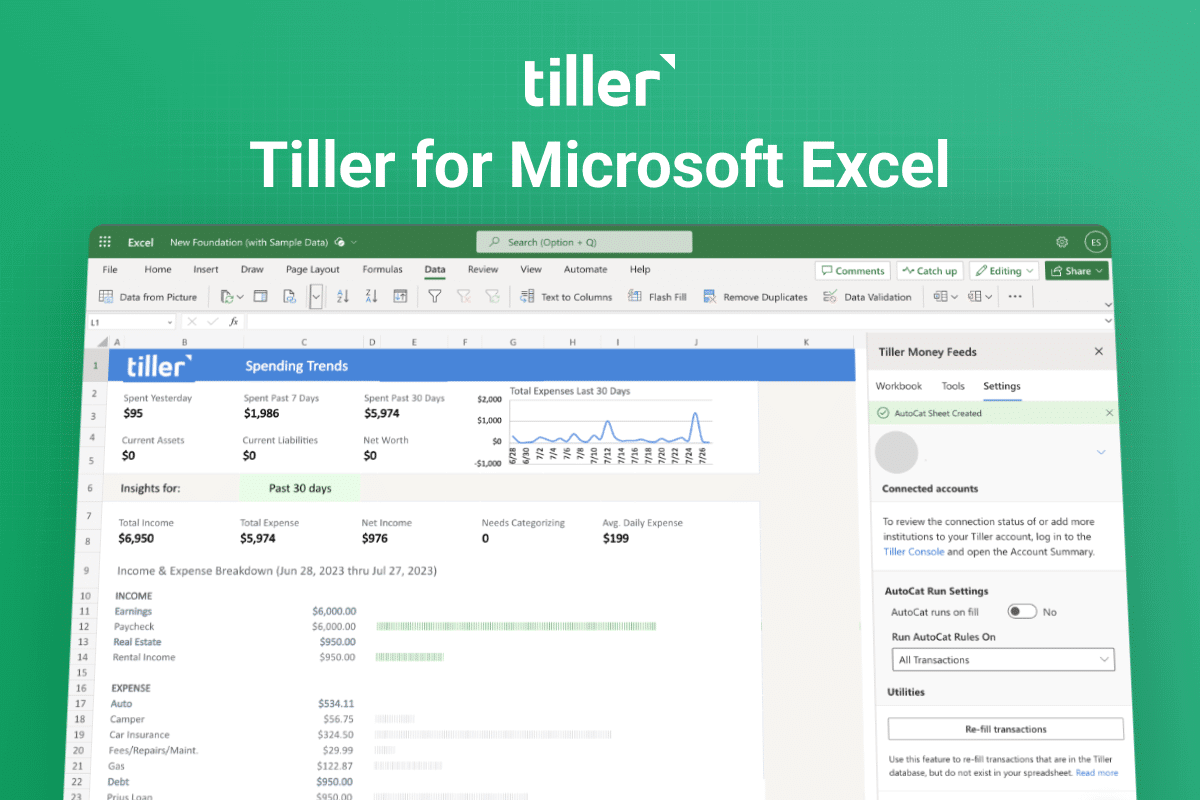
And today, we’re giving you the power to automate that with your own custom rule set in Microsoft Excel.
For years AutoCat for Google Sheets has been one of Tiller’s most beloved features and we’re excited to offer AutoCat for Excel to help you more easily manage your money, your way.
How AutoCat for Excel works
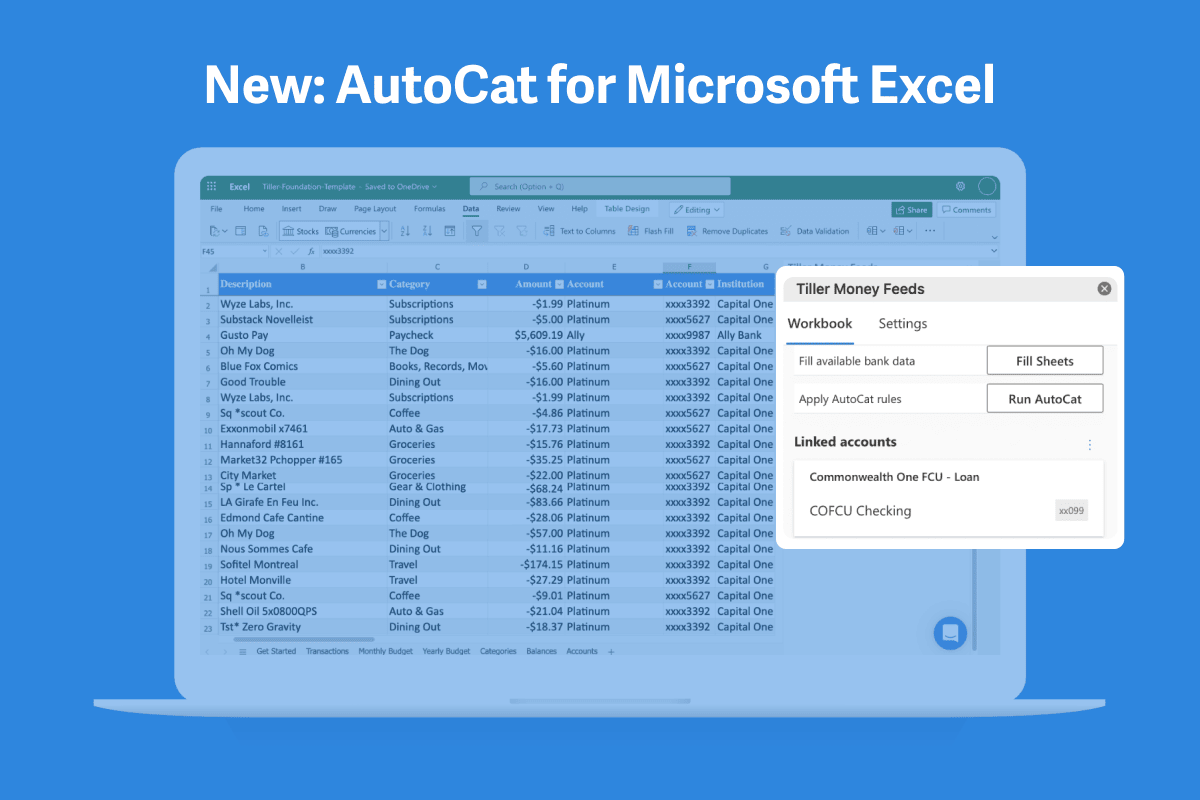
AutoCat allows you to build your own custom rule set based on your transactions to automatically categorize transactions.
This saves so much time. You can set AutoCat to run your rules when you click the Fill button in Microsoft Excel to add new transactions and balances to your spreadsheet.
You can also do so much more than categorize transactions with AutoCat. Use it to clean up descriptions, apply notes, tags, and more.
We hope you’ll love this feature for Microsoft Excel as much as you’ve loved it for Google Sheets. You can read more about how to use it and how it works on our Help Center here.
Please share your feedback below!