





How Tiller Uses Transaction Categories

Tiller gives you full control of your budget categories, plus three ways to categorize automatically: custom rules, pattern matching, and AI. You choose.
Blog posts and best practices about using transaction categories for tracking your budgets, net worth, expenses, and debt payoff goals.

Tiller gives you full control of your budget categories, plus three ways to categorize automatically: custom rules, pattern matching, and AI. You choose.

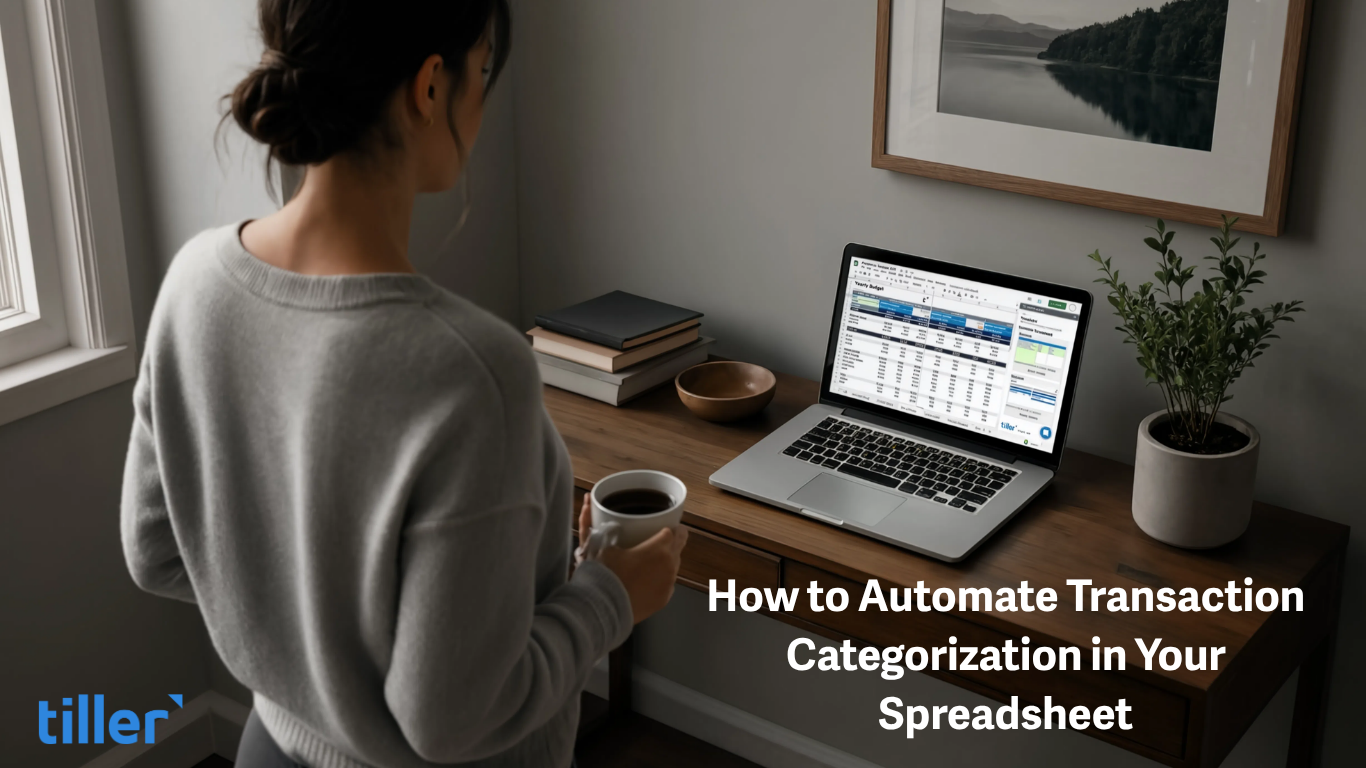
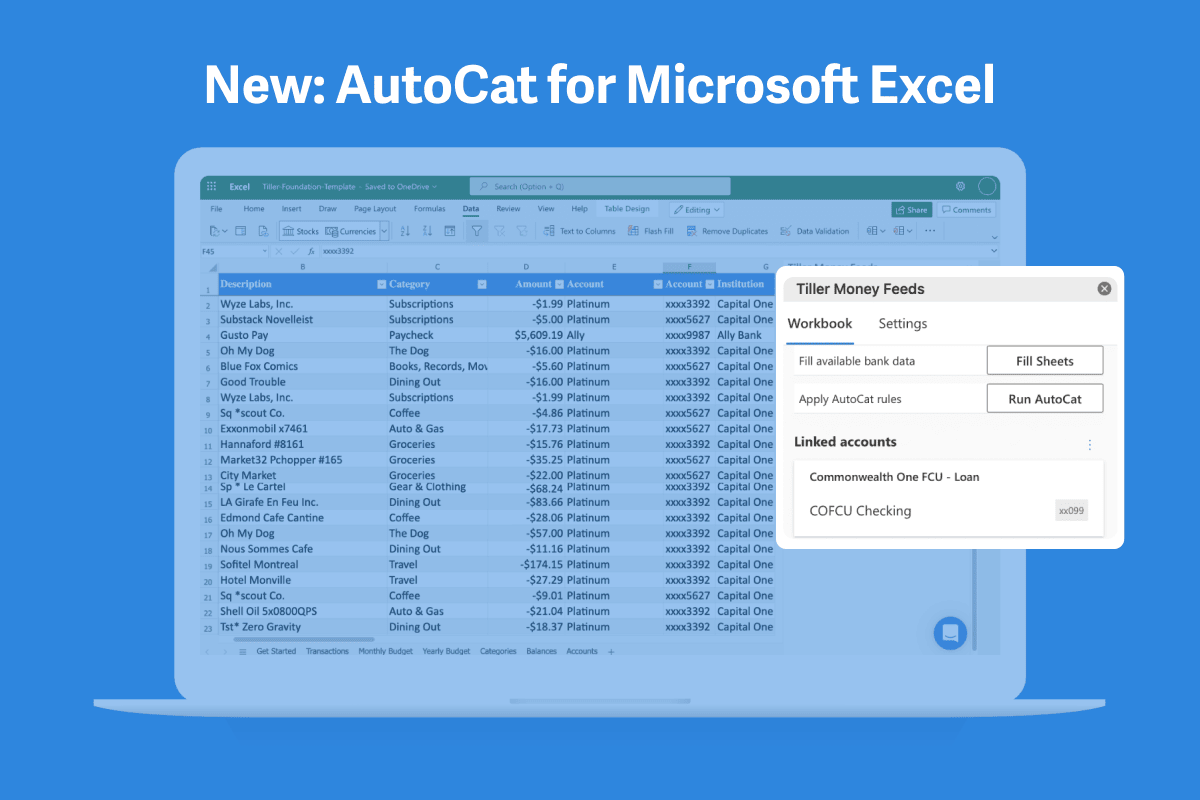
Getting transactions into your spreadsheet is only half the job. Learn how to automatically categorize bank transactions using rules and Tiller's AutoCat — so your budget stays accurate without manual tagging.

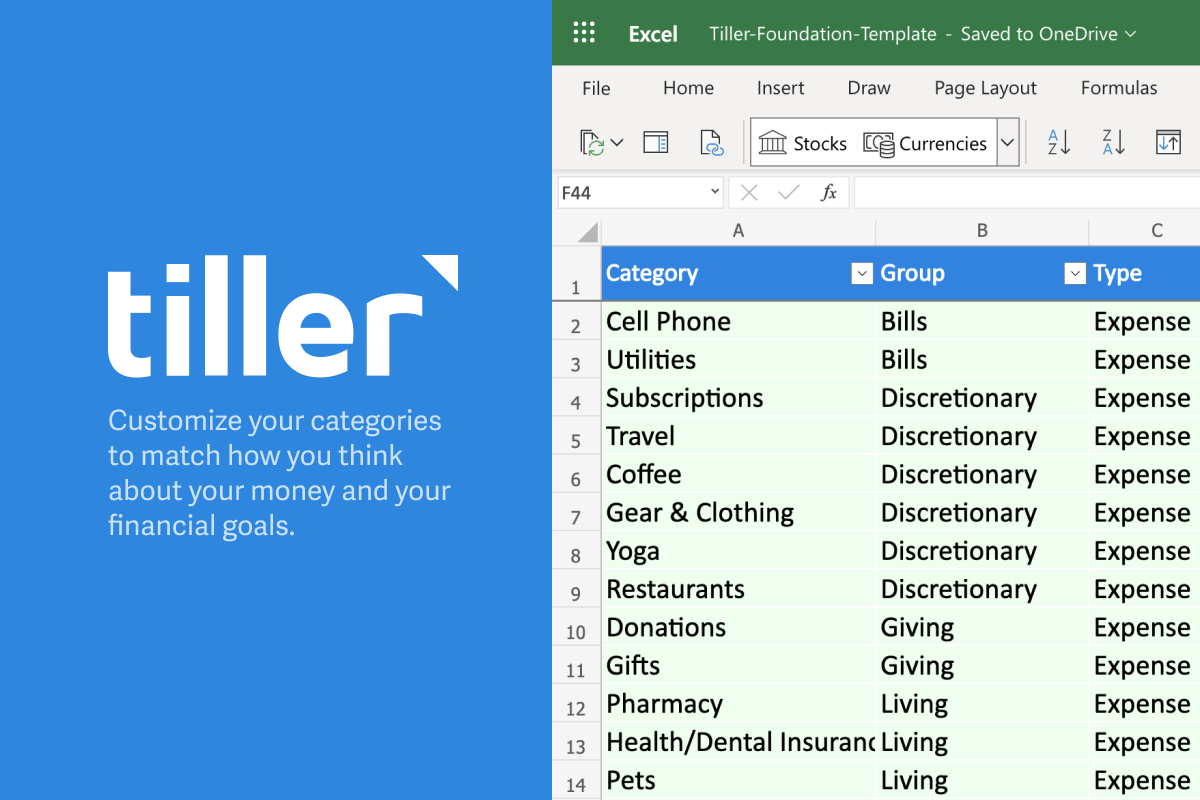
Choosing the right budget categories is essential for optimizing your money. Here are some timeless tips for selecting the best categories for you.

If you’ve used other budgeting tools, you were probably frustrated with their category guessing. But with AutoCat, you get to choose your categories and apply them your way.

Categories are the foundation of financial tracking. Tiller offers the flexibility to customize your categories to align with your financial priorities.

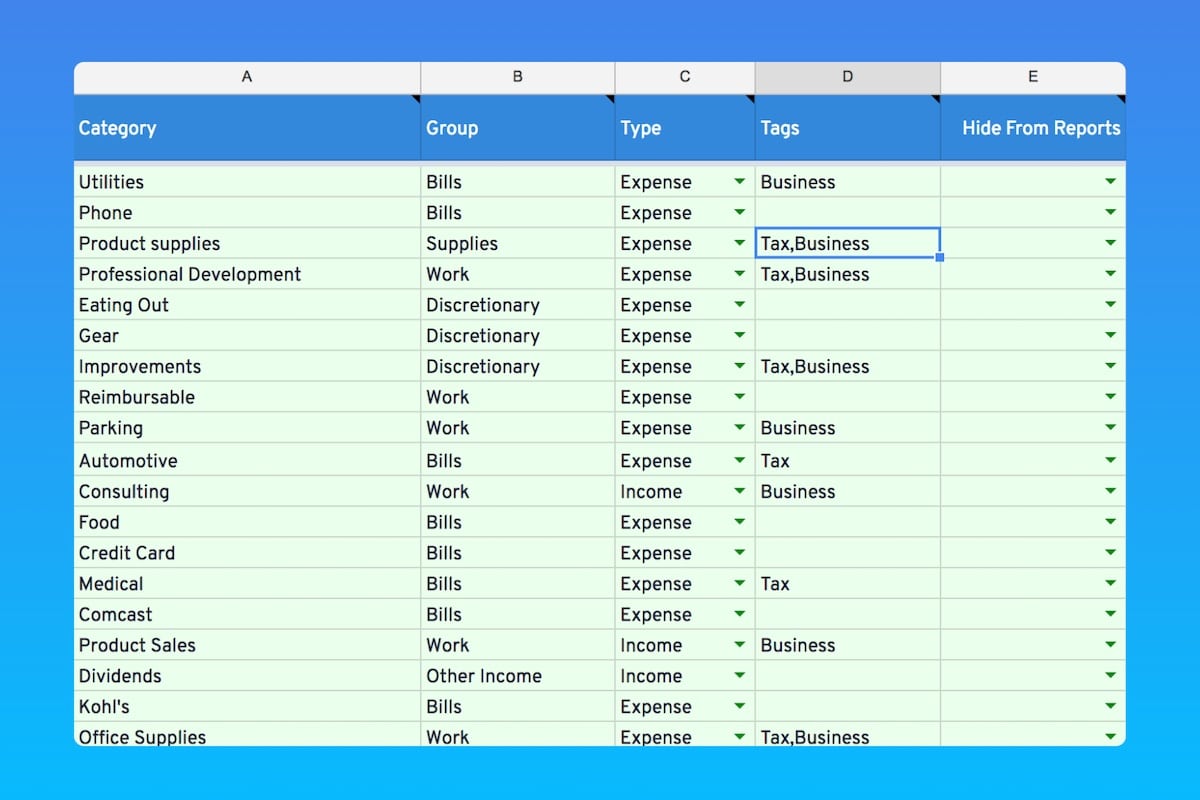
How to use groups, categories, and tags in your Tiller-powered spreadsheets to organize, analyze, and visualize your money, your way.

Here's how to easily track your Amazon spending by using two one-click profiles connected to a single Tiller-powered Google Spreadsheet.

Powerful, ultra-customizable automatic transaction categorization is now available for Microsoft Excel

You might be wondering what categories you should use in your Tiller spreadsheets. That’s not such a simple question! Let’s look first at how Categories fit into Tiller’s organizational system.
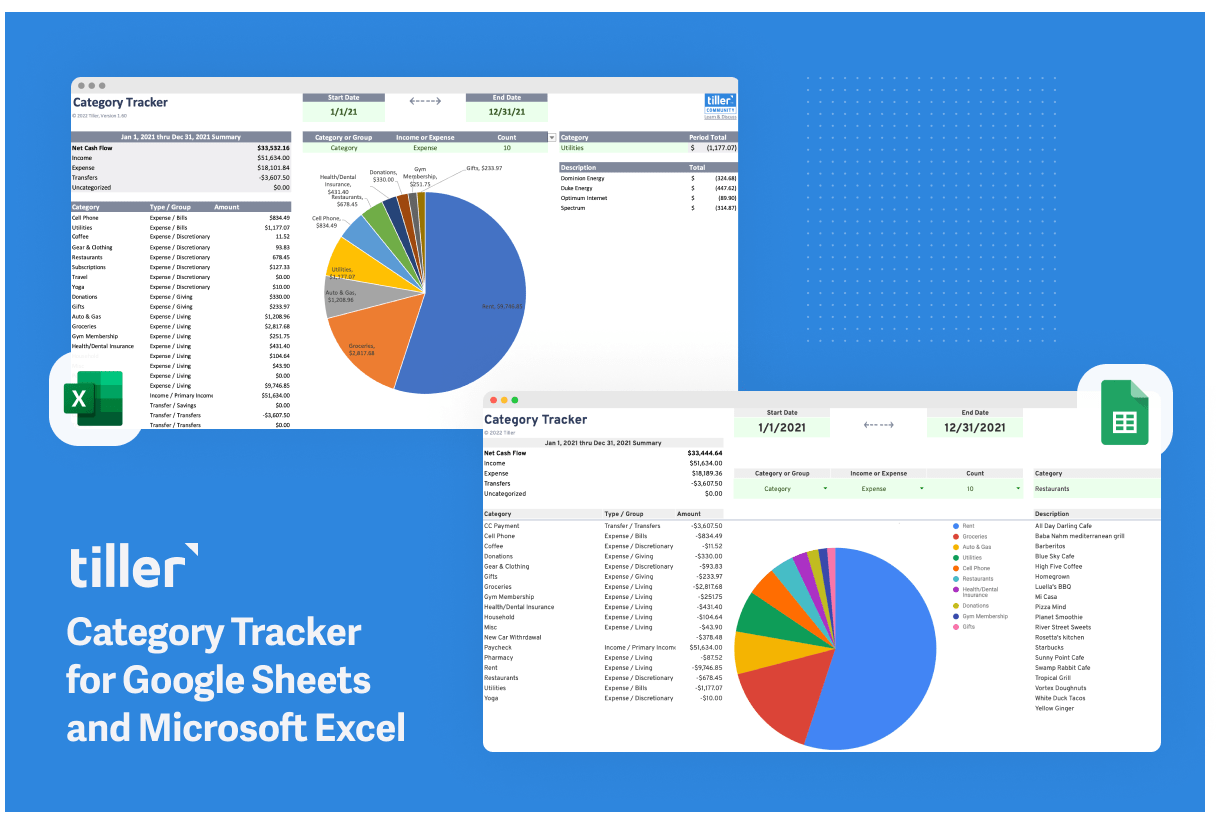
The Category Tracker is Tiller's third most-popular Community template. It's now been refreshed for both Google Sheets and Microsoft Excel.

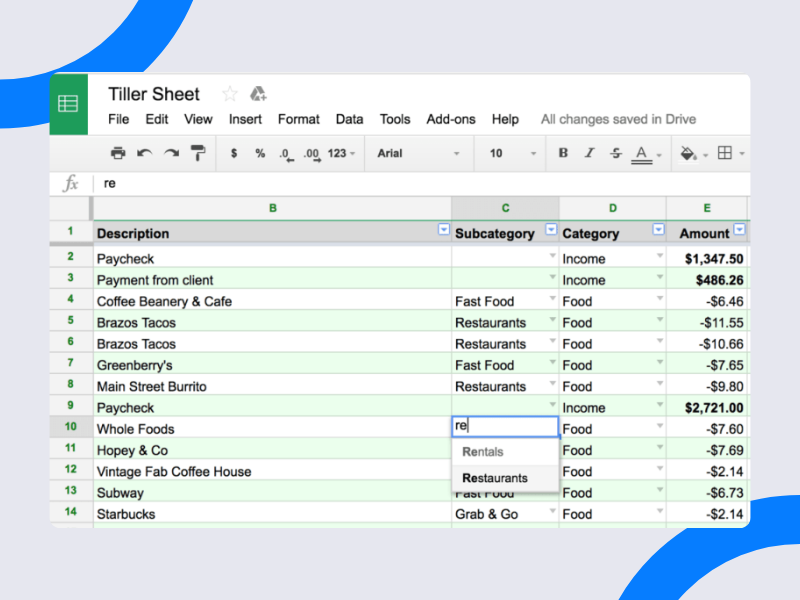
Here's a quick overview of how to use subcategories to see a detailed spend analysis in your Google Sheets powered by Tiller.