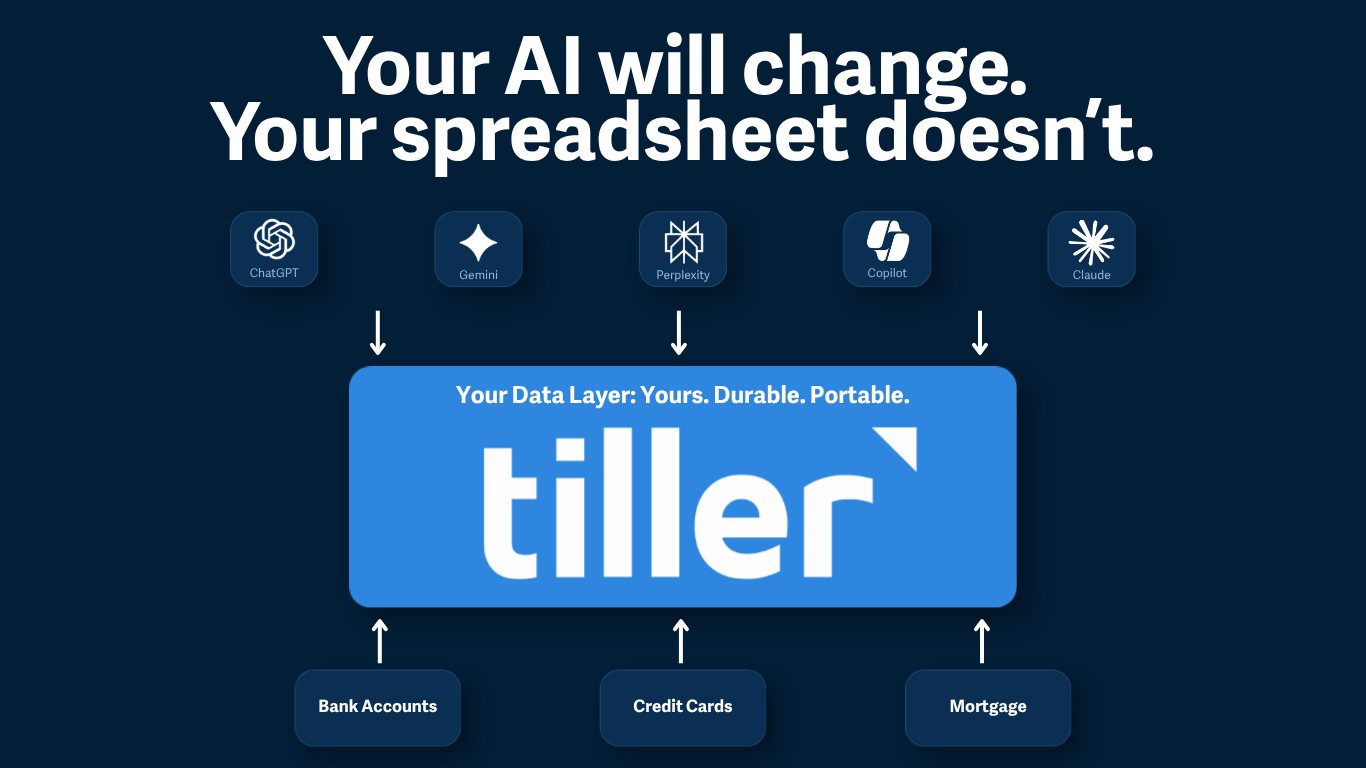
AI’s like ChatGPT v3.5 or v 4.0 are very good at explaining complicated formulas I often see posted in the Tiller Community. I find it very helpful and educational.
For example, the post “Getting tags used per category” included a complicated Query answering a question about summarizing transactions by tag. This is the formula offered by Tiller Community superhero cculber:
=QUERY(INDEX(QUERY(SPLIT(FLATTEN(Transactions!B2:B&“|”&Transactions!C2:C&“|”&Transactions!E2:E&“|”&Transactions!F2:F&“|”&SPLIT(Transactions!Q2:Q,“,”,)),“|”),“WHERE Col5 IS NOT NULL”)),“SELECT Col5,SUM(Col4) GROUP BY Col5 PIVOT Col3 LABEL Col5 ‘Tag’”)I wanted to understand how this worked, so I asked ChatGPT v 3.5, to “Explain this formula from Google Sheets.”
This is ChatGPT’s reply:
Certainly! Let’s break down the formula step by step:
1.FLATTEN(Transactions!B2:B&"|"&Transactions!C2:C&"|"&Transactions!E2:E&"|"&Transactions!F2:F&"|"&SPLIT(Transactions!Q2:Q,",",))
This part combines multiple columns from the “Transactions” sheet into a single column. It concatenates the values from columns B, C, E, F, and Q using the “|” symbol as a separator. The SPLIT function is used for splitting the values in column Q by commas (“,”) and then concatenating them.
QUERY(SPLIT(FLATTEN(...)),"WHERE Col5 IS NOT NULL")
This step uses the QUERY function to filter the flattened data from step 1. It selects only the rows where the value in the fifth column (Col5) is not empty or null.
INDEX(QUERY(SPLIT(...)),"SELECT Col5,SUM(Col4) GROUP BY Col5 PIVOT Col3 LABEL Col5 'Tag'")
Here, the INDEX function is applied to the result of the previous QUERY function. It performs another QUERY operation, this time selecting the fifth column (Col5) and the sum of the fourth column (Col4), grouping the data by the fifth column, and pivoting the third column (Col3). It also adds a label to the fifth column, renaming it as ‘Tag’.
In summary, this formula takes data from the “Transactions” sheet, concatenates and splits columns, filters out rows where the fifth column is empty, and finally performs a pivot and aggregation operation. The resulting table shows the sum of values from the fourth column grouped by the values in the fifth column, with the third column providing the column headers, and the fifth column renamed as ‘Tag’.
Clearly worded explanations of complicated formulas like this one is a big help to me and possibly others. I haven’t found any formula, no matter how complicated, that CharGPT v 3.5 couldn’t explain clearly in seconds.
- Read more about ChatGPT + Google Sheets in the Tiller Community.
Note: This post was authored by