I love learning about other people’s money routines. Regarding my own finances, I try to keep everything as simple as possible.
I’ve automated most of my savings. I now only use a couple of credit cards and a Chime debit card to pay my bills, buy groceries and household goods, and for my “walking around money.”
I work with a family financial planner for taxes, insurance, and low-fee, long-term investments. (Yes, I’ve dabbled in crypto, but not as a serious part of my financial planning.)
I don’t even keep an intricate budget. However, I am very highly engaged with tracking my expenses and cash flow. The bedrock of my personal financial practice is a simple weekly review.
I can’t go more than a week without reviewing my recent transactions, balances, and trends. I usually do this on Sunday or Monday morning.
I also review my account balances for unexpected activity, which keeps me informed of my basic net worth.
I’ve always preferred to do this in a spreadsheet, so Tiller has been perfect for me. Here is exactly how I review my finances with Tiller each week.
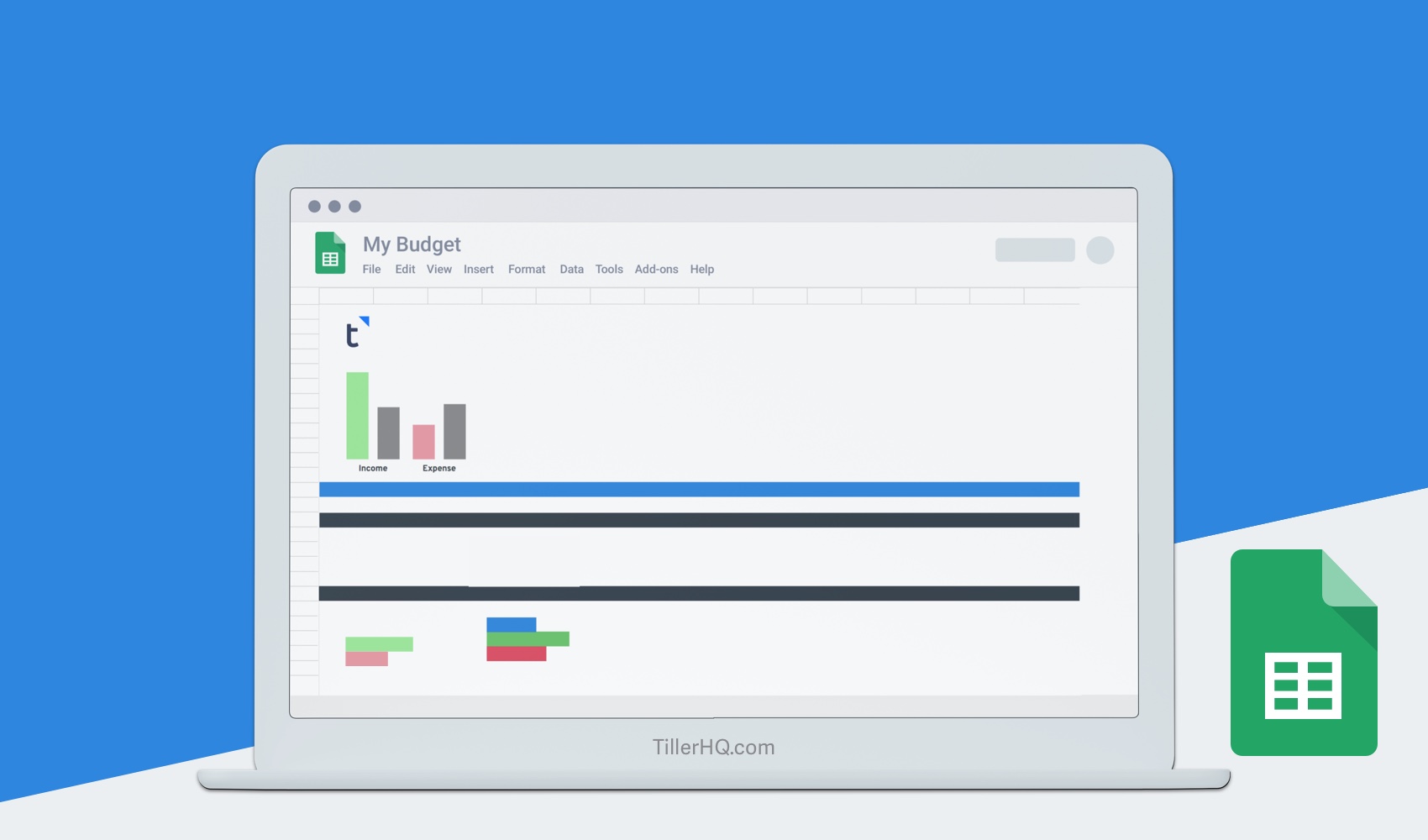
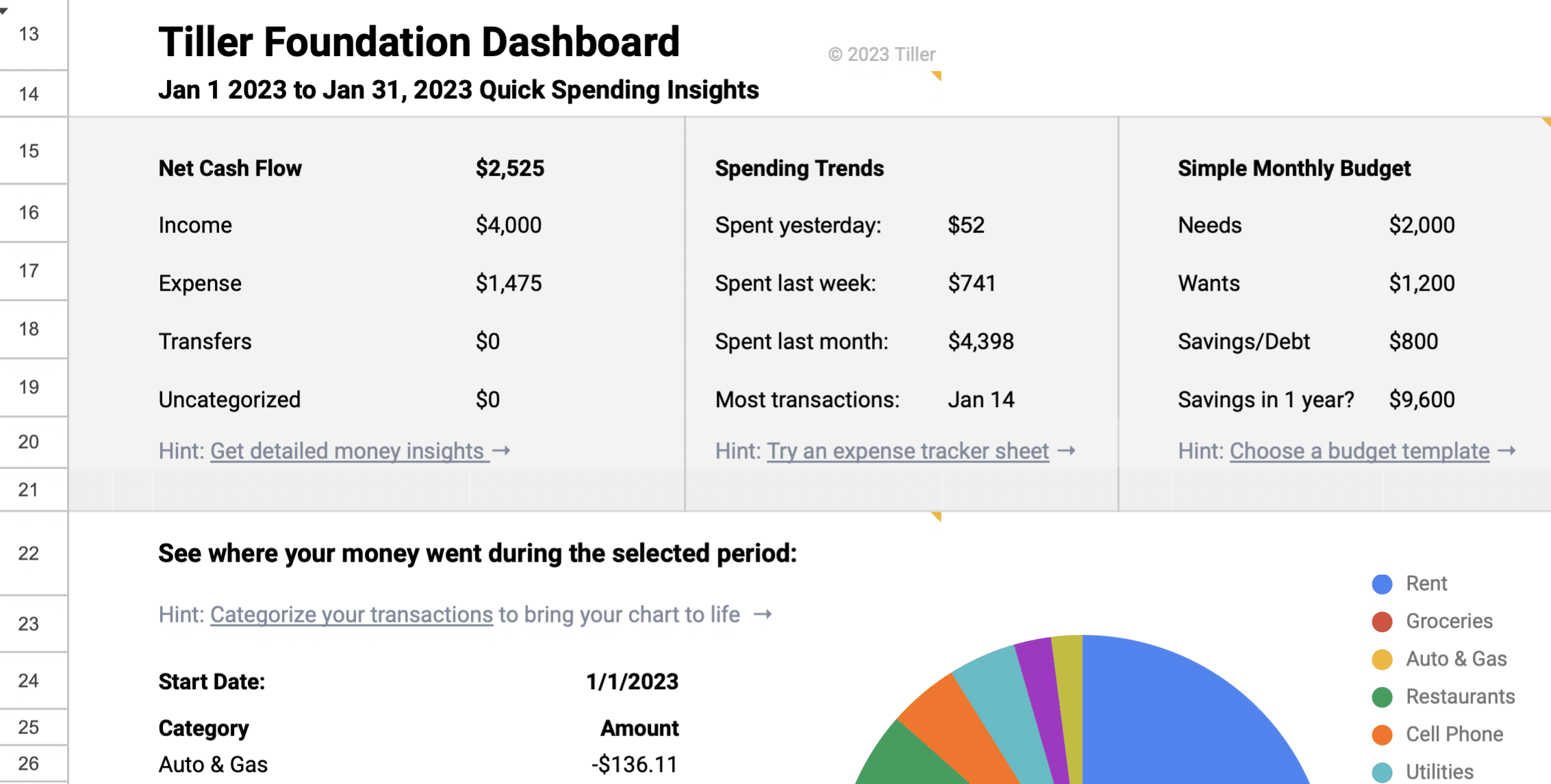
- In Google Sheets, I open my highly customized Foundation Template. (I use a version initially mocked up for a future Tiller project.)
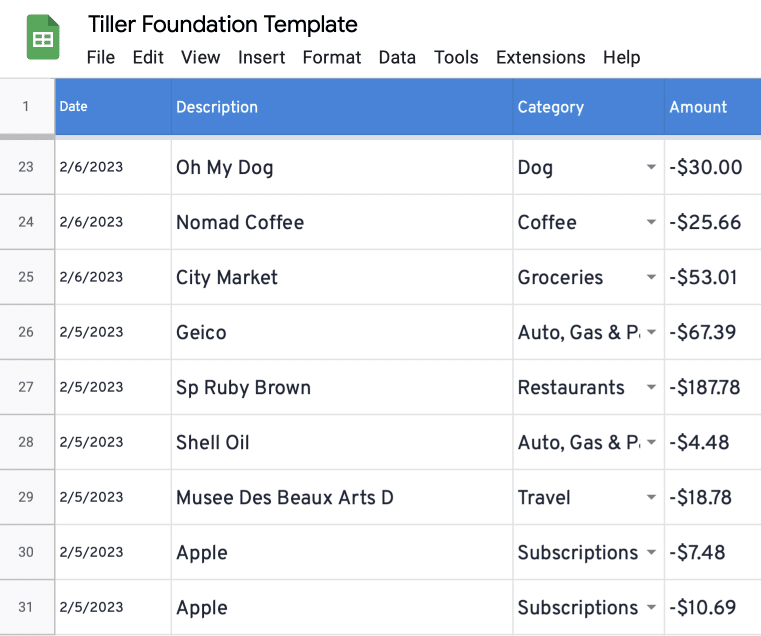
2. I refresh my bank feeds as needed and fill my spreadsheet with any new transactions and balances.
3. I categorize any transactions skipped by AutoCat. I enjoy this little ritual. It takes less than a minute and has absolutely made me a smarter spender. Plus I always know where my money went each week.
4. While categorizing my transactions, I scan my Transactions sheet for unusual recent charges or activity. I find something that needs attention about once a month, usually random fees or ghost subscriptions.
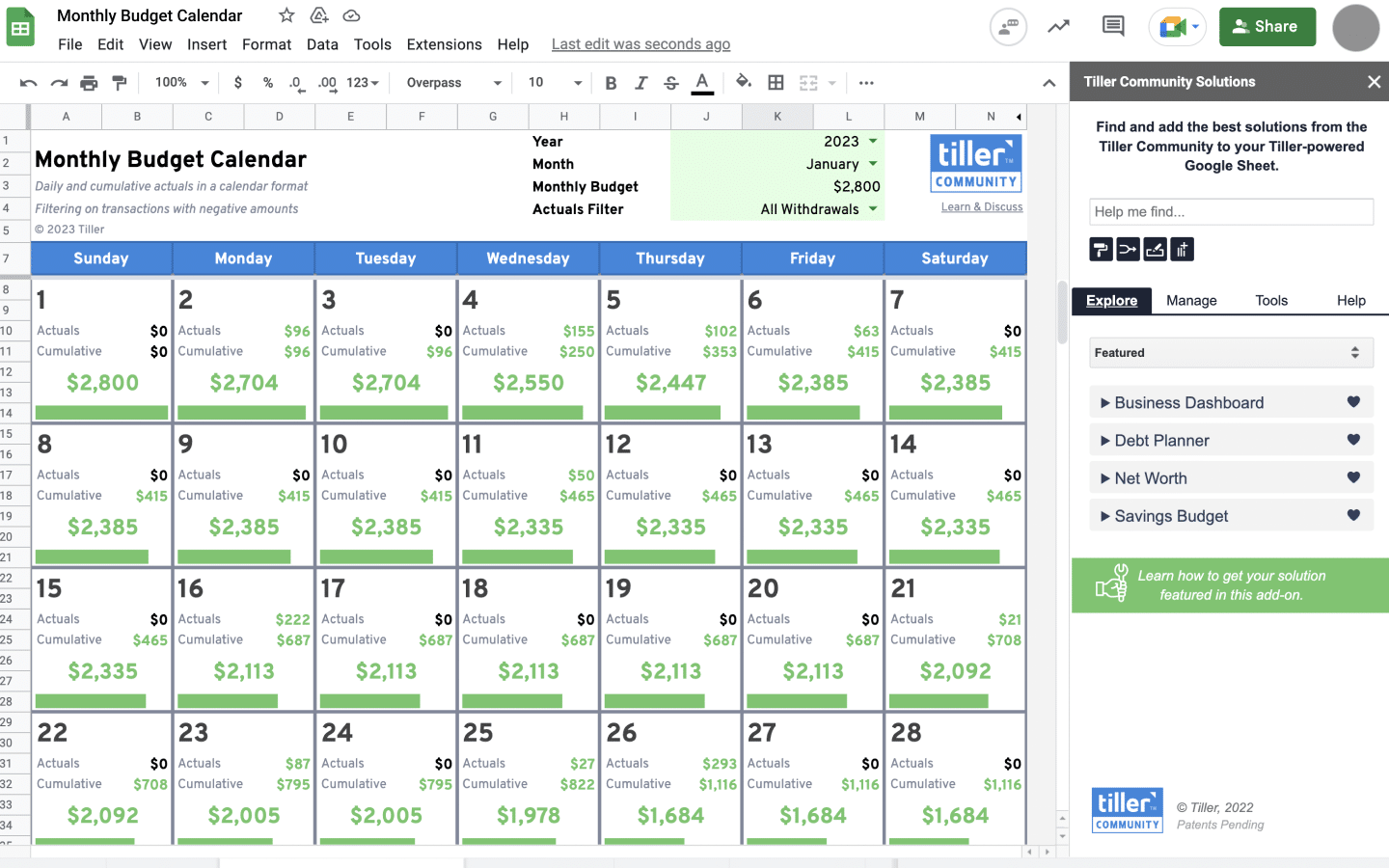
5. I review my Monthly Calender Budget to see how much spending money is available before I hit my self-imposed limit at the end of the month. (I love this view.)
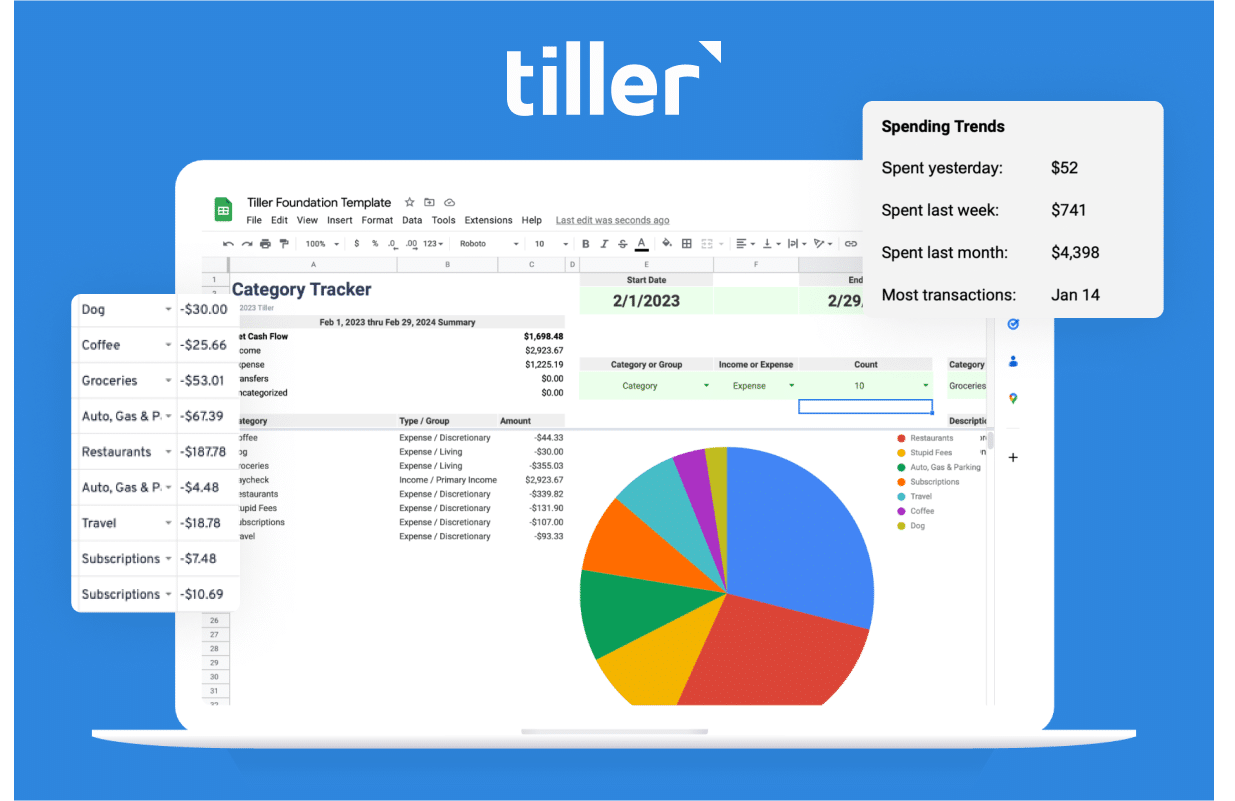
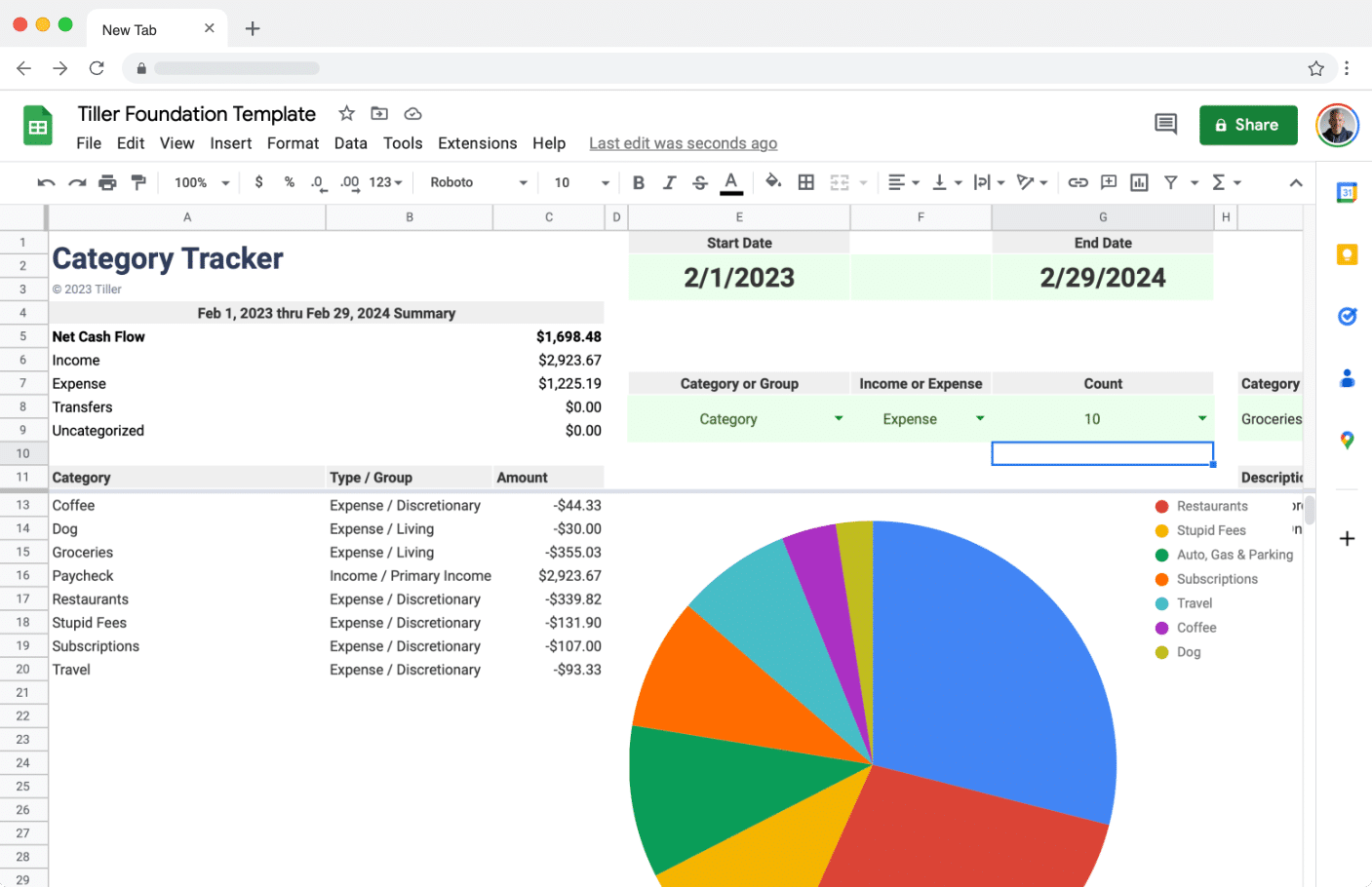
6. I look at my Category Tracker Report to see if I’m overspending on groceries or dining out. Tiller Community Solutions has many ways to visualize spending trends, but for a weekly review, this is my favorite.
The timeframe is easily customized, so I can see what I spent during the week or month to date.
7. I review my account balances in the Balances sheet to make sure everything is as expected. Sometimes I review the Balance History sheet.
8. Finally, I update and review my list of upcoming notable bills and payments. I keep these tallied in a simple checklist with the total amount and due date. Things like summer camps, tutors, and expected car maintenance go here. I like seeing this weekly.
I know I could use a more advanced budget for these upcoming expenses, but this basic approach works for me. I use a simple cell reference formula to pull in the balance of the savings account I’ll use to pay these bills.
Right now it’s negative, so I better get back to work.
What works best for you? Do you emphasize keeping a budget, or do you simply focus on tracking spending? Or are you somewhere in between? Share your thoughts here in the Tiller Community!