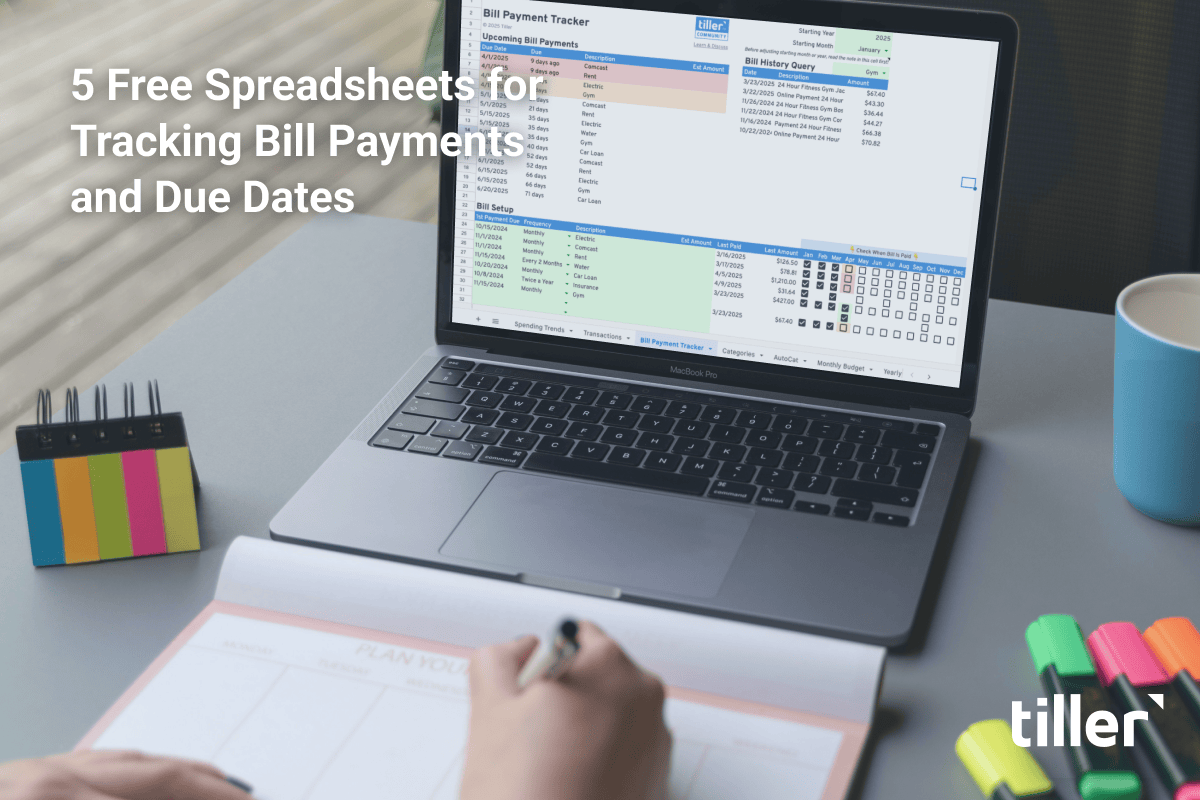
The best free Google Sheets templates for 2026 cover personal budgeting, expense tracking, debt payoff, meal planning, project management, and small business operations.
The most-downloaded templates from this list are the Tiller Foundation Template (monthly budgeting), the Small Business Spreadsheet, the FIRE Spreadsheet, and the Recipe Planning Template. All 35+ templates below are free to copy, work in standard Google Sheets, and require no add-ons unless noted.
In this guide:
- 12 free personal finance templates (budgeting, expense tracking, FIRE)14 freelance and small business templates (invoicing, tax, CRM)
- 8 life-tracking templates (meal planning, weddings, scheduling)
- 6 project management templates (Gantt, timelines, tracking)
- Resources for building your own templates
Last Updated: May 2026
Top 10 templates at a glance
| Template | Best for | Format | Skill level | Cost | Auto-fills with Tiller? |
|---|---|---|---|---|---|
| Tiller Foundation Template | Monthly budgeting (most popular) | Google Sheets | Beginner | Free (paid upgrade available) | ✓ |
| Tiller Small Business Spreadsheet | Freelancer income/expenses | Google Sheets | Intermediate | Free (paid upgrade available) | ✓ |
| Tiller Quarterly Tax Sheet | Self-employed tax estimates | Google Sheets | Intermediate | Free (paid upgrade available) | ✓ |
| Foundation Template (free version) | Beginners who want Tiller’s framework without bank automation | Google Sheets | Beginner | Free | — |
| Monthly Budget by Google | Basic monthly budgeting | Google Sheets | Beginner | Free | — |
| 50/30/20 Budget Snapshot | Beginner budgeting (rule-based) | Google Sheets | Beginner | Free | — |
| FIRE Spreadsheet | Financial independence planning | Google Sheets | Advanced | Free | — |
| Gantt Chart Template | Project timelines | Google Sheets | Intermediate | Free | — |
| Recipe Planning Template | Recipe organization | Google Sheets | Beginner | Free | — |
| CRM Google Spreadsheet | Sales tracking | Google Sheets | Intermediate | Free | — |
Templates are free.
Tiller is optional.
All the templates on this page are free to copy and use. Tiller is a separate, optional product that automatically fills in your transactions from connected accounts, so the spreadsheets update themselves every day instead of by hand.
Frequently Asked Questions
What’s the best free Google Sheets budget template?
The Tiller Foundation Template (free version) is our most recommended budget template, offering monthly and yearly views with charts, category tracking, and visual spending trends. For a simpler option, Google’s built-in Monthly Budget template works well for first-time budgeters.
Are these Google Sheets templates really free?
Yes — every template in this list is free to copy and use in your own Google Sheets account. None require a paid subscription, though some (like Tiller’s Foundation Template) offer an upgraded version with bank-connected automation if you want it.
How do I copy a Google Sheets template to my own account?
Click any “Open in Google Sheets” link below, then select File → Make a Copy. The template will save to your Google Drive, where you can edit it freely without affecting the original.
Do these templates work on mobile?
All templates work in the Google Sheets mobile app, though complex templates (like the Small Business Spreadsheet or FIRE Spreadsheet) are easier to use on desktop because of their multi-tab layouts.
What’s the difference between Google Sheets templates and Excel templates?
Google Sheets templates are cloud-based, free to use, and editable by multiple people in real time. Excel templates require Microsoft 365 and are typically downloaded as files. We list our favorite free Excel budget templates here.
Can I use these templates without signing up for Tiller?
Yes. Every template linked here is independently usable. Tiller is a separate product that adds automatic bank transaction import to spreadsheets like these — useful if you want hands-off updates, but not required to use any of the templates on this page.
Tiller’s spreadsheet template collections
Looking for a specific kind of template? Each link below goes to our full guide for that category, with deeper comparisons and our top picks.
Best Google Sheets calendar templates
Monthly Calendar from Smartsheet
A traditional calendar template in portrait layout. Best for personal use or simple family scheduling.
Google Sheets Calendar by Vertex42
A basic, customizable calendar template — update the year to whatever year you want. Best for users who like to build out their own scheduling system.
More expense trackers: see our 8 best free expense tracker templates →
Best free Google Sheets templates for personal finance
Best Google Sheets expense tracker templates
Monthly Expense Tracker
Tracks spending by month across customizable categories, with a built-in income/expense summary. Best for people who want monthly snapshots without bank-feed automation — manual entry only.
Simple Bill Tracker Spreadsheet by Smartsheet
Tracks recurring bills with payment due dates and status flags. Best for households juggling multiple monthly bills.via Smartsheet.
Best free Google Sheets budget templates
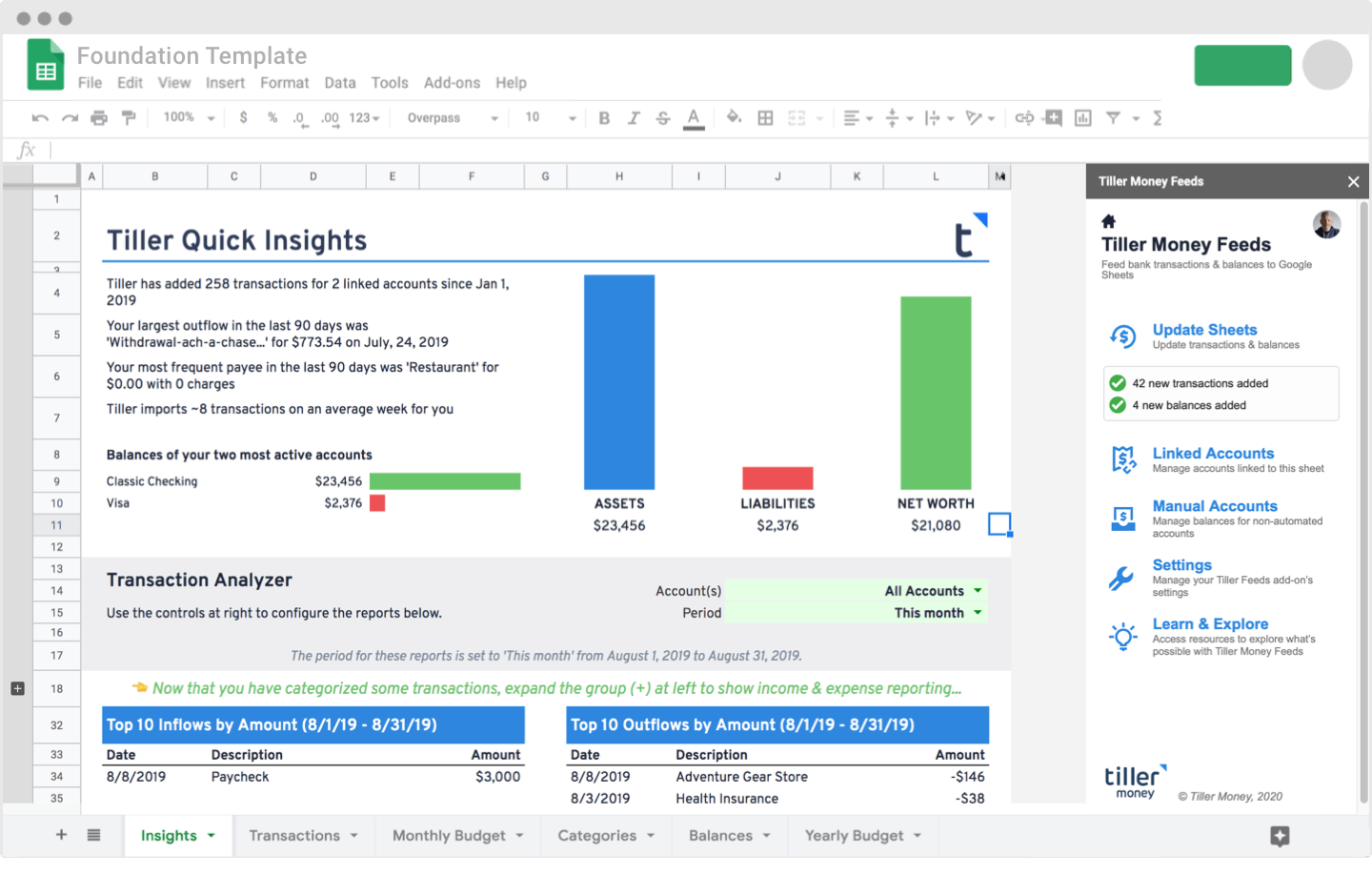
Foundation Template for Google Sheets (free version)
This free budget spreadsheet includes Monthly and Yearly views, with charts, visual trends, quick insights, and sheets for tracking your transactions and yearly balances.
Learn more about the template →
Optional: connect your bank with Tiller to auto-fill your transactions every day — start a free trial.
Monthly Budget by Google
A user-friendly income and expense tracker with a customizable dashboard. Best for first-time budgeters who want Google’s stock template without third-party additions.
50/30/20 Budget Snapshot
A simple personal finance template based on the 50/30/20 rule (needs/wants/savings). Best for beginners who want a rule-based approach without category management.
More budget templates: see our 11 free Google Sheets budget templates →
Financial Independence Spreadsheets
FIRE Spreadsheet by Financialindependencesheet.com
A comprehensive spreadsheet for managing progress to Financial Independence/Retire Early in fine-grained detail. Best for advanced users tracking multi-decade FIRE goals.
More retirement planning options: see our 7 free retirement planning spreadsheets →
Best Google Sheets templates for small business and freelancers
Tiller Small Business Spreadsheet
Tracks small business income, expenses, cash flow, and taxes in one Google Sheet. Best for freelancers and solo operators who need a simple P&L without accounting software.
Optional: Tiller can auto-fill your business transactions and categorize them with AutoCat — start a free trial.
Tiller Quarterly Estimated Tax Sheet
Tracks expenses and estimates small business quarterly tax payments in real time. Best for self-employed people who want to avoid quarterly tax surprises.
Google Sheets Annual Business Budget by Quickbooks
Annual business budget template free in Google Drive, made by QuickBooks. Best for small businesses doing annual planning.
Financial Statements by Xero
Financial statement templates free in Google Drive. Best for businesses preparing for investor or accountant reviews.
Startup Master template
A comprehensive SaaS startup management spreadsheet covering metrics, runway, and forecasting. Best for early-stage founders tracking core SaaS KPIs.
Employee Shift Schedule by Google
A monthly schedule for tracking employee shifts week by week. Best for small businesses with hourly or shift-based staff.
Invoice Google Spreadsheet Template
A customizable invoice template with fields for client info, line items, and totals. Best for freelancers sending occasional invoices who don’t need full invoicing software.
Daily Schedule Spreadsheet
A simple daily schedule template in half-hour increments. Best for time-blockers who want a Google Sheets-native scheduling view.
Marketing Templates
Google Sheets is a marketer’s best friend. We recommend the following resources for deeper marketing-specific template libraries:
- 200+ Google Sheets Templates for Marketers — audits, competitor research, Google Analytics tracking, content planning, and more.
- Supermetrics Google Sheets templates — automate ad and marketing data tracking in Google Sheets with powerful add-ons.
- 10 Ready-Made Spreadsheet Templates from Buffer — quality marketing and reporting templates.
CRM and contact list templates
CRM Google Spreadsheet
Organize and update contacts, share with colleagues. Best for very small teams or solo founders who haven’t outgrown a spreadsheet CRM yet.
Best Google Sheets templates for project management
Project Timeline Spreadsheet from Google
A modified Gantt chart focused on creating a project schedule broken down into stages. Best for medium-complexity projects with clear phases.
Gantt Chart Template for Google Sheets
A visual timeline showing details about each task and project dependencies. Free in Google Drive. Best for project managers who want a real Gantt chart without Microsoft Project.
Project management spreadsheet template
Streamlines project management with multiple tasks and deliverables tracked in one view. Best for teams managing many simultaneous projects.
Project Tracking Template
Track your project status and customize priorities. Best for individual contributors managing their own task list.
Best Google Sheets templates for personal organization
Recipe and meal tracking templates
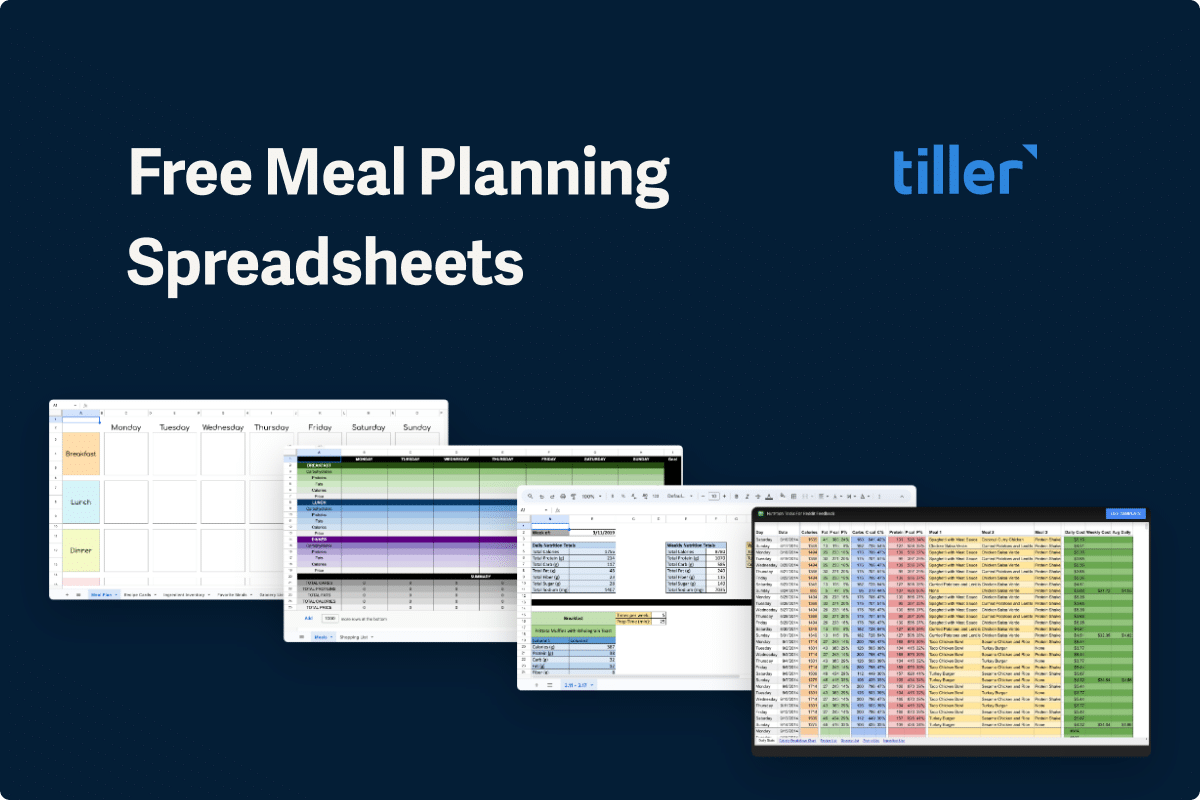
Massive Meal Planning and Nutrition Tools Spreadsheet
A comprehensive meal planning template with organizational tools, a shopping list, and a recipe tracker. Best for households serious about eating healthily on a budget.
Open directly in Google Sheets.
Recipe Planning with Google Sheets by Spiral Roots Marketing
An organized template with recipes, meal plans, and a pantry tracker. Best for home cooks who want to systematize meal prep.
Vacation Packing List by Travel While Nerdy
A customizable vacation packing list template. Best for frequent travelers who want a reusable checklist.
More meal planning options: see our 9 favorite free meal planning spreadsheets →
Wedding Planning Spreadsheets
Weddings are notoriously expensive, but they don’t have to be — especially with the right planning spreadsheet.
See our full guide to 8 best wedding budget and planning spreadsheets →
Decision scoring & prioritization templates
- Pros and Cons Evaluation Sheet — a simple structured pros-and-cons grid
- A Decision-Making Framework in Google Sheets — Tiller’s approach to weighted decision scoring
- Eisenhower Matrix Spreadsheet — urgent vs important task prioritization
- The Lights Spreadsheet — a stoplight visualization for project status
- “$100 Test” Spreadsheet for Group Priorities — collaborative priority ranking