










How to Export Your PNC Bank Transactions to a Spreadsheet

Step-by-step guide to downloading your PNC transaction history as a CSV and importing it into Google Sheets or Excel. Plus how to automate PNC tracking going forward.

Step-by-step guide to downloading your PNC transaction history as a CSV and importing it into Google Sheets or Excel. Plus how to automate PNC tracking going forward.

Step-by-step guide to downloading your Discover credit card or bank transaction history as a CSV and importing it into Google Sheets or Excel. Plus how to automate Discover tracking going forward.

Tiller automatically imports your bank transactions daily, but when need historical data, or your institution isn't connected, the CSV Importer on the Tiller Console gets your data in fast.

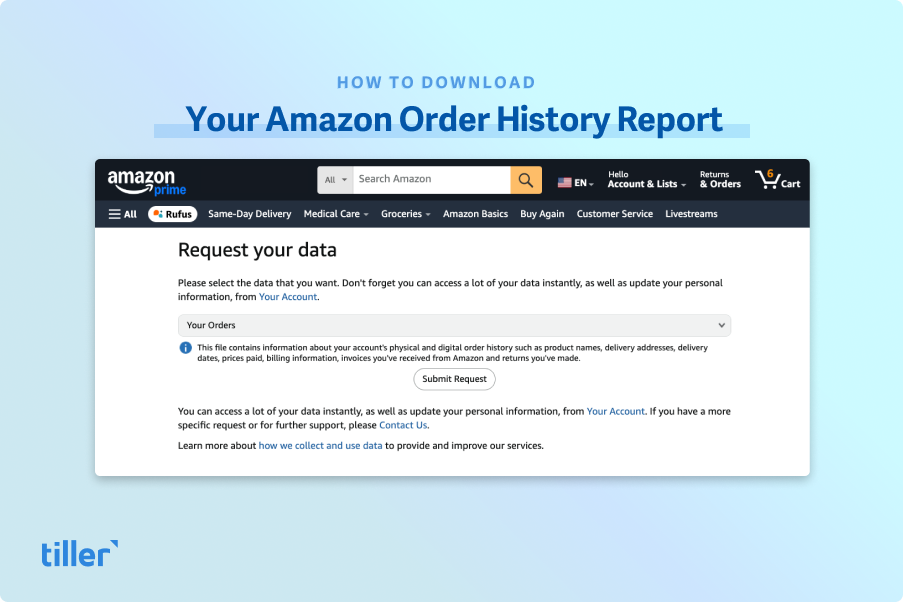
Follow these easy steps to download your Amazon order history and transaction reports. All reports download as CSV files.

Follow these simple steps to import your Chase Bank statements into Microsoft Excel and Google Sheets, where you can analyze them as you wish.

Here are the steps for getting your Personal Capital data into a spreadsheet, nicely formatted and ready to analyze.

Follow these simple steps to export your Bank of America statements into Microsoft Excel and Google Sheets, where you can analyze them as you wish.

Follow these simple steps to import your Wells Fargo statements into Microsoft Excel and Google Sheets, where you can analyze them as you wish.

Follow these simple steps to export your Citi Bank statements into Microsoft Excel and Google Sheets, where you can analyze them as you wish.

CSV stands for "comma-separated values." They're commonly used to exchange data between banks and spreadsheets such as Google Sheets.