Monthly budgets show you where your money went — but a lot can go wrong in 30 days before you notice it. Weekly budgets give you a tighter feedback loop: check in every seven days, catch overspending before it compounds, and adjust in real time rather than after the fact.
Weekly budgeting is also a natural fit if your income arrives weekly or bi-weekly. A monthly budget built around a $5,000/month income assumes a predictable cash flow — but if you’re paid every Friday, your actual spending ability shifts week to week. A weekly structure matches how money actually moves through your life.
The templates in this guide are built for Google Sheets and Excel. They range from simple weekly tracking sheets to more structured systems that connect weekly spending to monthly totals. For people who want their weekly budget to stay current automatically — without entering transactions by hand — the guide also covers how Tiller’s automated bank feed keeps weekly templates current daily.
What makes a good weekly budget template
A weekly budget template has different requirements than a monthly one. The structure needs to reflect how people actually spend and earn on a weekly basis.
The essentials:
- Weekly income row: what money arrives this week, whether from a paycheck, freelance payment, or other source
- Spending categories by week: the same categories as a monthly budget, broken into weekly targets
- Running total: how much you’ve spent so far this week vs. your weekly limit
- Week-to-month rollup: a summary view that shows how your weekly spending adds up to the monthly picture
- Pay period alignment: the ability to start a new “week” on your actual payday rather than a fixed calendar day
The most common mistake in weekly templates: dividing monthly budget amounts by 4. Most months have 4.3 weeks and some expenses (like rent) arrive monthly, not weekly. A good weekly template handles this by separating recurring monthly bills from day-to-day weekly spending.
Weekly budget templates for Google Sheets
Tiller’s Foundation Template — adapted for weekly budgeting
The Foundation Template is primarily built around monthly budgeting, but Tiller users regularly adapt it for weekly tracking. With Tiller’s daily transaction feed, your transaction data is always current — you can build a weekly summary view using SUMIFS formulas filtered by date range rather than waiting for a month to close.
The Tiller Community has several weekly-adapted templates:
- Pay Period Budget: structured around pay periods rather than calendar weeks, useful for bi-weekly paycheck earners.
- Weekly Budget Template: a community-built template that tracks spending by week with a rollup to monthly totals. It works with Tiller’s automated transaction feed.
Free standalone weekly Google Sheets templates
- Google Sheets’ built-in budget templates include a weekly option accessible from the template gallery
- Vertex42 offers a free weekly budget spreadsheet in Google Sheets format
Weekly budget templates for Excel
The same templates available for Google Sheets are generally available for Excel:
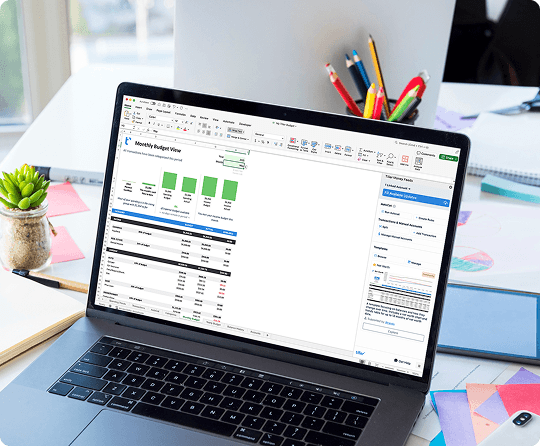
- Tiller Foundation Template for Excel — includes daily automated transaction imports via the Tiller Money Feeds Excel add-in. Weekly views can be added using SUMIFS date filtering.
- Vertex42 weekly budget — available in Excel format, covering weekly income and spending tracking.
- Microsoft’s built-in weekly budget template — available directly in Excel’s template gallery, covers weekly income and spending tracking.
Weekly vs. Monthly Budgeting — Which Is Right for You?
Neither approach is always better because they fit different income patterns and habits.
Weekly budgeting works best if:
- You’re paid weekly or bi-weekly and want your budget to match your cash flow
- You’ve tried monthly budgets and found that you overspend early in the month before noticing
- You want frequent check-ins, and weekly reviews feel natural instead of burdensome
- You have variable income and want tighter visibility into each pay period
Monthly budgeting works better if:
- You have predictable monthly income and fixed monthly expenses (rent, subscriptions, insurance)
- You prefer a single monthly review rather than four weekly sessions
- Most of your financial decisions are month-level, not week-level
Many people use both a weekly template for tracking day-to-day spending and a monthly template for the bigger financial picture, like net worth, savings rate, and budget versus actual for the whole month.
Automating a weekly budget with Tiller
The biggest challenge with weekly budgets is keeping the transaction data current. A weekly check-in only works if your numbers are accurate — and manually entering transactions from multiple accounts every week creates the same friction that kills monthly budgets.
Tiller’s automated bank feed solves this for weekly budgeters. Transactions from all connected accounts arrive in your spreadsheet daily — by the time your weekly check-in arrives, the data for the whole week is already there. Your weekly SUMIFS formulas pull the current week’s spending automatically. You review the numbers, not the data entry.
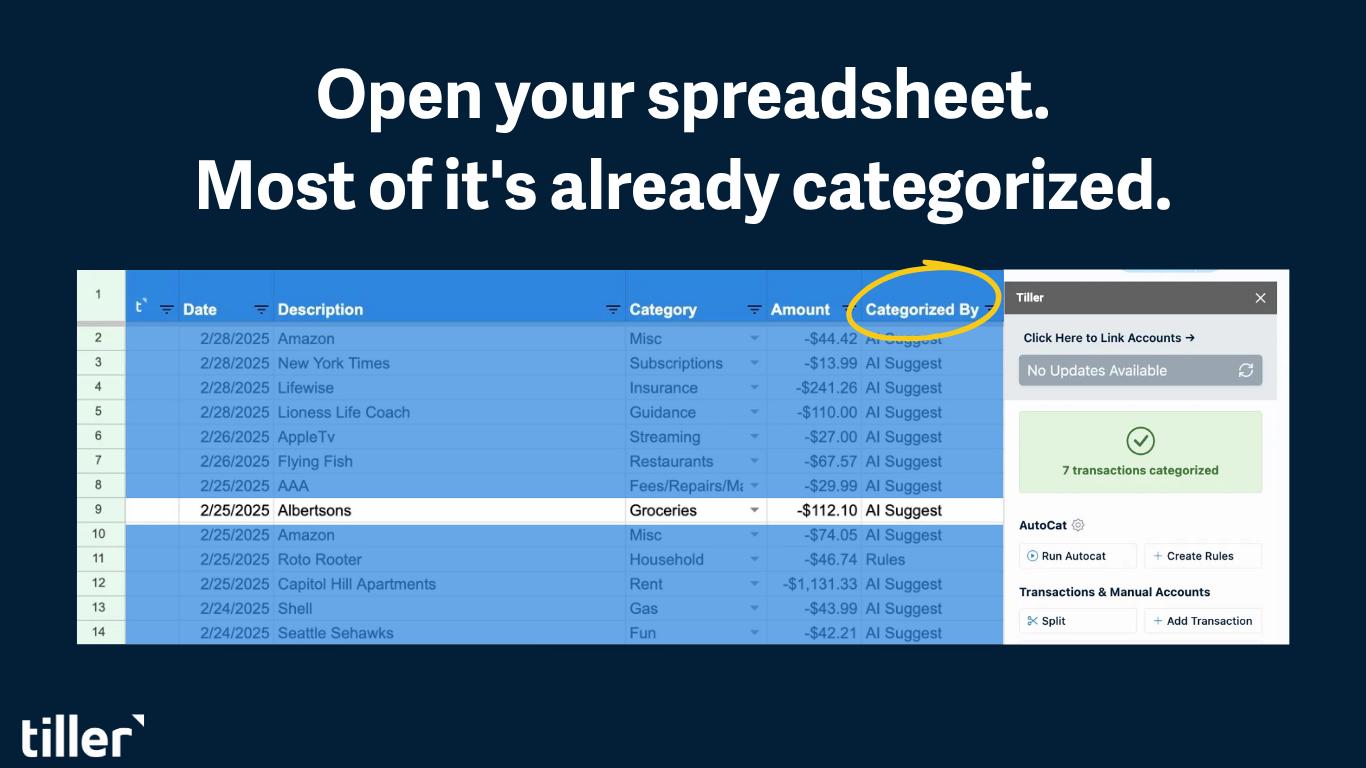
With AutoCat handling categorization, most transactions are already labeled correctly before your weekly review. The check-in becomes a five-minute scan — are any categories running over? Did anything unusual come through? — rather than a data entry session.
Frequently asked questions
Q: What is a weekly budget template?
A weekly budget template is a spreadsheet that tracks income and spending on a seven-day cycle rather than a monthly one. It typically includes weekly income, spending categories with weekly targets, a running total for the current week, and a rollup to show how weekly spending adds up across the month. Weekly templates are particularly useful for people paid weekly or bi-weekly, or for anyone who wants more frequent visibility into their spending than a monthly budget provides.
Q: Should I budget weekly or monthly?
It depends on your income pattern and how often you want to check in. Monthly budgeting works well for people with predictable monthly income and fixed monthly expenses. Weekly budgeting fits better if you’re paid weekly or bi-weekly and want your budget to match your actual cash flow, or if you’ve found monthly reviews too infrequent to catch overspending before it compounds. Many people use both — a weekly tracker for day-to-day spending and a monthly view for the bigger financial picture.
Q: How do I divide a monthly budget into weekly amounts?
Dividing monthly budget amounts by 4 is an approximation — most months have 4.3 weeks. A more accurate approach is to separate your expenses into two groups: monthly fixed expenses (rent, insurance, subscriptions) that you track at the month level, and variable day-to-day spending (groceries, dining, entertainment) that you budget and track weekly. This avoids the distortion of trying to spread a monthly rent payment across four weeks.
Q: Can I build a weekly budget in Google Sheets or Excel that updates automatically?
Yes, with Tiller. Tiller connects your bank accounts to Google Sheets and delivers transactions daily — so by the time your weekly review arrives, all transactions from the past seven days are already in your spreadsheet. SUMIFS formulas filtered by date range can pull the current week’s spending by category automatically. The combination of automated transaction data and weekly date filtering creates a weekly budget view that stays current without manual entry.
Q: What’s the best free weekly budget template for Google Sheets or Excel?
Google Sheets’ built-in template gallery includes a weekly budget option. Vertex42 also offers a free weekly budget spreadsheet in Google Sheets format. For an automated option that connects to your bank accounts, Tiller’s Foundation Template can be adapted for weekly tracking, and the Tiller Community library includes purpose-built weekly budget templates that work with Tiller’s automated bank feed.