There are hundreds of budget spreadsheet templates available — from Google’s and Excel’s built-in options, to community-built systems with advanced formulas, to fully automated templates connected to your bank accounts. The variety is useful, but it also makes it difficult to know where to start.
The right template depends on three things: how often you want to update your budget, how much structure you want built in, and whether you want your transaction data to flow in automatically or you’re comfortable entering it manually.
This guide covers the best free templates for quick starts, the best community-built templates for specific situations, and the best automated options for people who want their budget to stay current without manual work. Each recommendation includes what it’s best for, where to find it, and what you’re trading off by choosing it.
How to choose the right budget spreadsheet template
Before picking a template, answer three questions:
1. How will transactions get in?
Manual entry works for one or two accounts and light transaction volume. For three or more accounts or consistent daily tracking, manual entry often becomes too much of a hassle to keep doing consistently. If you want automation, you’ll need a template designed to work with a bank feed service like Tiller.
2. How much structure do you want?
Some templates are nearly blank. They include only a clean table with income and expense categories. Others come with pre-built dashboards, conditional formatting, multiple sheets, and formulas that do most of the analytical work. More structure is faster to start with but less flexible. Less structure gives you a blank canvas but requires more time to set up exactly how you want it.
3. Monthly, weekly, or pay-period budgeting?
Most templates are built around monthly budgets. If you’re paid weekly or bi-weekly and want your budget to match your pay cycle, look for templates specifically designed for weekly or pay-period tracking. Some templates also cater to irregular incomes, like freelancing or side hustles.
Best free budget spreadsheet templates
Best for getting started quickly — Google Sheets and Excel built-in templates
Google Sheets and Excel include several free budget templates accessible directly from the template gallery when you create a new spreadsheet. In Google Sheets, the Monthly Budget and Annual Budget templates are the most useful starting points. They have a clean structure, basic category groupings, and income vs. expense tracking. No setup is required beyond entering your own numbers. In Excel, the Personal Monthly Budget functions similarly. These templates are best for first-time spreadsheet budgeters who want something functional in minutes.
Best free template library — Vertex42
Vertex42 maintains one of the most comprehensive libraries of free Excel and Google Sheets budget templates available anywhere. Their monthly budget, annual budget, household budget, and debt payoff templates are well-structured, clearly documented, and free to download. These templates are best if you want a polished free template with more features than Google’s built-ins.
Best community-curated free options — Reddit’s top picks
The personal finance communities on Reddit have extensively tested and recommended free budget spreadsheets over many years. The most consistently recommended include Aspire Budgeting (envelope-style, Google Sheets), various YNAB-inspired zero-based templates, and several community-built options with advanced dashboards. These templates are best if you want a template vetted by a large active community.
Best for monthly tracking — Tiller’s free downloadable templates
Tiller offers several free budget templates — a zero-based budget, a monthly budget, and others — available as standalone downloads that work without a Tiller subscription. These are specifically designed to pair with Tiller’s automated data feed but work as manual templates too. They’re best if you want a template built to grow with you if you later decide to automate.
Best budget spreadsheet templates by budgeting method
Best for zero-based budgeting
Zero-based budgeting assigns every dollar of income to a category before you spend it — your budget “zeros out” at the end of the month. The best spreadsheet templates for this approach include Tiller’s zero-based budget template and several community-built YNAB-inspired options. Key features to look for include income tracking at the top, every dollar assigned to a category, and a running “left to budget” counter that approaches zero.
Best for envelope budgeting
Envelope budgeting allocates fixed amounts to spending categories and stops spending in a category when the envelope is empty. Aspire Budgeting (free, Google Sheets) is the most widely used spreadsheet-based envelope system. Tiller’s community template library includes an envelope budgeting template that works with automated transaction data.
Best for the 50/30/20 rule
The 50/30/20 rule splits income into needs (50%), wants (30%), and savings (20%). Templates for this method typically show your actual spending in each bucket and how it compares to the targets. Google Sheets and Excel both have 50/30/20 calculator templates available.
Best for couples and shared budgets
Shared household budgeting requires templates that handle combined income, joint expenses, and individual spending in one view. The best options include Tiller’s Foundation Template (shareable via Google Sheets or Excel access) and several community-built templates specifically designed for two-income households.
Best for weekly budgeting
For people paid weekly or bi-weekly, weekly budget templates provide tighter visibility than monthly ones. See Tiller’s full guide to weekly budget templates.
Best automated budget spreadsheet templates
Automated templates connect to your bank accounts and update with real transaction data daily. They eliminate manual transaction entry, which is the most common reason people abandon spreadsheet budgets.
Best overall automated budget template — Tiller Foundation Template
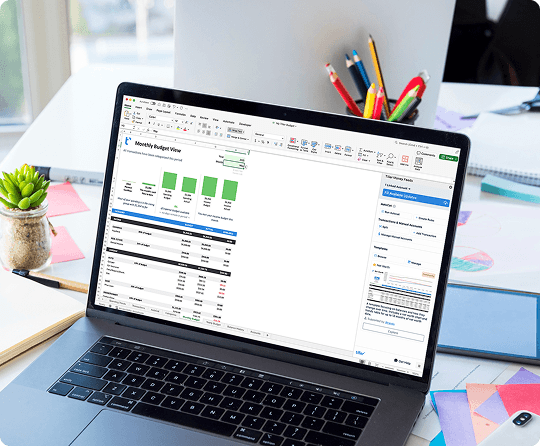
The Foundation Template is Tiller’s all-in-one starting point for Google Sheets and Excel. It includes:
- A Transactions sheet with daily automated imports from all connected accounts
- A Budget sheet with planned vs. actual spending by category, updated automatically
- A Net Worth tracker
- Spending dashboards and summary views
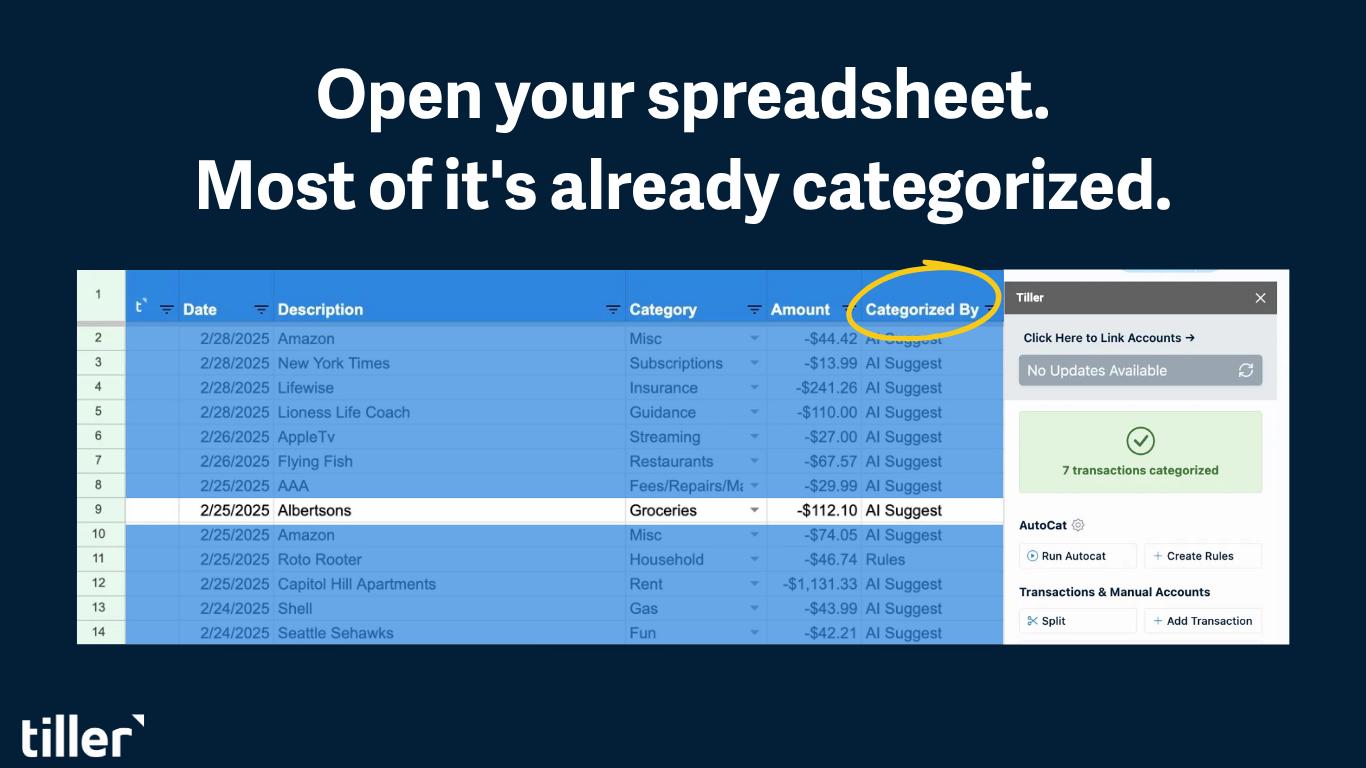
- AutoCat for automatic transaction categorization
Initial setup takes 30–45 minutes. You connect your accounts and configure your categories. After that, the system runs itself. The Foundation Template provides a solid starting point but is also fully customizable from day one. It’s best if you want a complete, automated budgeting system that you own permanently (you keep your data and can use the spreadsheet even if you decide to cancel Tiller).
Community-built Tiller templates
The Tiller Community library includes 35+ templates built by Tiller users for specific situations including pay period budgets, envelope systems, zero-based budget dashboards, couples’ budgets, and more. They all work with Tiller’s automated transaction feed. They’re best if you’re a Tiller user who wants to extend the Foundation Template or replace it with something more specific to your situation.
What makes a budget template worth using long-term
Most budget templates get abandoned fairly quickly. The ones that last have a few things in common:
They separate budget from actual. A template that only shows what you planned to spend isn’t a budget; it’s more of a wish list. The templates worth using show planned spending, actual spending, and the difference between them side by side.
They’re connected to real transaction data. Either through automated bank feeds or a sustainable manual entry process. Budgets need real transaction data to be helpful.
They’re maintainable. The best template is the one you’ll open every week. A template that takes an hour or more of monthly cleanup will likely be abandoned. Look for clean design, logical category groupings, and formulas that do the work automatically.
They start simple and grow with you. The ideal template has a low floor so that it’s easy to start but also a high ceiling so there’s room to add sheets, formulas, and views as you get more sophisticated. Starting with a pre-built template and gradually customizing it is almost always more effective than building from scratch.
Frequently asked questions
What is the best free budget spreadsheet template?
For a completely free, no-setup option, Google Sheets’ built-in monthly budget template (accessible from the template gallery) is the most reliable starting point (Excel has a similar Personal Monthly Budget). For a more capable free template, Vertex42’s personal budget spreadsheet offers more structure and is available for both Google Sheets and Excel. For an automated option with a free 30-day trial, Tiller’s Foundation Template connects to your bank accounts and updates daily.
What’s the difference between a free budget template and an automated one?
A free standalone template gives you the structure — categories, formulas, layout — but you enter every transaction yourself. An automated template does the same but adds a live bank connection so transactions from your accounts flow in daily without any manual work. Tiller’s templates are the main automated option for Google Sheets and Excel. The tradeoff is a subscription cost ($79/year) versus the time spent on manual data entry.
Which budget spreadsheet method is best — zero-based, 50/30/20, or envelope?
All three work. The best method is the one that matches how you think about money. Zero-based budgeting works well for people who want detailed control over every dollar. The 50/30/20 rule works well for people who want a simple framework without detailed category management. Envelope budgeting works well for people who want hard spending limits by category. Templates exist for all three approaches in Google Sheets and Excel.
Can I use the same budget template in Google Sheets and Excel?
Most well-built templates work in both, though some Google Sheets templates use Google-specific functions (like IMPORTRANGE or GOOGLEFINANCE) that don’t translate to Excel. Templates designed for Tiller work identically in both platforms — Tiller supports both Google Sheets and Excel with the same automated bank feed.
How do I know which budget template is right for me?
Start with two questions: How will transactions get into the spreadsheet? (Manual entry vs. automated bank feed.) And how much structure do you want built in? (Simple table vs. full dashboard with multiple sheets.) If you’re new to spreadsheet budgeting, start with a simple free template, either Google’s or Excel’s built-ins or Vertex42. If you’ve tried manual budgeting and want to stop entering data by hand, Tiller’s Foundation Template is the most complete automated option.
Are there budget templates specifically for couples?
Yes. Templates designed for shared household budgets typically include combined income tracking, joint expense categories, and individual spending visibility in one view. Tiller’s Foundation Template can be shared via Google Sheets or Excel/OneDrive access, and the Tiller Community library includes purpose-built templates for two-income households and couples managing shared finances.