

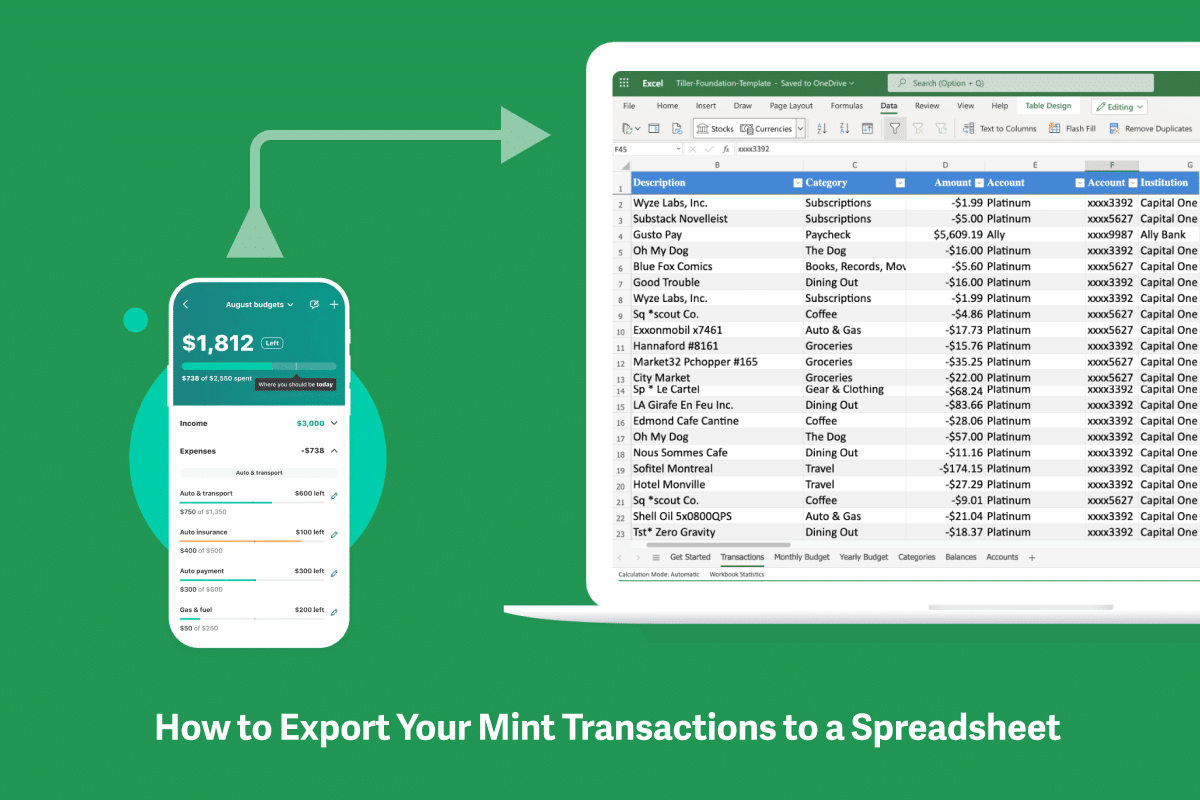



How to Easily Export Mint Transactions to a Spreadsheet

Here's how to export your Mint transactions to Google Sheets and Microsoft Excel for analysis, backup, and migrating to a new money management tool.
Resources and inspiration for managing money and life with the flexibility and power of Google Sheets and Microsoft Excel.

Here's how to export your Mint transactions to Google Sheets and Microsoft Excel for analysis, backup, and migrating to a new money management tool.

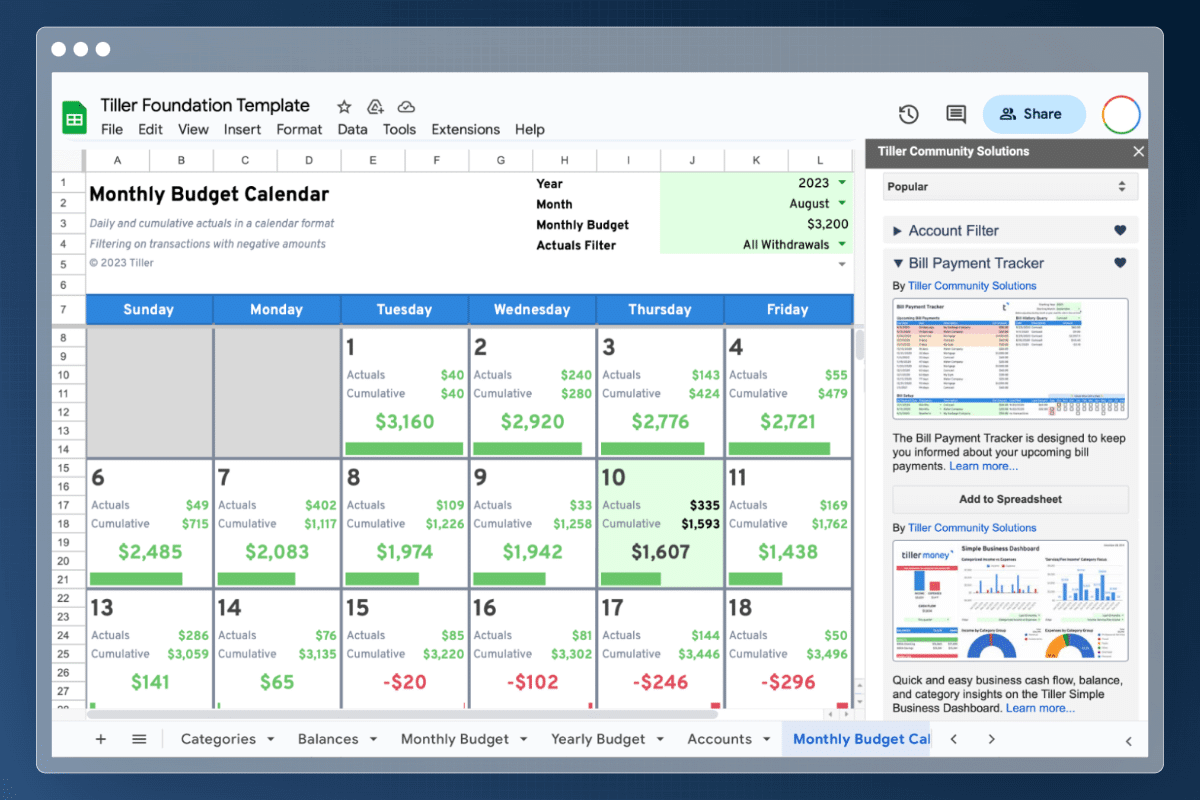
Get a jump on your personal finances with spreadsheet templates collaboratively designed by the Tiller Community.

Tip: Explore and learn complicated spreadsheet formulas with ChatGPT

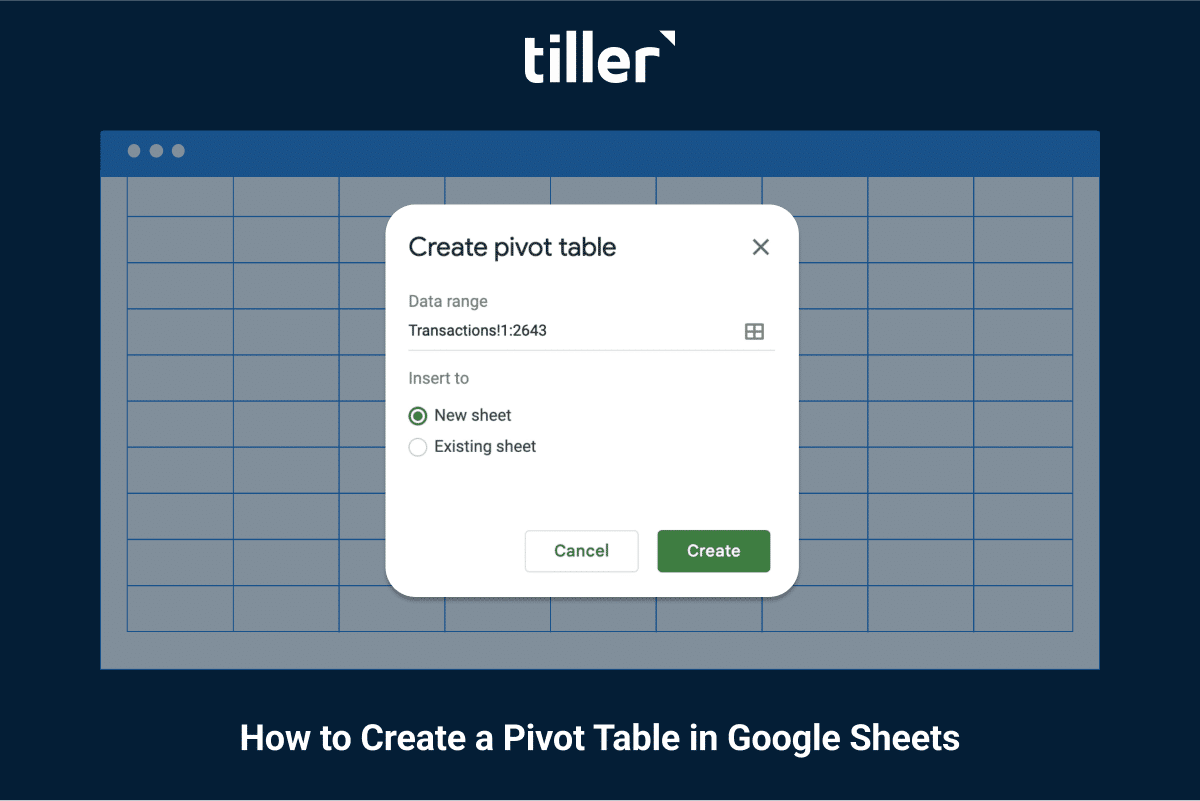
A Google Sheets pivot table is one of the most powerful tools for understanding your data in a spreadsheet. Here's how to get started in a few simple steps.

While Tiller does not currently offer a dedicated smartphone app, there are several easy ways to view and edit your Tiller-powered spreadsheets on the go.

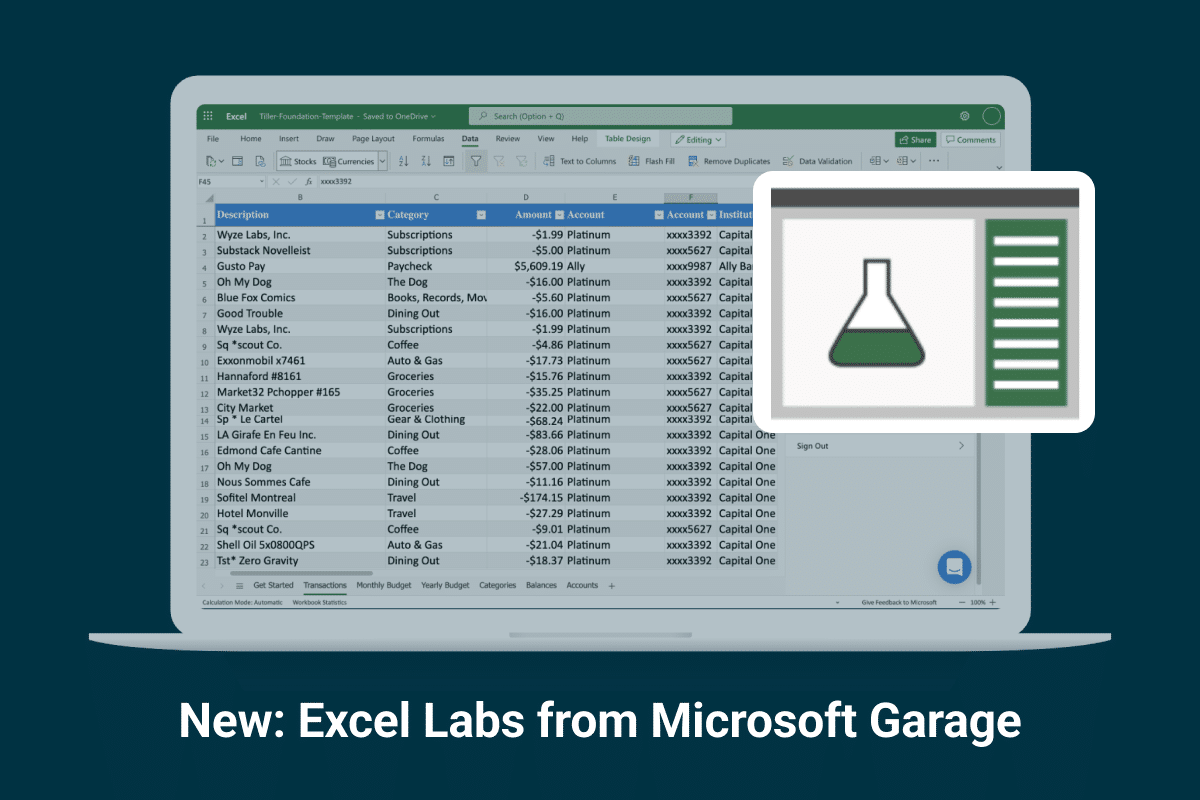
Excel Labs is a new add-in that includes the LABS.GENERATIVEAI function, which sends prompts from Excel to a generative AI mode and returns the results to your worksheet.

Here are several ways to easily connect ChatGPT to Google Sheets

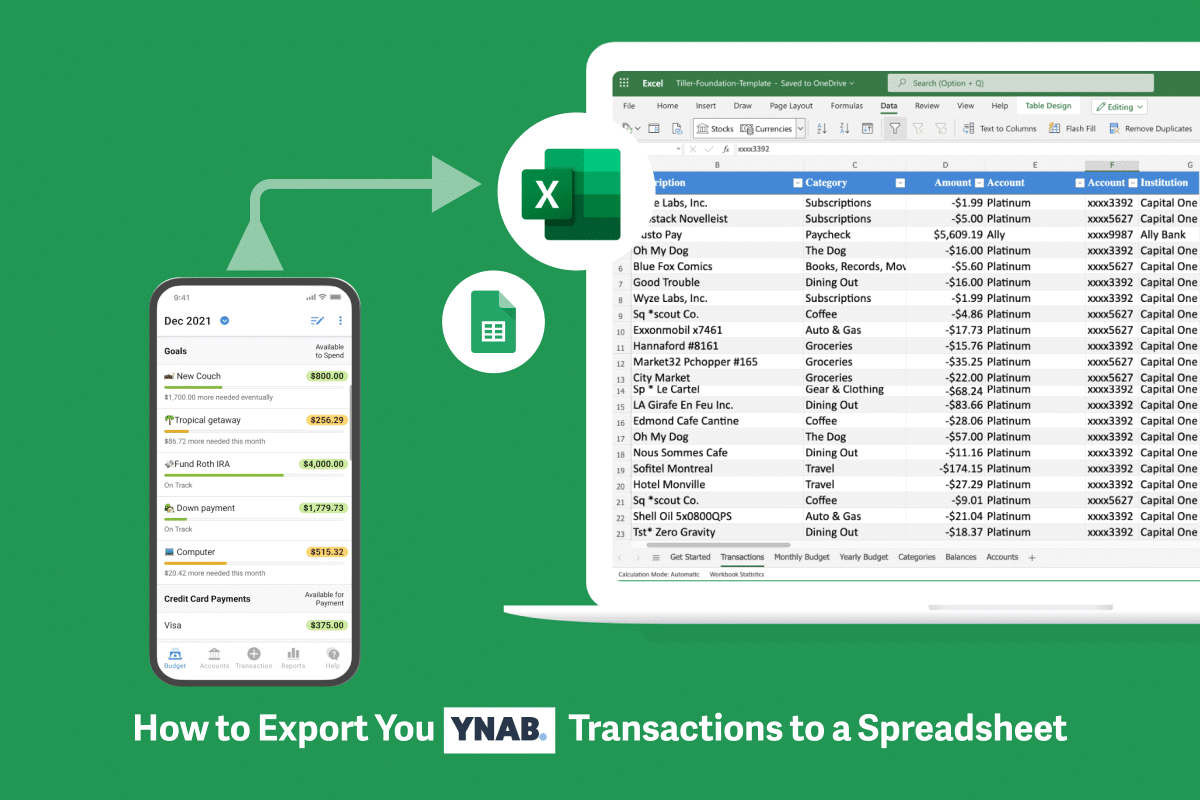
Looking for a YNAB alternative? Check out these easy steps for getting your YNAB budget into one of Tiller's automated finance Google Sheets.

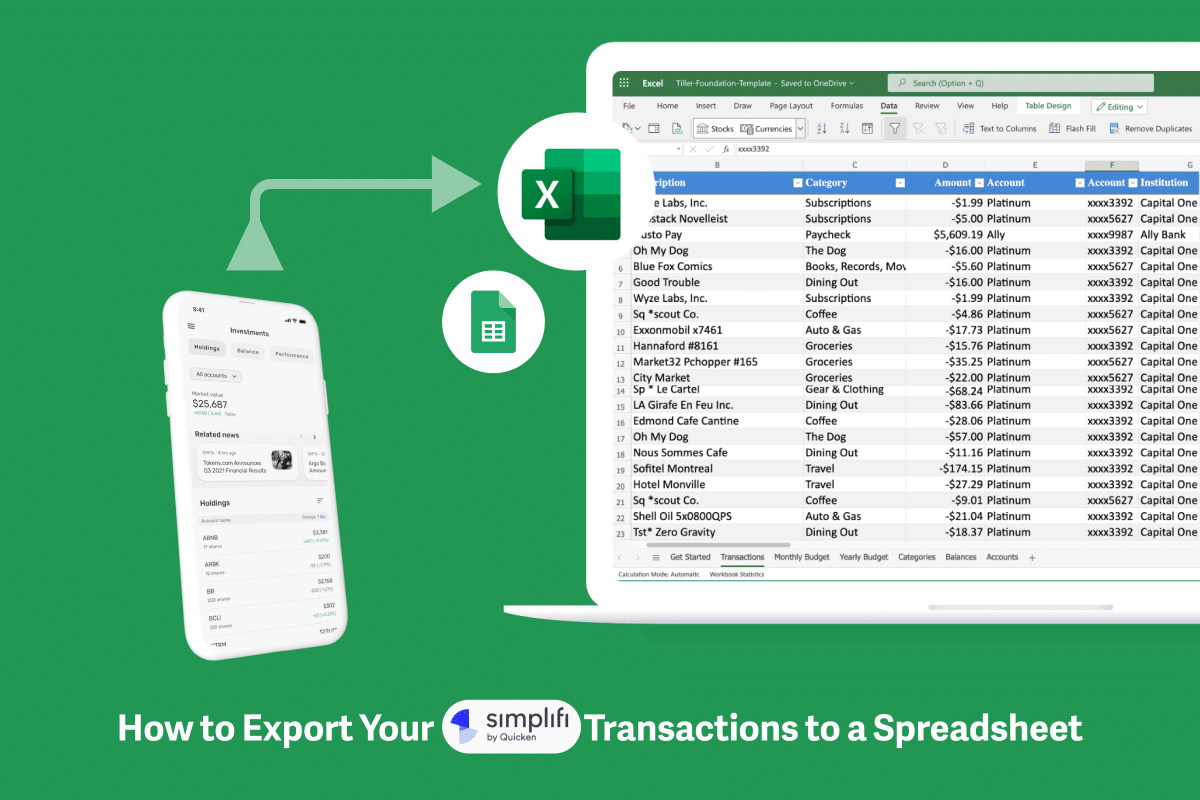
Here's how to export your Simplifi transactions to Google Sheets and Microsoft Excel for analysis, backup, and migrating to a new money management tool.

Here's how to easily track your Amazon spending by using two one-click profiles connected to a single Tiller-powered Google Spreadsheet.

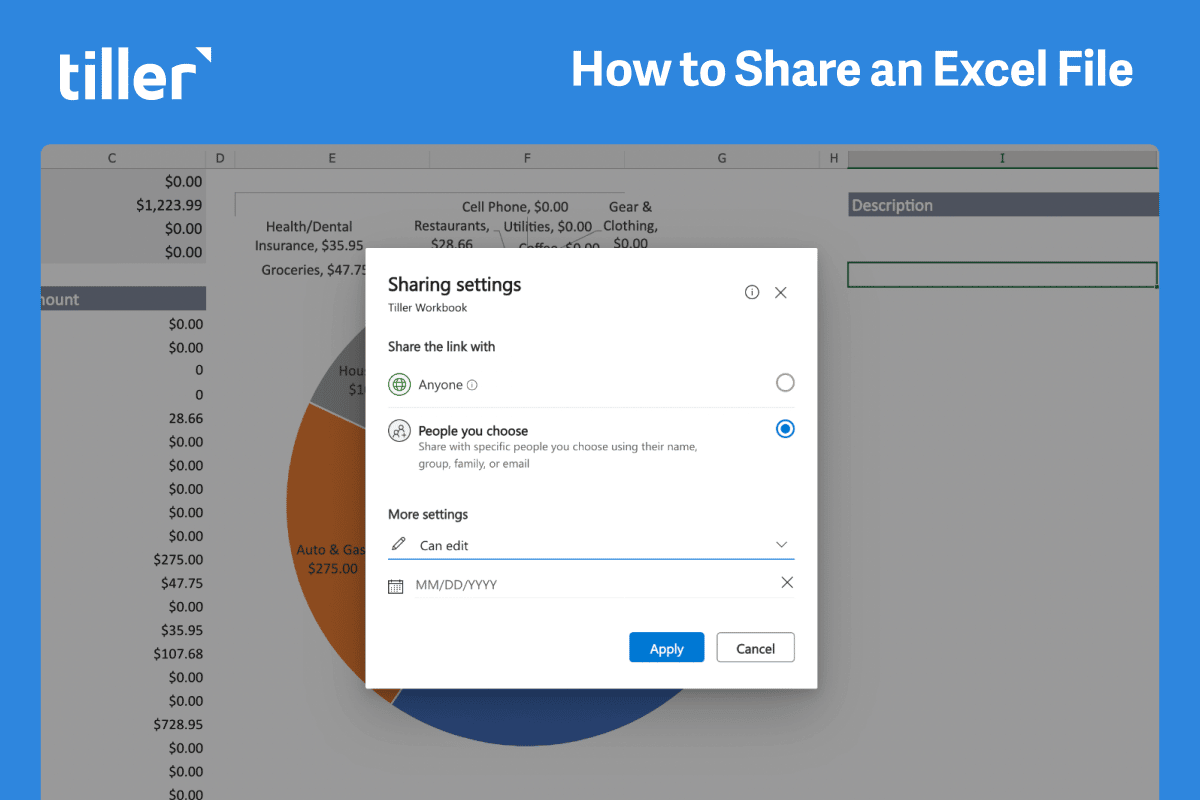
There are many reasons you’d want to know how to share an Excel file. For example, many of Tiller’s subscribers use Microsoft Excel’s sharing features to seamlessly budget with their spouse, track shared expenses, or manage money with a financial…

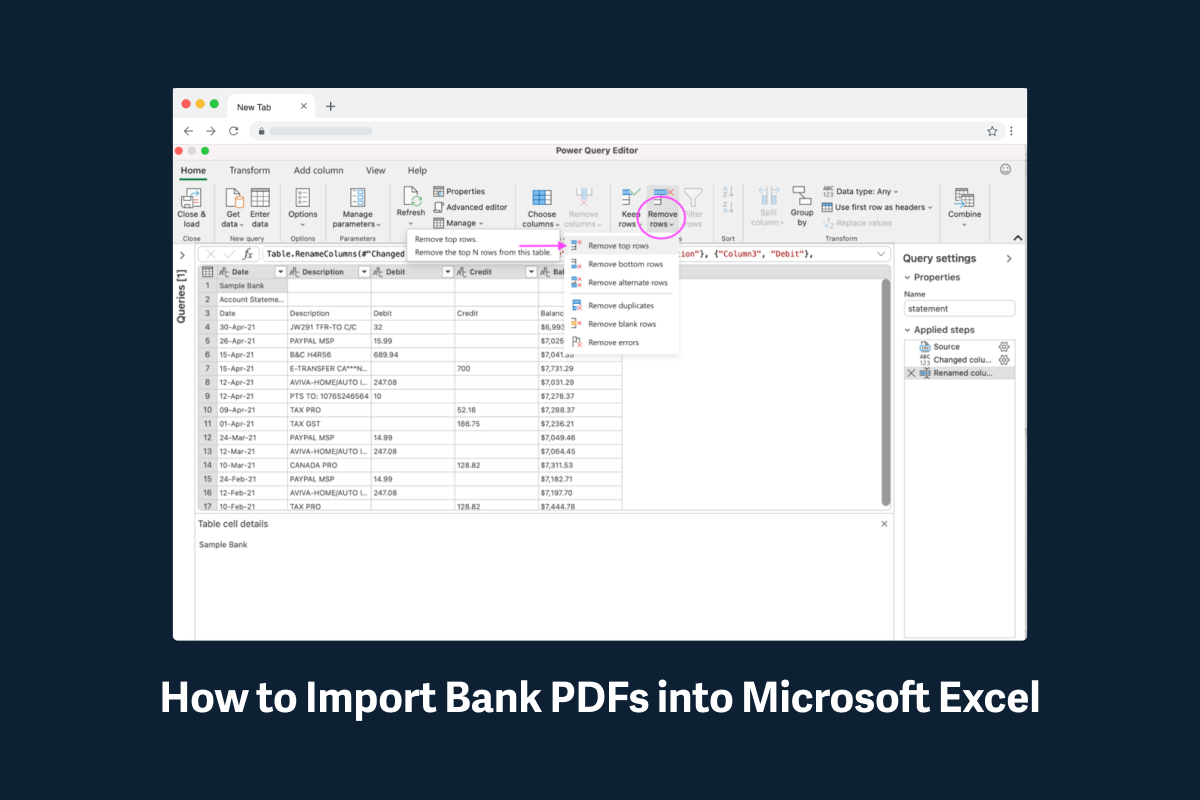
Here's how to easily convert a PDF of a bank statement into a CSV file that can be opened with Microsoft Excel or Google Sheets.