

About the Simple Investment Calculator
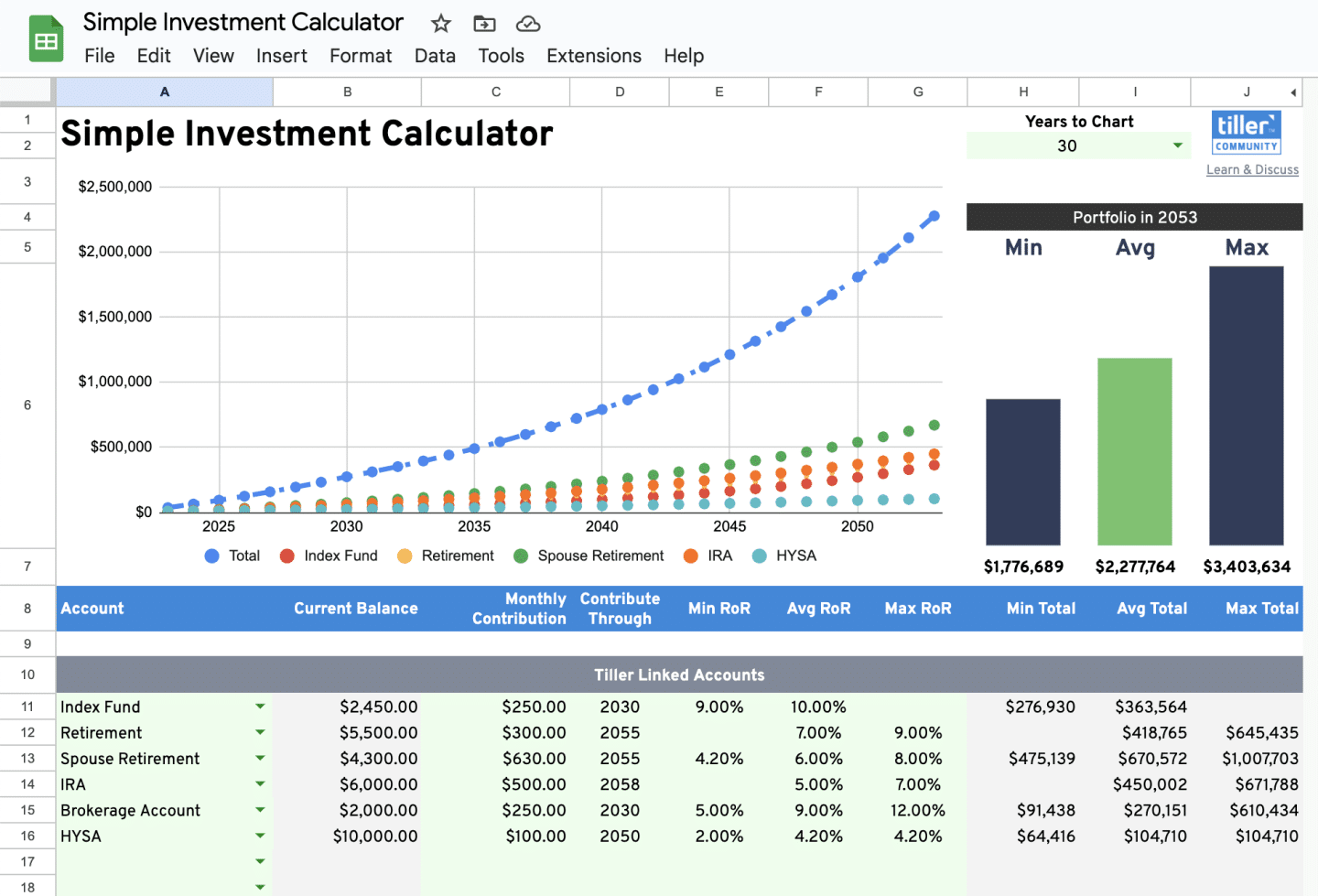
The Simple Investment Calculator helps you see whether you’re on track with your investment goals and what it would take to get there. Instead of toggling between your spreadsheet and an external calculator, you can model future values directly inside your Tiller sheet.
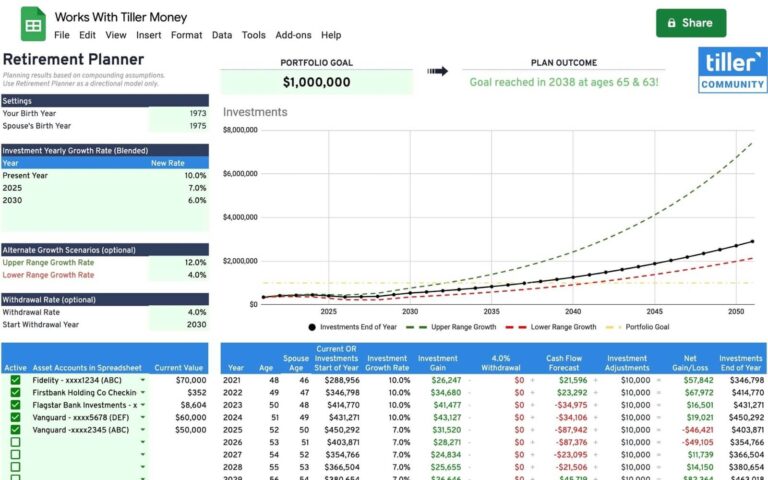
Link your Tiller-connected accounts to automatically pull in current balances, or enter manual balances for accounts outside Tiller. Then add your monthly contributions, the expected contribution timeline, and the average rate of return to see projected future values for each account, along with the total. A range view lets you model best- and worst-case scenarios using minimum and maximum return rates. Note: the calculator can only compute positive rates of return.
Built by Tiller Customer Success team member Morgan for Google Sheets.
Best for: Anyone who wants to model future investment values across multiple accounts without leaving their spreadsheet.
Support & Documentation
Install the Simple Investment Calculator through the Tiller Community Solutions add-on. Search for investment in the Explore tab.
For setup details, usage tips, and community discussion, visit the Simple Investment Calculator thread in the Tiller Community.
If you run into an issue, search the community first, and if your question hasn’t been answered, post it in the Get Help > Spreadsheet Templates category.