About the Paycheck Register Spreadsheet
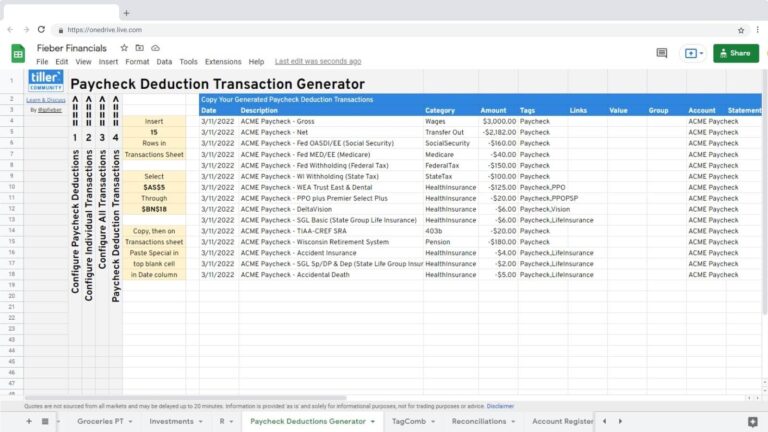
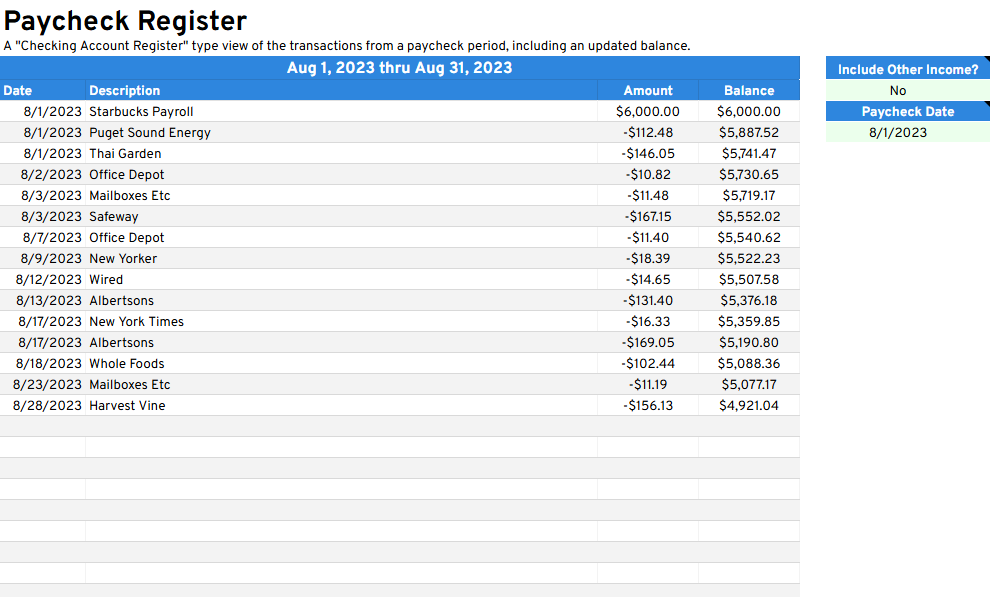
The Paycheck Register gives you a clear view of one pay period at a time, listing the paycheck you received on a selected date, along with every expense and income transaction until your next check arrives. It’s a useful way to understand whether your spending between paychecks is aligned with what you actually brought in.
Unlike account-based views, this sheet organizes your financial picture around your pay schedule. You can choose to exclude other income transactions to focus purely on spending against a single paycheck, and it supports weekly, biweekly, semimonthly, and monthly pay frequencies.
Best for: Salaried employees on a predictable pay schedule who want to understand whether their spending aligns with each paycheck.
Built by Tiller Community member @jpfieber for Google Sheets.
Support & Documentation
Install the Paycheck Register through the Tiller Community Solutions add-on. Search for it in the Explore tab.
For setup details, configuration tips, and community discussion, visit the Paycheck Register thread in the Tiller Community.
If you run into an issue, search the community first and if your question hasn’t been answered, post it in the Get Help > Spreadsheet Templates category.