

Tiller Resource Center > Spreadsheet Financial Systems
Budgeting in Spreadsheets
How to set up, run, and maintain a budget in Google Sheets or Excel—from your first category list to a fully automated monthly workflow.
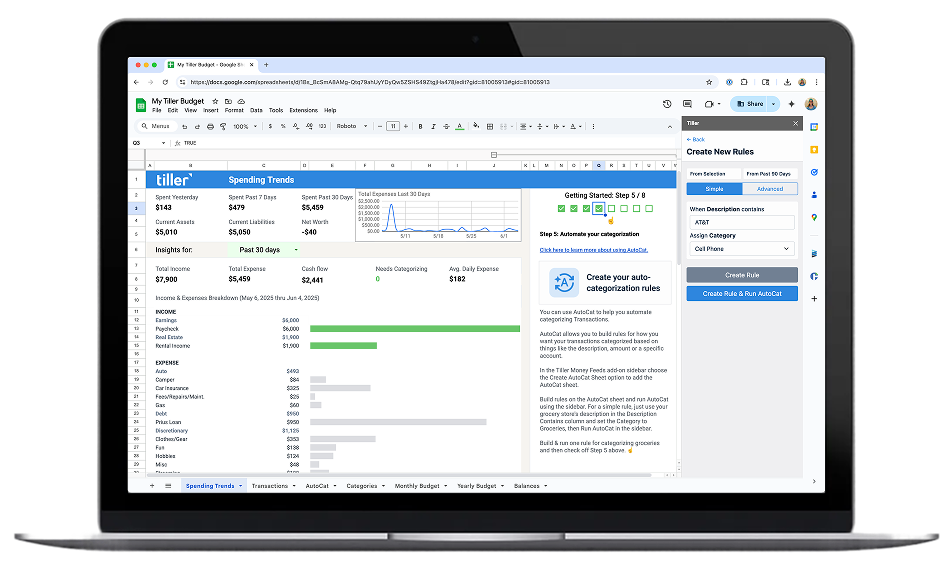
A spreadsheet budget starts with a simple idea: list what you earn, list what you spend, and see what’s left. But the difference between a spreadsheet that helps you manage money and one that collects dust comes down to how you set it up.
The best spreadsheet budgets aren’t just tables of numbers. They’re systems—with clear categories that match your actual spending, time periods that align with your pay schedule, and tracking logic that makes it obvious whether you’re on track or not. When the structure is right, checking your budget takes minutes instead of an evening.
Getting there involves a few key decisions: how granular your categories should be, whether you track weekly or monthly, how you handle irregular expenses, and how your transaction data gets into the sheet. These choices shape whether your budget feels useful or overwhelming.
This section walks through practical approaches to building and running a spreadsheet budget—from setting up your first Google Sheets or Excel budget to creating automated workflows that keep everything current. Several guides feature Tiller, which connects your bank accounts and delivers daily transaction data directly into your spreadsheet.
Start with these guides and resources:

Automate Your Spreadsheet Budgeting System
How to eliminate manual transaction entry, set up automatic categorization with AutoCat, and evolve a spreadsheet budget from basic manual tracking to a fully automated system that runs itself.

How to Make a Budget in Google Sheets and Microsoft Excel
The complete starting guide. Learn how to set up a budget spreadsheet from scratch—including categories, formulas, and tracking layouts, in Google Sheets or Excel.
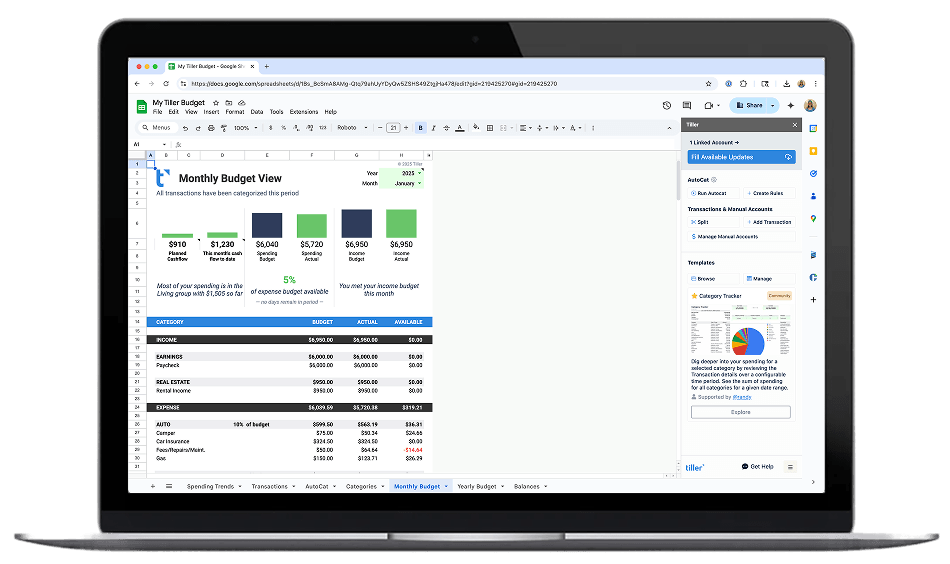
How to Track Your Budget in Google Sheets
A practical walkthrough for tracking spending against your budget in Google Sheets: covering formulas, conditional formatting, and ways to spot overspending early.

Envelope Budgeting in Google Sheets
A primer on adapting the classic envelope budgeting method for Google Sheets—with digital “envelopes,” automated tracking, and real-time balance updates.
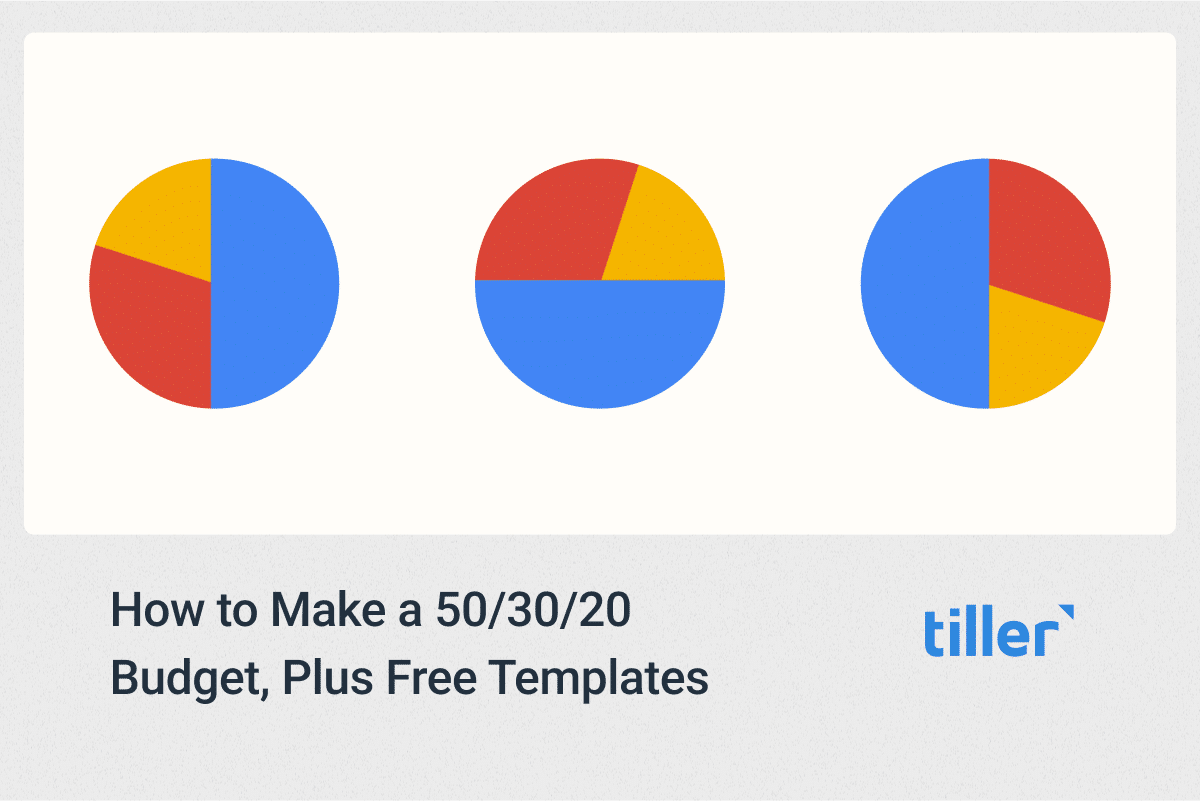
How to Use the 50/30/20 Budget Rule, Plus Free Templates
Learn how to apply the 50/30/20 framework in a spreadsheet to quickly see what you can afford to spend and save—with free templates to get started.

5 Ways Modern Couples Manage Their Money Together With Tiller
Five approaches to managing shared finances with Tiller — from fully combined budgets to parallel separate systems with shared visibility. Covers how spreadsheets handle joint expenses, shared savings goals, and debt payoff for couples.

The Best Budget App for Couples Is a Free Spreadsheet (Updated 2026)
Why a shared Google Sheets or Excel budget outperforms dedicated couples budgeting apps — covering collaborative editing, customization for joint and separate finances, and how Tiller automates the transaction data layer for both partners.

Monthly Budgeting Workflows
Step-by-step monthly routines for reviewing, adjusting, and closing out your spreadsheet budget—so you stay on track without spending hours on it.

How to Run Your Entire Budget Automatically in Sheets
Go beyond manual tracking. This guide walks through building a fully automated budget system where transactions flow in daily and spending reports update themselves.
How to Set Up a Budget in a Spreadsheet
Building a spreadsheet budget comes down to four core steps: defining your income, choosing your categories, setting up tracking, and establishing a review rhythm. The details vary based on your situation, but the framework is the same whether you use Google Sheets or Excel.
Start with income. List every source of money you receive in a typical month—salary, side income, recurring transfers, anything predictable. If your income varies month to month (freelance work, commissions, seasonal jobs), use a conservative average or your lowest recent month as the baseline. This is the number your entire budget builds from.
Choose your categories. The trick in creating budget categories is to get the number of categories right so that you don’t either overcomplicate things or stay too vague. A budget with 40 categories becomes exhausting to maintain. A budget with 5 categories (“bills, food, fun, savings, other”) doesn’t tell you enough to make decisions. Most people land somewhere around 10–20 categories that cover their major spending areas: housing, utilities, groceries, transportation, dining out, subscriptions, insurance, savings, debt payments, and a handful of discretionary categories that match their life.
Set up tracking. Your budget needs a way to compare what you planned to spend against what you actually spent. This means a column (or sheet) for budgeted amounts and another for actuals—with formulas that calculate the difference. SUMIF formulas are especially useful here: they can automatically total transactions by category from a separate data sheet, so your budget-vs-actual numbers update as you add new spending data.
Establish a review rhythm. A budget only works if you look at it. Most people find that a quick weekly check (5 minutes to scan category totals) plus a longer monthly review (15–20 minutes to close out the month and set the next one) keeps things on track. The monthly review is also when you adjust categories, update income assumptions, and carry forward any planned savings.
The guides in this section walk through each of these steps in detail, with specific formulas, layouts, and examples for both Google Sheets and Excel.
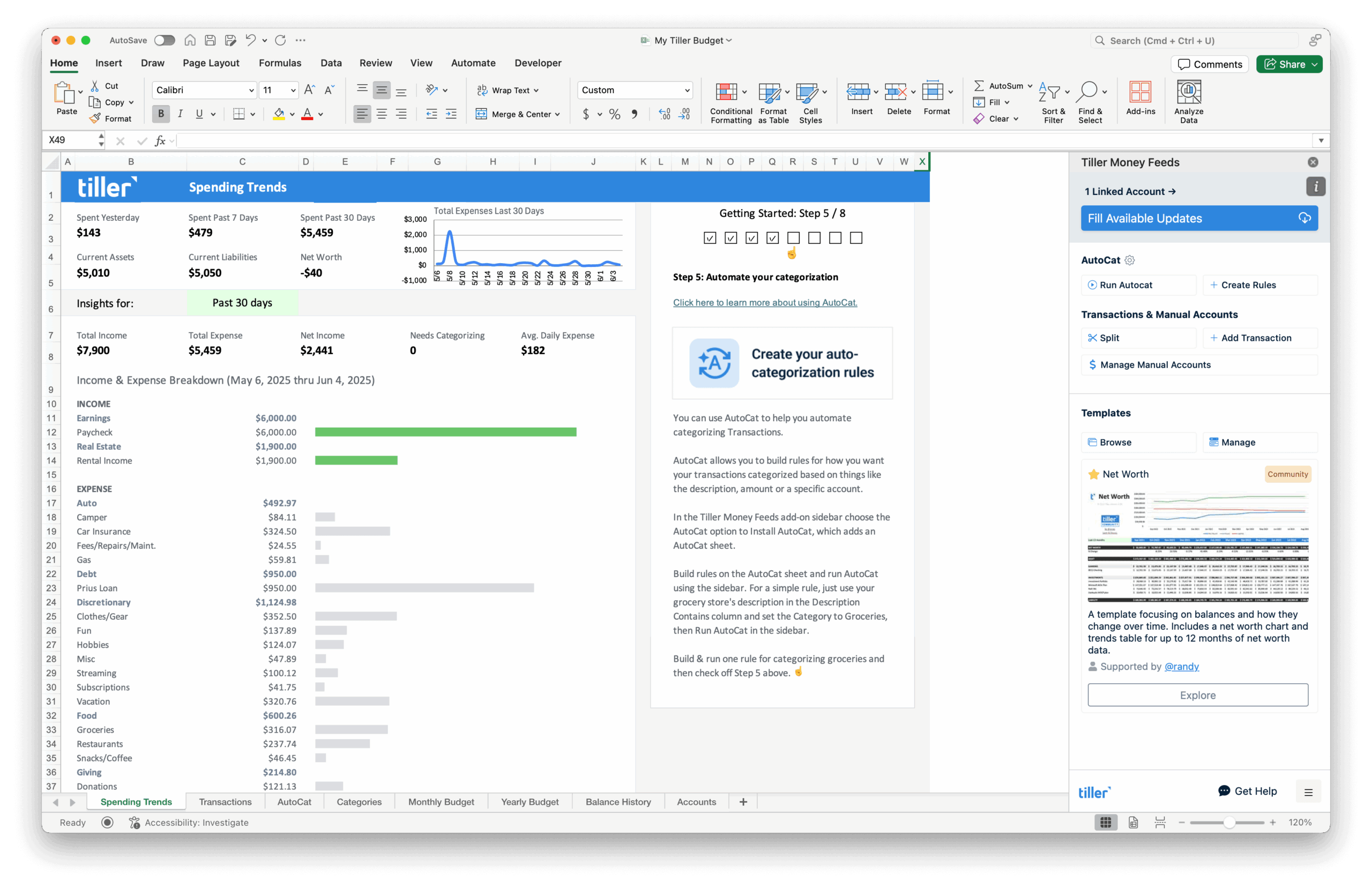
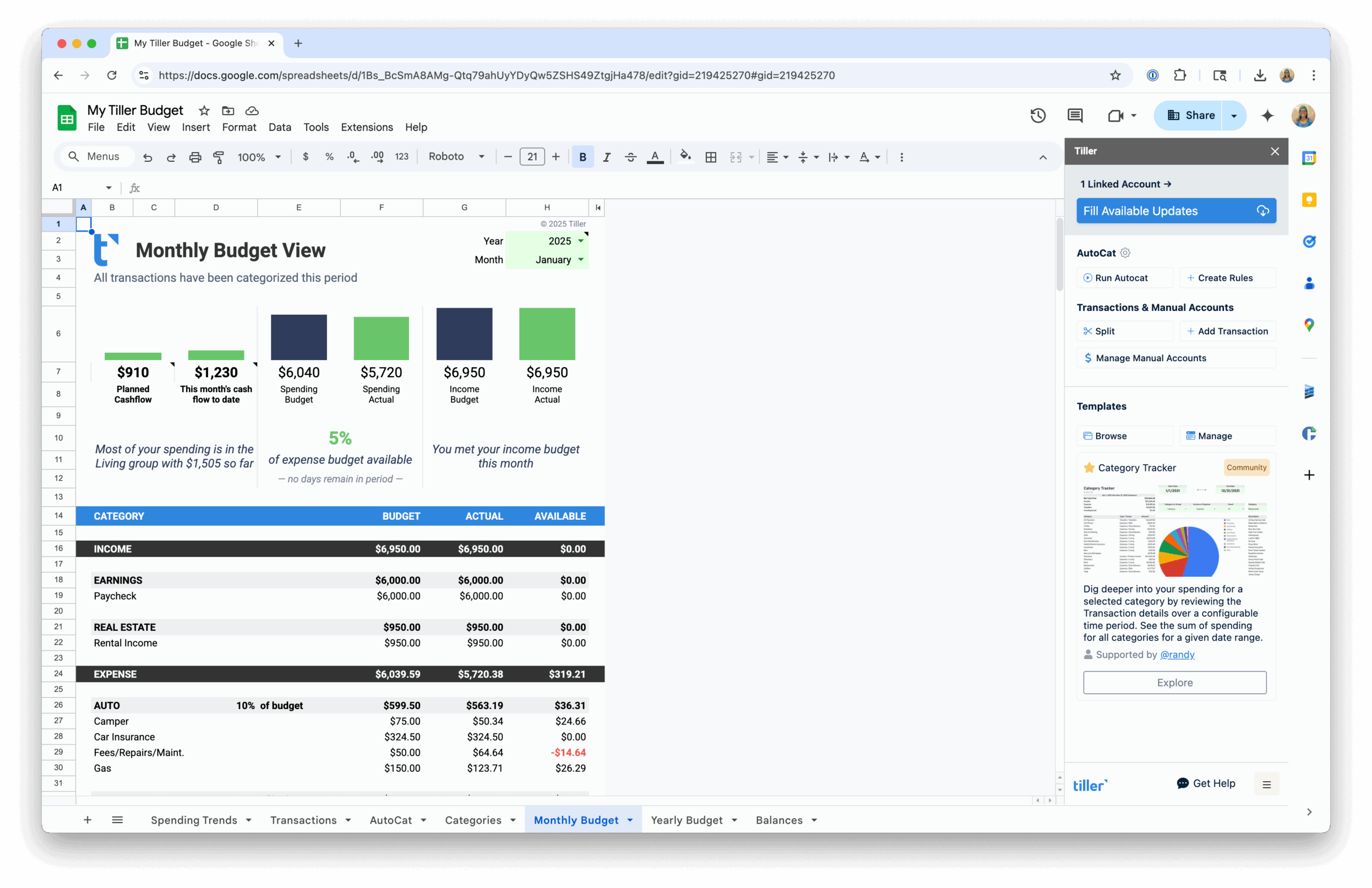
Keeping Your Budget Current Without the Busywork
The hardest part of spreadsheet budgeting isn’t the setup—it’s the upkeep. A budget is only useful when the data in it is current, and that’s where most manual systems eventually break down. Logging into bank websites, downloading CSV files, reformatting columns, pasting into the right sheet—it adds up to 20–30 minutes every time you want accurate numbers.
There are a few ways to handle this. Some people set a weekly “finance hour” where they manually enter or import transactions—it’s simple and works if you’re disciplined about it. Others use bank CSV exports on a regular schedule, which is faster but still requires cleanup since every bank formats files differently.
The most hands-off approach is automation. When your bank transactions flow directly into your spreadsheet—already formatted and ready to categorize—your budget stays current without any manual import work. You open your spreadsheet and the data is there.
Tiller handles this automatically. It connects to your bank accounts and delivers daily transaction updates directly into Google Sheets or Excel. Your categories, your formulas, your layout—Tiller just handles the data layer so your budget reflects reality every morning. Pair it with the AutoCat feature for automatic transaction categorization, and you have a budgeting system that requires almost no manual upkeep while giving you complete control over how everything is organized.
