

Tiller Resource Center > Spreadsheet Templates
Personal Finance Spreadsheet Template Collections & Toolkits
Retirement planning, real estate investing, savings goals, and more — templates for the financial situations that don’t fit neatly into a single category.
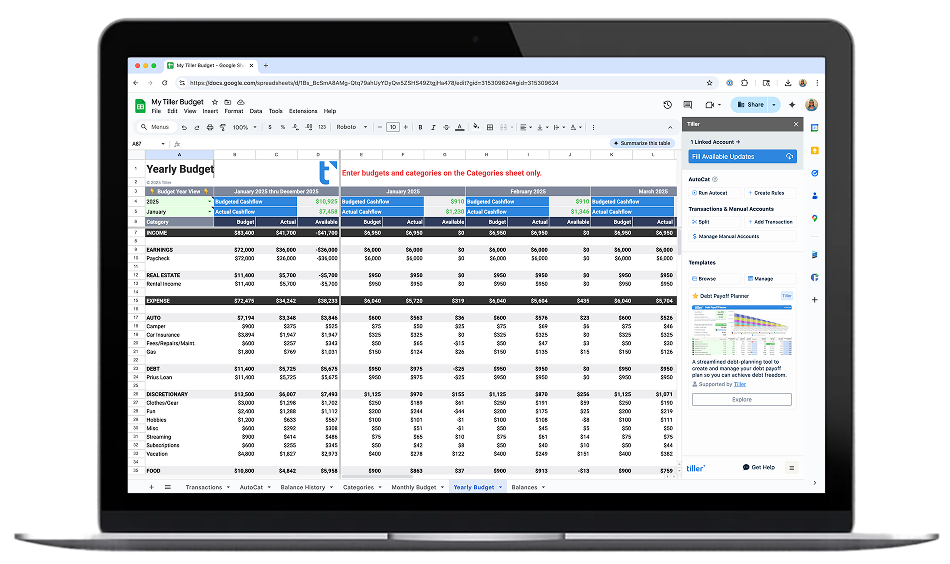
Most financial situations don’t fit into just one box. You might be tracking a rental property alongside your household budget, or planning for retirement while paying off debt. The templates in this hub cover the range — from free libraries with dozens of spreadsheet options to specialized tools built for specific financial contexts.
This is also where you’ll find the Tiller Community Templates Gallery: 35+ templates built by Tiller users for use cases the official template library doesn’t cover. If you’ve been looking for something specific and haven’t found it in the Budget, Debt Payoff, or Net Worth hubs, you’ll likely find it here.
You don’t need Tiller to use most of these resources. Many are free standalone downloads for Google Sheets or Excel. Where Tiller adds value — automated transaction data, daily bank feeds — it’s noted in the description.
Browse the templates:

Ultimate Personal Finance Spreadsheet Template Library
A comprehensive guide to the best personal finance spreadsheet templates available — covering every major financial use case, with honest assessments of free options and automated alternatives. The starting point if you’re not sure which template you need.

The Best Google Sheets Finance Templates for Personal Finance
A curated guide to the best personal finance templates for Google Sheets — budgeting, debt payoff, net worth, investment tracking, retirement planning, and cash flow. Free options and automated alternatives, with honest assessments of each.

Best Excel Finance Templates
The best personal finance templates for Microsoft Excel — budgeting, debt payoff, net worth, investment tracking, and more. Includes the only automated Excel budget template officially recommended by Microsoft.
50+ of the Best Free Google Sheet Templates of 2026
A curated list of more than 50 free Google Sheets templates covering personal finance, budgeting, meal planning, project management, and more — organized by use case so you can find a starting point without testing dozens of options yourself.
Tiller Community Templates Gallery
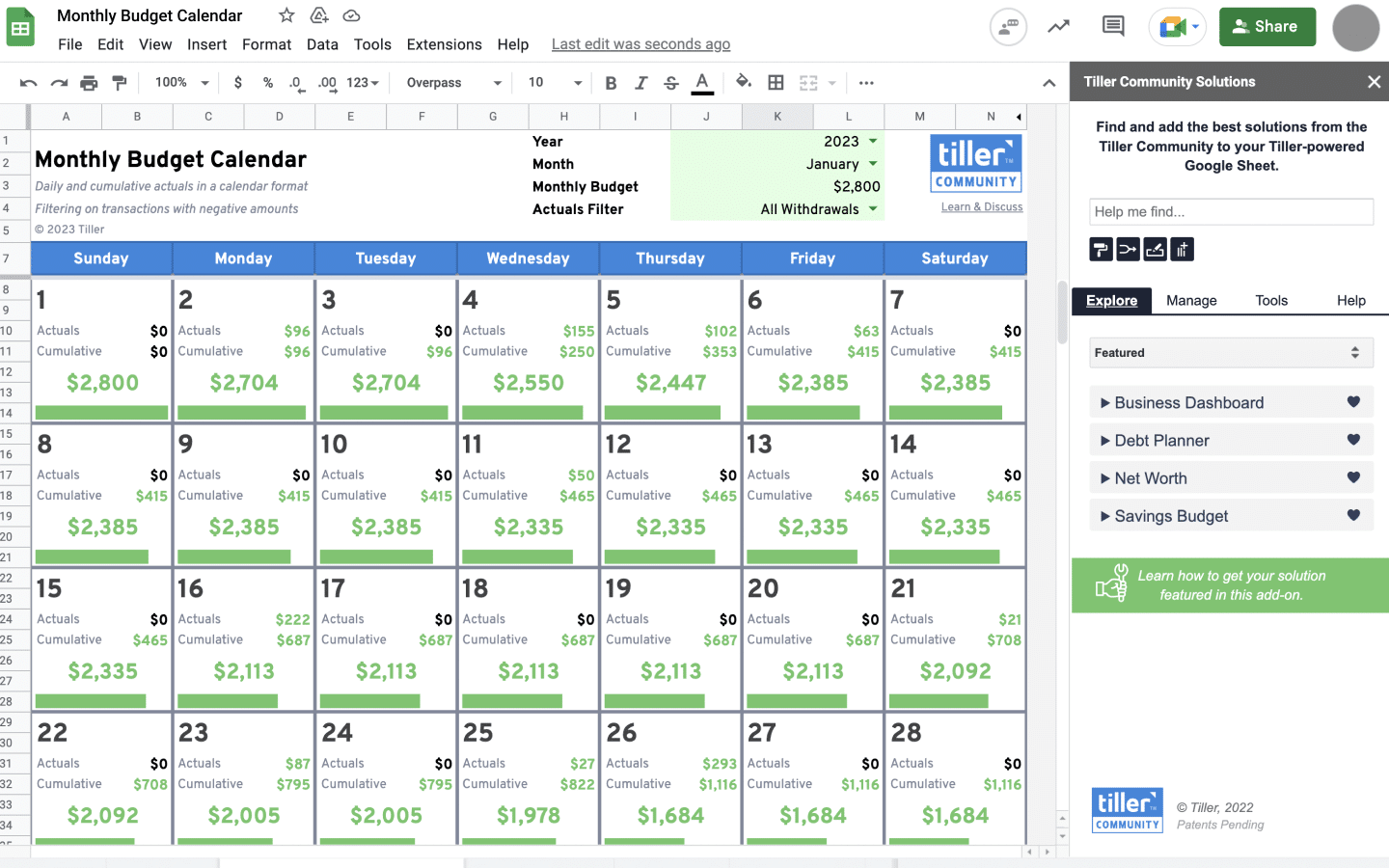
A library of free spreadsheet templates built by Tiller users — covering budgeting, expense tracking, debt payoff, savings goals, and more. Available for both Google Sheets and Excel. Requires a Tiller account to install.
Retirement Planner Template for Google Sheets
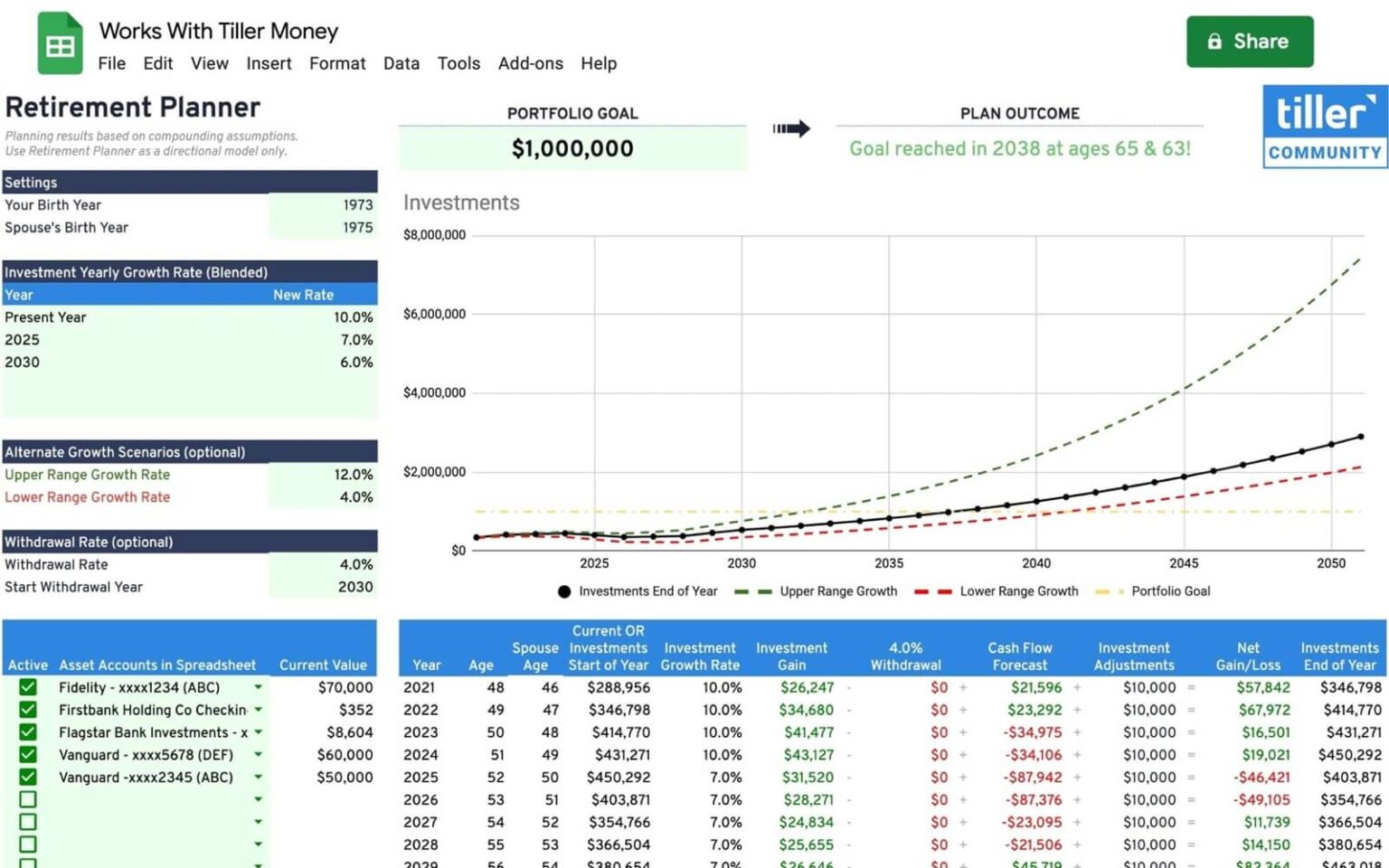
A free community-built Google Sheets template for projecting retirement savings. Enter different savings rates, investment return assumptions, and retirement ages to model how different choices affect your projected outcome. Works with Tiller data for current balance inputs.
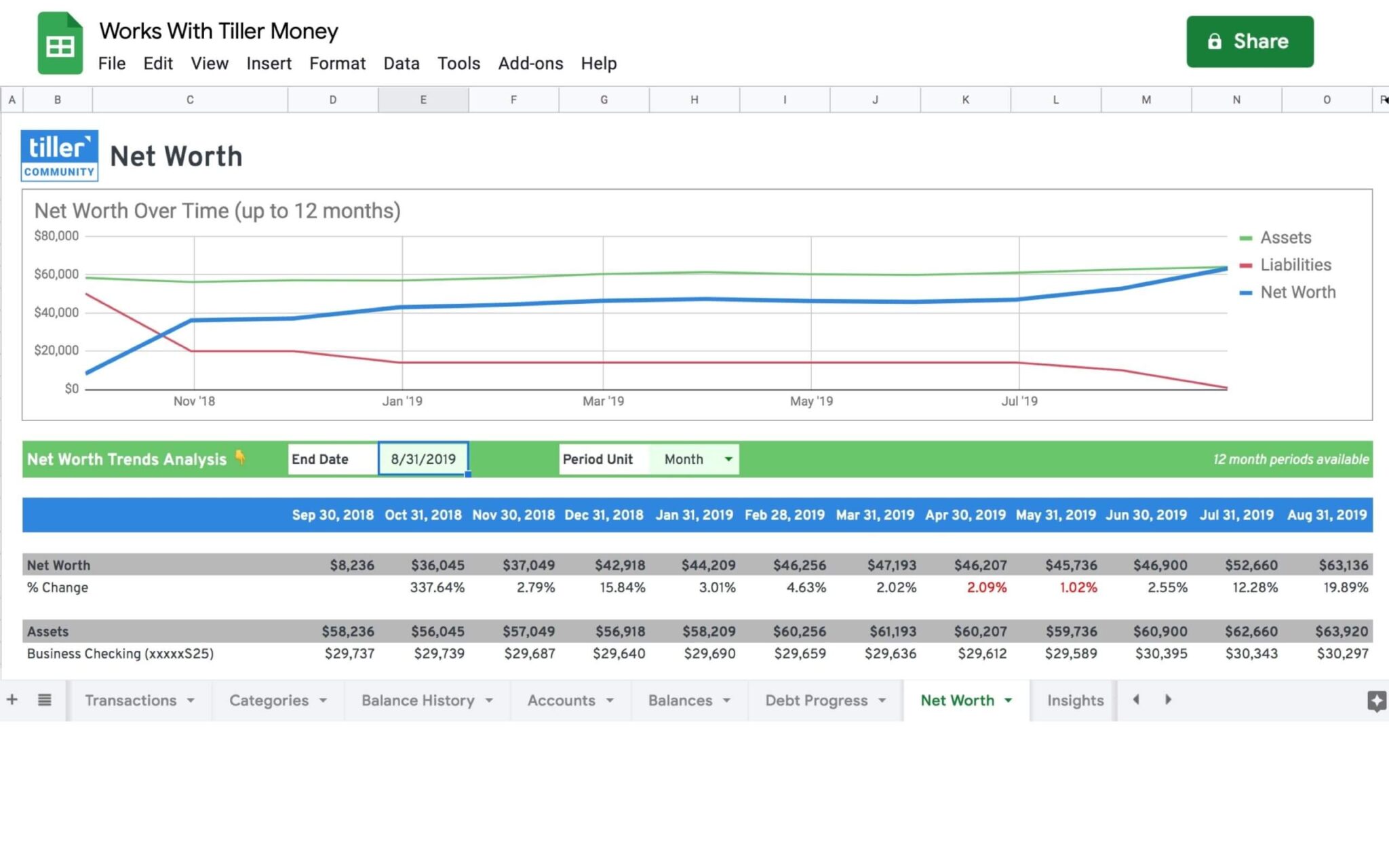
Net Worth Spreadsheet for Google Sheets
A free Google Sheets template for tracking total assets and liabilities, with a chart showing net worth trends over time. Requires a Tiller free trial or subscription for automated balance updates — also works as a manual template.
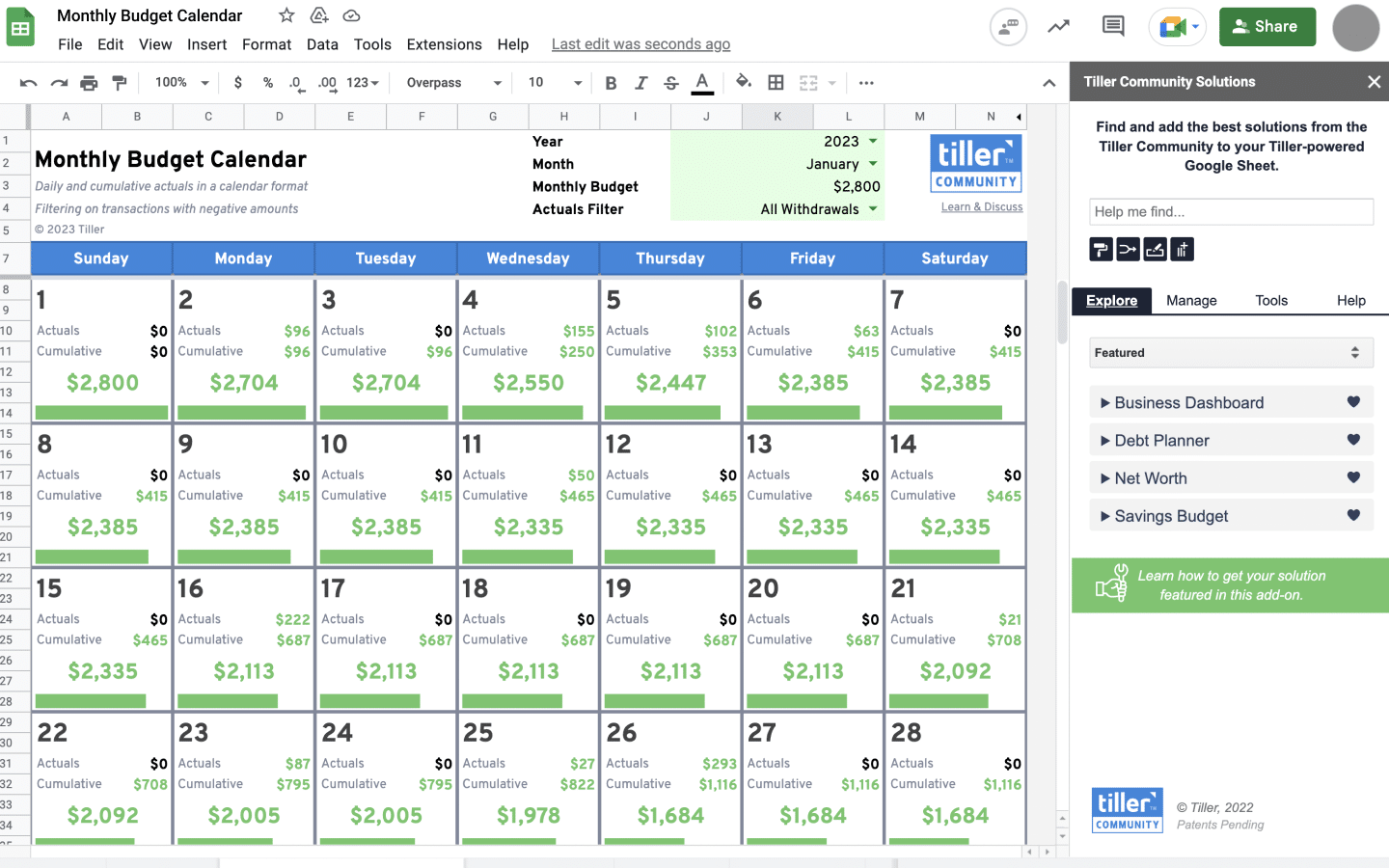
Monthly Budget Calendar for Google Sheets
A minimalist spending tracker that shows daily and cumulative spending against a monthly target, with a visual indicator when spending exceeds the goal. Supports several methods for gathering daily expenses. Free to use with or without Tiller.

15+ Best Free Real Estate Spreadsheet Templates for 2026
A collection of free real estate spreadsheet templates for residential and commercial investing, property flipping, and home purchase decisions. Covers financial analysis, income and expense tracking, and property comparison. Compatible with Excel and Google Sheets.
Finding the Right Template When You’re Not Sure Where to Start
The hardest part of building a financial spreadsheet isn’t the formulas — it’s knowing which template to start with. There are hundreds of options across Google Sheets, Excel, and third-party libraries, and the quality varies enormously. Some are well-designed and immediately usable; others look good in a screenshot but fall apart when you try to customize them.
A few things to look for: clear category structures you can actually recognize in your own spending, a transactions or data layer that’s separate from the summary view, and formulas that don’t break when you add or remove rows. Templates built on SUMIF or QUERY functions tend to be more durable than ones that rely on manual cell references.
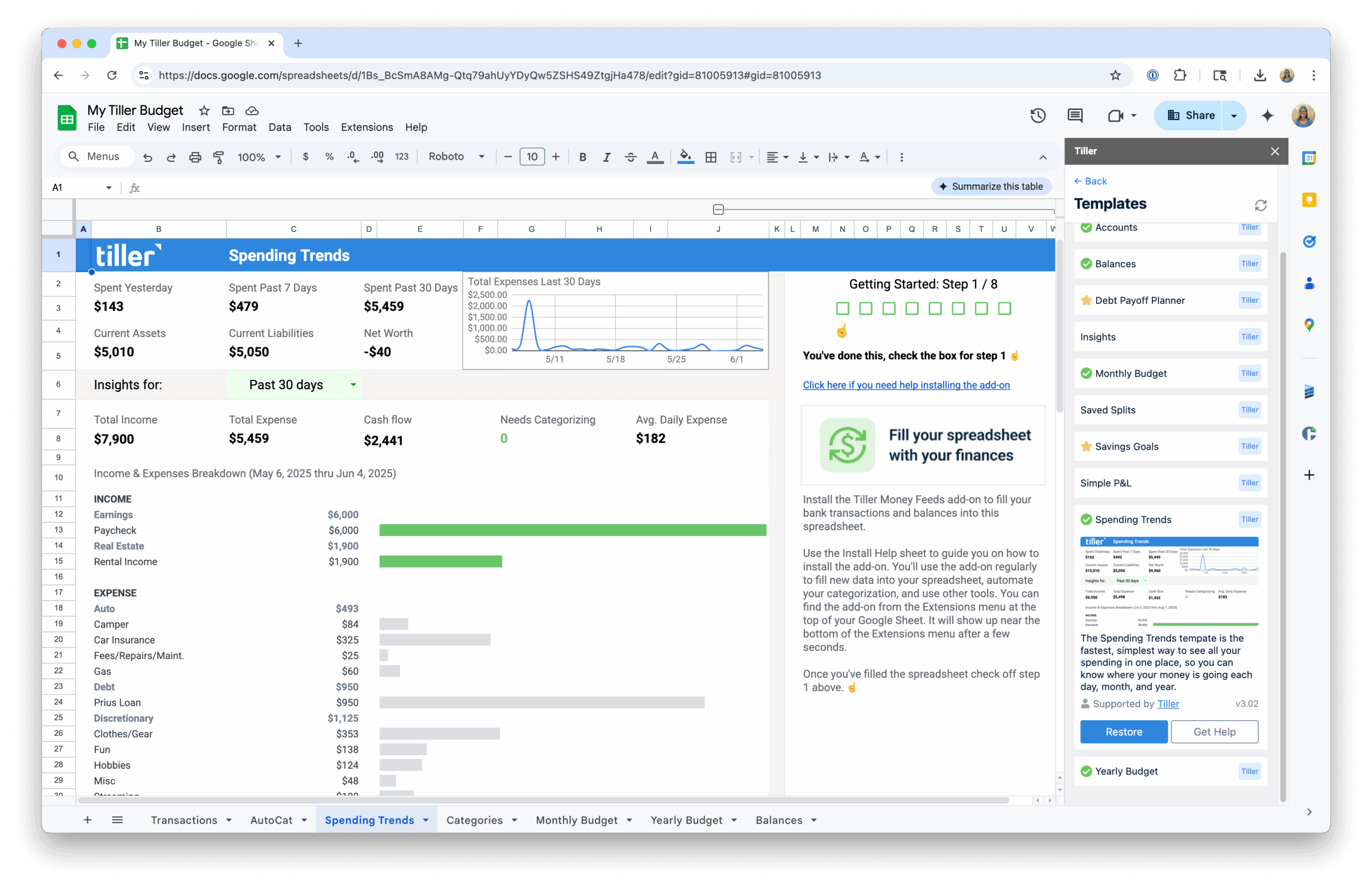
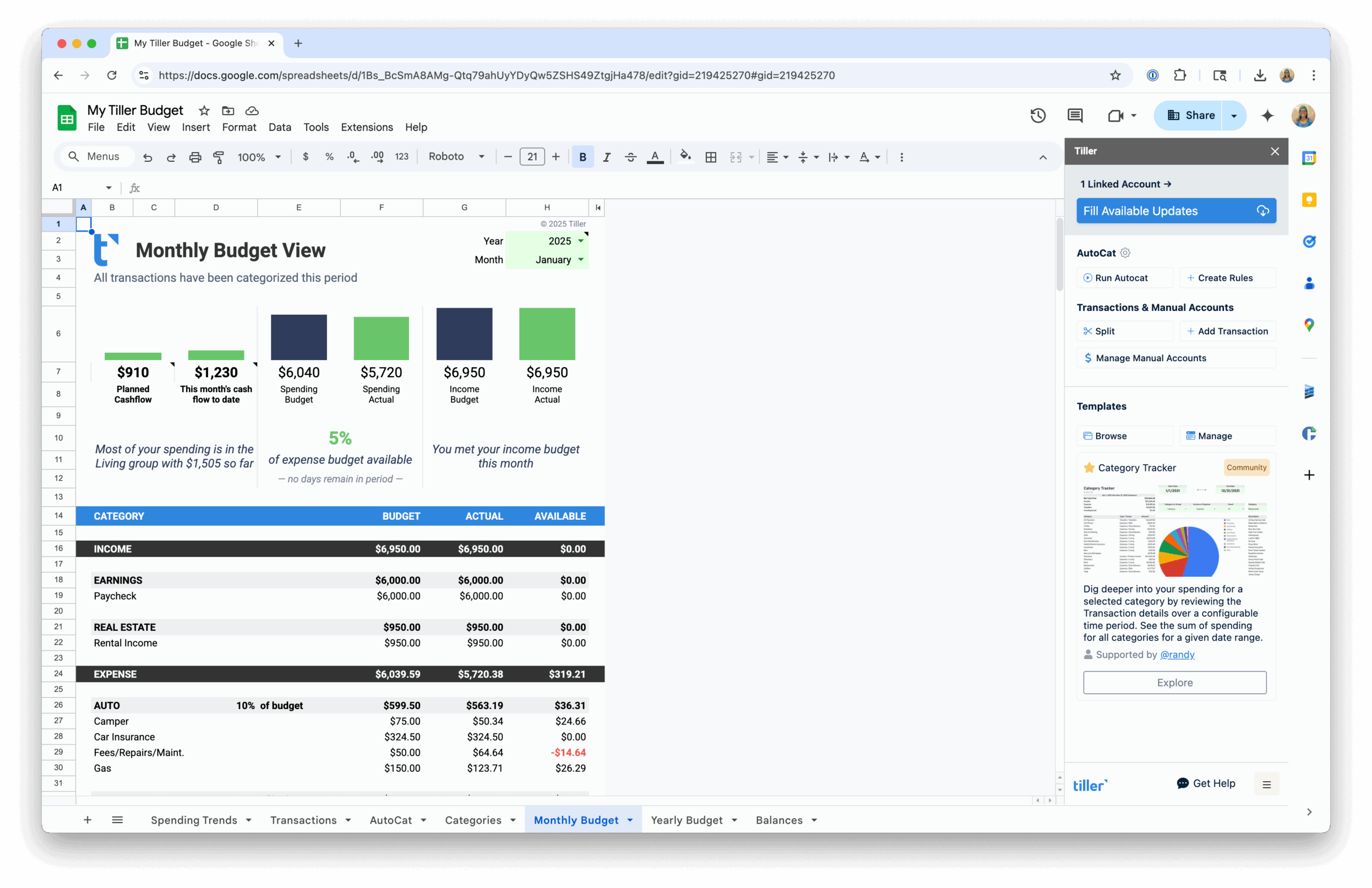
If you’re not sure where to start, the best-of guides in this hub — particularly the free personal finance templates roundup and the Google Sheets-specific list — do the sorting work for you. They identify which templates are actually worth using and why, saving you the time of downloading and testing a dozen options yourself.
Looking for a Specific Template Type?
If you need templates for a particular area rather than a full collection, the other hubs in this Resource Center cover each topic individually:
- Budget Spreadsheet Templates — Monthly budget templates, annual trackers, and automated options.
- Net Worth & Financial Tracking Templates — Net worth trackers, retirement planners, cash flow templates, and long-term tracking sheets.
- Debt Payoff Spreadsheet Templates — Debt trackers, loan payoff calculators, and complete debt management toolkits.
