

Tiller Resource Center > Spreadsheet Templates
Debt Payoff Spreadsheet Templates
Free spreadsheet templates for tracking debt balances, calculating payoff timelines, and staying on top of your progress — in Google Sheets or Excel.
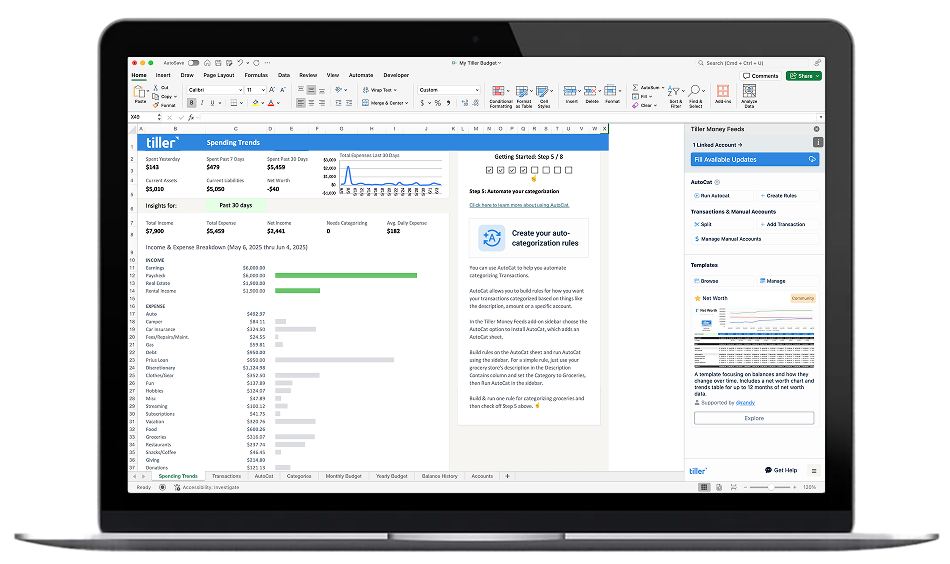
Getting out of debt is partly a math problem and partly a motivation problem. A good spreadsheet template helps with both.
On the math side: a debt payoff spreadsheet shows you exactly how long it will take to pay off each balance at your current payment, how much interest you’ll pay along the way, and how much faster you’d get there with extra payments. This makes abstract goals concrete. Instead of “I want to pay off my credit cards,” you specify a specific date and payment amount.
On the motivation side: tracking your balances month by month and watching the numbers fall creates a feedback loop that keeps you moving. Many people find that the visibility alone — knowing exactly where they stand and how far they’ve come — makes a significant difference in follow-through.
The templates in this hub cover the full range: single loan payoff calculators, multi-debt trackers, and complete debt management toolkits built for either the debt snowball (smallest balance first) or debt avalanche (highest interest first) approach.
Browse the templates:
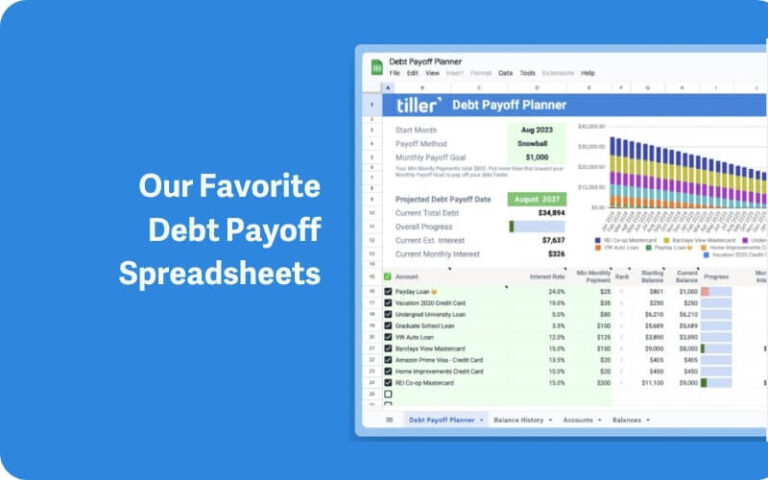
6 Favorite Free Debt Snowball Spreadsheets for 2026
A curated roundup of six free debt snowball spreadsheet templates for Google Sheets and Excel — including options from Tiller, Vertex42, and the personal finance community. Covers how the snowball method works and which template fits which situation.
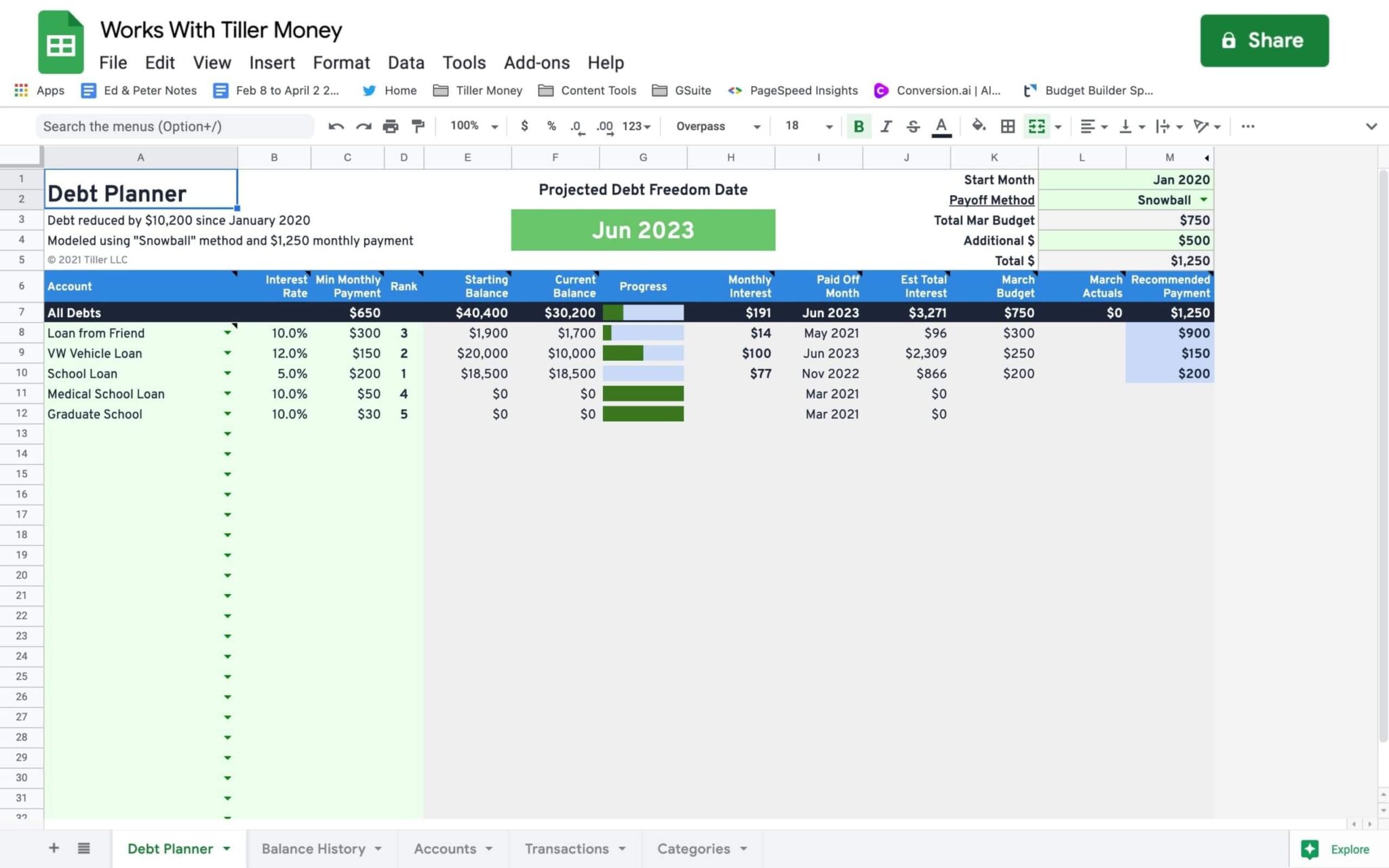
Debt Snowball Spreadsheet and Payoff Planner
A free community-built template that tracks multiple debts and supports snowball, avalanche, or custom payoff strategies. Projects your debt-free date and suggests monthly payment distribution. Requires a Tiller account — installable via the Community Solutions add-on for Google Sheets.
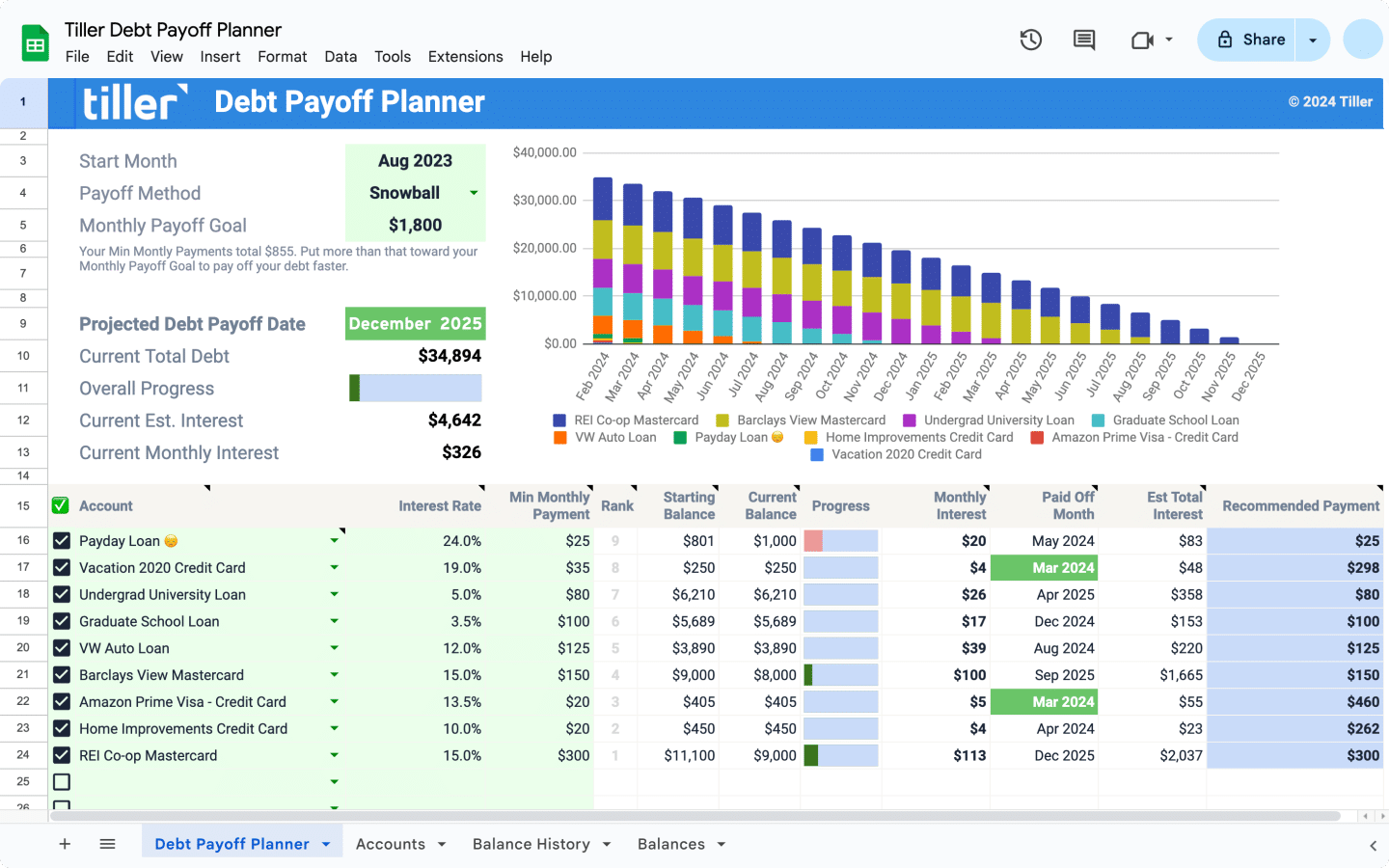
Debt Payoff Planner for Google Sheets and Excel
Tiller’s official debt payoff template for Google Sheets and Excel. Tracks multiple debts, supports snowball and avalanche strategies, and connects to Tiller’s automated bank feed so balances update daily without manual entry. Includes progress visualization and what-if scenario modeling.
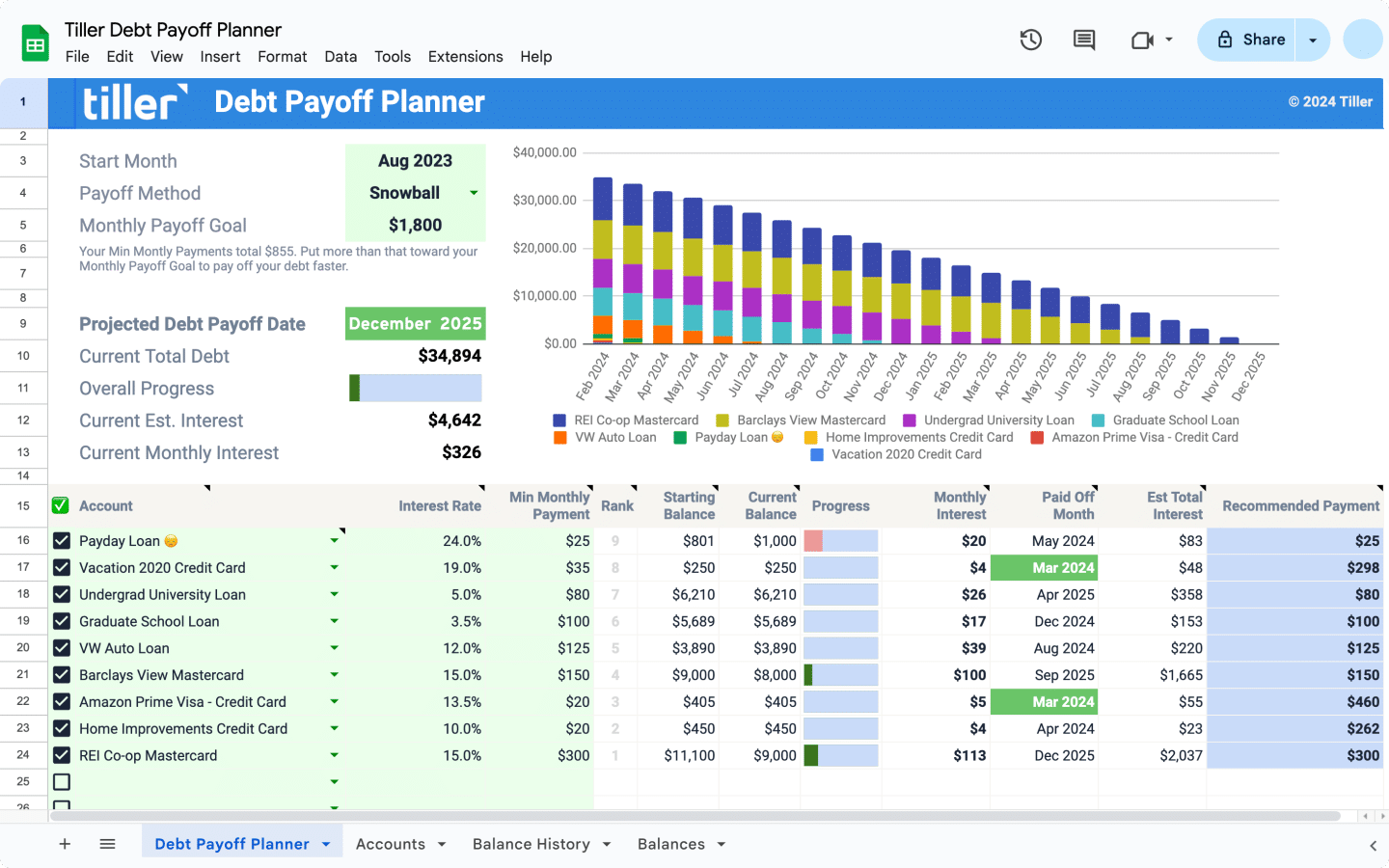
The Only Automated Debt Payoff Planner for Google Sheets and Excel
An automated debt payoff planner that connects directly to your bank accounts through Tiller. Tracks liabilities automatically, supports multiple payoff strategies, and models debt-free timelines based on your actual balances and payment amounts.

Loan Payoff Tracking Spreadsheets
Templates for tracking individual loan payoff progress — student loans, auto loans, personal loans, mortgages. Enter your balance, interest rate, and monthly payment to see your payoff date and total interest cost.

Complete Debt Payoff Spreadsheet Toolkit
A comprehensive debt management toolkit for people paying off multiple debts. Includes a debt inventory sheet, snowball and avalanche calculators, payment tracker, and progress dashboard — all in one coordinated spreadsheet system.

Debt Avalanche Planner Spreadsheet
A free Google Sheets spreadsheet for tracking debt payoff using the avalanche method — highest interest rate first. Includes payoff timeline calculator, interest savings estimate, and monthly progress tracking.
Debt Snowball vs. Debt Avalanche: Choosing a Strategy
If you’re paying off multiple debts, the order you pay them off in matters — both mathematically and psychologically.
The debt avalanche approach targets the highest-interest debt first. Mathematically, this minimizes the total interest you pay over time, which means you get out of debt faster and spend less money overall. For people who are motivated by cold math, this is usually the optimal choice.
The debt snowball approach targets the smallest balance first, regardless of interest rate. You pay off small debts quickly, which generates early wins and momentum. Research suggests many people are more likely to stick with a payoff plan when they see progress early — and for them, the slight mathematical inefficiency is worth the motivational benefit.
The templates in this hub support both approaches. The debt payoff toolkit includes side-by-side calculators so you can see exactly how much each strategy costs in your specific situation before committing. Most people find the difference is smaller than they expect, and the right choice is whichever one you’ll actually follow through on.
Other Template Collections
For templates covering other areas of personal finance:
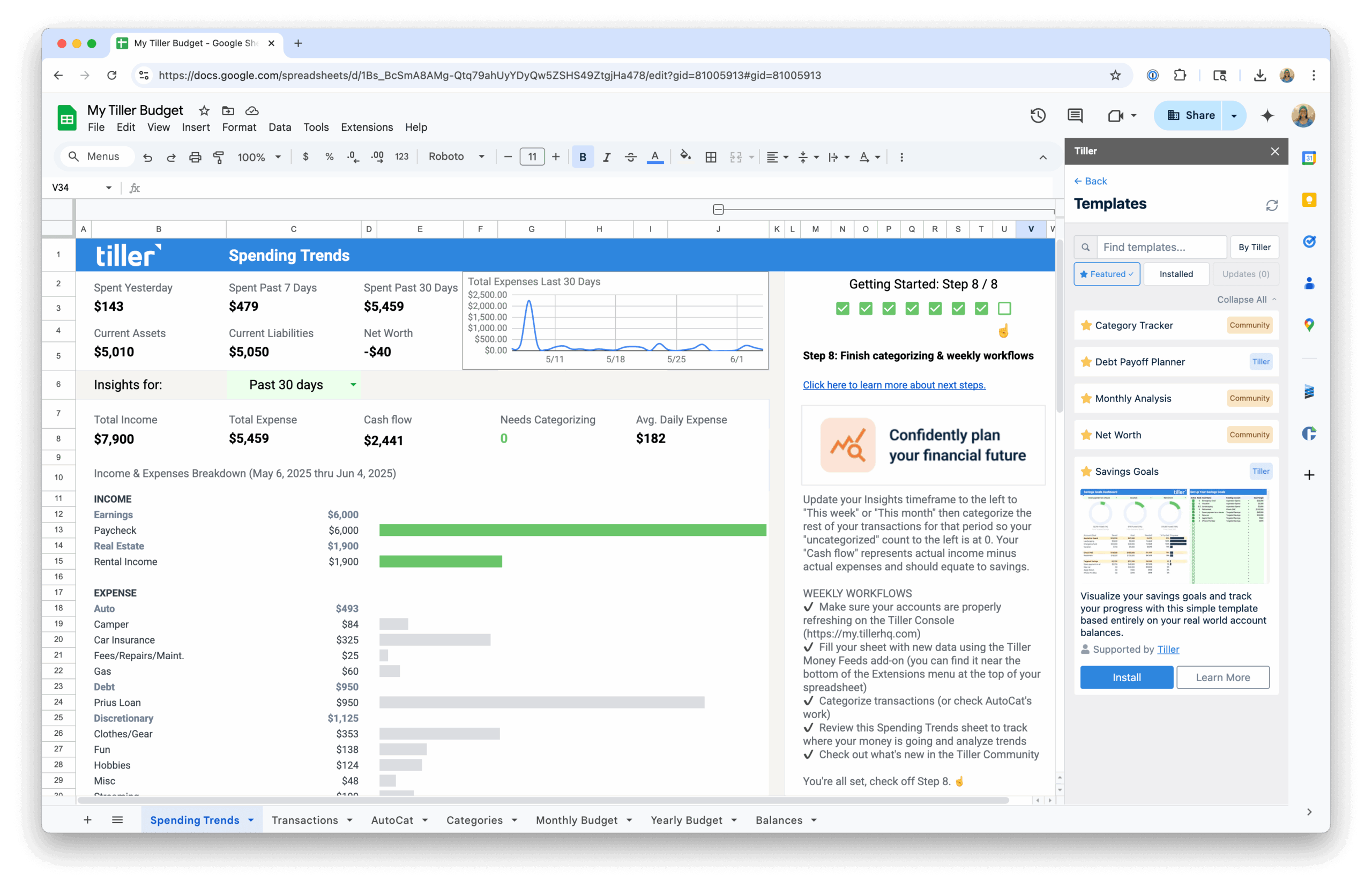
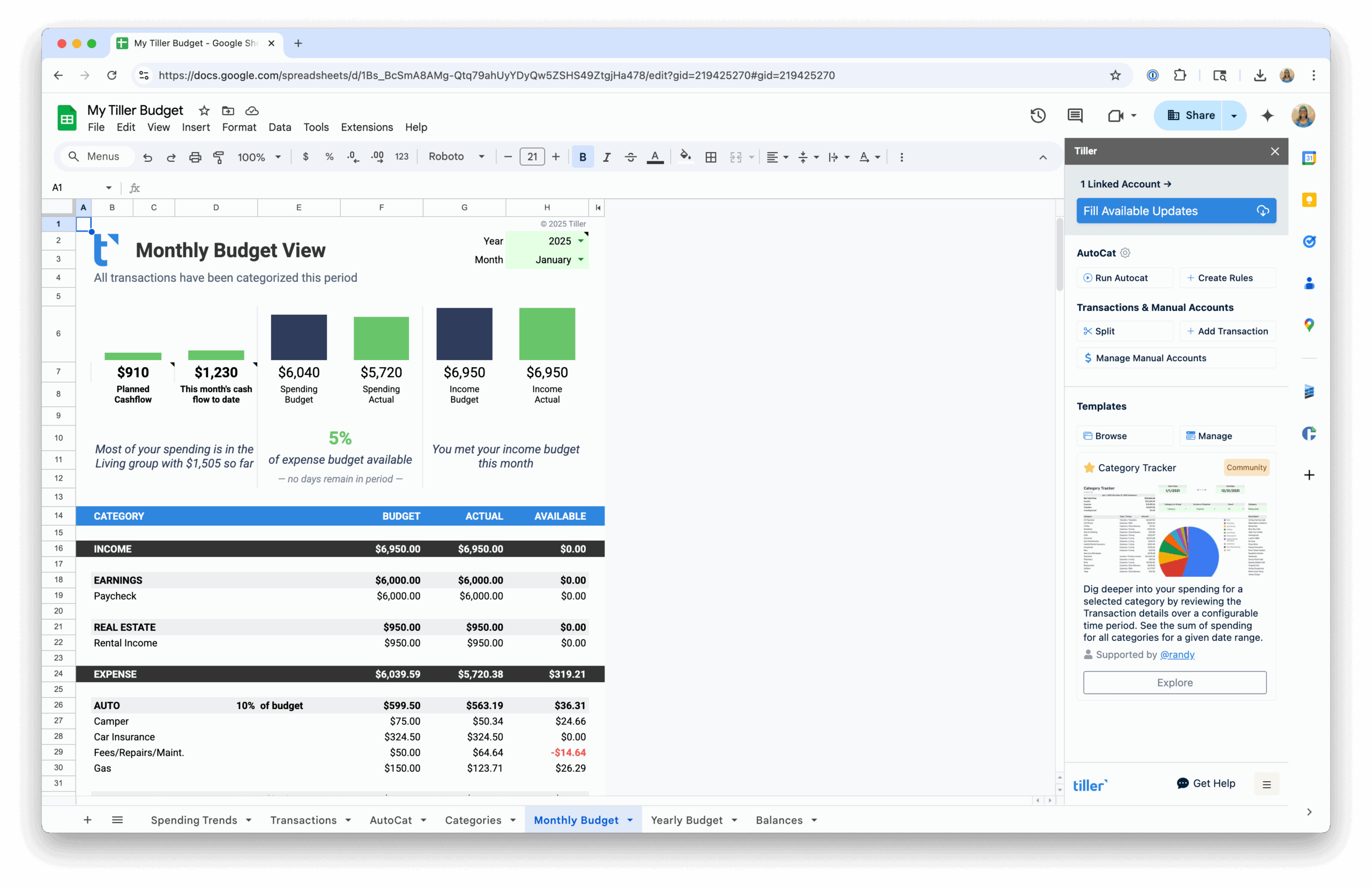
- Budget Spreadsheet Templates — Monthly budget templates, annual trackers, and automated options that connect to your bank accounts.
- Net Worth & Financial Tracking Templates — Templates for tracking net worth, retirement planning, and long-term financial progress.
- Template Collections & Toolkits — Multi-purpose template packs covering budgeting, tracking, and planning in one coordinated set.
