

Tiller Resource Center > Getting Bank Data into Spreadsheets
Export Bank Transactions to a Spreadsheet
How to download transactions from your bank and get them into Google Sheets or Excel—with step-by-step guides for every major institution.
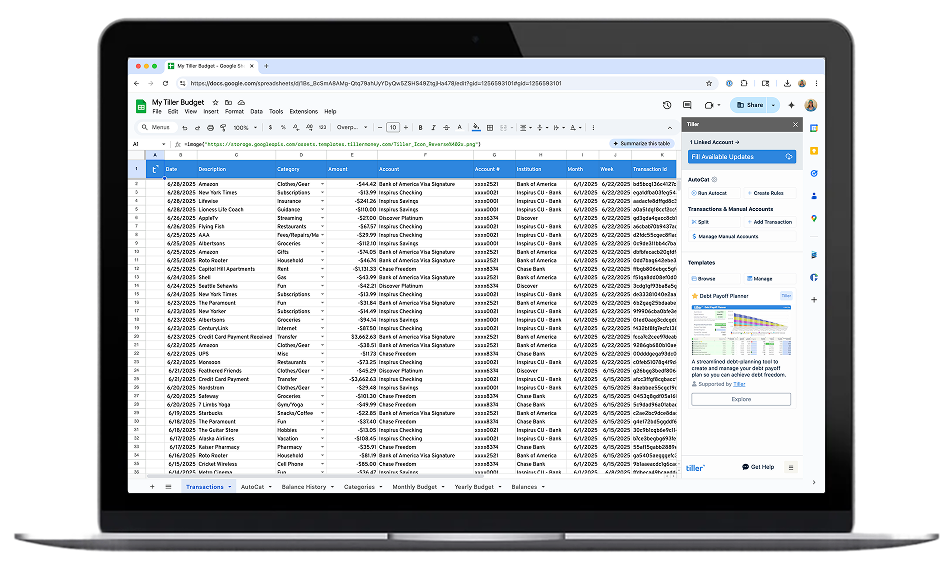
Every major bank lets you export your transaction history—but almost none of them make it obvious. The option is usually buried inside account settings or statement menus, formatted differently at every institution, and labeled something different from bank to bank. Knowing it exists is one thing; actually finding it is another.
Once you have your data, there’s usually more work to do: cleaning up extra header rows, standardizing date formats, merging data from multiple accounts. The process is workable, but it’s not seamless.
This hub collects step-by-step export guides for the banks, credit cards, and financial platforms that people most commonly want to get data from. Each guide walks through exactly where to find the export option, what file format to choose, and how to bring that data into a spreadsheet cleanly. For anyone who wants to skip the manual export process entirely, we’ve also included a pointer to Tiller’s automated approach—which handles all of this automatically, every day.
Find your institution below:

How to Export Chase Bank Transactions to a Spreadsheet
Step-by-step instructions for downloading your Chase checking, savings, or credit card transactions as a CSV file and importing them into Google Sheets or Excel.
How to Export Bank of America Transactions to a Spreadsheet
Where to find the transaction download option in Bank of America’s online banking, which format to choose, and how to clean up the export for use in a spreadsheet.

How to Export Wells Fargo Transactions to a Spreadsheet
A walkthrough for downloading Wells Fargo transaction history and getting it into Excel or Google Sheets with minimal cleanup.

How to Export Capital One Transactions to a Spreadsheet
Step-by-step guide for exporting Capital One credit card or bank account transactions and importing them into your spreadsheet.

How to Export U.S. Bank Transactions to a Spreadsheet
Step-by-step instructions for downloading U.S. Bank account history as a CSV file and getting it into Google Sheets or Excel.

How to Export Truist Bank Transactions to a Spreadsheet
Instructions for downloading Truist Bank statement data and importing it cleanly into Google Sheets or Excel.

How to Export Ally Bank Transactions to a Spreadsheet
Step-by-step guide to exporting Ally Bank transactions as a CSV. Covers all Ally account types including savings buckets and Ally Invest, the 18-month history window, and how to automate Ally tracking with Tiller.

How to Export Citibank Statements into Microsoft Excel and Google Sheets
Step-by-step guide to exporting Citi credit card and Citibank bank account transactions as a CSV. Covers both product lines, the split Debit/Credit column format and how to fix it, and how to automate Citi tracking with Tiller.

How to Export PNC Bank Transactions to a Spreadsheet
Step-by-step guide to exporting PNC transactions as a CSV. Covers PNC checking, savings, and credit card accounts, where the download option sits in PNC Online Banking, choosing the right file format, and how to automate PNC tracking with Tiller.

How to Export Discover Transactions to a Spreadsheet
Step-by-step guide to exporting Discover credit card and Discover Bank account transactions as a CSV. Covers both product lines, the 7-year credit card history window, Discover’s pre-categorization feature and how to use it, and how to automate Discover tracking with Tiller.

How to Export PayPal Transaction History to a Spreadsheet
A guide to downloading your PayPal activity report and getting that data into Excel or Google Sheets.
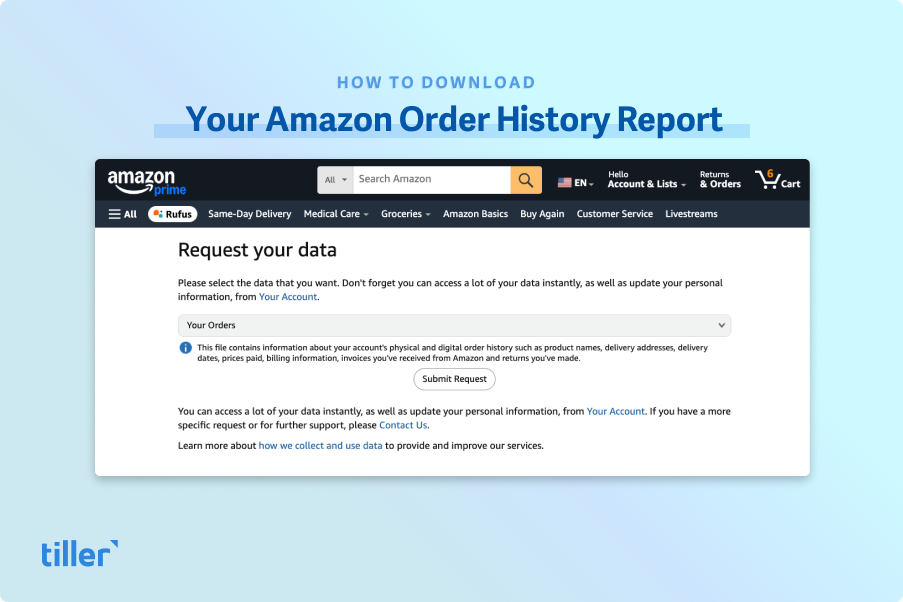
How to Download Your Amazon Order History Report (Updated for 2026)
How to download your complete Amazon order history, returns, and digital purchases as separate spreadsheet files. Includes a walkthrough for using Tiller’s Import CSV Line Items workflow to compile all files into one sheet.
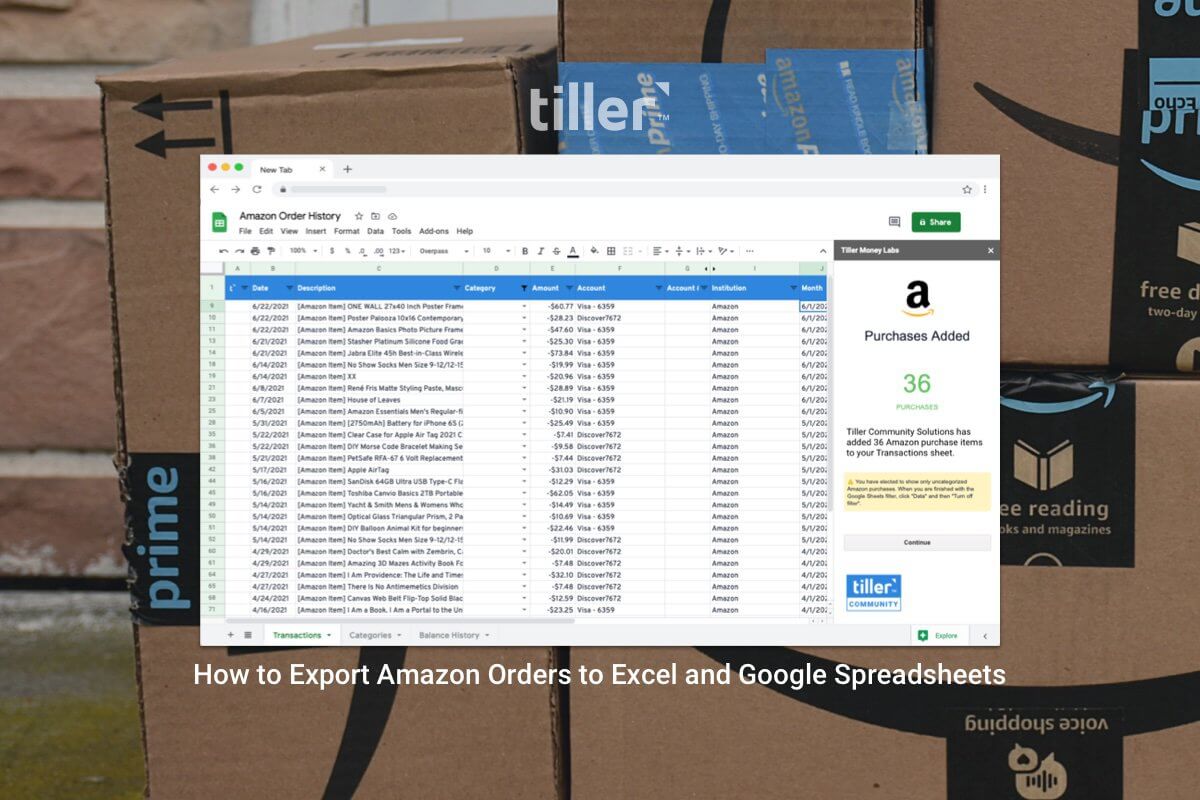
How to Export Amazon Orders to Excel and Google Spreadsheets (Updated for 2026)
A step-by-step guide to downloading your Amazon order history as a CSV and importing it into Google Sheets or Excel. Includes instructions for using Tiller’s CSV Importer to itemize and categorize orders.

Answering “How Much I Spend on Amazon?”
How to track and analyze your total Amazon spending using Tiller-powered Google Sheets — including a method for separating essential purchases from discretionary spending using AutoCat.
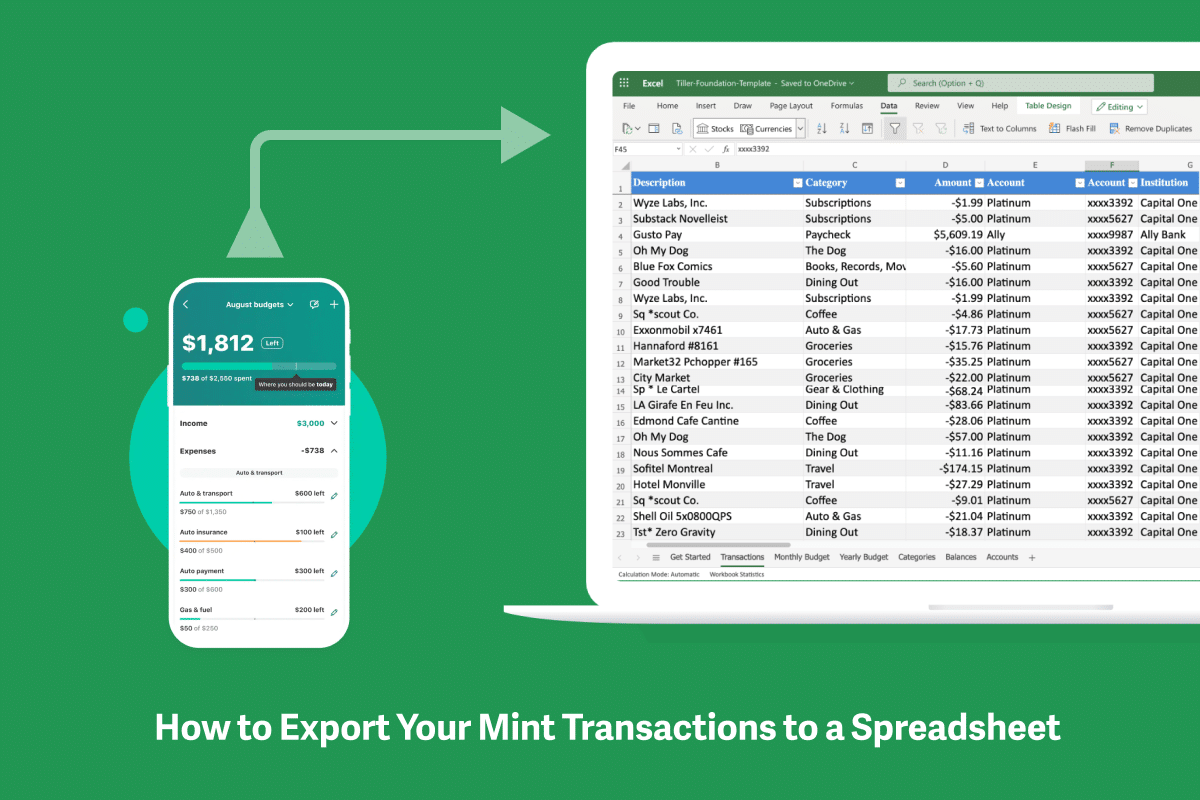
How to Export Your Mint Transaction Data to Google Sheets
For Mint users who want to migrate their history or continue tracking in a spreadsheet—a step-by-step guide to getting your Mint data out and into a sheet.
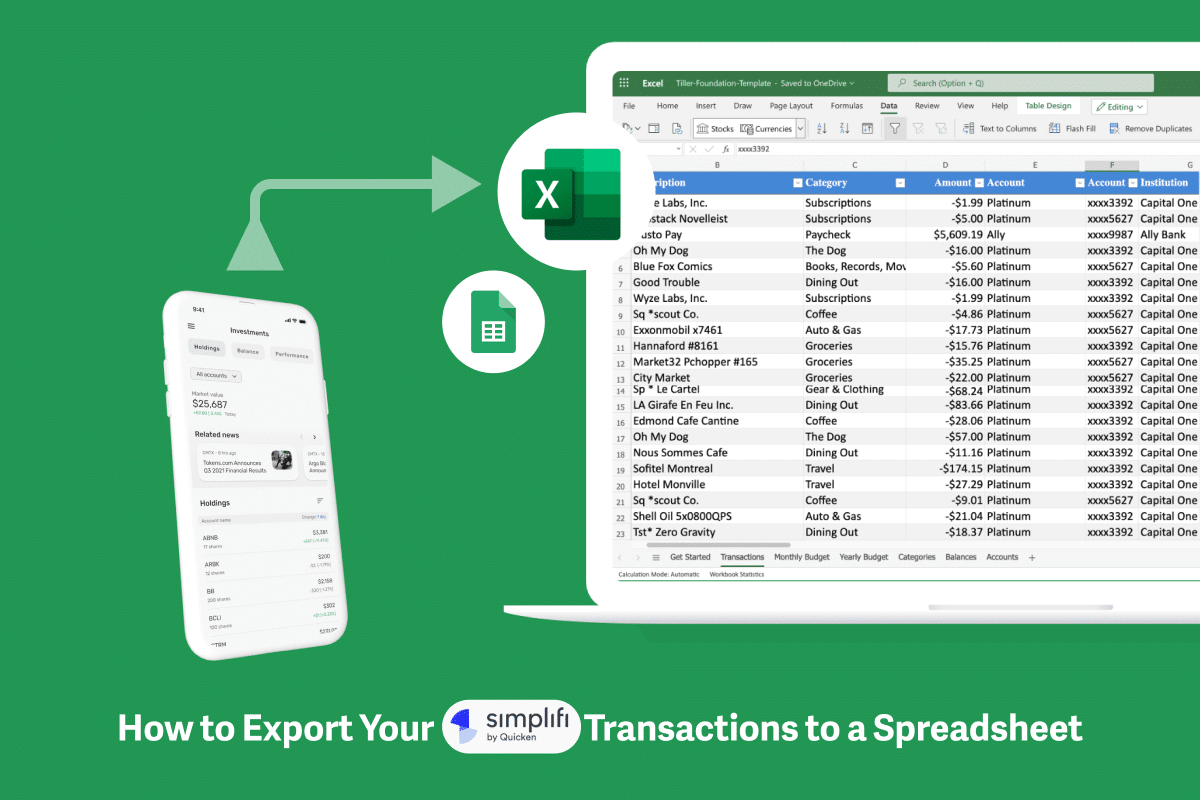
How to Export Simplifi Transactions to a Spreadsheet
Step-by-step instructions for exporting your Simplifi transaction history and importing it into Google Sheets or Excel.
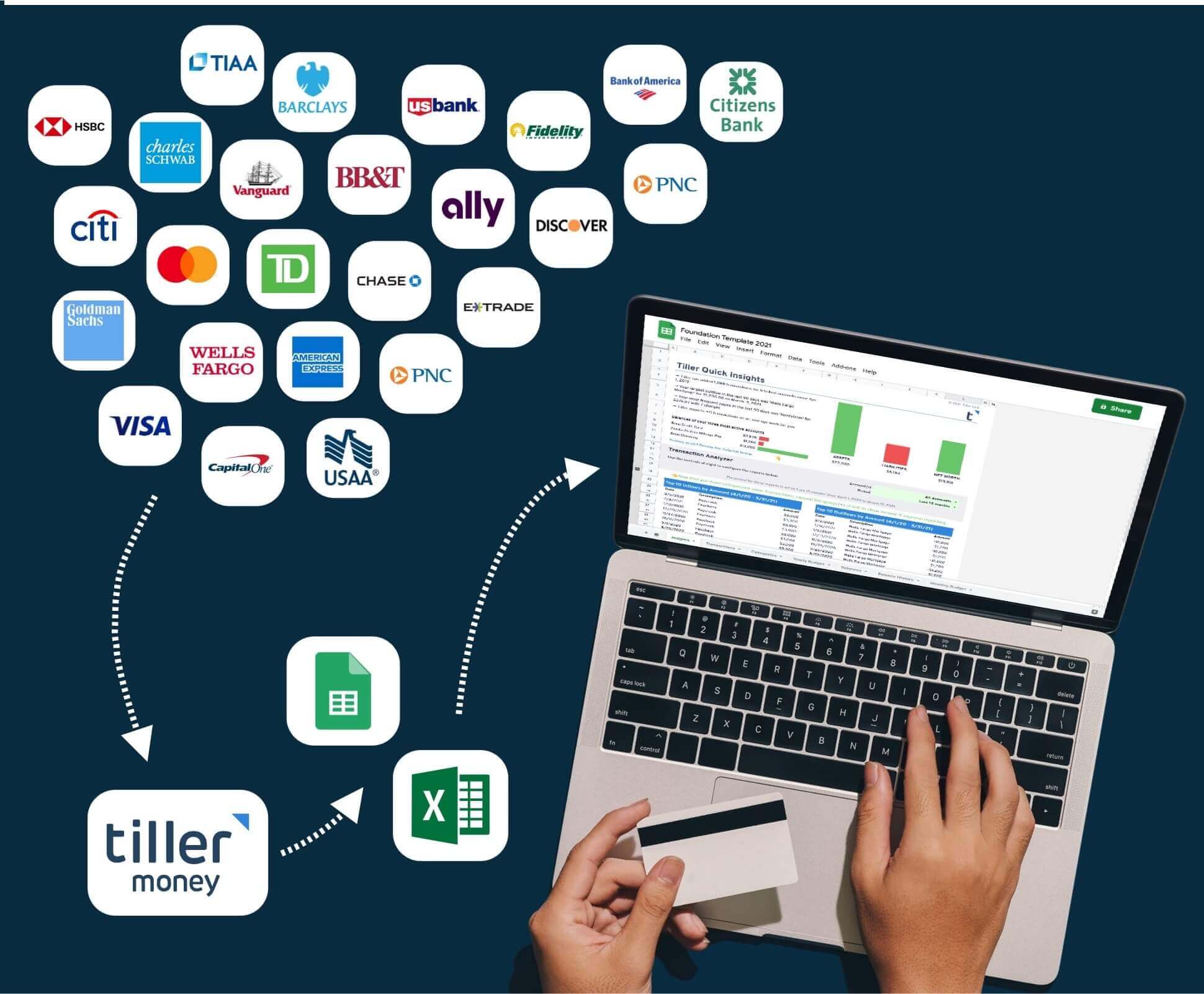
How to Import Bank Transactions into a Spreadsheet
Once you have your export file, this guide walks through the cleanest way to import it—handling format issues, merging multiple files, and setting up a transaction sheet that works.
Why Manual Exports Exist—and When to Move Past Them
Manual bank exports are useful in specific situations: pulling a one-time history for a new spreadsheet, getting transaction data from an account that doesn’t support automation, or migrating records from a different tool. Every guide in this hub covers that process clearly so you can get your data when you need it.
But manual exports have a ceiling. Each one requires logging into your bank, finding the right menu, selecting a date range, downloading a file, and cleaning it up before it’s usable in your spreadsheet. If you’re managing multiple accounts or want current data more than occasionally, the process starts to cost more time than it saves.
Tiller’s automated bank feed solves this. Connect your accounts once and transactions flow into your Google Sheets or Excel spreadsheet every morning—already formatted, no downloads required. The institution-specific guides on this page will help you with one-time data pulls; Tiller handles the ongoing updates automatically.
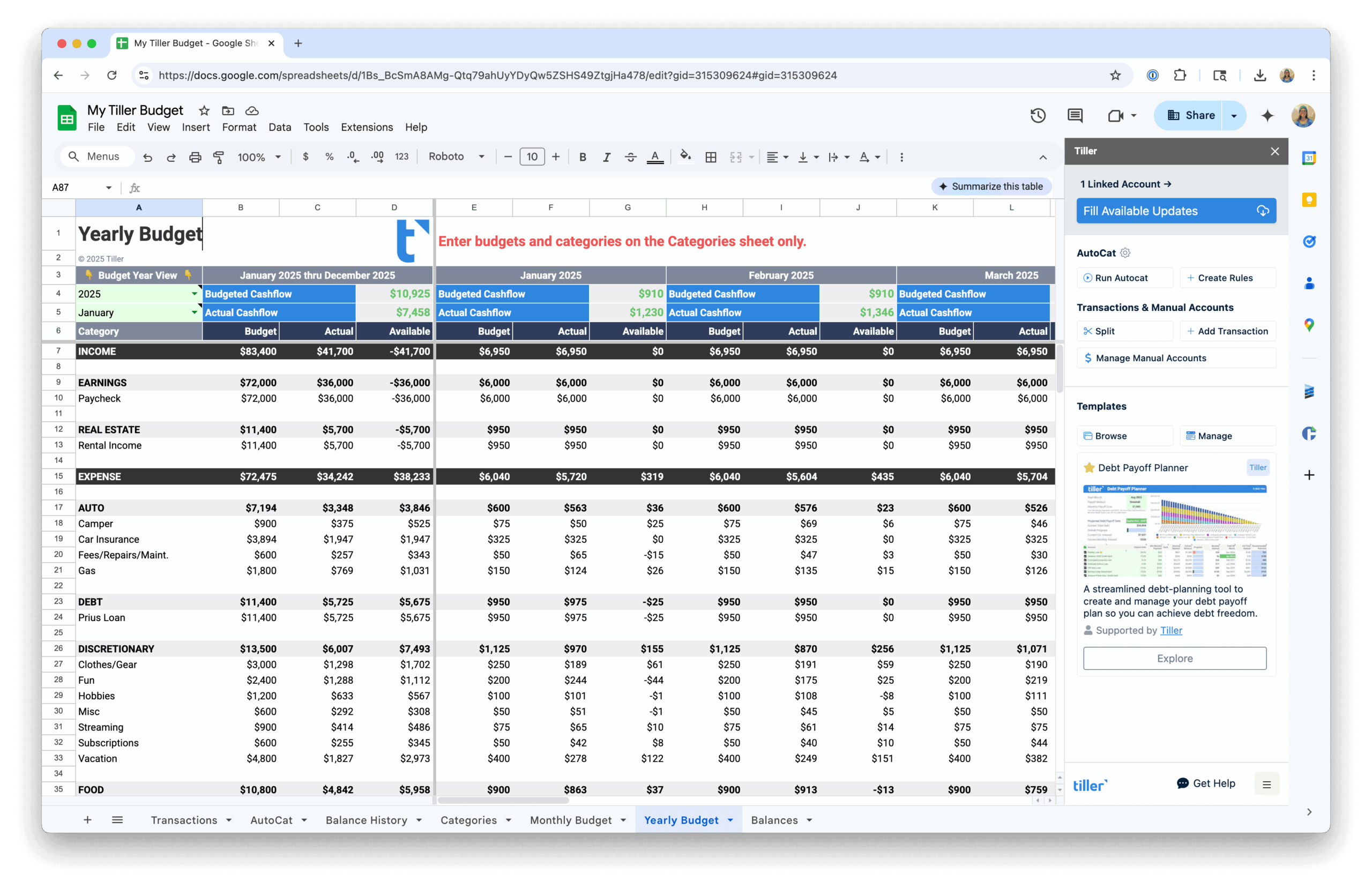
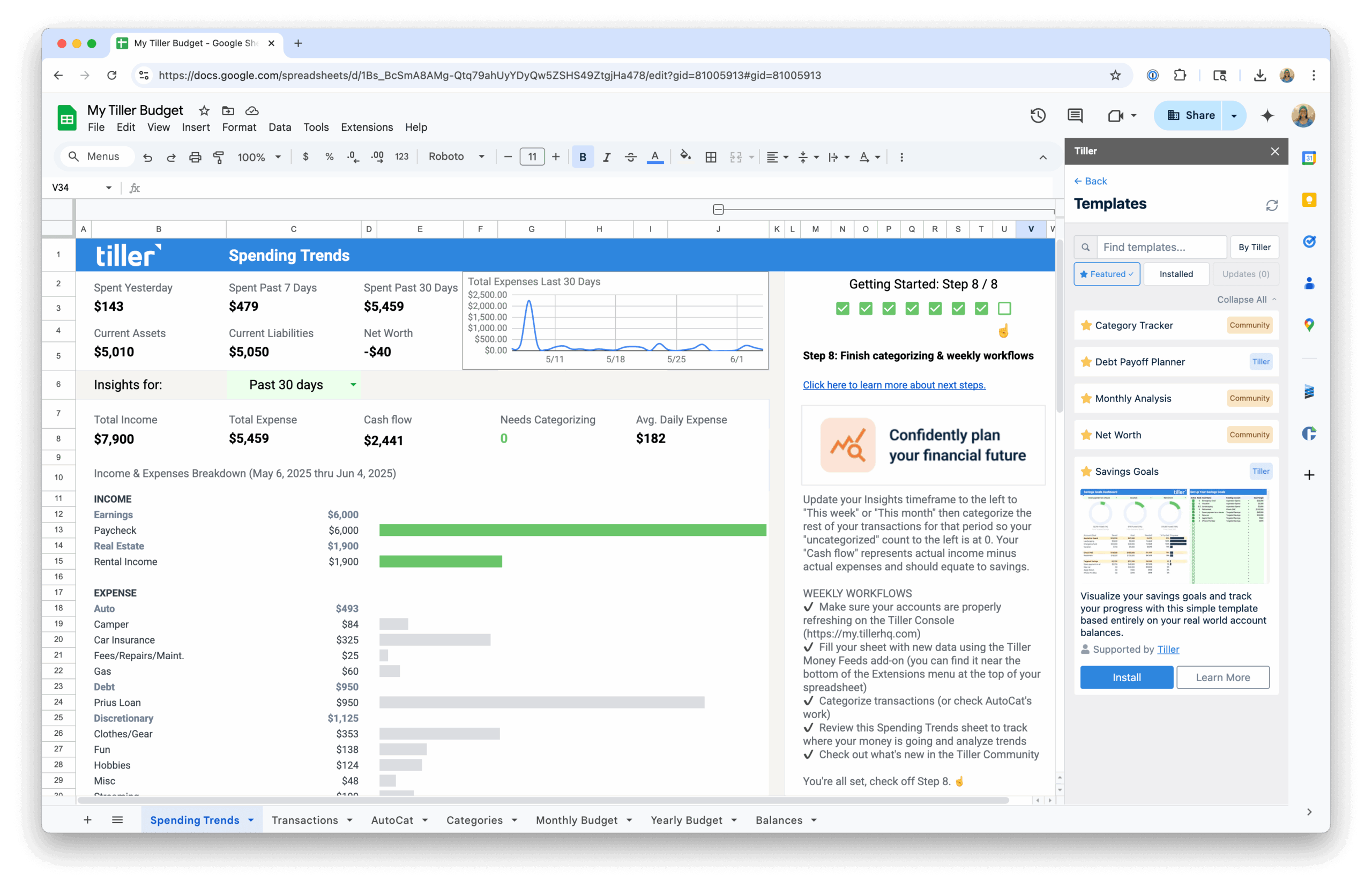
Want to connect bank accounts to a spreadsheet?
If you’d rather skip the manual download process and have your bank transactions update your spreadsheet daily without any action on your part, the automation hub covers exactly that.
- How to connect your bank accounts to a spreadsheet — How to connect your bank accounts to a spreadsheet so transactions sync automatically every day.
