

Tiller Resource Center > Spreadsheet Templates
Budget Spreadsheet Templates
Free and automated budget templates for Google Sheets and Excel—from simple monthly trackers to complete systems connected to your bank accounts.
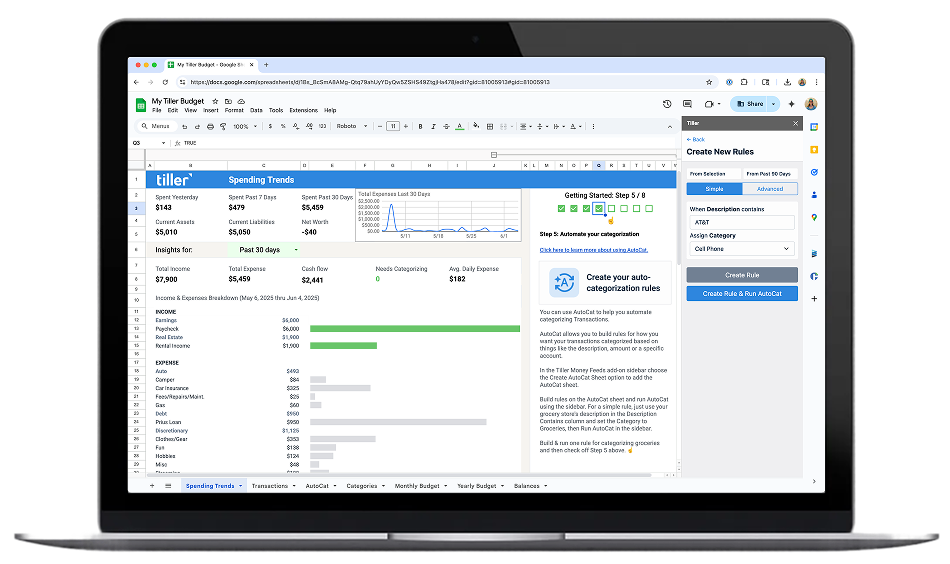
A budget template gets you started fast. Instead of building a spreadsheet from scratch—deciding which categories to use, how to structure income and expenses, what formulas to write—you start with a working structure and adapt it to your situation.
The best budget templates do more than provide a layout. They include formulas that calculate totals automatically, structures that make overspending visible at a glance, and enough flexibility that you can add categories, change labels, or adjust the layout without breaking anything.
This hub collects templates across two main types: free standalone templates you can download and use immediately (manual data entry required), and Tiller-connected templates that link to your bank accounts and update automatically with daily transaction data. The right choice depends on how often you want to update your budget and how much manual work you’re willing to do.
All templates here work in Google Sheets or Microsoft Excel. Browse our free Google Sheets budget templates or free Excel budget templates for downloadable options, or explore Tiller’s Foundation Template for a fully automated version connected to your bank accounts
Browse the templates:
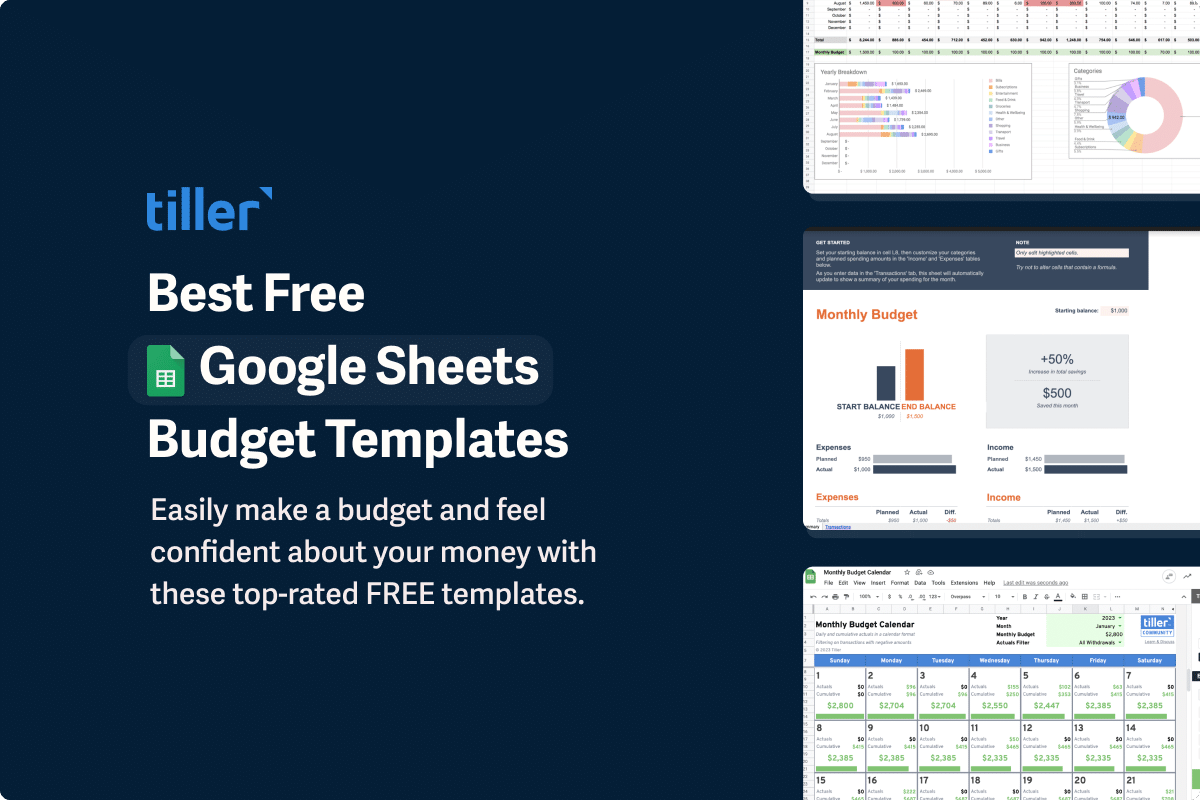
Our 11 Favorite Free Google Sheets Budget Templates for 2026
A curated roundup of the best free Google Sheets budget templates for 2026 — from simple monthly trackers to zero-based budgets and Tiller-powered automated options.
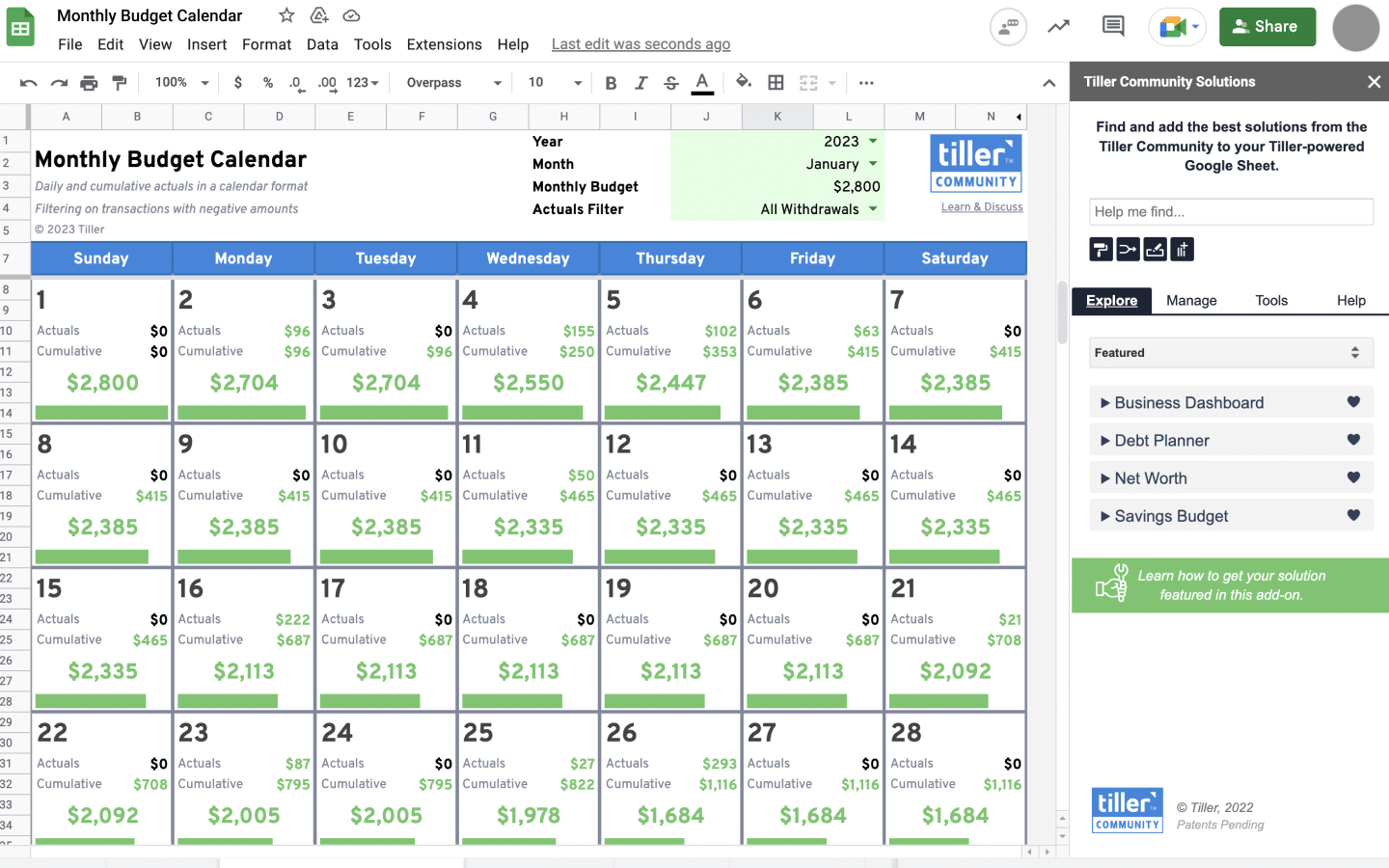
Track Your Daily Spending on a Monthly Budget Calendar
A minimalist daily spending tracker for Google Sheets and Excel. Set a monthly target, track daily spending, and see what’s left — updated automatically with Tiller.
Here are Reddit’s Top Recommended Budget Spreadsheets (Updated 2026)
The most highly recommended free budget spreadsheets from Reddit’s personal finance communities — including Aspire Budgeting and other community favorites.

The 10 Best Household Budget Templates for 2026
A review of the best household budget templates for 2026, including options for families, couples, and single-income households in both Google Sheets and Excel.
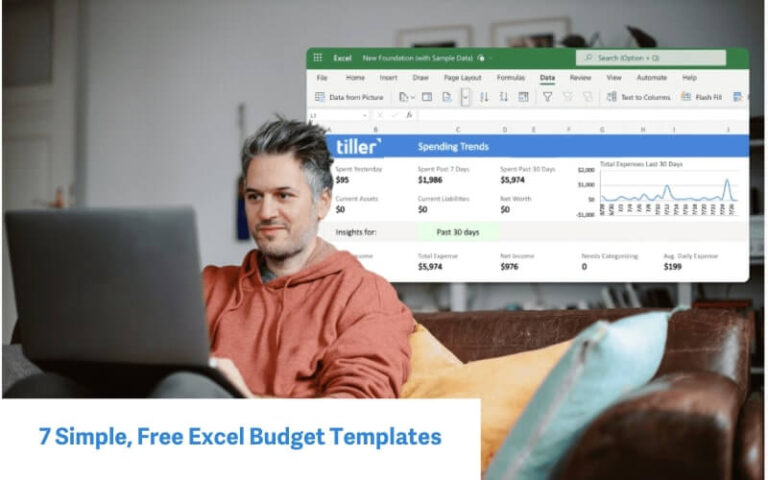
7 Favorite, Free Excel Budget Templates for 2026
The best free Excel budget templates for 2026 — including the only automated Excel budget workbook officially recommended by Microsoft.
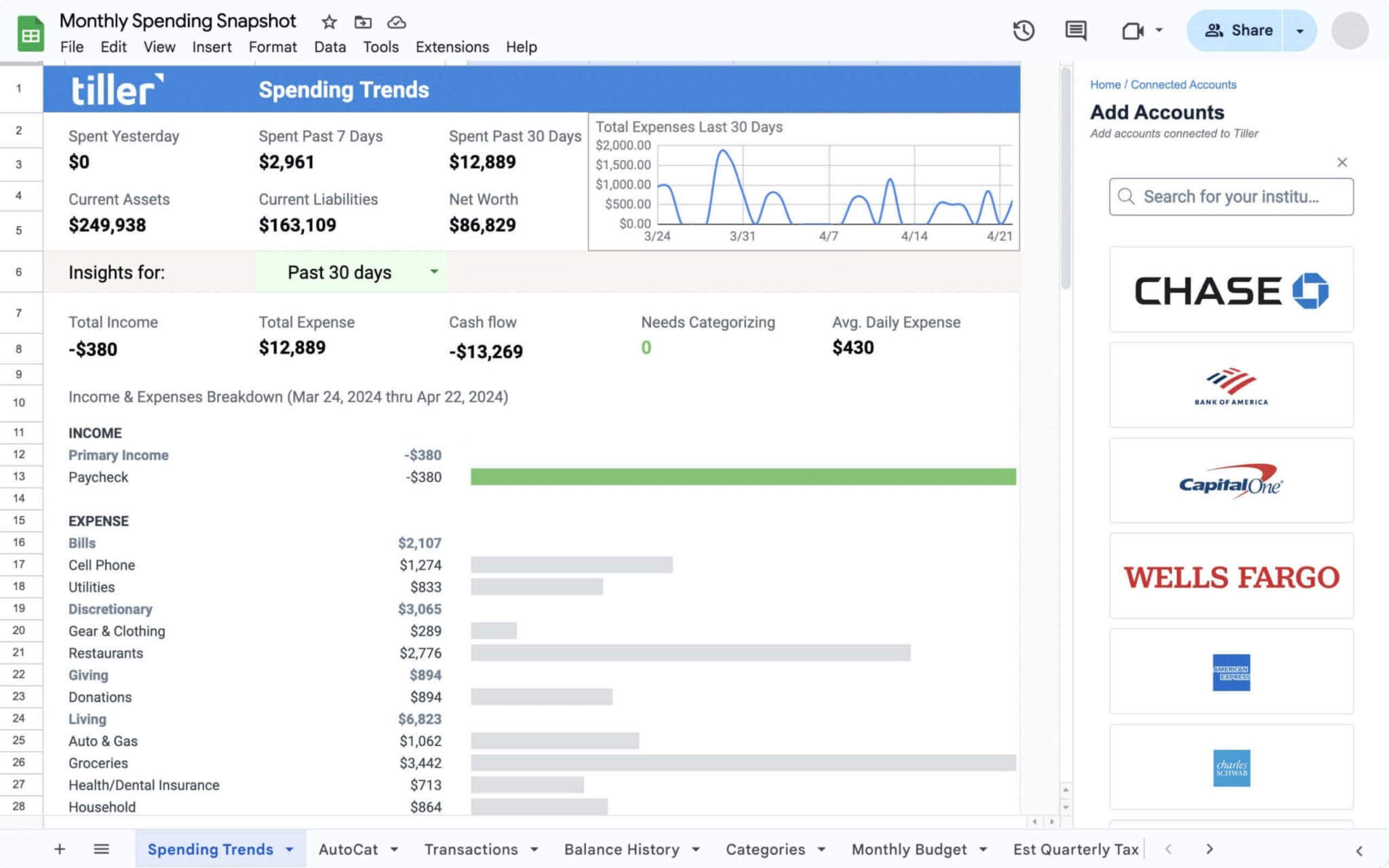
The Only Automatic Expense Tracker for Google Sheets and Excel
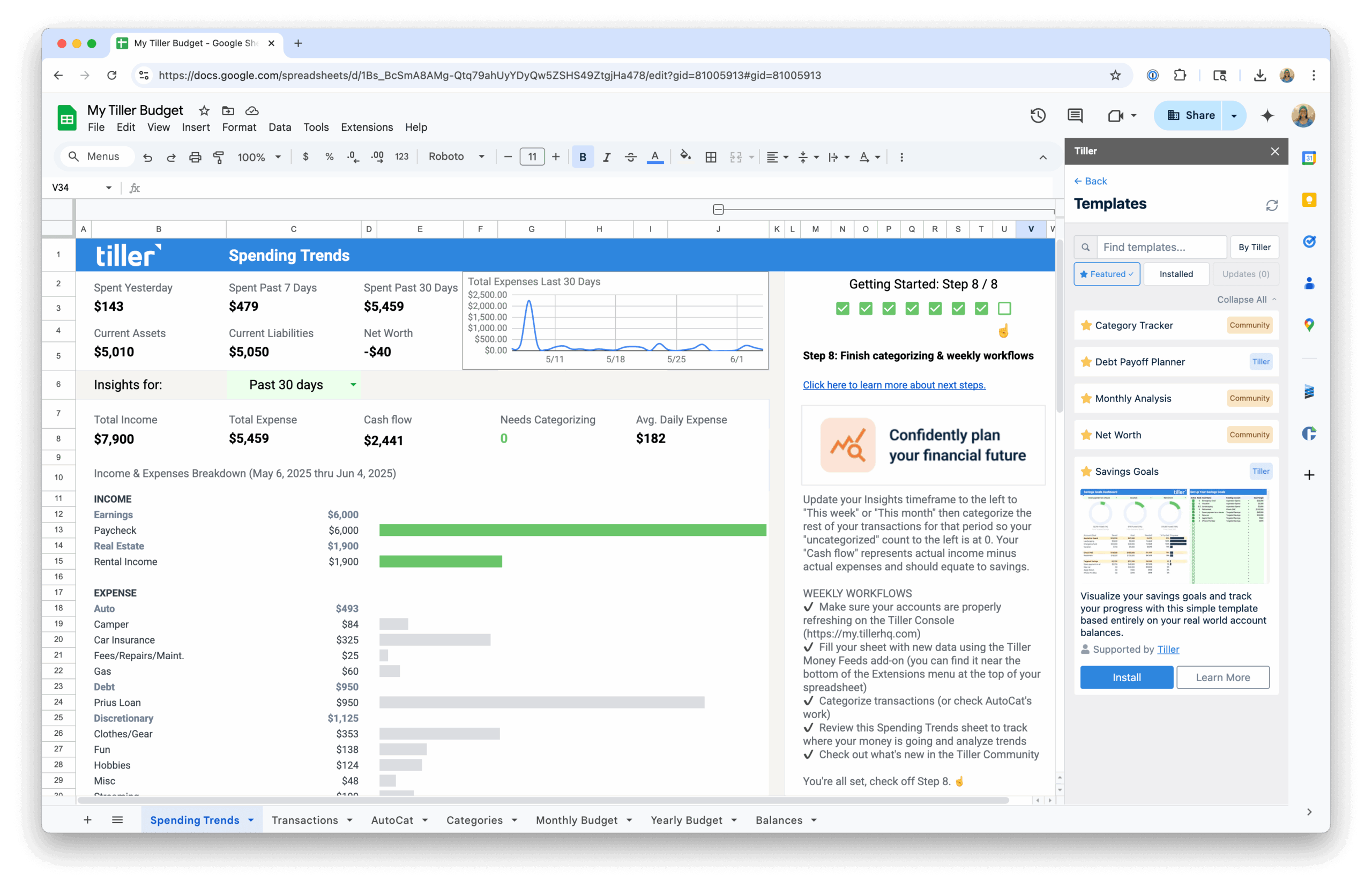
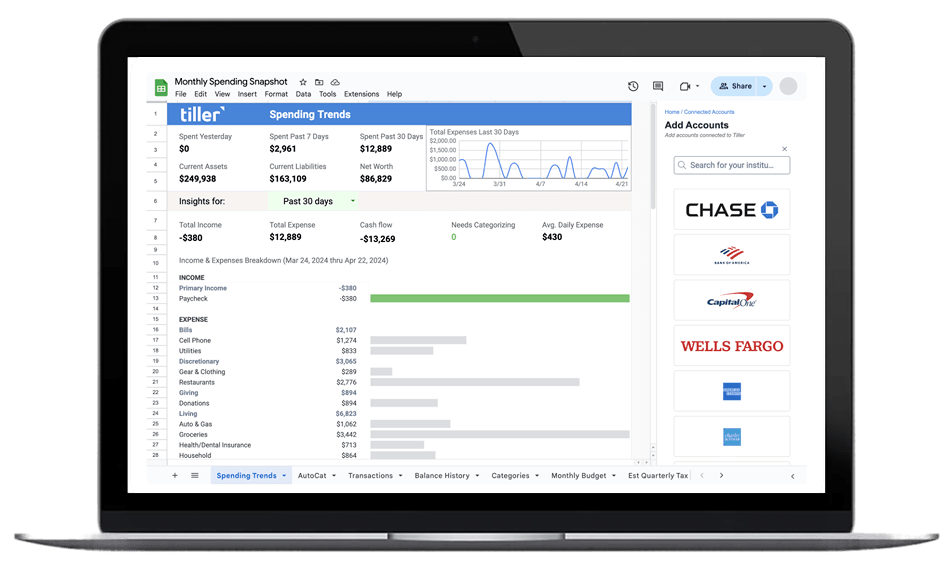
How Tiller’s Foundation Template works as an automatic expense tracker — daily transaction imports, category tracking, and budget vs. actual in one connected spreadsheet.
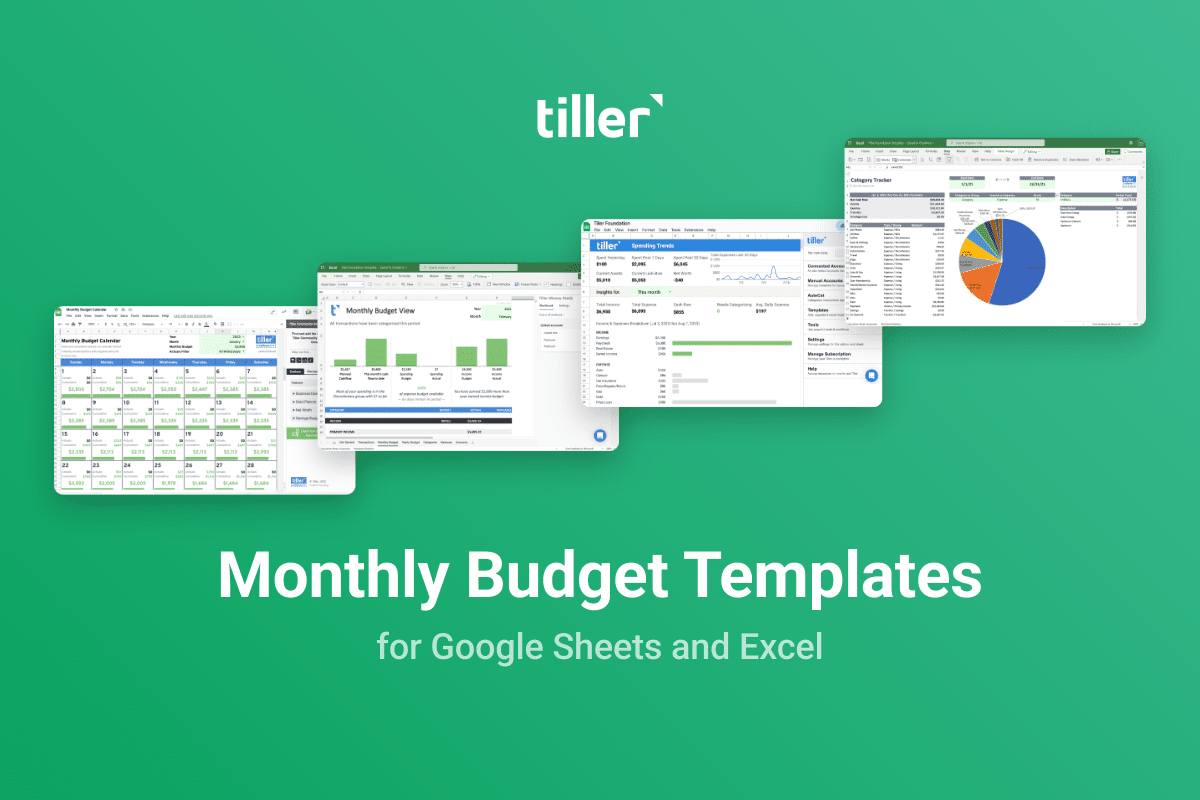
Best Free Monthly Budget Templates for 2026
A comprehensive guide to the best free monthly budget templates for 2026 across Google Sheets and Excel, with recommendations for different budgeting styles.

8 Best Free Expense Tracker Templates for 2026
The 8 best free expense tracker templates for Google Sheets and Excel — reviewed and ranked for ease of use, flexibility, and real-world tracking capability.
The Best Budget Spreadsheet Templates for Google Sheets and Excel
A curated overview of the best budget spreadsheet templates — free options, community picks, and automated templates connected to your bank accounts. Organized by budgeting method so you can find the right fit.

Monthly Budgeting Spreadsheets Collection
Templates designed specifically for monthly budgeting — tracking income, spending by category, and what’s left at the end of each month. Includes free Google Sheets and Excel options and automated templates connected to your bank accounts.

Weekly Budget Templates for Google Sheets and Excel
Weekly budget spreadsheet templates for Google Sheets and Excel — for people paid weekly or bi-weekly, or anyone who wants tighter spending visibility than monthly budgeting provides.
What Makes a Good Budget Template
Not all budget templates are equally useful. The simplest ones—a table with income at the top and expenses below—technically work, but they don’t do much to help you actually manage your money. The best templates have a few things in common.
First, they separate budget from actual. A column for what you planned to spend and a column for what you actually spent—with a difference column that makes overages obvious. This is the core of any functional budget template.
Second, they’re connected to transaction data. Either through automated bank feeds (like Tiller provides) or through an organized manual entry system. A budget with no transaction data is just a list of intentions; a budget with real spending numbers tells you something true.
Third, they’re maintainable. The best template is the one you’ll actually keep up. A template that requires hours of monthly cleanup will be abandoned. Look for clean design, logical category groupings, and formulas that do the heavy lifting so your monthly review takes minutes, not an evening.
Tiller’s Foundation Template checks all of these boxes—and adds automated bank feeds so your transactions appear daily without any manual import work.
Other Template Collections
Budget templates are one part of the Personal Finance Spreadsheet Templates Resource Center. For templates focused on other areas:
- Net Worth & Financial Tracking Templates — Templates for tracking net worth, retirement planning, cash flow, and long-term financial progress.
- Debt Payoff Spreadsheet Templates — Templates for tracking debt balances, planning payoff strategies, and managing loans.
- Template Collections & Toolkits — Multi-purpose template packs and curated collections covering budgeting, tracking, and planning in one place.
