

Tiller Resource Center > Tiller vs. Other Tools
Tiller vs. Popular Budgeting Apps
Honest comparisons between Tiller and the most popular budgeting apps—so you can choose the tool that actually fits how you manage money.
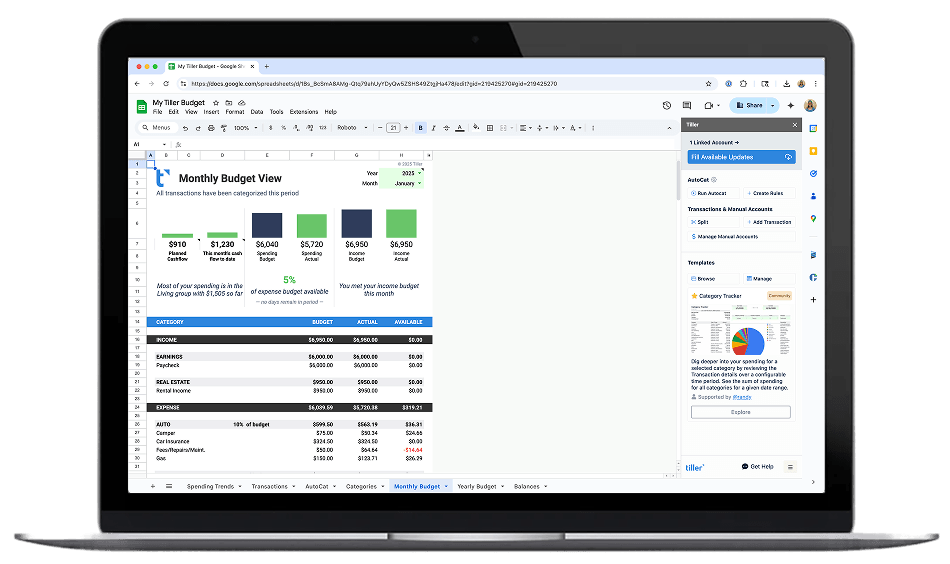
When you’re choosing a personal finance tool, the options are genuinely different—not just in price or interface, but in the underlying approach to how you interact with your money.
Budgeting apps like YNAB, Monarch, and Copilot are designed to be complete, self-contained systems. Everything happens inside the app: your budget, your reports, your goals. The interface is polished and the setup is guided, but you’re working within the structure the app provides.
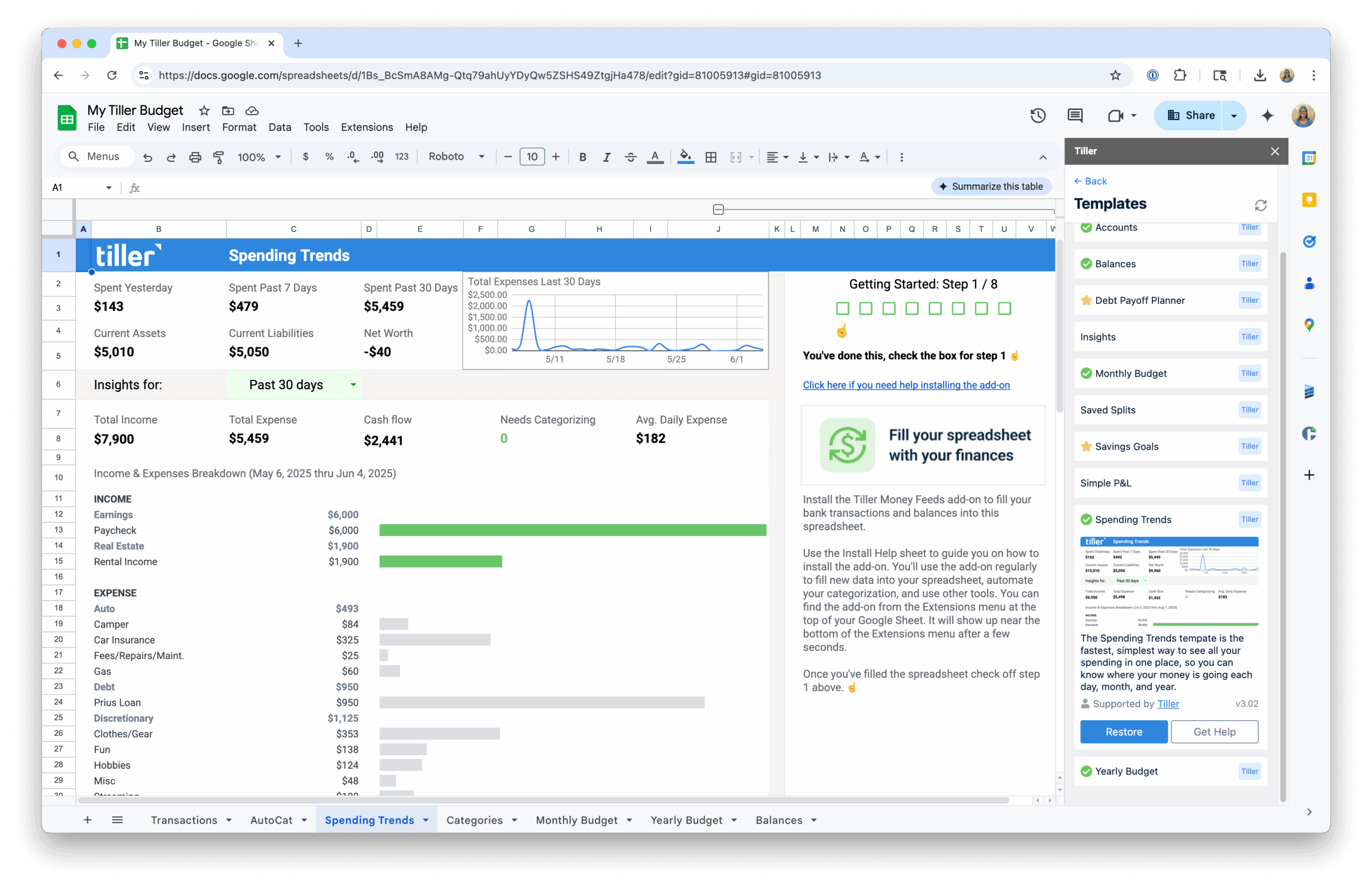
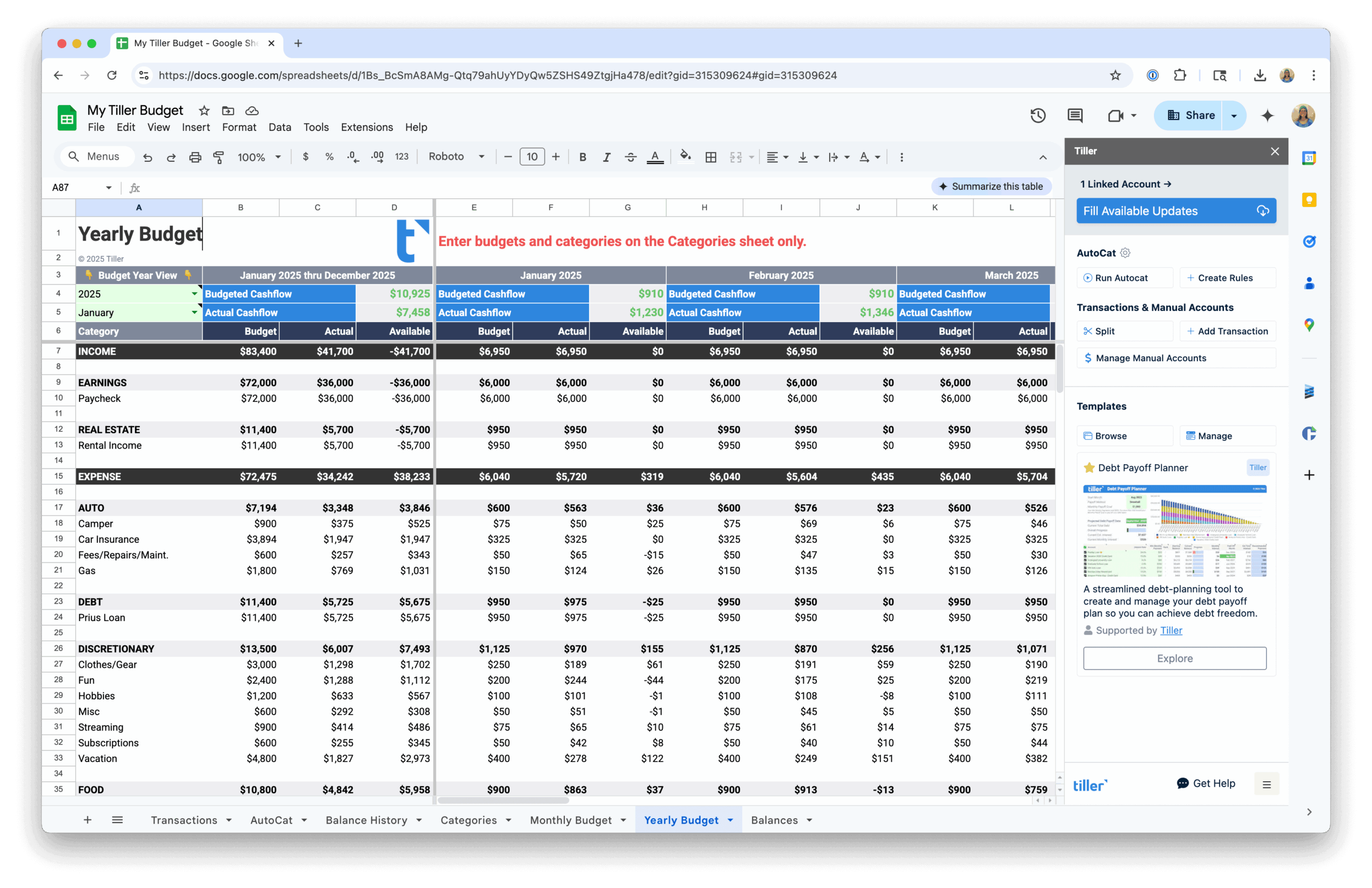
Tiller works differently. It delivers your bank data—daily transactions and balances from all your accounts—directly into Google Sheets or Excel. You build whatever financial system you want on top of that data: your categories, your budget structure, your formulas, your dashboards. More flexibility, more control over how everything is organized, and full ownership of your financial data.
The comparisons in this hub look at specific alternatives side by side. Each guide is honest about who each tool is for—Tiller isn’t the right choice for everyone, and neither is any given app.
Compare Tiller to:
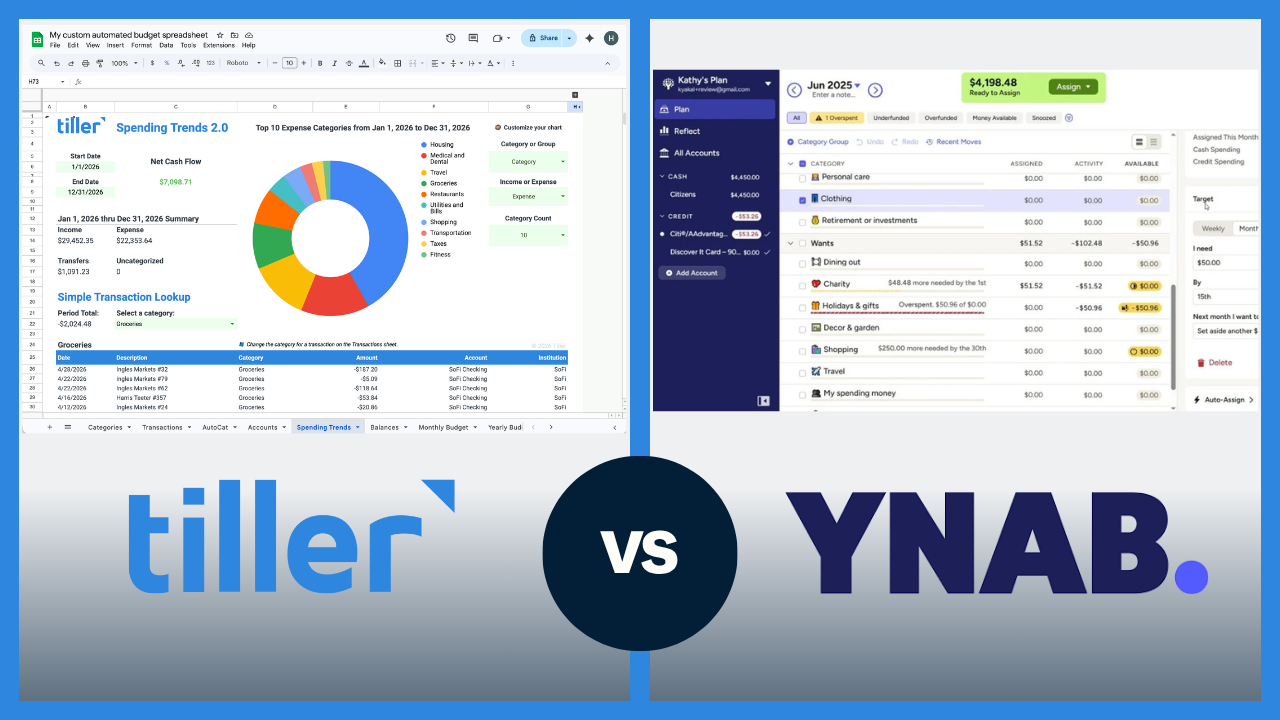
Tiller vs. YNAB
A detailed comparison of Tiller and YNAB covering budgeting approach, pricing, automation, customization, and data ownership — with guidance on which tool fits which type of user.
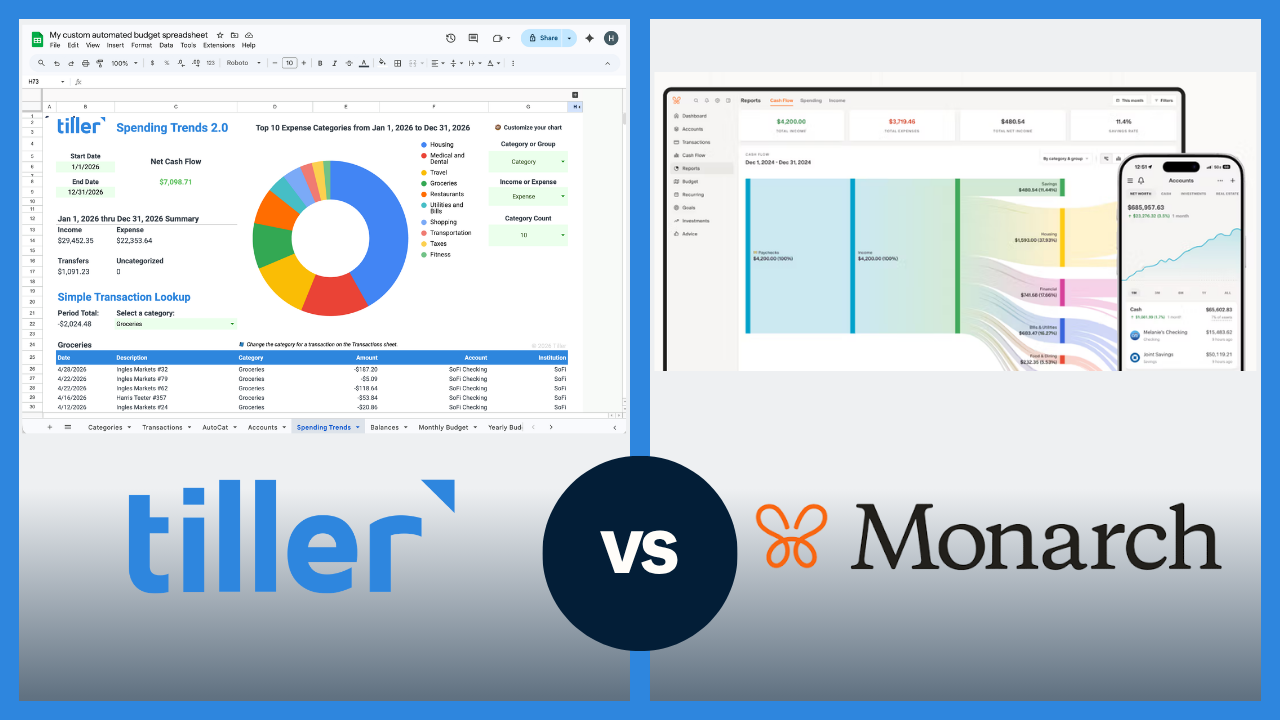
Tiller vs. Monarch
A side-by-side look at Tiller and Monarch Money across key dimensions: bank sync, budgeting depth, collaborative features, customization, and data ownership.
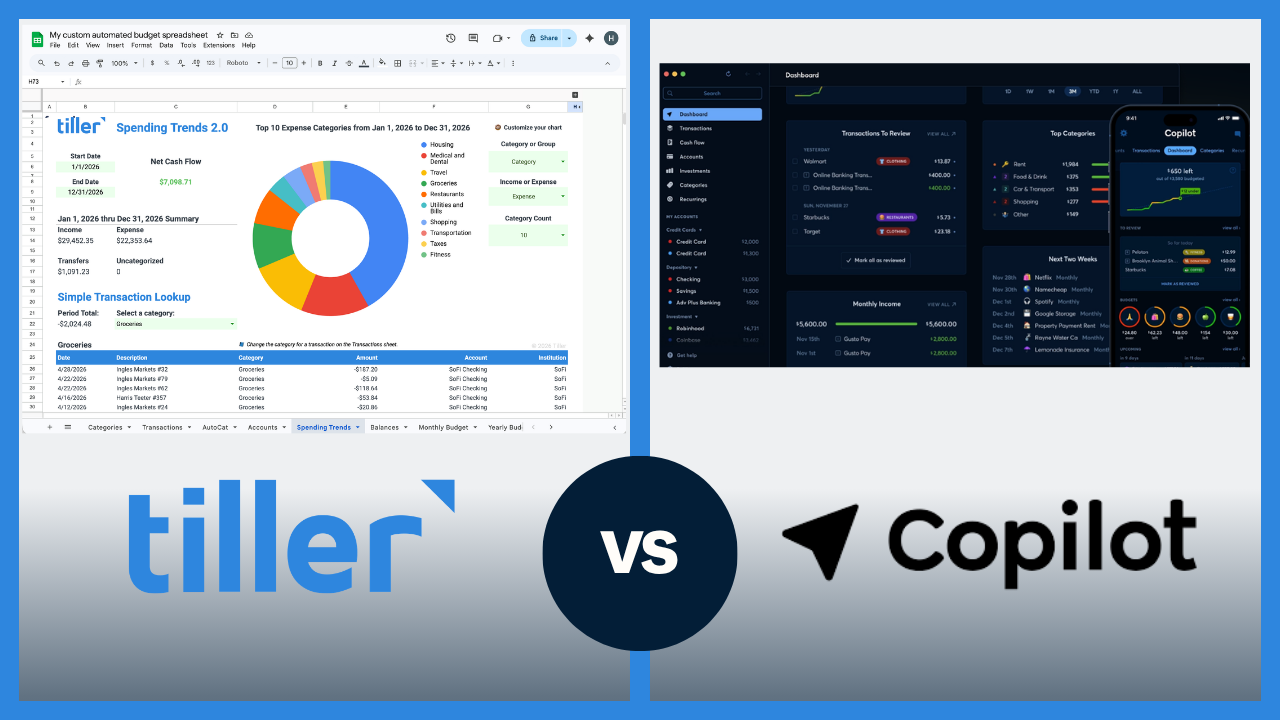
Tiller vs. Copilot Money
A comparison of Tiller and Copilot Money covering platform compatibility, AI-assisted categorization, customization, data ownership, and which type of user each tool is built for.
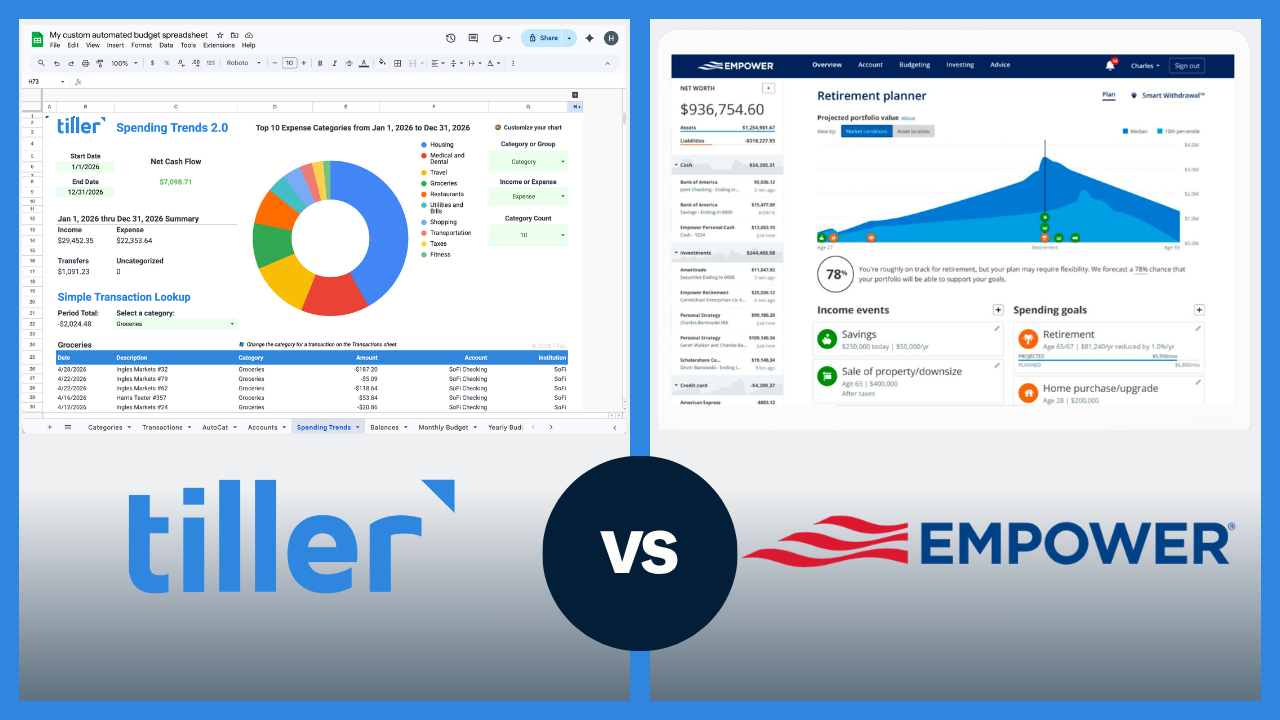
Tiller vs. Empower
A comparison of Tiller and Empower (formerly Personal Capital) — two tools built for different primary jobs. Covers investment tracking, budgeting depth, pricing, and how people use both together.
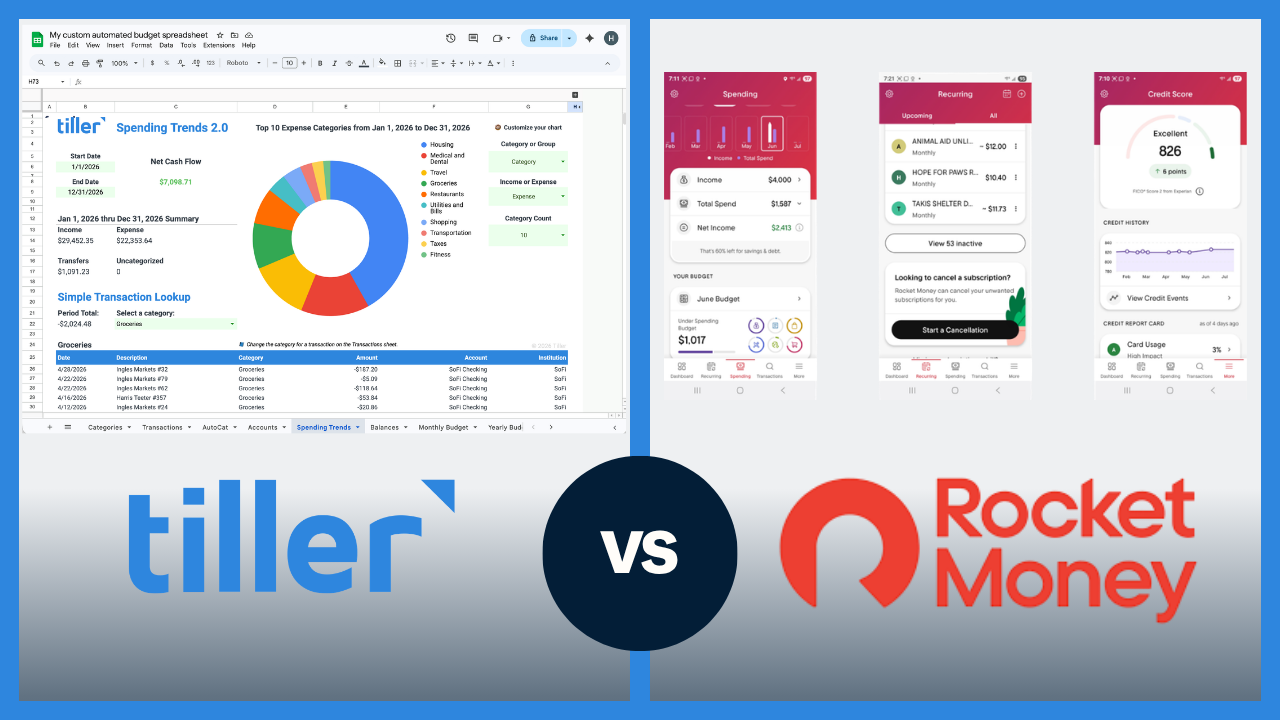
Tiller vs. Rocket Money
A look at how Tiller and Rocket Money differ — covering primary focus, budgeting depth, subscription management, pricing, and when it makes sense to use both.
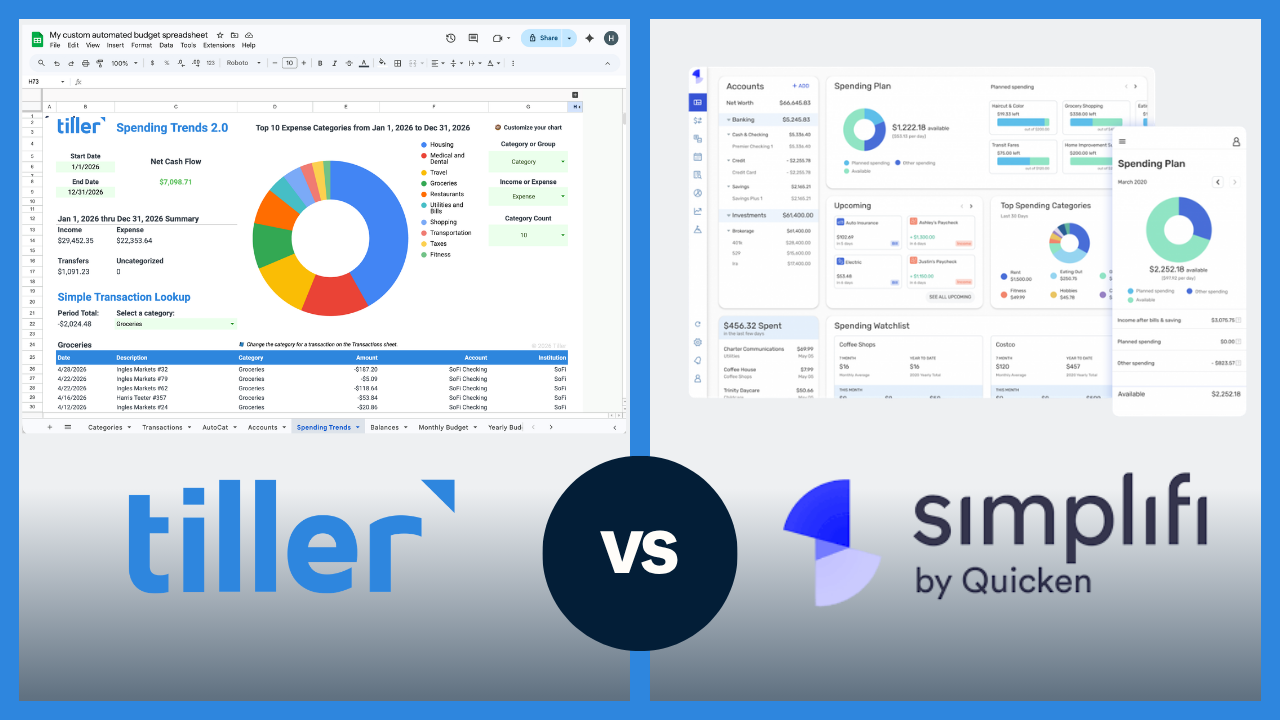
Tiller vs. Quicken Classic and Simplifi
Covers two separate Quicken products: Quicken Classic for complex desktop-based finance management, and Simplifi for modern app-based budgeting — with a comparison of both against Tiller.
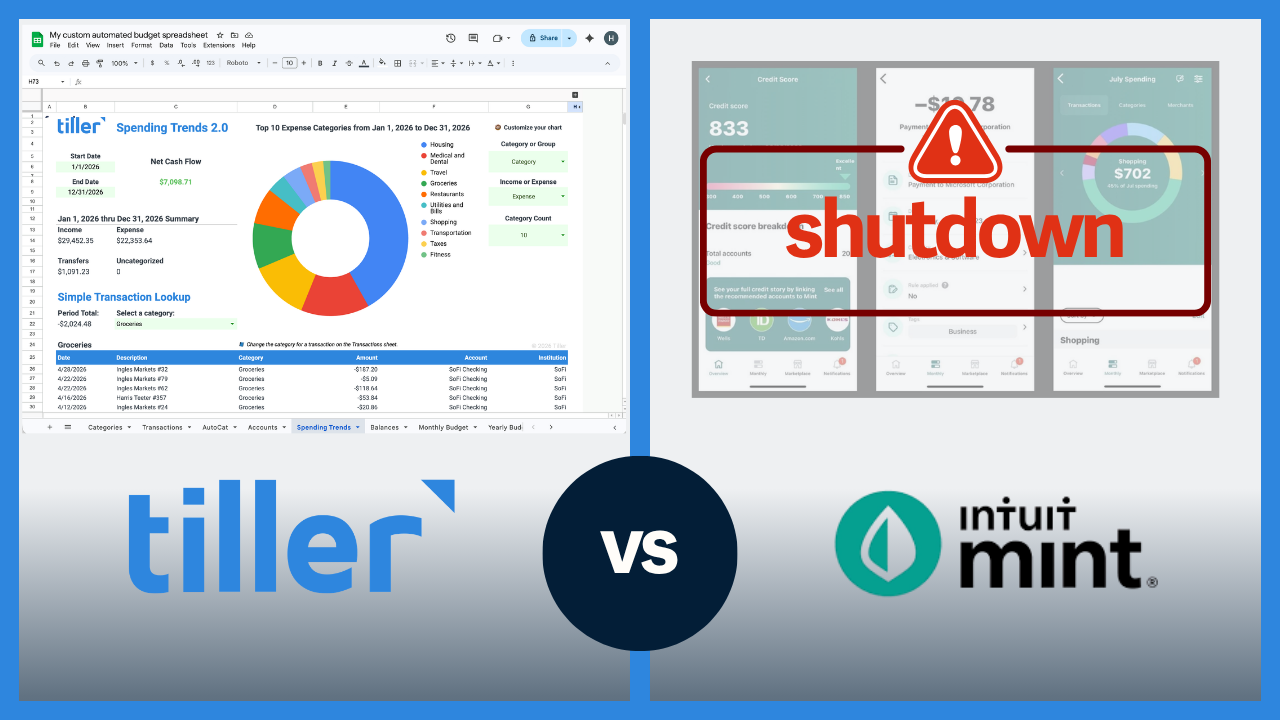
Tiller as a Mint Replacement
Mint shut down in March 2024. A full feature-by-feature comparison of Tiller and Mint, plus how to export your Mint history and move it into a spreadsheet.
What These Comparisons Actually Cover
Most tool comparisons just list features. These guides go a step further and look at the real-world experience of using each tool—not just what’s possible, but what daily use actually looks like.
Each comparison covers: how transactions are imported and categorized, what budgeting looks like in practice, how much the tool costs, how much you can customize, who owns your data, and which type of user tends to be happiest with each option. The goal is an honest picture, not a sales pitch.
Tiller works best for people who like spreadsheets—or who are open to learning them—and want more control over how their financial system is organized than most apps allow. The app comparisons are designed to help you figure out whether that’s you.
Looking at the Bigger Picture?
If you’re weighing spreadsheet-based finance against app-based budgeting more generally—not just Tiller specifically—the other hub in this Resource Center covers that question directly.
- Spreadsheet Finance vs App-Based Budgeting — The honest trade-offs between managing money in a spreadsheet versus using a dedicated budgeting app, with guides on who each approach is best for.
