

Tiller Resource Center
Your Guide to Managing Money in Spreadsheets
Whether you’re just getting started or building a complete financial system, this is where to find practical guides, templates, tools, and honest comparisons—all built around the idea that a spreadsheet is one of the most powerful money management tools you already own.
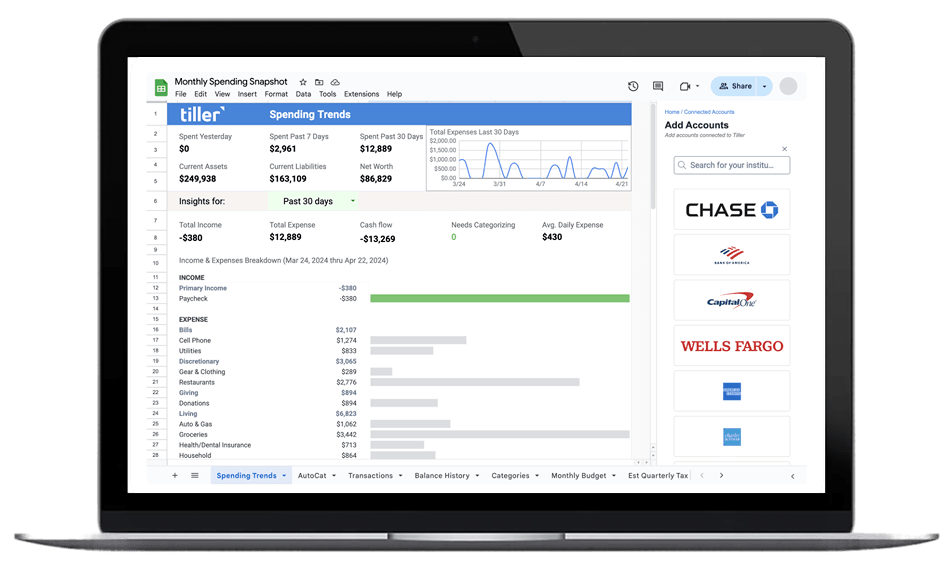
Money matters because life matters more. That’s how Tiller thinks about personal finance and is the underlying belief behind this Resource Center. Managing your money shouldn’t be a full-time job. The goal is clarity: a system that stays current, fits the way you actually think, and gets out of your way.
This library is built for anyone managing money in a spreadsheet or considering doing so—whether with Tiller’s automated bank feeds and Foundation Template or via your own customized spreadsheet. In this guide, you’ll find templates, step-by-step guides, comparison frameworks, and practical how-to content for every level.
It’s organized around four areas: building a complete financial system, finding the right templates, automating how data gets into your sheets, and understanding how spreadsheet finance compares to popular budgeting apps. Start wherever makes sense for you.
Try Tiller free for 30 days
Spreadsheet Financial Systems
Managing your finances in a spreadsheet goes well beyond a simple budget. A well-built spreadsheet system can track spending, net worth, cash flow, debt payoff, and investment performance in one place—all connected, all current, all customizable to your life.
Tiller’s Spreadsheet Financial Systems articles cover the full picture: how to set up an automated financial system from scratch, how to manage your budget in a spreadsheet, how to track net worth and cash flow over time, and how to build a system you’ll actually keep using.

What you’ll find in this section:
Personal Finance Spreadsheet Templates
Templates are the fastest way to build a useful financial system. Instead of starting from a blank sheet, you start with structure that’s already built—then customize it for your situation.
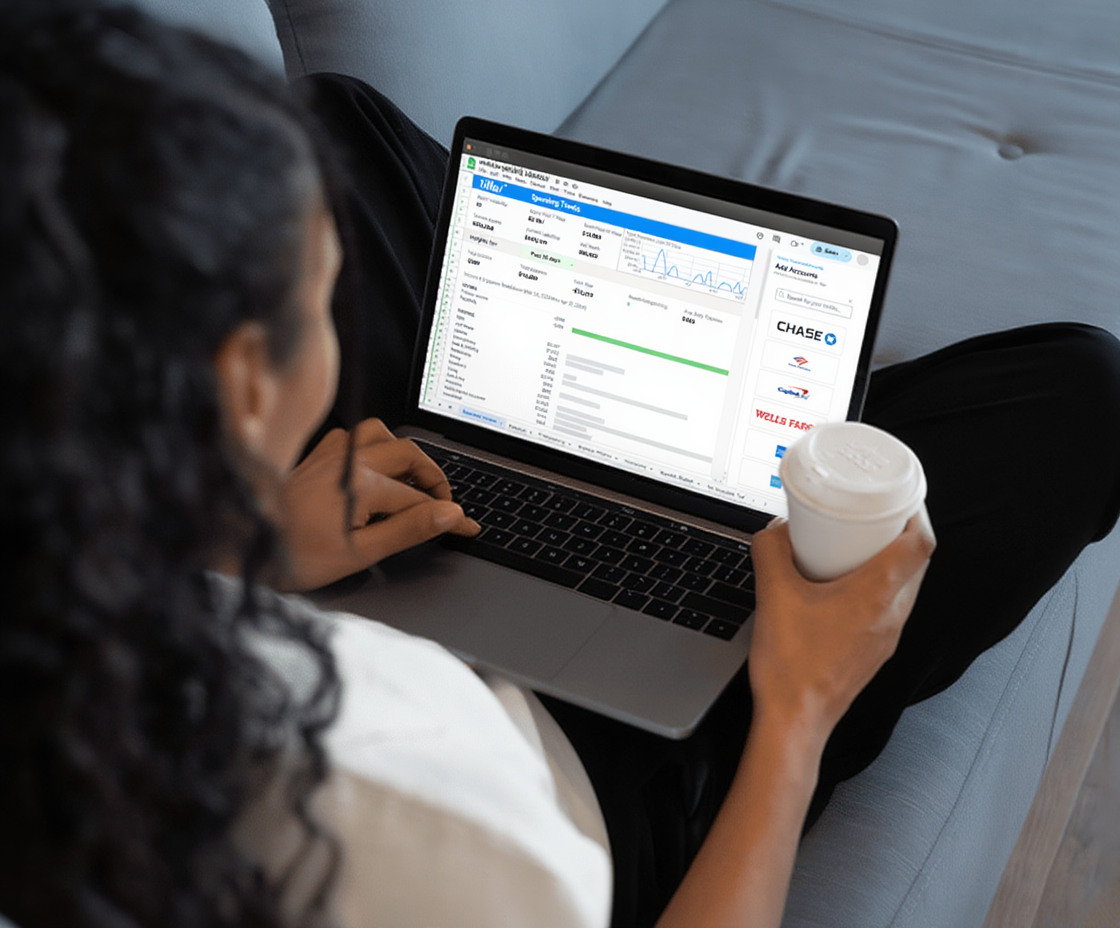
Tiller’s template library includes official Tiller templates (like the Foundation Template), community-built templates from Tiller users, and curated free templates from creators across the web. Whether you want to track debt payoff, manage a household budget, monitor your net worth, or plan for retirement, you’ll find a starting point here.
What you’ll find in this section:
Bank Transactions & Financial Data Automation
The most common frustration with spreadsheet-based finance is the data problem: how do you keep your spreadsheet current without spending hours downloading CSV files and reformatting everything.
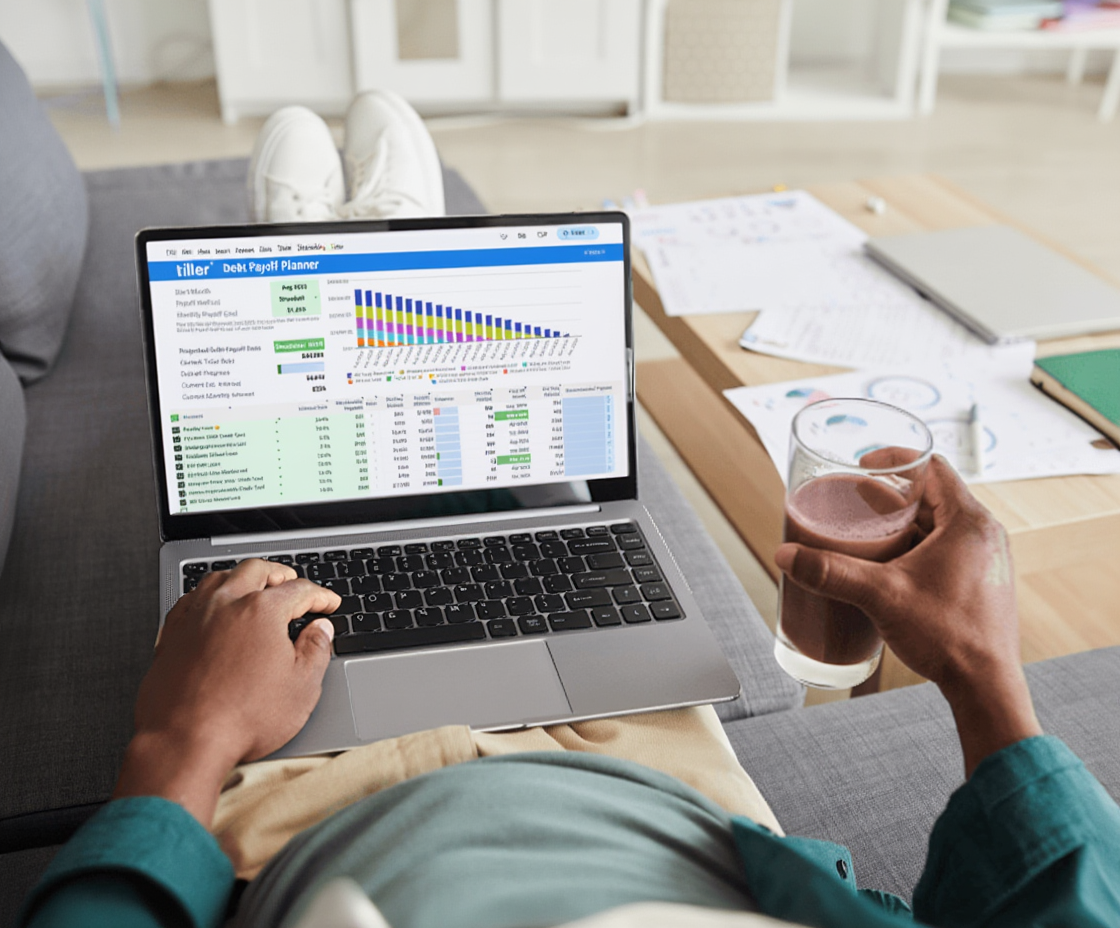
This section covers every approach—from manual bank exports to fully automated daily transaction feeds. You’ll find step-by-step guides for exporting transactions from your specific bank, explanations of how automated bank feeds work, and practical guidance on choosing the right approach for your situation.
What you’ll find in this section:
Tiller vs Other Personal Finance Tools
Budgeting apps are everywhere, and many of them are genuinely good. But they make assumptions about how you should manage money—their categories, their reports, their workflows. For people who want something different, spreadsheet-based finance is worth understanding.
This section helps you make an honest comparison. You’ll find detailed head-to-head breakdowns of Tiller vs. specific apps, a clear explanation of what spreadsheet finance does better (and worse) than app-based approaches, and a framework for deciding which type of tool actually fits the way you think.

What you’ll find in this section:
Why a Spreadsheet Is One of the Best Financial Tools You Have
Most people underestimate the spreadsheet. It’s been called old-fashioned, too manual, too complicated—but those criticisms usually assume you’re running it the old way, typing in every transaction by hand. When your spreadsheet is connected to live financial data, the whole picture changes.
A connected spreadsheet gives you something most finance apps can’t: complete control over how your money is organized and analyzed. You’re not waiting for an app to add a feature you need. You’re not locked out of your own data if a company shuts down. You’re not limited to someone else’s idea of what a budget should look like. You build what works for you, and you adjust it whenever your life changes.
Tiller’s philosophy on this starts with a simple belief: money matters because life matters more. Managing money shouldn’t be a full-time job. The goal isn’t maximum financial complexity—it’s clarity. When you have a system that’s current, organized, and designed around your actual habits, money management stops being a source of stress and becomes something you simply do, briefly and regularly, so you can spend more time on what actually matters.
The resources in this library are built around that idea. They’re practical, not prescriptive. They’ll show you how the system works and give you the tools to build one—but how you use it is up to you.
