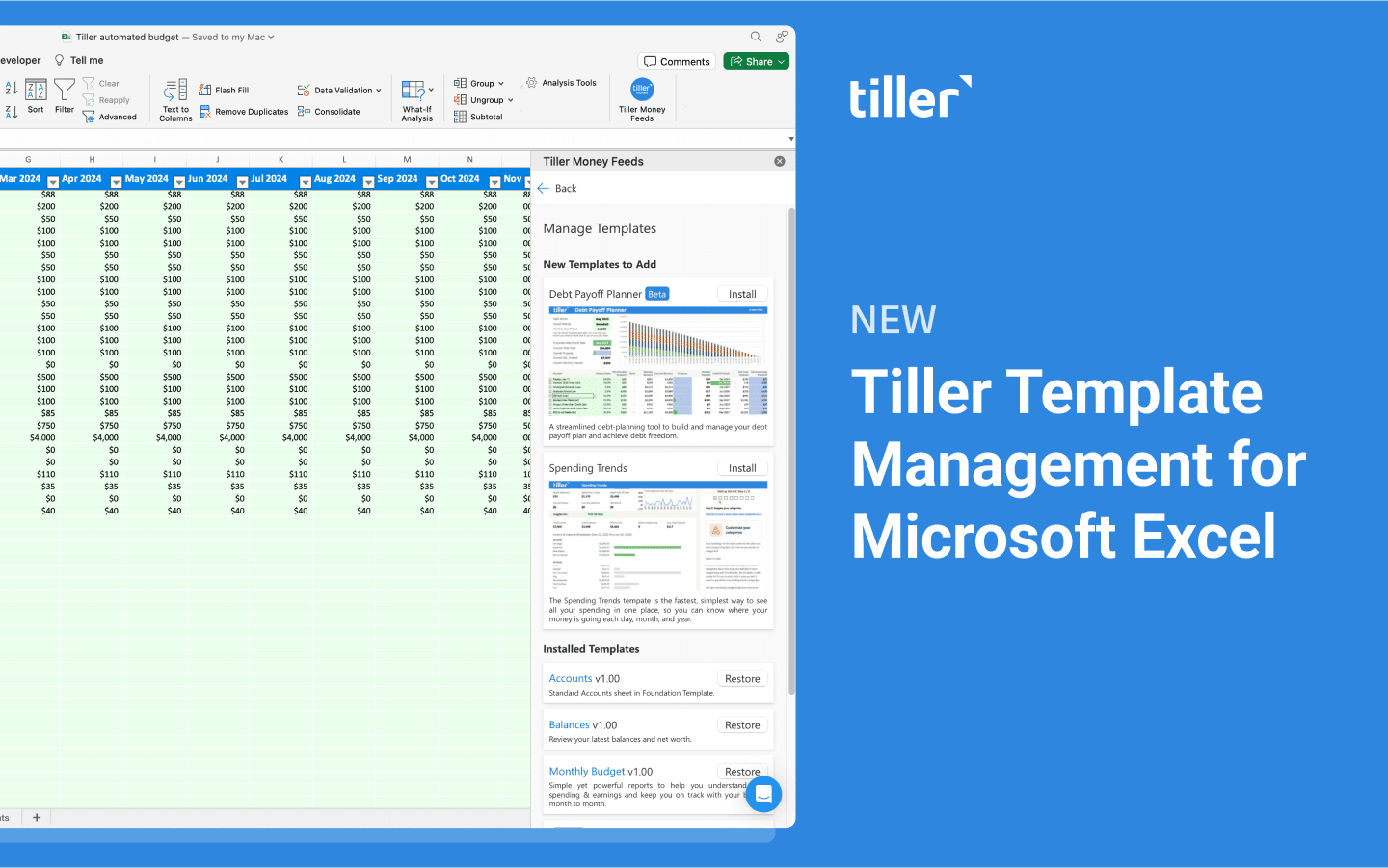
Today we’re excited to announce the release of our template insertion capability in the Tiller Money Feeds add-in for Microsoft Excel Desktop.
This feature enables you to effortlessly install, restore, and update Tiller’s official product templates directly from the add-in sidebar in the desktop version of Excel.
Template insertion reduces the tedious manual steps previously required to add new workflows to your Tiller-powered Excel workbook. It also helps fix issues related to accidental edits or bugs.
Initially this feature is only available for the desktop version of Excel. However, we’re currently working on template insertion for Excel Online users.
Install Foundation Template dashboards without leaving Excel
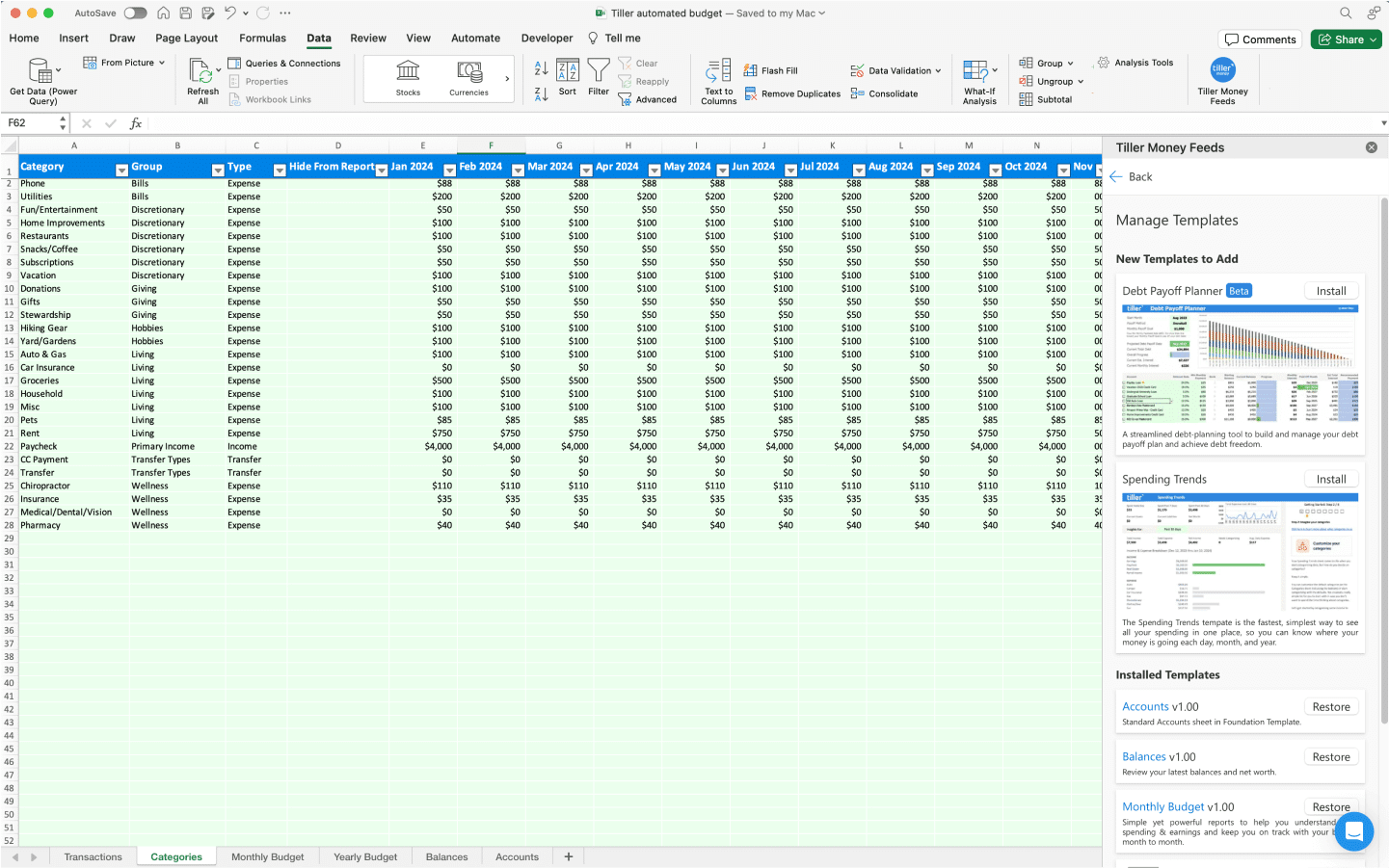
From the Tiller Money Feeds add-in, you can browse default Foundation Template dashboards and sheets in Templates > Tools. These templates include Spending Trends, Monthly Budget, Yearly Budget, Balances, and Accounts.
We’ll be releasing more supported templates including a new debt solution in the coming weeks and months.
Tiller’s commitment to Excel
Template insertion comes as part of Tiller’s commitment to adding features to our Excel offering to reach greater parity with our Google Sheets solution.
We know prebuilt spreadsheet templates and solutions are helpful for quickly gaining insight, control and confidence about your financial future.
Community-built solutions for Microsoft Excel can still be found and manually installed from the Microsoft Excel Show & Tell section in the Tiller Community and in the Tiller Community Template gallery. Community solutions are supported by the Tiller Community.
Feedback and Questions
If you have feedback or questions, share your thoughts in this thread in the Tiller Community. You can also reach out to our support team via the chat tool in the lower right corner of the Tiller Console at https://my.tillerhq.com