A loan payoff spreadsheet answers three questions that most loan statements don’t: How long until this loan is fully paid off at my current payment? How much total interest will I pay over the life of the loan? And how much faster could I pay it off if I added $50, $100, or $200 extra each month?
Loan servicers show you your balance and minimum payment, but rarely show you how those numbers translate to a payoff timeline or how dramatically that timeline changes with modest extra payments. A spreadsheet calculator makes all of this visible and adjustable.
This guide covers loan payoff tracking spreadsheets for the four most common loan types: student loans, auto loans, personal loans, and mortgages. Each has slightly different considerations — term length, interest calculation method, prepayment rules — that affect how a tracking spreadsheet should be structured. If you’re managing multiple debts simultaneously, be sure to review the debt snowball and debt avalanche planners.
What a loan payoff tracker should show
A functional loan payoff spreadsheet needs four inputs and produces several useful outputs.
Inputs:
- Current loan balance
- Annual interest rate (APR)
- Monthly payment amount
- Extra monthly payment (optional — for modeling accelerated payoff)
Outputs:
- Monthly amortization schedule — how much of each payment goes to interest vs. principal
- Remaining balance after each payment
- Total number of payments remaining
- Payoff date
- Total interest paid over the life of the loan
- Interest saved with extra payments (comparison)
The amortization schedule is the most useful output. It shows month by month exactly how your balance decreases and reveals something counterintuitive about most loans: in the early months, the vast majority of each payment goes to interest, not principal. This is especially visible on long-term loans like mortgages.
The core amortization formula (works in Google Sheets and Excel):
- Monthly interest = current balance × (annual rate / 12)
- Principal paid = monthly payment − monthly interest
- New balance = current balance − principal paid
In Google Sheets =PMT(rate/12, nper, -pv) calculates the required monthly payment to pay off a loan in a set number of periods.
Student loan payoff spreadsheets
Student loans have several features that affect how a tracking spreadsheet should be built.
- Multiple loans, multiple servicers: Most borrowers have several federal loans from different years, possibly at different interest rates, managed by one or more servicers. A student loan tracker should list all loans separately with individual balances and rates.
- Income-driven repayment plans: Federal student loans often offer income-driven repayment options in which the monthly payment adjusts annually. A tracking spreadsheet should accommodate variable payment amounts.
- Subsidized vs. unsubsidized: Subsidized loans don’t accrue interest during periods of deferment; unsubsidized loans do. This affects how interest compounds and should be reflected in a tracking sheet.
What the tracker should show:
- Individual loan list with balance, rate, servicer, and monthly payment
- Consolidated payoff timeline across all loans
- Impact of extra payments distributed across all loans vs. applied to one loan
- Total interest across the full loan portfolio
If you have both federal and private student loans, tracking them in the same spreadsheet — even though they have different servicers — gives you a complete picture of total student debt progress.
Auto loan payoff spreadsheets
Auto loans are simpler than student loans because you typically have one loan with a fixed rate and a fixed term. The key tracking questions are usually:
- How much of my payment goes toward interest vs. principal each month?
- When does the loan balance drop below the car’s current value (the underwater risk point)?
- How much total interest will I pay over the full term?
A useful addition to auto loan trackers is a depreciation-comparison column. With this, you can track your loan balance alongside the car’s estimated value (from Kelley Blue Book or a similar source) to see when you’re no longer underwater (when the car is worth more than you owe). One way to do this would be to add a column next to your loan balance that pulls the car’s current estimated value from a manual entry or a reference cell you update monthly. When the balance column drops below the value column, you’re no longer underwater.
Auto loans rarely have prepayment penalties, so extra payment modeling is particularly valuable. Adding even $50/month to a 60-month auto loan at 7% can significantly reduce the total interest paid.
Personal loan payoff spreadsheets
Personal loans are typically used for debt consolidation, home improvement, or large purchases. They’re usually fixed-rate, fixed-term, and straightforward to track.
The most useful features for personal loan tracking:
- Prepayment modeling — personal loans often have prepayment penalties; confirm your loan terms before adding extra payments.
- Progress visualization — a line chart showing balance declining toward zero over time.
- Optional: Comparison with the consolidated debts (if applicable) — how much interest are you saving compared to the original credit cards or loans?
Mortgage payoff spreadsheets
Mortgages are the longest-term and highest-balance loans most people carry, which makes tracking them both the most impactful and the most complex.
Extra principal payments have a magnified impact: On a 30-year mortgage, a modest extra monthly payment toward principal can shave years off the loan term and save tens of thousands in interest. The math is more dramatic than with any other loan type.
Escrow is not principal or interest: Most mortgage payments include escrow for property taxes and insurance. A tracking spreadsheet should separate the PITI (principal, interest, taxes, insurance) from the pure principal/interest portion to show accurate amortization.
Refinancing scenarios: A mortgage payoff spreadsheet is also useful for modeling refinance scenarios. You enter the new rate and term, along with the remaining balance, to determine whether refinancing makes mathematical sense.
The 30-year vs. 15-year comparison: One of the most useful calculations a mortgage tracker can show is the total interest cost difference between a 30-year and a 15-year loan with the same balance, and the monthly payment increase that difference requires.
How Tiller makes loan tracking more accurate
Every loan tracker requires accurate current balances. And if you have to manually update your balances by logging into each service each month and copying balances into your spreadsheet, you’re more likely to stop tracking the loan.
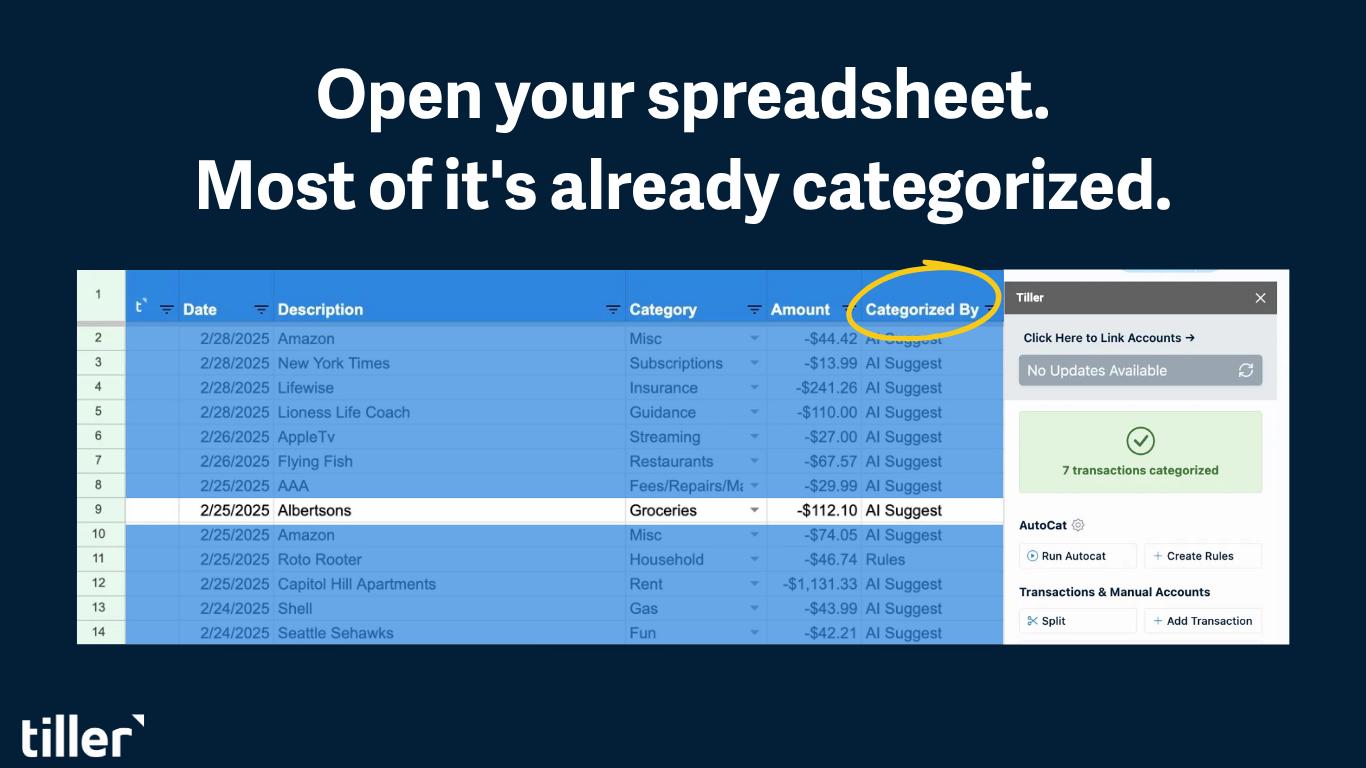
Tiller connects your loan accounts directly to Google Sheets or Excel and updates your balances daily. Your mortgage balance, student loan balances, and auto loan balance all reflect current numbers in your spreadsheet without any manual entry. When you open your loan tracker, the starting balance is already accurate.
Combined with Tiller’s Foundation Template and budget tracking with AutoCat, your loan payoff progress sits alongside your monthly spending and net worth, giving you a complete financial picture in one connected system.
Building a loan payoff calculator from scratch
If you want to build your own calculator rather than use a template, the core structure is as follows (and works similarly in Google Sheets and Excel):
Inputs section (cells you update):
- B1: Loan balance
- B2: Annual interest rate
- B3: Monthly payment
- B4: Extra monthly payment (optional)
Amortization table (one row per month):
- Column A: Month number
- Column B: Beginning balance:
=B1 (first row), then =E[previous row] (subsequent rows) - Column C: Interest paid:
=B[this row]*(B2/12) - Column D: Principal paid:
=(B3+B4)-C[this row] - Column E: Ending balance:
=B[this row]-D[this row]
Stop the table when column E reaches zero — that’s your payoff date. Add a summary row at the bottom that shows total payments made, total interest paid, and total principal paid. To see the impact of extra payments, change cell B4 and watch the table length change.
Frequently asked questions
Q: What is a loan payoff tracking spreadsheet?
A loan payoff tracking spreadsheet calculates how your loan balance decreases over time based on your interest rate and monthly payment. It shows the full amortization schedule — how much of each payment goes to interest versus principal — your total remaining payments, your payoff date, and the total interest you’ll pay over the life of the loan. Most also let you model how extra monthly payments would accelerate your payoff timeline.
Q: How do I calculate loan payoff in Google Sheets?
Use the PMT function to calculate the required monthly payment: =PMT(rate/12, nper, -pv) where rate is the annual interest rate, nper is the total number of payments, and pv is the current loan balance. For an amortization schedule, calculate each month’s interest as “balance × (annual rate / 12),” principal as “payment − interest,” and new balance as “previous balance − principal.”
Q: How do extra payments affect loan payoff?
Extra payments go entirely toward principal. That means they reduce the balance on which future interest is calculated, creating a compounding acceleration effect. Each extra dollar paid today eliminates interest on that dollar for every remaining month of the loan. On long-term loans like mortgages, the effect is substantial. Adding $200/month to a 30-year mortgage at 7% can reduce the loan term by several years and save a significant amount in total interest.
Q: Can I track multiple loans in one spreadsheet?
Yes. A multi-loan tracker lists each loan on separate rows, with its balance, rate, and payment, and calculates an individual payoff timeline for each loan. You can then show a combined total balance and a projected date when all loans are paid off. For a multi-debt strategy (deciding which loan to pay off first), see the debt snowball and debt avalanche planners.
Q: Should I include escrow in my mortgage payoff tracker?
No. Track only the principal and interest portion of your mortgage payment in your payoff calculator. Escrow (property taxes and insurance) doesn’t reduce your loan balance. Your mortgage statement or servicer portal shows the principal/interest breakdown. Use only that amount in your tracker so the amortization schedule reflects accurate payoff timing.
Q: How does Tiller help with loan payoff tracking?
Tiller connects your loan accounts to your Google Sheets or Excel spreadsheet and updates your balances daily. Instead of manually logging into each servicer to check your current balance, your tracker always starts with accurate numbers. Tiller’s Foundation Template includes a net worth tracker that shows all your loan balances alongside your assets, giving you a complete picture of your financial progress in one place.