Google Sheets and Microsoft Excel walked into a bar.
Excel said, “I have 40 years of experience.”
Google Sheets said, “That’s great. I’ll share the tab with everyone.”
If you love spreadsheets, you probably have a favorite spreadsheet app. For most of the world, that’s Microsoft Excel or Google Sheets.
Our goal isn’t to make fans of one spreadsheet tool switch to another. We want to support the world’s best spreadsheets so you can manage your money, your way, in the platform of your choice. And because your preference may change depending on the task or the moment, we let customers run a mix of both Excel and Sheets with Tiller at the same time.
Tiller launched with Google Sheets in 2016 and added support for Microsoft Excel in 2020. At the time, we were competing against a similar service from Microsoft. Two years later, we were thrilled when Microsoft decided to shut that service down and partnered with Tiller instead. We’re grateful for the support and collaboration we’ve received from both Microsoft and Google along the way.
Our original goal with Sheets and Excel was feature parity: bringing the same features to both platforms. Over time, we realized that each spreadsheet has its own superpowers, and that chasing parity meant we couldn’t do justice to either. So our focus has evolved toward supporting the best of each platform.
What makes Google Sheets awesome?
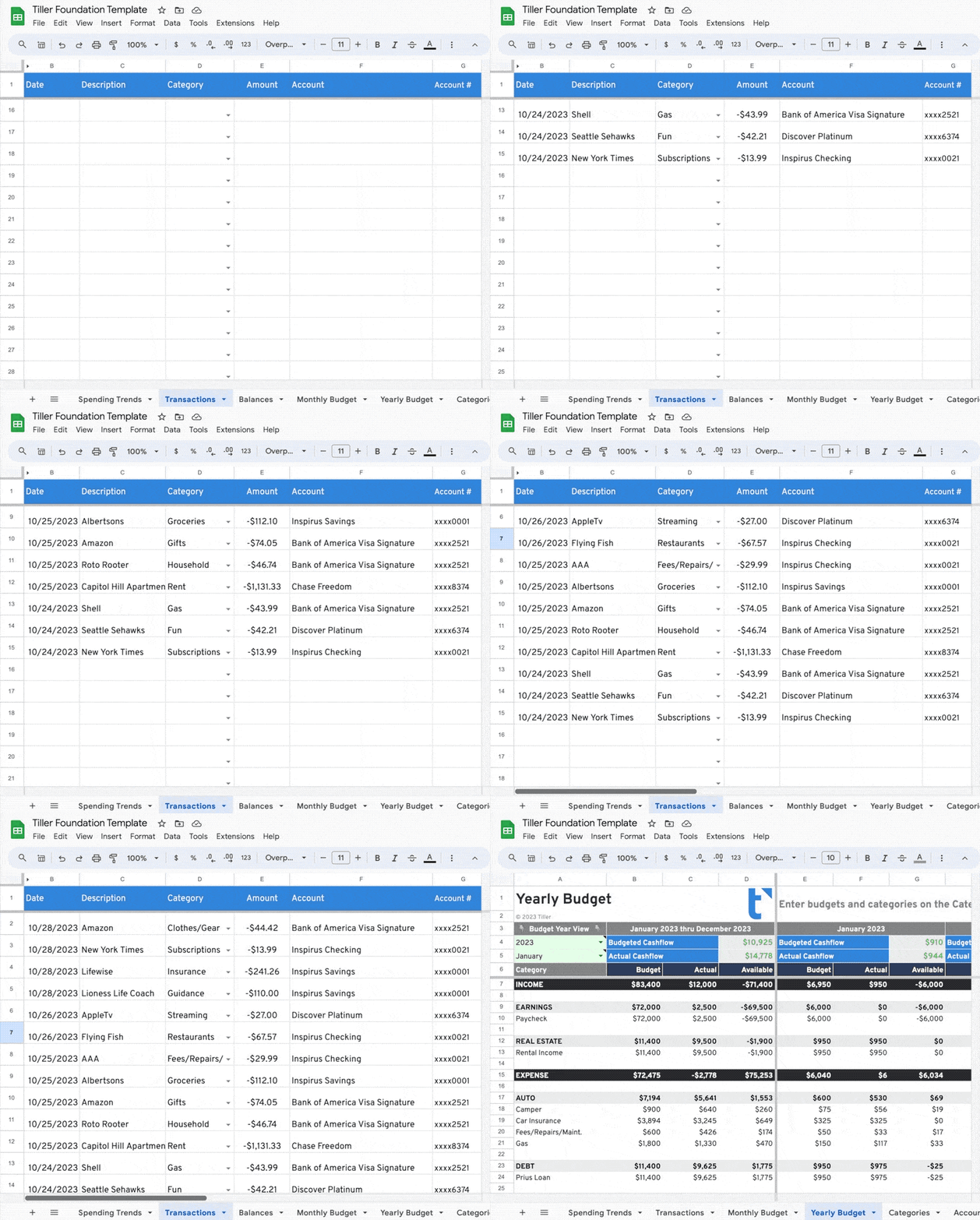
The whole world uses the same version of Sheets in the same web app, no matter the operating system. It’s free. The real-time collaboration features are powerful. Every sheet keeps a lifetime version history of every edit, so you can revert to yesterday’s version or last year’s, in a few clicks. And a robust, secure API lets Tiller add and fetch data from your private Sheets anytime.
What makes Microsoft Excel awesome?
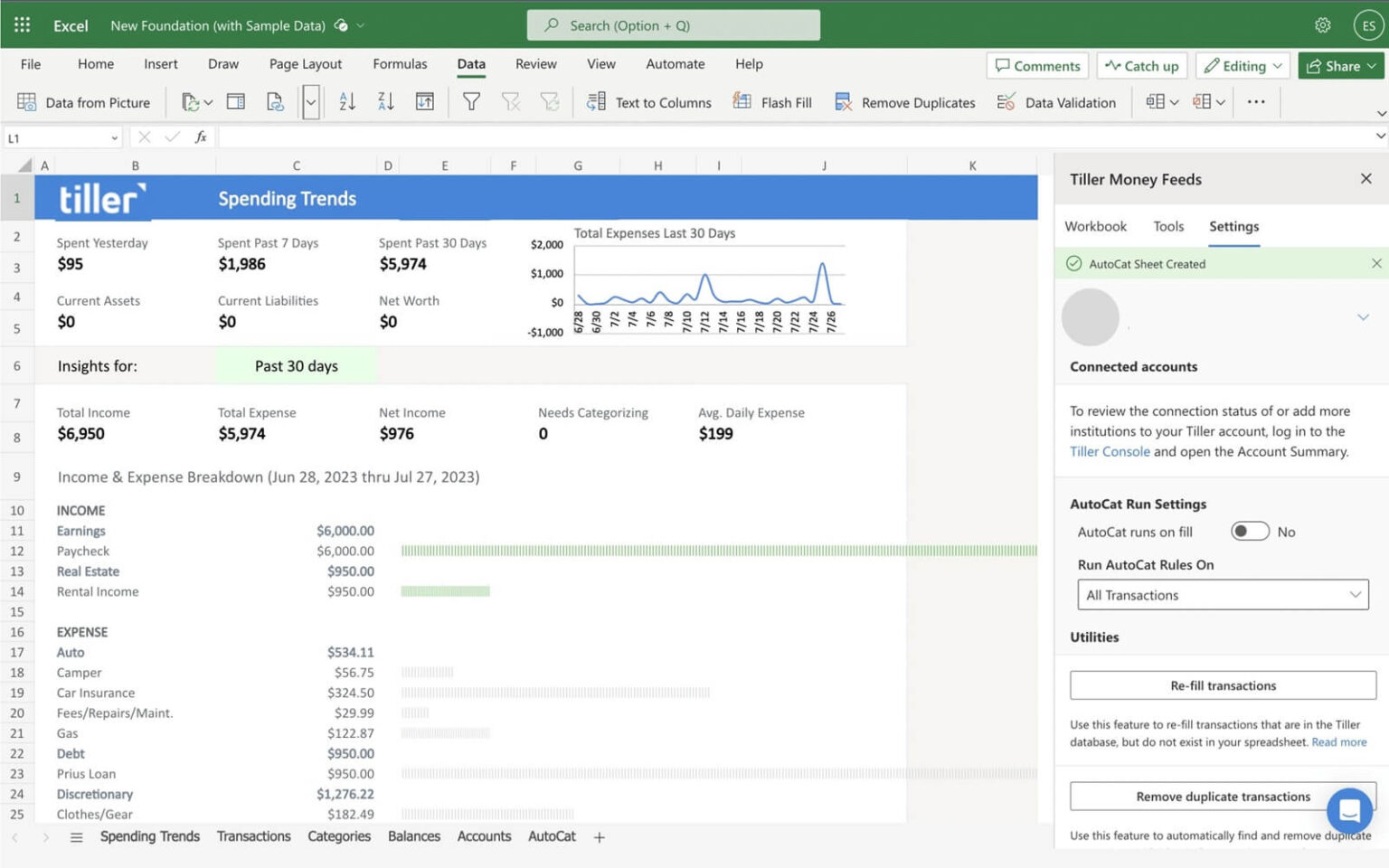
It runs on native desktop apps built for Windows and macOS, or in a browser. You can store your files in Microsoft OneDrive or right on your Windows or Mac desktop. An Excel spreadsheet can hold billions of cells, not just millions, and desktop apps keep large spreadsheets lightning-fast. The add-in sidebar is a robust development environment that fills data and interacts with a spreadsheet in a snap.
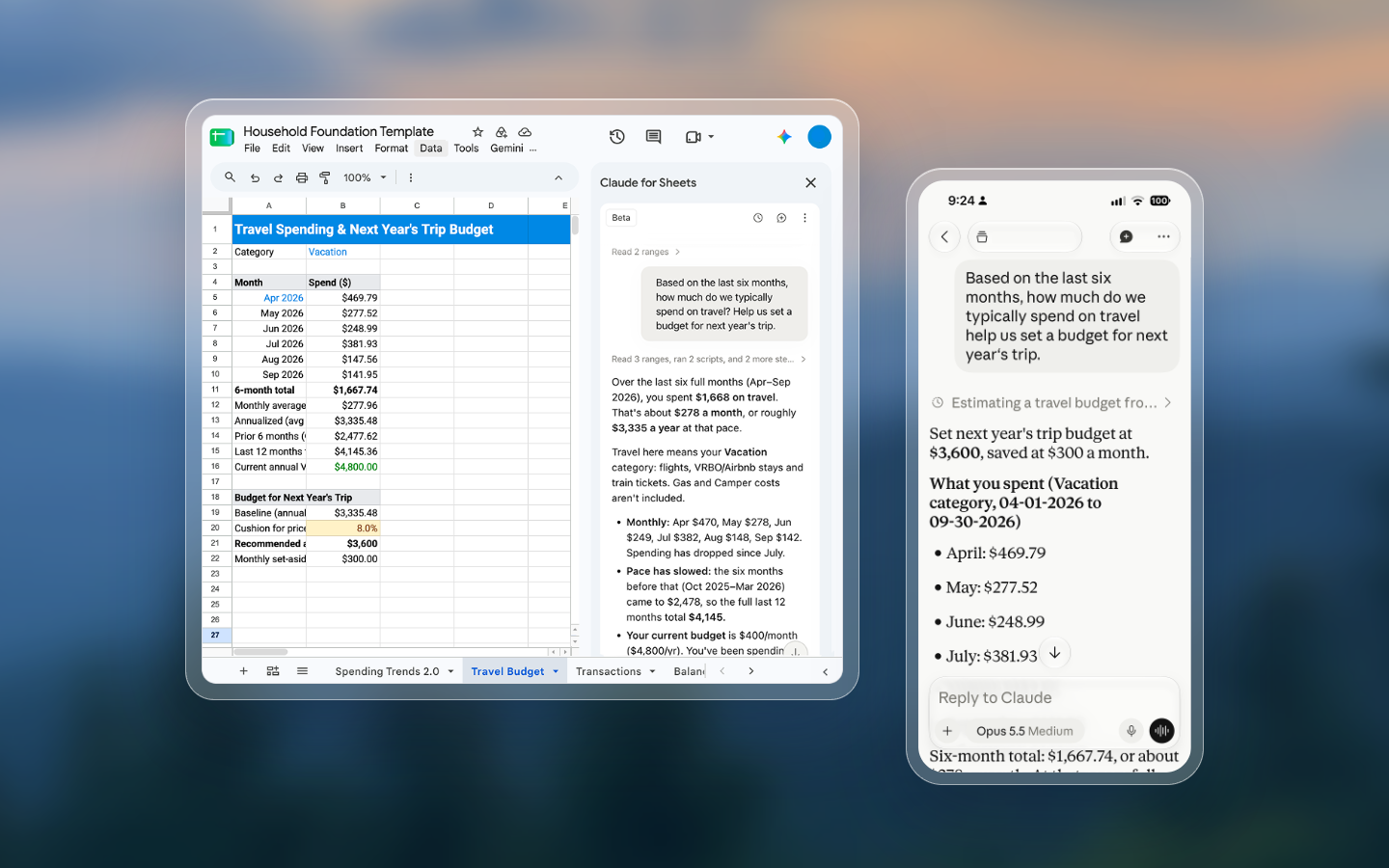
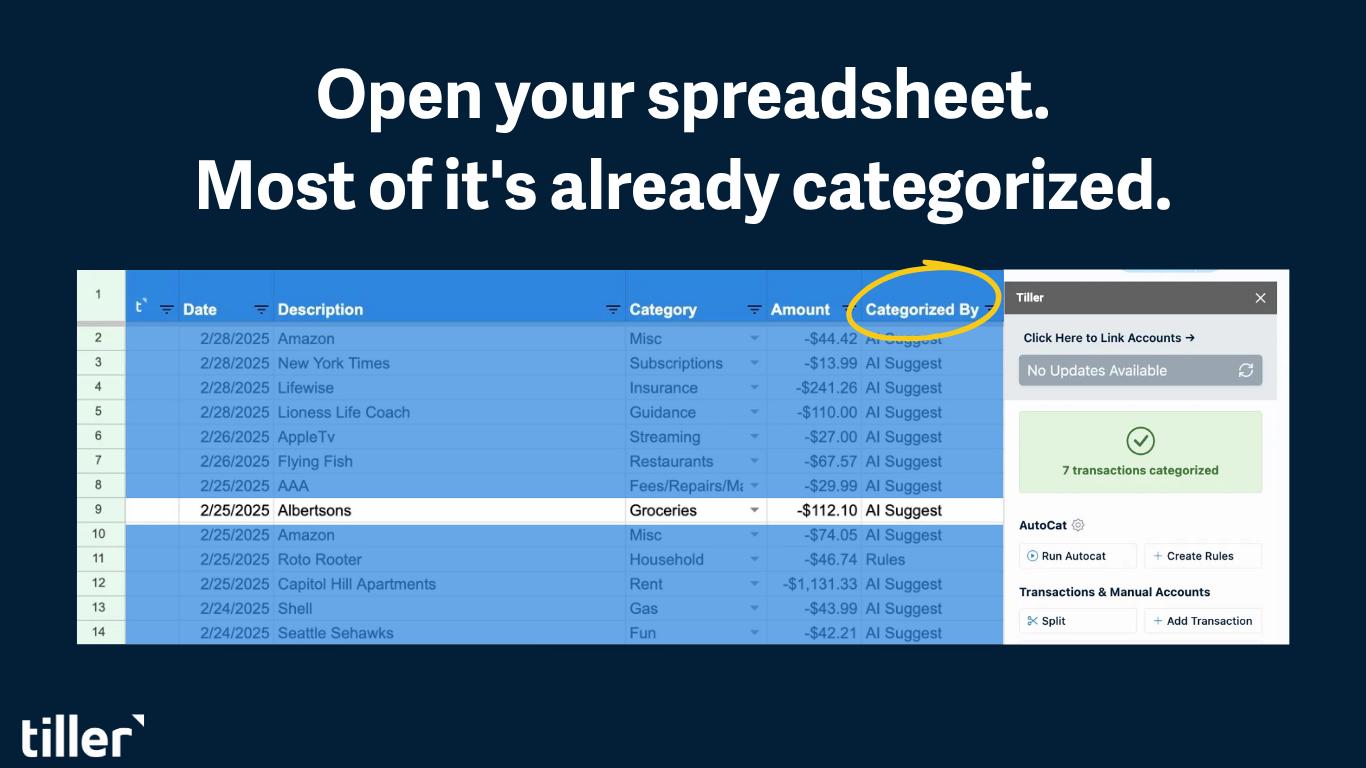
Going forward, many of our core features will be available on both platforms. Our Foundation Template provides the same powerful starting place in both Excel and Sheets. New features like AI Suggest and Data Cleanup were recently released for Sheets, and in the coming months, we’re excited to bring them to Excel.
Other features may vary between Excel and Sheets, and often that’s by design. For example, we recently switched from using the Google Sheets add-on sidebar to fill data; we now use a faster, more direct connection that fills automatically, without the sidebar. This direct connection to your Google Sheets unlocks other powerful workflows that are currently in development.
By contrast, the Excel add-in fills your sheet with data lightning-fast and supports you wherever you keep your Tiller spreadsheet files, whether on your desktop or in OneDrive. We plan to keep Excel fills in the sidebar for now. As we build our roadmap, the architectural differences between Sheets and Excel will lead to other Tiller differences as well, each chosen to embrace the best of both apps.
Whichever platform you choose, one thing stays the same: the spreadsheet is yours. We don’t sell your data. It is your money, and we think it should live somewhere you own.
We also use both spreadsheet platforms inside Tiller. Our financial team uses Tiller to track Tiller’s company finances, with a workflow that draws on both Excel and Sheets, leveraging what each app does best.
Excel and Sheets are incredibly powerful tools, beloved the world over. We’re excited to keep supporting both and to see what workflows and solutions you build with each. If you haven’t set up Tiller in your spreadsheet of choice, we’d love for you to try it. Whatever you build is yours to keep.
Sheets and Excel went to see a counselor because they couldn’t agree on a relationship status. Excel thought it was a long-term, high-powered commitment with deep macros, but Google Sheets just wanted something casual, collaborative, and in the cloud.

Open your spreadsheet. Your work is already done.
Your bank data flows in automatically. Your categories apply themselves. You just open your spreadsheet and make decisions.