Most personal finance spreadsheet templates solve one problem at a time — a net worth tracker here, a spending summary there, an account balance log somewhere else. Each works fine in isolation. The challenge is that your finances aren’t isolated. Your spending affects your savings, your savings affect your net worth, and your net worth reflects the cumulative result of everything else.
A coordinated tracking pack connects these views. Instead of opening three separate spreadsheets to understand where you stand, a single system gives you the complete picture — current account balances, net worth trend over time, income received this month, and a spending summary by category — all drawn from the same transaction data.
This page covers what a complete personal finance tracking pack includes, the templates available for each component, and how to connect them into a coherent system. For Tiller users, the Foundation Template provides a prebuilt version of this system with automated data updates that keep every component current without manual updates.
What a complete personal finance tracking pack includes
A well-built personal finance tracking pack has four coordinated components.
1. Net Worth Tracker
This is the big picture component. It lists all assets — checking, savings, investment accounts, retirement accounts, real estate equity — and all liabilities — credit cards, loans, mortgage — with a calculated net worth figure. It’s updated monthly to show whether your overall financial position is improving over time.
Key outputs include total assets, total liabilities, net worth, month-over-month change, year-over-year change, and a trend chart showing net worth over 12–24 months.
2. Account Balance Summary
You also need a current view of balances across all financial accounts. Where the net worth tracker shows a monthly snapshot, the account balance summary shows what’s currently in each account. It’s useful for day-to-day awareness, including available cash, total credit card balance, and savings balance.
Key outputs include current balance by account, total liquid cash (checking + savings), total debt, and a quick net worth calculation from current balances.
3. Income Tracker
This is a record of all income received — paychecks, freelance payments, interest, dividends, rental income, side income — with dates, amounts, and sources. The income tracker is particularly valuable for variable income earners who need visibility into their total income picture across multiple streams.
Key outputs are income by source, total monthly income, year-to-date income, income trend over time, and comparison to the prior year or prior month.
4. Spending Summary
This is a category-level view of where your money went. It’s not transaction-level detail (that’s the budget sheet’s job) but a higher-level summary. For example, how much went to housing this month, how much to food, how much to transportation. The spending summary shows you short-term spending rather than longer-term budgets or trends.
Key outputs are spending by category for current month, month-over-month spending trends by category, year-to-date spending totals, and largest spending categories ranked.
How the components connect
The pack functions as a system because each component draws on the same underlying transaction and balance data. Transaction data flows to the Spending Summary and Income Tracker. Account balances flow to the Account Balance Summary and Net Worth Tracker.
All four components read from the same source data. When transactions arrive — either from Tiller’s automated feed or via manual entry — the spending summary, income tracker, and account balance summary all update automatically. The net worth tracker updates when you record your monthly snapshot.
The result is that when you open the spreadsheet, you don’t need to update four separate sheets, because every view is current.
Free templates for each component
Net worth trackers
Several free net worth spreadsheet templates are available for Google Sheets and Excel. The most comprehensive options include Tiller’s Foundation Template (automated, includes a built-in net worth tracker) and several community-built trackers. See our full roundup of free net worth spreadsheets here.
Account balance summary
Google Sheets has a built-in account balance tracking structure, and Tiller’s Foundation Template includes an Account Overview sheet that shows current balances across all connected accounts updated daily. The Tiller Foundation Template is the most complete automated option.
Income tracker
Tiller’s transaction data can generate an income tracker automatically so that transactions categorized as income flow into a summary view alongside expense categories. For standalone income tracking, several free Google Sheets or Excel templates track multiple income streams. The Foundation Template handles this automatically once income categories are set up in AutoCat.
Spending summary
Tiller’s Spending Trends template is the most powerful automated option. It automatically generates category-level spending analysis from transaction data. For standalone use, Google Sheets’ and Excel’s built-in templates and Vertex42 offer free monthly spending summary templates.
Tiller’s Foundation Template — the pre-built version of this pack
Tiller’s Foundation Template is the fastest path to a complete, coordinated tracking system. It includes pre-built versions of all four components — net worth tracker, account overview, spending summaries, and income tracking — connected to automated daily transaction data from your bank and investment accounts.
Initial setup takes 30–45 minutes. You connect your accounts and configure your categories, and then every component starts populating automatically. Instead of building four separate templates and connecting them manually, you start with the system already assembled.
The Foundation Template is the starting point. Everything in it is fully customizable. You can add sheets, modify formulas, adjust categories, and build additional views. Most users start with the Foundation Template and gradually extend it as they understand what they want to track.
Building the pack from scratch
If you want to build your own coordinated system, the key is treating transaction data as the shared foundation.
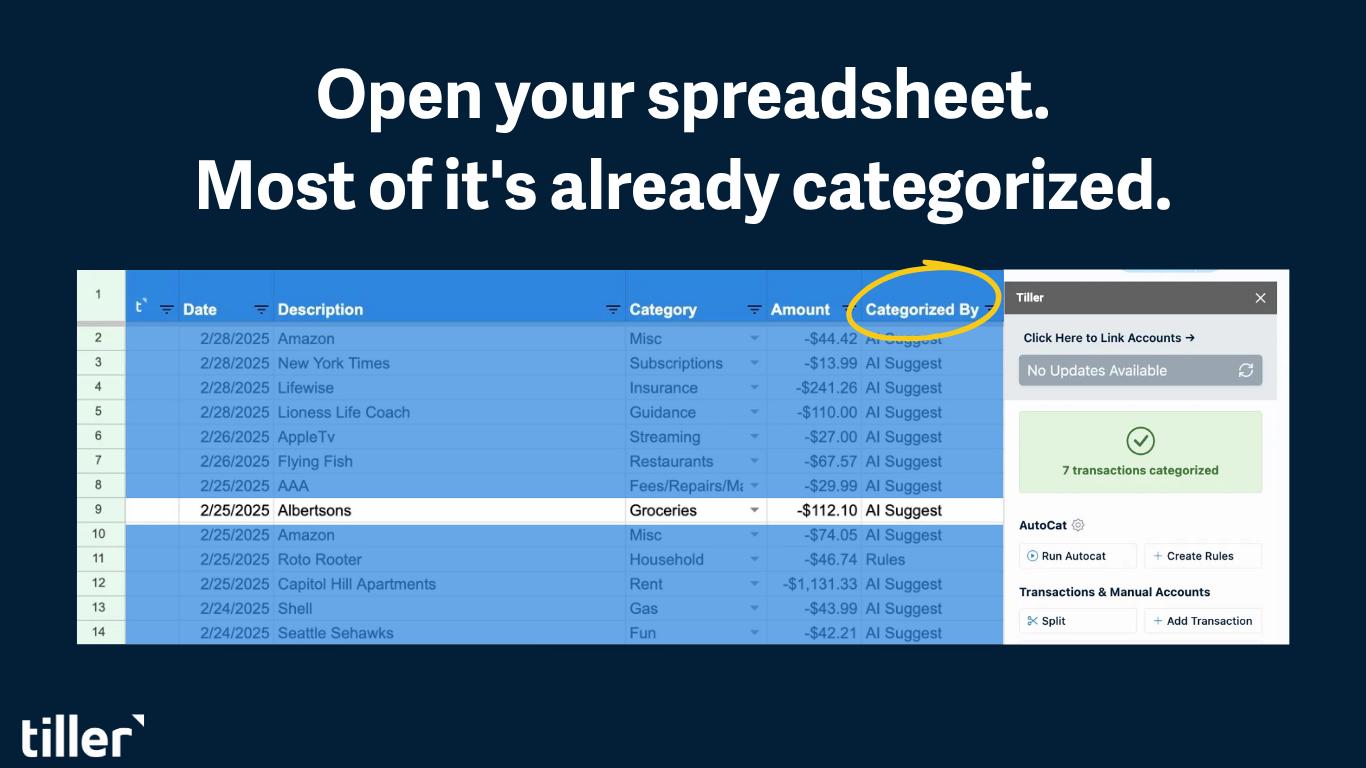
Sheet 1 — Transactions. Include one row per transaction, with columns for Date, Description, Category, Amount, and Account. This is the data source for the Spending Summary and Income Tracker.
Sheet 2 — Accounts. One row per account, with columns for Account Name, Type (Asset/Liability), and Current Balance. This is the data source for the Account Balance Summary and Net Worth Tracker.
Sheet 3 — Spending Summary. SUMIFS formulas pulling from the Transactions sheet, grouped by Category, and filtered by month. Include one column per month and one row per category.
Sheet 4 — Income Tracker. SUMIFS formulas pulling from the Transactions sheet, filtered to transactions categorized as income. One row per income source or per month.
Sheet 5 — Account Balance Summary. This sheet includes direct references to Account sheet balances, grouped by account type (liquid, investment, debt) and totals for each group.
Sheet 6 — Net Worth Tracker. This is for monthly snapshots recording total assets, total liabilities, and net worth. One row per month, manually updated from the Account Balance Summary or automatically pulled when connected to live data.
For a deeper walkthrough of this structure, see the complete guide to building a personal finance system in a spreadsheet.
Frequently asked questions
Q: What is a personal finance tracking spreadsheet pack?
A personal finance tracking spreadsheet pack is a coordinated set of templates that work together to monitor your complete financial picture — net worth, current account balances, income received, and spending by category — all pulling from the same underlying data. Instead of maintaining separate, unconnected spreadsheets for each tracking need, a pack connects the components so that updating a single data source automatically updates every view.
Q: How is a financial tracking pack different from a budget spreadsheet?
A budget spreadsheet focuses on planned vs. actual spending by category within a set time period. A tracking pack gives you a broader look at your finances. It includes budgeting but also covers net worth over time, current account balances, income tracking, and spending trends across multiple months. Budget spreadsheets answer “How did I do this month?” Tracking packs answer “How is my overall financial situation evolving?”
Q: Can I build a personal finance tracking spreadsheet in Google Sheets or Excel?
Yes. A complete tracking pack can be built in Google Sheets or Excel using a shared Transactions sheet as the data foundation, with SUMIFS formulas pulling from that sheet to populate spending summaries and income trackers, and a separate Accounts sheet feeding a net worth tracker. Tiller’s Foundation Template provides a pre-built automated version of the same system.
Q: What’s the fastest way to set up a complete financial tracking system in a spreadsheet?
Tiller’s Foundation Template is the fastest path. It includes all four components pre-built and connected to automated daily bank feeds. Initial setup takes 30–45 minutes. The alternative is building from scratch using the structure covered in this guide, which typically takes 2–3 hours the first time.
Q: Do I need a Tiller subscription to use these templates?
No. The individual templates in this pack can be used as free standalone spreadsheets with manual data entry. Tiller adds the automated bank feeds that keep the data current without manual updates. If you’re comfortable with manual entry for one or two accounts, starting with free standalone templates is a reasonable approach.
Q: How often should I update a personal finance tracking spreadsheet?
With manual entry, weekly transaction updates and monthly balance snapshots are the minimum for the system to stay useful. With Tiller’s automated feed, transactions update daily automatically, balance summaries stay current without any action, and your monthly net worth snapshot is the only manual step; it usually takes five minutes per month.