
Tiller Resource Center > Spreadsheet Templates
Debt Payoff Spreadsheet Templates
Free spreadsheet templates for tracking debt balances, calculating payoff timelines, and staying on top of your progress — in Google Sheets or Excel.
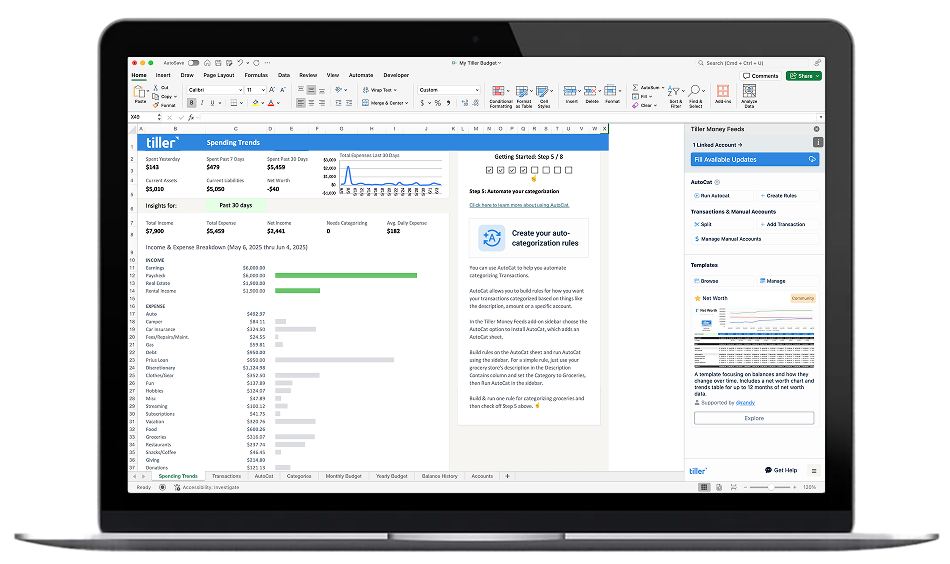
Getting out of debt is partly a math problem and partly a motivation problem. A good spreadsheet template helps with both.
On the math side: a debt payoff spreadsheet shows you exactly how long it will take to pay off each balance at your current payment, how much interest you’ll pay along the way, and how much faster you’d get there with extra payments. This makes abstract goals concrete. Instead of “I want to pay off my credit cards,” you have a specific date and a specific payment amount.
On the motivation side: tracking your balances month by month and watching the numbers fall creates a feedback loop that keeps you moving. Many people find that the visibility alone — knowing exactly where they stand and how far they’ve come — makes a significant difference in follow-through.
The templates in this hub cover the full range: single loan payoff calculators, multi-debt trackers, and complete debt management toolkits built for either the debt snowball (smallest balance first) or debt avalanche (highest interest first) approach.
Browse the templates:
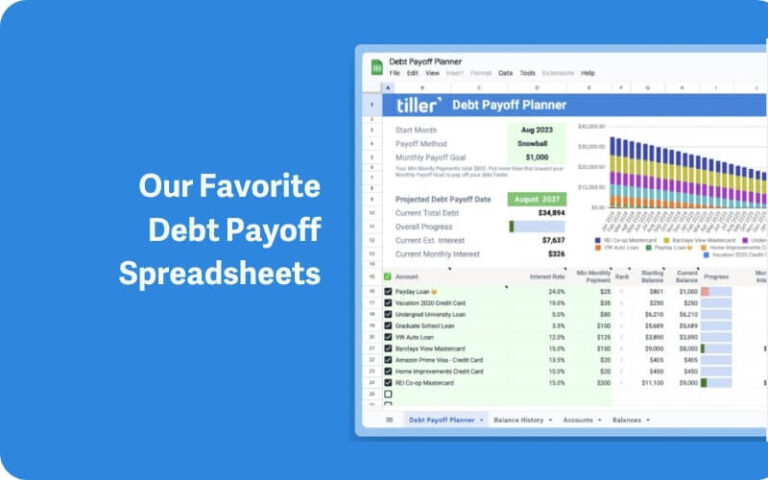
6 Favorite Free Debt Snowball Spreadsheets for 2026
This page provides a comprehensive guide to using the debt snowball method for debt reduction, offering six free spreadsheet templates for Google Sheets and Excel. It explains how the debt snowball method works, contrasting it with the debt avalanche method, and highlights the psychological benefits of small wins. The article details various spreadsheet options, including Tiller’s Debt Payoff Planner and templates from Reddit and Vertex42, to help users manage and pay off their debts effectively. It aims to help individuals reduce financial stress and achieve debt freedom.
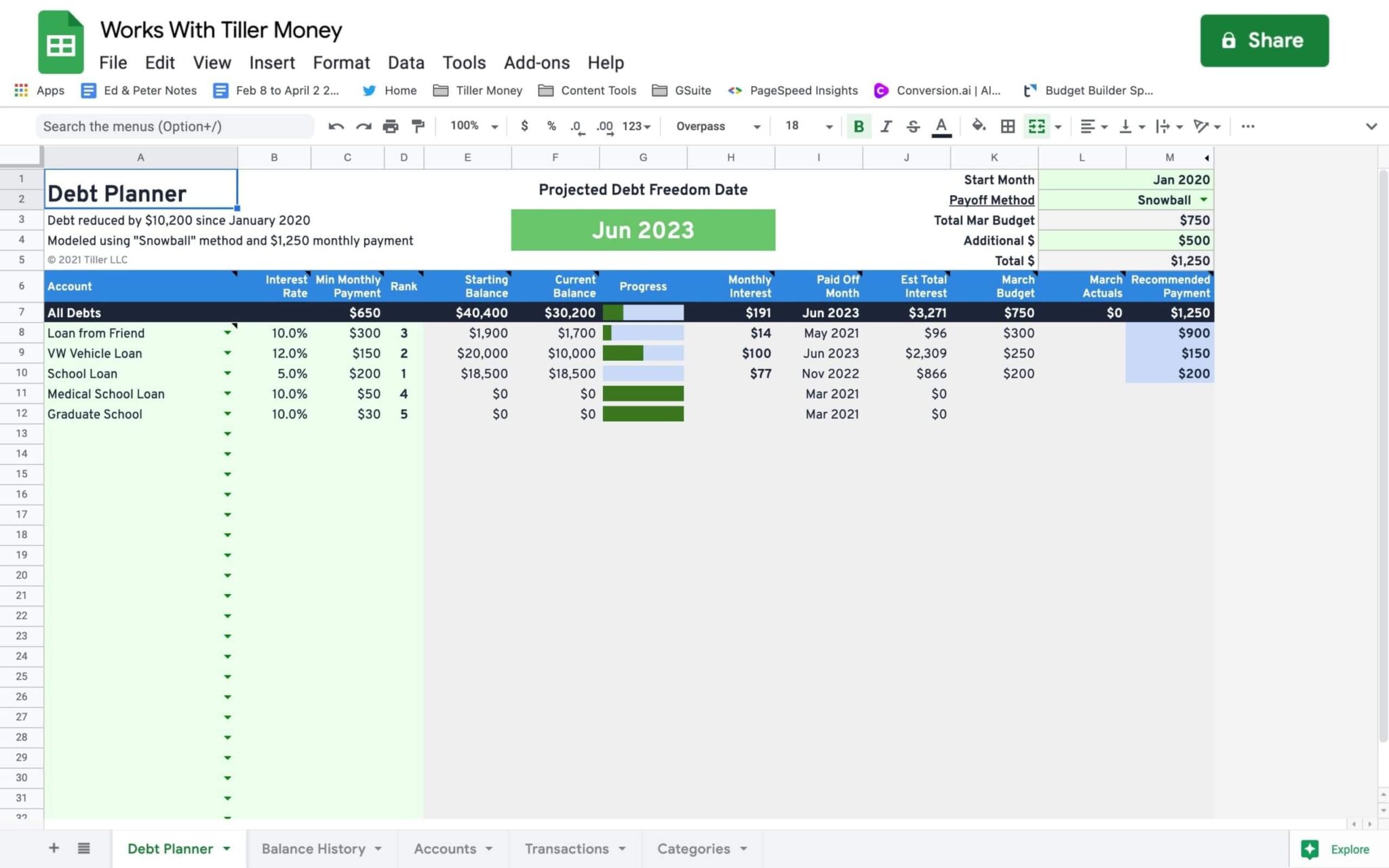
Debt Snowball Spreadsheet and Payoff Planner
This page introduces Tiller’s Debt Snowball Spreadsheet and Payoff Planner, a flexible tool designed to help users track and achieve their debt payoff goals. It supports various strategies like snowball, avalanche, or custom methods. The template projects a debt freedom date and suggests monthly payment distributions, allowing users to fine-tune their plans based on their budget. It is free but works best with Tiller-powered spreadsheets and can be installed via the Tiller Community Solutions add-on for Google Sheets.
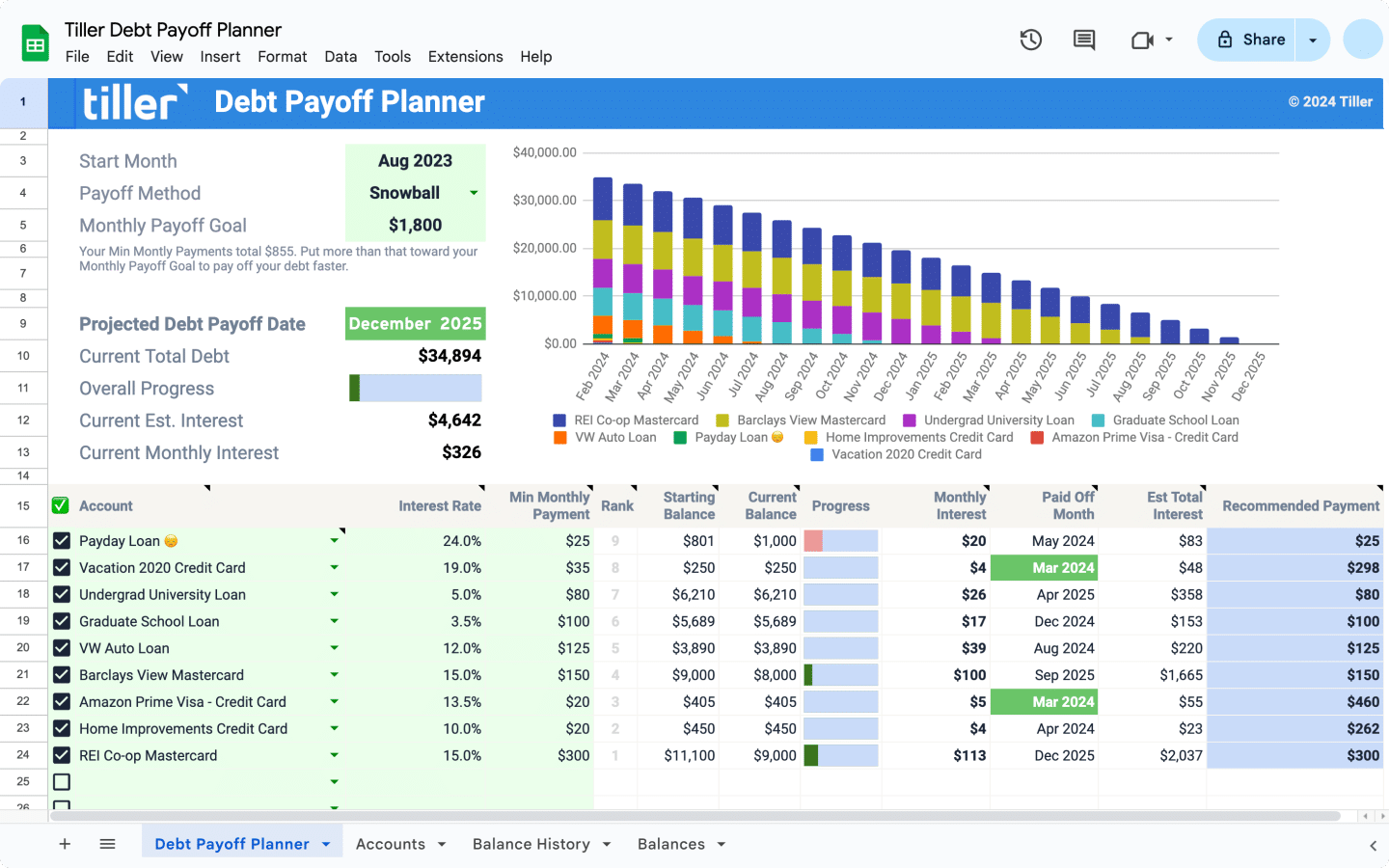
Debt Payoff Planner for Google Sheets and Excel
This page introduces Tiller’s Debt Payoff Planner, a flexible template for Google Sheets and Excel that helps users track and pay off debt. It highlights features like automatic debt tracking, customizable payoff strategies (snowball/avalanche), and interactive progress visualization. The planner integrates with Tiller’s financial services, connecting bank accounts to spreadsheets for automated data import. It also shares a customer success story and details additional Tiller features that support comprehensive personal finance management.
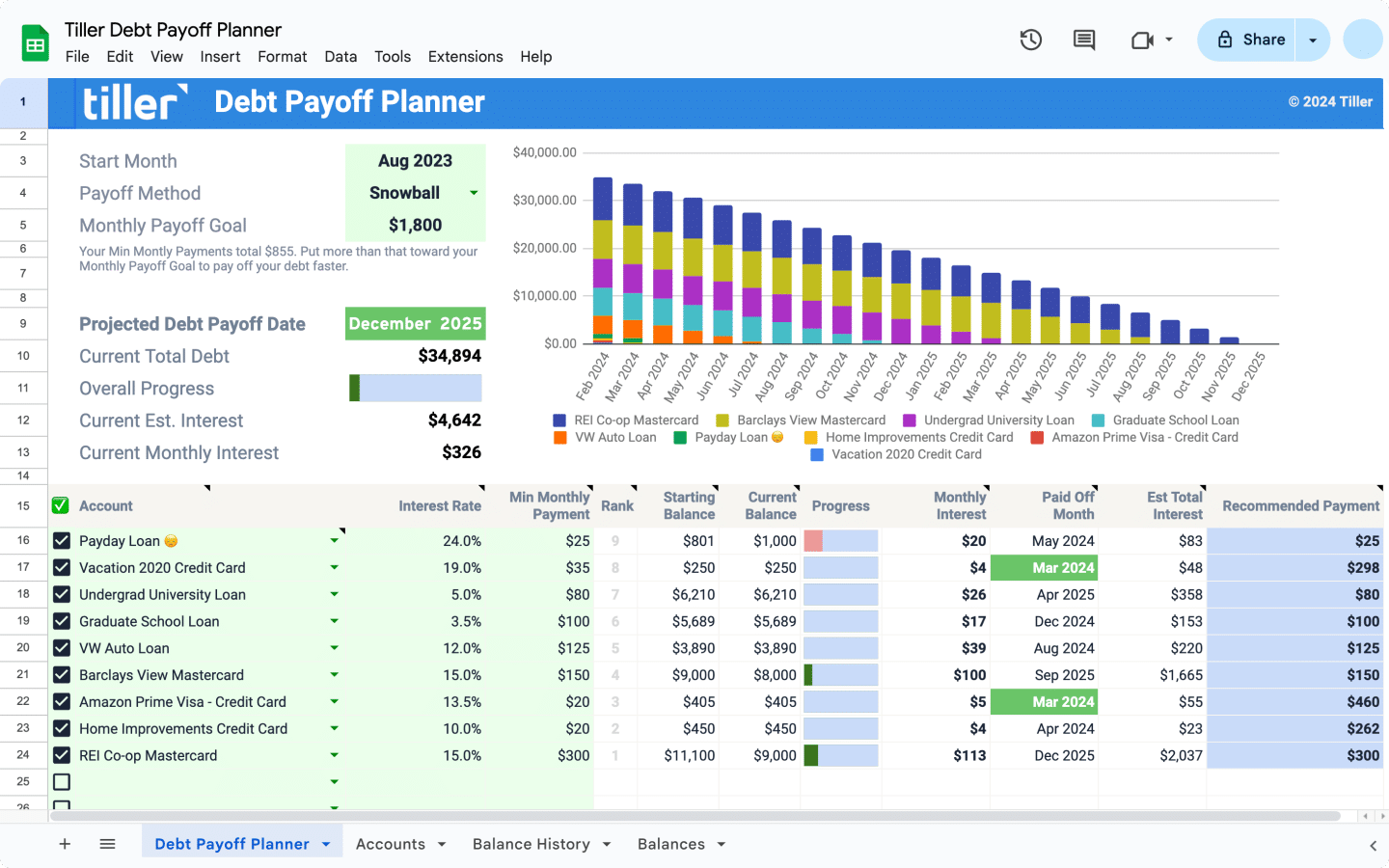
The Only Automated Debt Payoff Planner for Google Sheets and Excel
This page introduces Tiller’s Debt Payoff Planner, a tool designed for Google Sheets and Excel to help users track and pay off debt. It highlights features like automated tracking of liabilities, customizable payoff plans, and tools to analyze spending habits. The planner supports various payoff strategies, including snowball and avalanche methods, and allows for “what-if” scenarios to visualize debt freedom. The content emphasizes personalization, enabling users to manage their finances their way with custom categories and budgeting methods.

Loan Payoff Tracking Spreadsheets
Templates for tracking individual loan payoff progress — student loans, auto loans, personal loans, mortgages. Enter your balance, interest rate, and monthly payment to see your payoff date and total interest cost.
Complete Debt Payoff Spreadsheet Toolkit
A comprehensive debt management toolkit for people paying off multiple debts. Includes a debt inventory sheet, snowball and avalanche calculators, payment tracker, and progress dashboard — all in one coordinated spreadsheet system.
Debt Snowball vs. Debt Avalanche: Choosing a Strategy
If you’re paying off multiple debts, the order you pay them off in matters — both mathematically and psychologically.
The debt avalanche approach targets the highest-interest debt first. Mathematically, this minimizes the total interest you pay over time, which means you get out of debt faster and spend less money overall. For people who are motivated by cold math, this is usually the optimal choice.
The debt snowball approach targets the smallest balance first, regardless of interest rate. You pay off small debts quickly, which generates early wins and momentum. Research suggests many people are more likely to stick with a payoff plan when they see progress early — and for them, the slight mathematical inefficiency is worth the motivational benefit.
The templates in this hub support both approaches. The debt payoff toolkit includes side-by-side calculators so you can see exactly how much each strategy costs in your specific situation before committing. Most people find the difference is smaller than they expect, and the right choice is whichever one you’ll actually follow through on.
Other Template Collections
For templates covering other areas of personal finance:
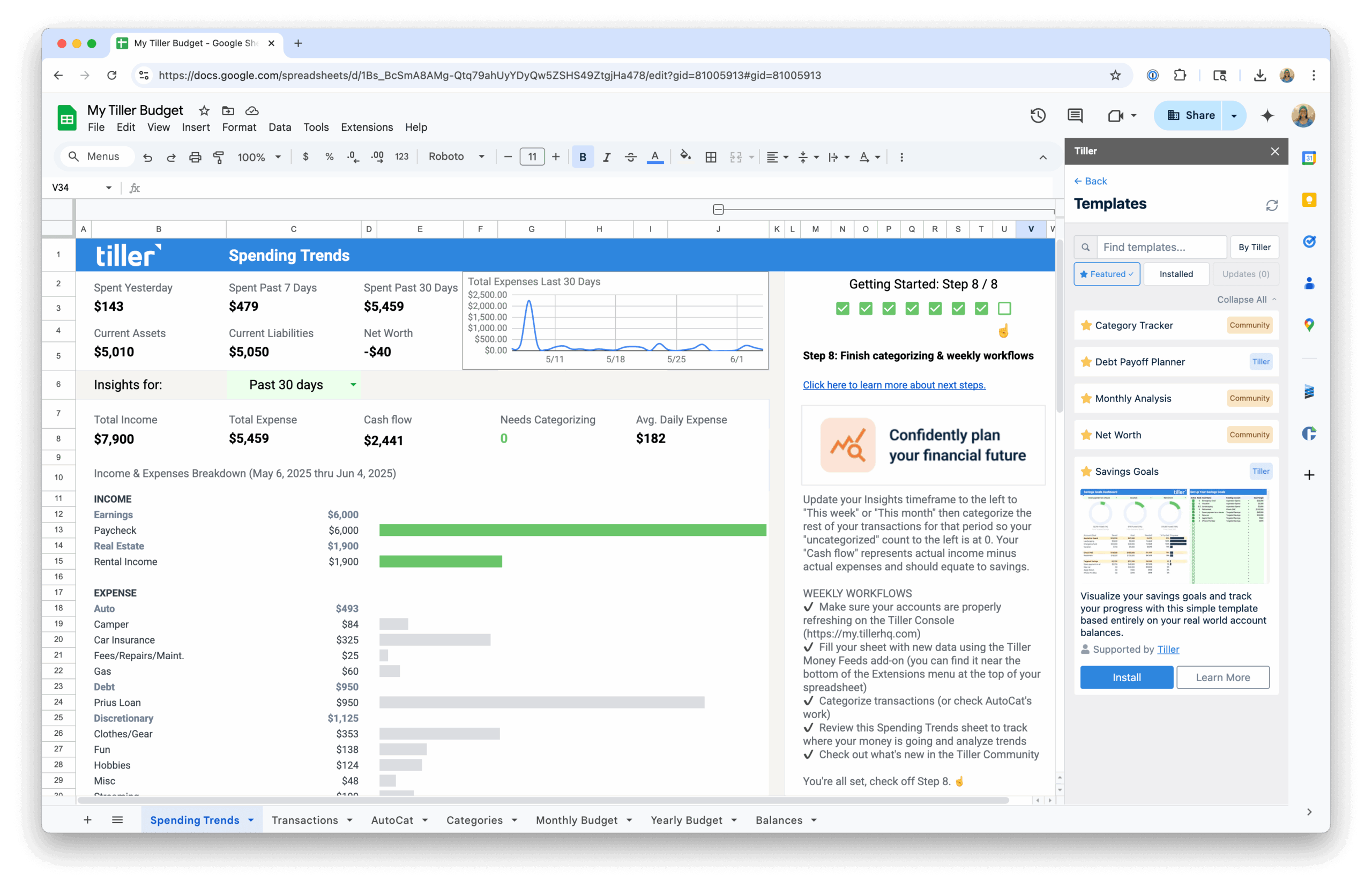
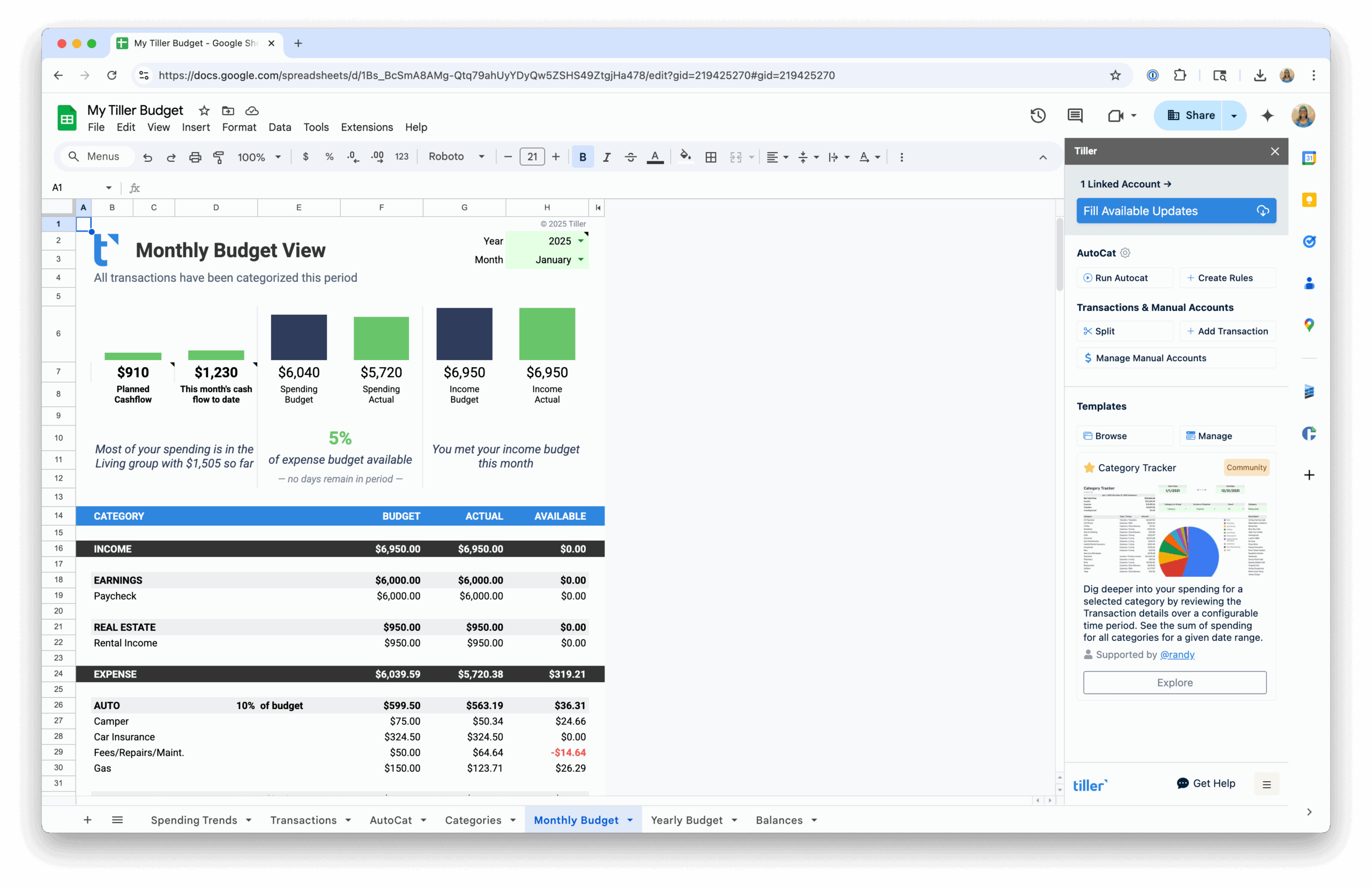
- Budget Spreadsheet Templates — Monthly budget templates, annual trackers, and automated options that connect to your bank accounts.
- Net Worth & Financial Tracking Templates — Templates for tracking net worth, retirement planning, and long-term financial progress.
- Template Collections & Toolkits — Multi-purpose template packs covering budgeting, tracking, and planning in one coordinated set.
