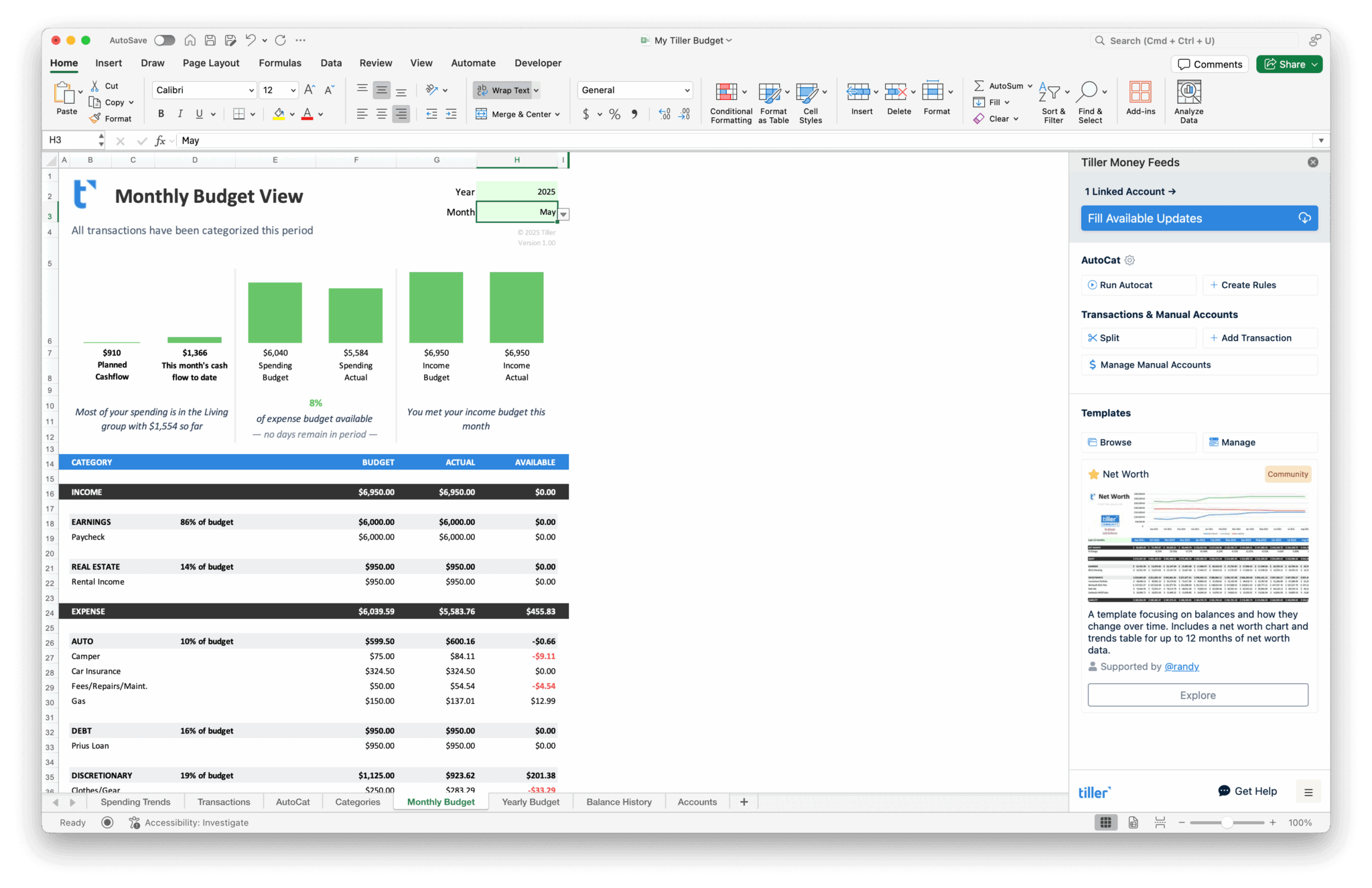
Tiller Resource Center > Spreadsheet Financial Systems
Automated Personal Finance in Spreadsheets
How to connect your financial accounts to a spreadsheet so your data stays up to date without manual entry.
Spreadsheets are powerful tools for managing money, but they’ve always had one significant drawback: keeping the data current. Logging into bank websites, downloading CSV files, reformatting columns—it works, but the manual upkeep is enough that many people eventually fall behind or give up.
Automation changes that equation. When your bank transactions flow into your spreadsheet automatically, a static document becomes a living financial system—budgets stay current, spending reports update themselves, and net worth tracking reflects reality without extra effort.
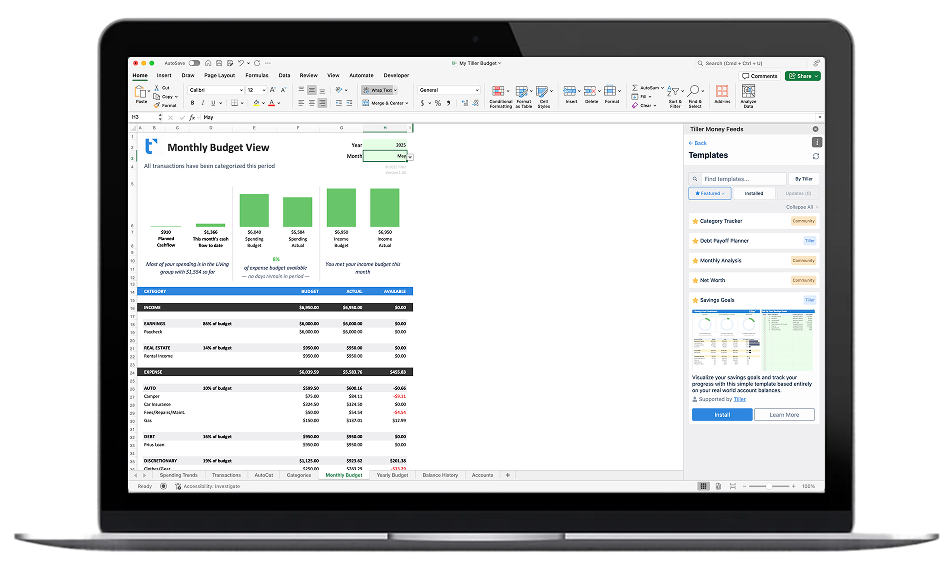
This section explores how automated spreadsheet finance works, what tools and approaches are available, and how to set up a system that keeps your financial data fresh. Several of the guides here feature Tiller, which connects to your bank accounts and delivers daily transaction updates directly into Google Sheets or Excel.
Start with these guides and templates:
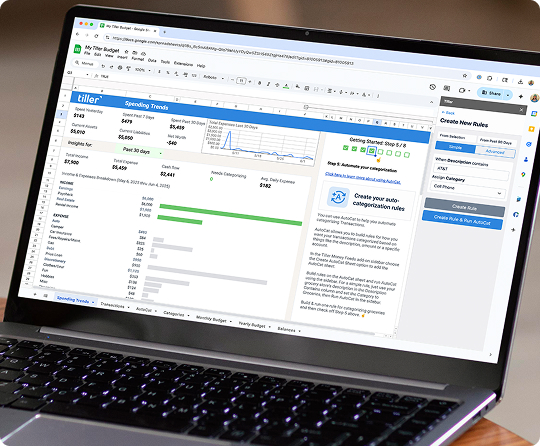
How to Manage All Your Finances in One Spreadsheet
How to set up one spreadsheet to manage all your finances including bank accounts, credit card accounts, investments, loans, etc. with tips on how to connect sheets and automate updates.

Setting Up a Complete Personal Finance System with Tiller
Step-by-step guide to building a complete personal finance system with Tiller. Connect your accounts, set up budgets, track net worth, and automate your spreadsheet.
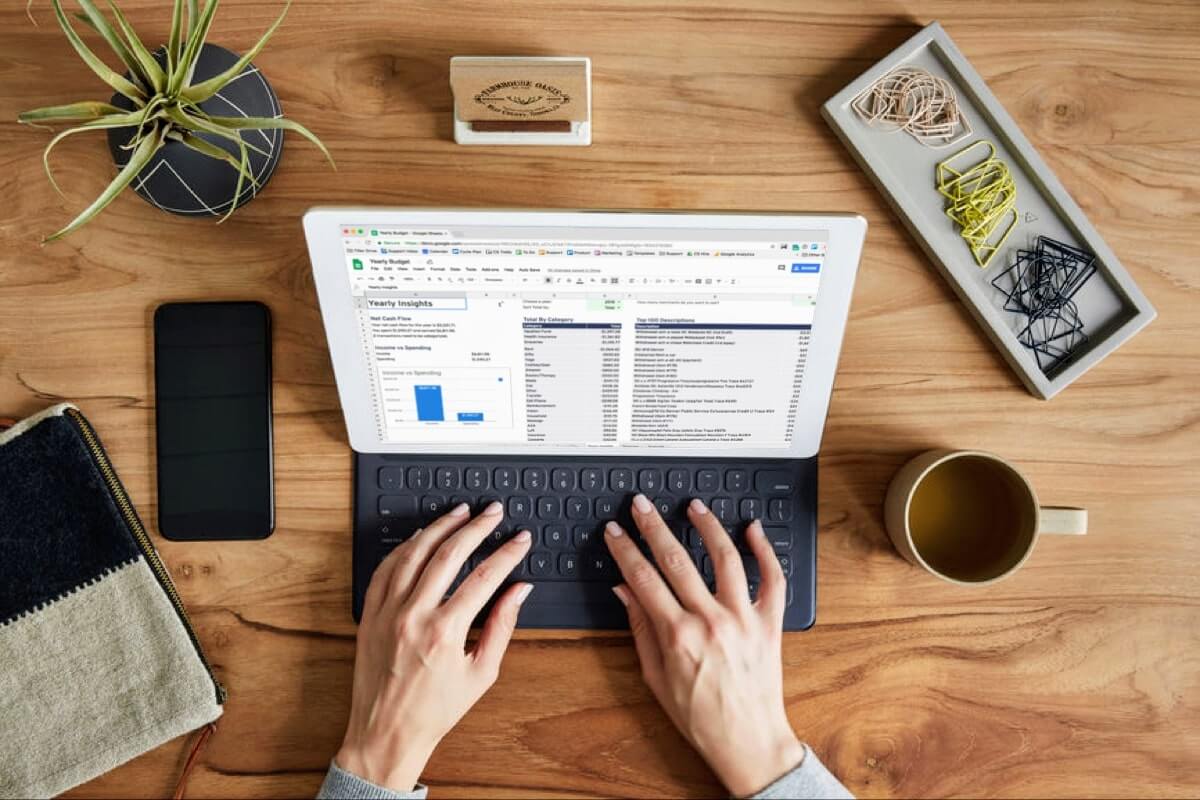
Automated Personal Finance with Google Sheets and Microsoft Excel
Learn how to automate your personal finances in Google Sheets or Excel. Connect your bank accounts, get daily transaction updates, and build a financial system that stays current without manual entry.
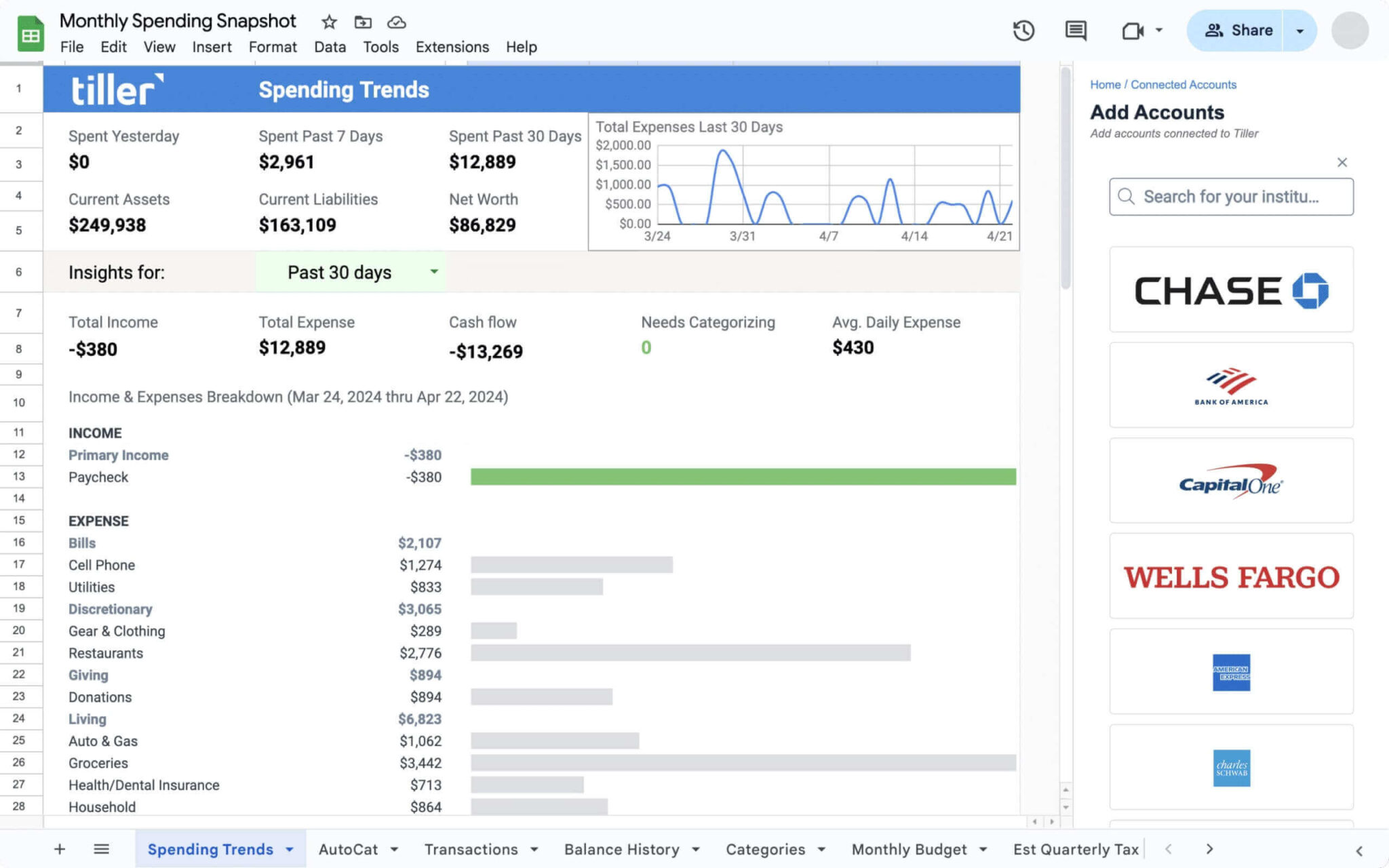
Foundation Template
Your complete starting point. Includes automated budgeting, net worth tracking, spending insights, and account summaries—all connected to your bank accounts for daily updates.

Build Your Own Automated Financial Dashboard
Step-by-step guide to creating a custom financial dashboard in Google Sheets with automated transaction feeds, real-time balances, and visual reporting.
How Does Automating Finance Tracking Change Everything?
Manual tracking is a barrier to actually using your financial data. When it takes 20 minutes to update your spreadsheet, you stop doing it regularly. When it updates automatically, you check it daily—because there’s no friction.
Tiller handles the tedious parts (transaction downloads, balance updates, data formatting) so you can focus on the decisions. Should you adjust your budget? Are you on track for savings goals? Where did all that restaurant spending come from? These questions become easy to answer when your data is always current.
The automation is invisible. You just open your spreadsheet and everything’s there. Build any system you want on top of that foundation—budgets, trackers, planners, dashboards. The data layer runs itself.