

About the Small Business Expense Tracker Spreadsheet
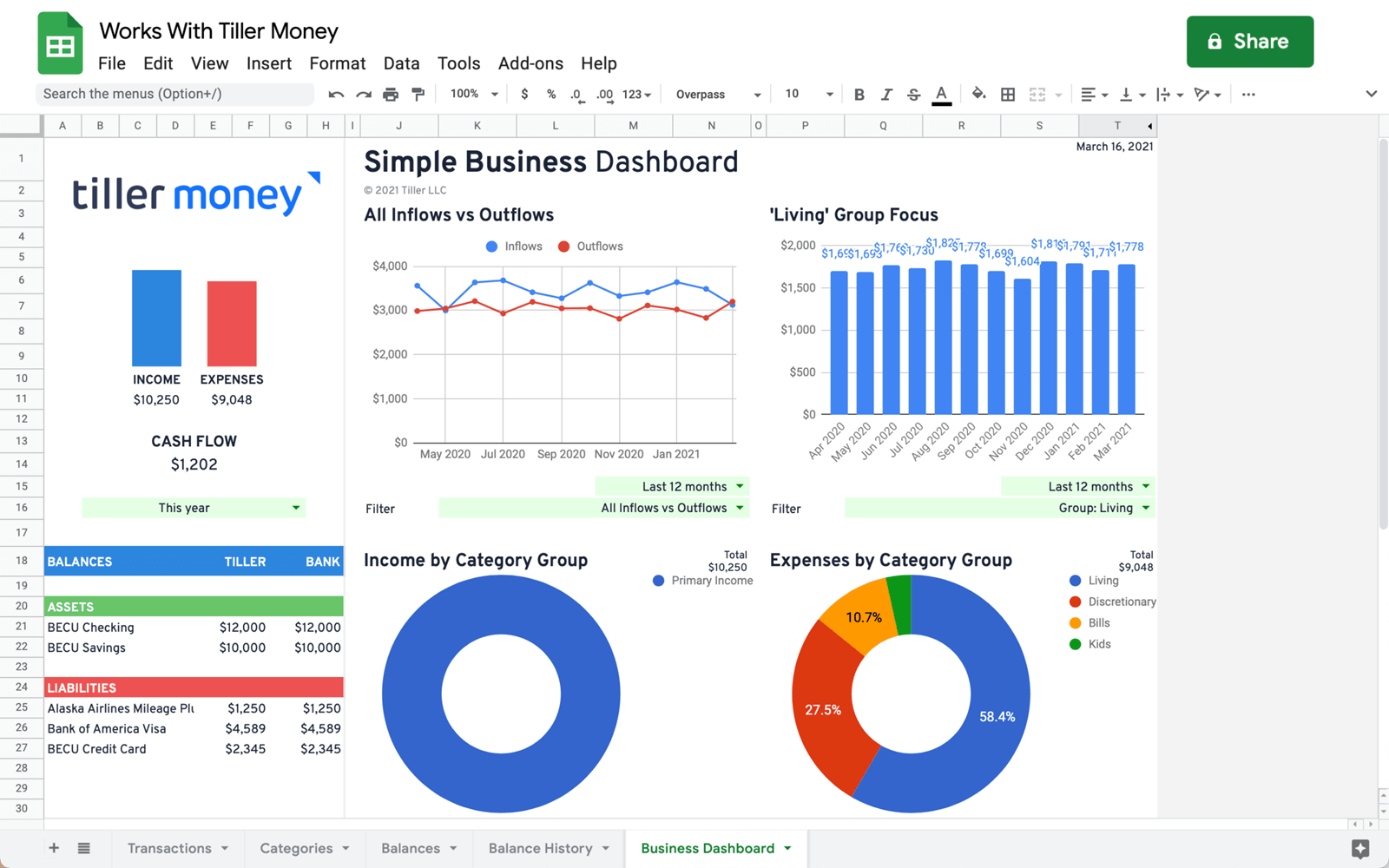
The Small Business Spreadsheet gives you a complete picture of your business finances in one place: income, expenses, cash flow, and account balances, all organized around your own categories and viewable across customizable time periods.
The centerpiece is the Business Dashboard, which breaks down inflows and outflows, income and expenses by category group, and account balances at a glance. Beyond the dashboard, the suite includes tools for generating profit-and-loss reports, estimating quarterly taxes, reconciling bank statements, and tracking business receipts, covering the core workflows most small businesses and freelancers need, without requiring separate software.
Best for: Freelancers, contractors, and small business owners who want a lightweight Google Sheets alternative to bookkeeping software.
Support & Documentation
Install the Small Business Spreadsheet through the Tiller Community Solutions add-on. Find it under the Business tag in the Explore tab.
For a full setup guide, workflow documentation, and community discussion, visit the Small Business Comprehensive Guide in the Tiller Community.
If you run into an issue, search the community first and if your question hasn’t been answered, post it in the Get Help > Spreadsheet Templates category.
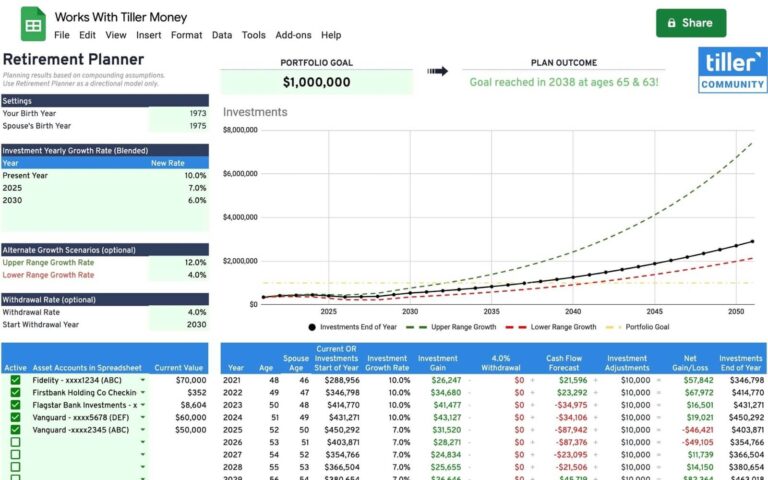
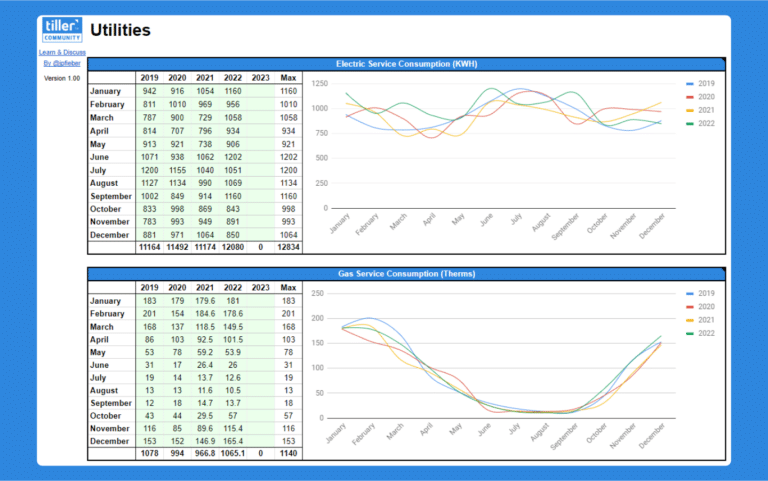
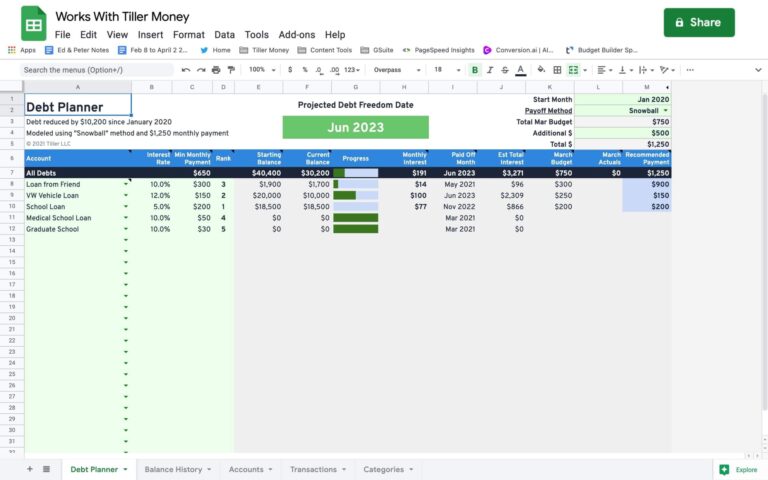

Start the discussion at community.tillerhq.com