

Tiller Resource Center

Personal Finance Spreadsheet Template Library

Practical spreadsheet templates for budgeting, debt payoff, net worth tracking, and more—designed for Google Sheets and Excel.
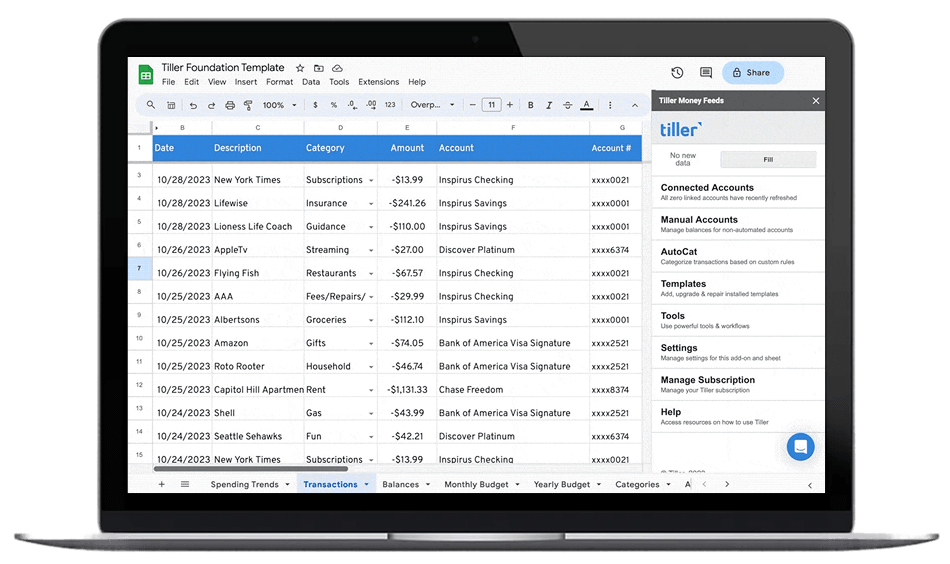
Personal Finance Spreadsheet Template Library

The templates in this library are built to solve specific financial challenges: tracking debt payoff, managing a household budget, monitoring net worth, planning for retirement. They’re designed to be practical and flexible—structured enough to be useful, adaptable enough to fit your situation.

You’ll find three types of templates here:

  1. Tiller official templates (like the Foundation Template), created and supported by the Tiller team, designed to work with automated bank feeds
  2. Tiller community templates, built by Tiller users for Tiller users, supported by the community and designed for automated transaction data
  3. Free spreadsheet templates from creators across the web—not related to Tiller, but valuable resources for anyone managing finances in spreadsheets

The free templates work great for manual financial management—download, customize, and update them yourself. The Tiller templates work the same way, but can also connect to your bank accounts through Tiller so your transactions, balances, and charts update automatically.

Whether you’re looking for a free download or an automated system, you’ll find practical options here.

Budget Spreadsheet Templates

Start with the right budgeting template for your life. Whether you’re managing a household, tracking shared expenses with a partner, or just trying to understand where your money goes each month, there’s a template built for your situation.

This collection includes free templates for Google Sheets and Excel, as well as Tiller’s automated templates that connect to your bank accounts. Choose the approach that fits your workflow: download and manage manually, or automate with daily transaction updates.
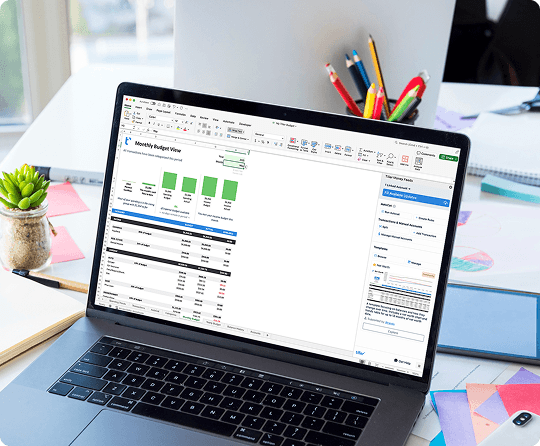
Budget Spreadsheet Templates

Popular budget templates:

  • Monthly budget spreadsheets for tracking spending by category
  • Zero-based budgets that assign every dollar a job
  • Envelope budgeting for category-based spending limits
  • Household budget templates for families
  • Shared expense trackers for couples or roommates
  • 50/30/20 budget calculators for simple percentage-based planning

Debt Payoff Spreadsheet Templates

Getting out of debt requires a plan you can stick to. These templates help you visualize your progress, compare payoff strategies, and stay motivated as you work toward zero.

Track multiple debts, calculate payoff timelines, and see exactly how much interest you’ll save by paying extra. The debt snowball and debt avalanche methods are both available, so you can choose the strategy that works for you.
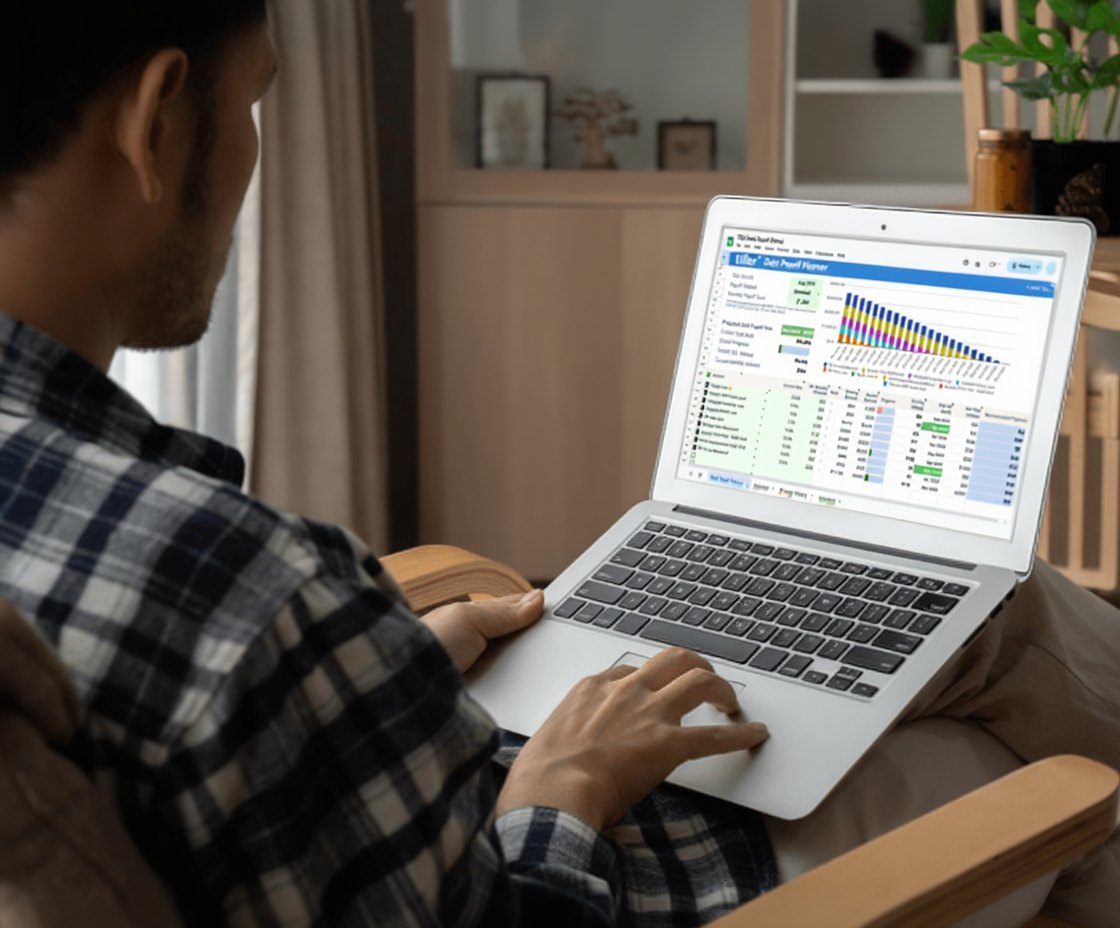
Debt Payoff Spreadsheet Templates

Popular debt payoff templates:

  • Debt snowball spreadsheet (smallest balance first)
  • Debt avalanche planner (highest interest first)
  • Complete debt payoff toolkit (compare both methods)
  • Loan payoff trackers for auto, student, and personal loans
  • Credit card payoff calculators

Net Worth & Financial Tracking Templates

Understand your complete financial picture. Track every asset and liability in one place, monitor your investment performance, plan for retirement, and watch your net worth grow over time.

These templates go beyond budgets to help you build long-term wealth. Whether you’re tracking investments, planning for retirement, or just want a clear view of everything you own and owe, start here.

Net Worth & Financial Tracking Templates

Popular tracking templates:

  • Net worth spreadsheets for complete financial snapshots
  • Investment trackers for portfolio performance
  • Retirement planning calculators
  • Bill tracking spreadsheets
  • Cash flow planning templates

Complete Template Collections

Can’t decide which template to start with? Our template collections give you everything you need to manage different areas of your financial life.

Each collection includes multiple templates designed to work together, giving you a complete system for budgeting, tracking, and planning.

Complete Template Collections

Popular collections:

  • Community Templates Gallery (35+ member-created templates)
  • Google Sheets template library
  • Excel template collection
  • Real estate investment templates
  • Complete personal finance toolkit

Best Personal Finance Spreadsheet Templates

Free Personal Finance Spreadsheet Templates

Best Google Sheets Templates for Personal Finance

Free Bill Pay Checklists

When Templates Meet Automation

The free templates in this resource center work as standalone downloads—no Tiller required. Download them, customize them, update them manually. They’re yours to use however you want.

Tiller’s templates work the same way, but with one advantage: when you connect Tiller to your bank accounts, these templates become automated. Your transactions flow in every morning. Balances update themselves. Budget calculations refresh in real time. You stop maintaining spreadsheets and start using them.

If you’re ready for automation, the Foundation Template is the best place to start. It includes budgeting, net worth tracking, and spending insights in one connected system. You can add other Tiller templates from the Community Solutions library, build something custom, or mix and match.

Manual templates give you complete control. Automated templates give you convenience. Choose the approach that fits your workflow.

Frequently Asked Questions

This library includes three types of templates. First, Tiller’s official templates (like the Foundation Template), created and maintained by the Tiller team and designed to work with automated bank feeds. Second, Tiller community templates, built by Tiller users for specific use cases—things like rental property trackers, debt payoff dashboards, and FIRE calculators. Third, free spreadsheet templates from independent creators across the web—these have no connection to Tiller, but are useful resources for anyone who wants to manage finances manually in Google Sheets or Excel. You’ll find all three types here.

No. Many templates here are free standalone downloads that work without Tiller—you download them, customize them, and update them manually. Tiller’s subscription is only required if you want your templates to connect to your bank accounts and update automatically with daily transaction data. The free third-party templates in this library are completely independent of Tiller and require no account of any kind.

A free standalone template is a static spreadsheet—you download it, fill it in yourself, and keep it updated manually. It’s free and fully functional, but you’re responsible for entering your own data. A Tiller-automated template connects to your bank accounts through Tiller’s secure bank feed, so your transactions, balances, and account data flow in automatically every morning. You get the same spreadsheet flexibility, but without the manual data entry.

The best template depends on your situation. For a simple monthly budget, a free Google Sheets budget template with income and expense categories works well for most people. If you want something more powerful that can grow with you and eventually connect to your bank accounts automatically, Tiller’s Foundation Template is a strong starting point—it covers budgeting, spending analysis, and net worth in one connected spreadsheet and is available with a free trial.

Tiller’s official templates are created, tested, and supported by the Tiller team. They’re designed to work reliably out of the box with Tiller’s automated bank feed. Community templates are built by Tiller users to solve their own specific financial tracking needs—there are 35+ available in the Tiller Community Solutions library. Community templates are supported by their creators and the broader Tiller community rather than the Tiller team directly, but they’re all designed to work with Tiller’s transaction data.

Both. Many templates in this library are available for Google Sheets and Microsoft Excel. Free third-party templates vary by creator—some are Google Sheets only, some are Excel only, and some support both. Tiller’s templates support both platforms, and the automated bank feed works the same way in either environment.