
Tiller Resource Center > Tiller vs. Other Tools
Spreadsheet Finance vs App-Based Budgeting
An honest look at the difference between managing money in a spreadsheet and using a budgeting app—and how to know which approach fits the way you actually think about money.
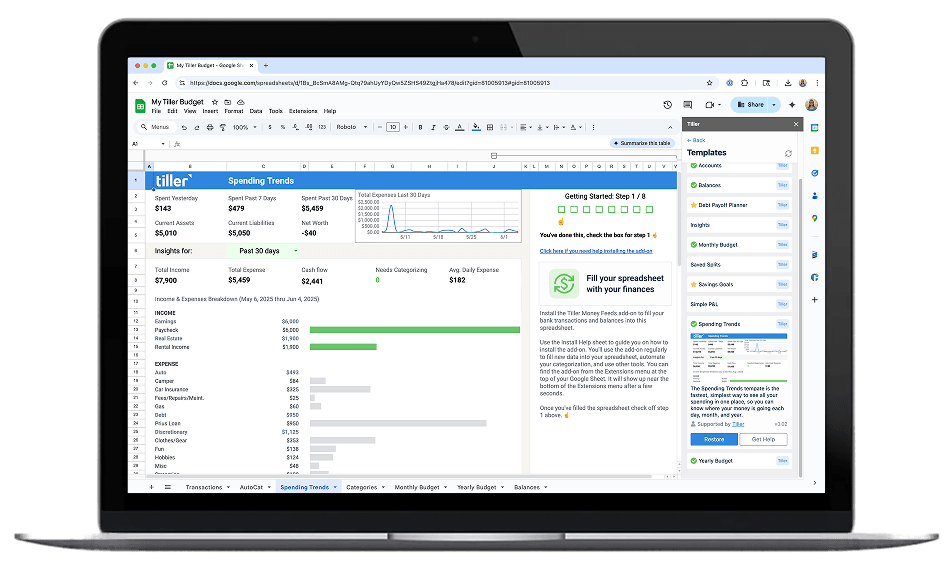
Spreadsheets and budgeting apps solve the same problem: keeping track of your money, but they solve it in fundamentally different ways, for fundamentally different people.
Budgeting apps give you a finished system. The categories are pre-set, the interface is designed, the reports are built in. You connect your accounts, the data flows in, and you work within the structure the app provides. It’s fast to set up, easy to use on a phone, and requires no technical knowledge.
Spreadsheets give you raw capability. You decide the structure, choose the categories, build the formulas, and design whatever views are useful to you. Nothing is locked in. Your data is yours. The trade-off is that the setup takes more thought and the ongoing use requires more comfort with how spreadsheets work.
This hub explores that trade-off honestly—including why many people who try apps eventually come back to spreadsheets, why automated tools like Tiller close most of the convenience gap, and how to figure out which approach actually fits your situation.
Start with these guides:

Why Spreadsheet-Based Finance Gives You More Control
Budgeting apps give you their system. Spreadsheets give you yours. The case for why people who want full ownership, flexible structure, and permanent data portability choose spreadsheets — and how automation removes the one real drawback.

Best Spreadsheet Budgeting Tools
From free Google Sheets templates to fully automated bank-connected platforms — how spreadsheet budgeting tools break down by tier, what separates manual from automated, and which level is right for how you manage money.
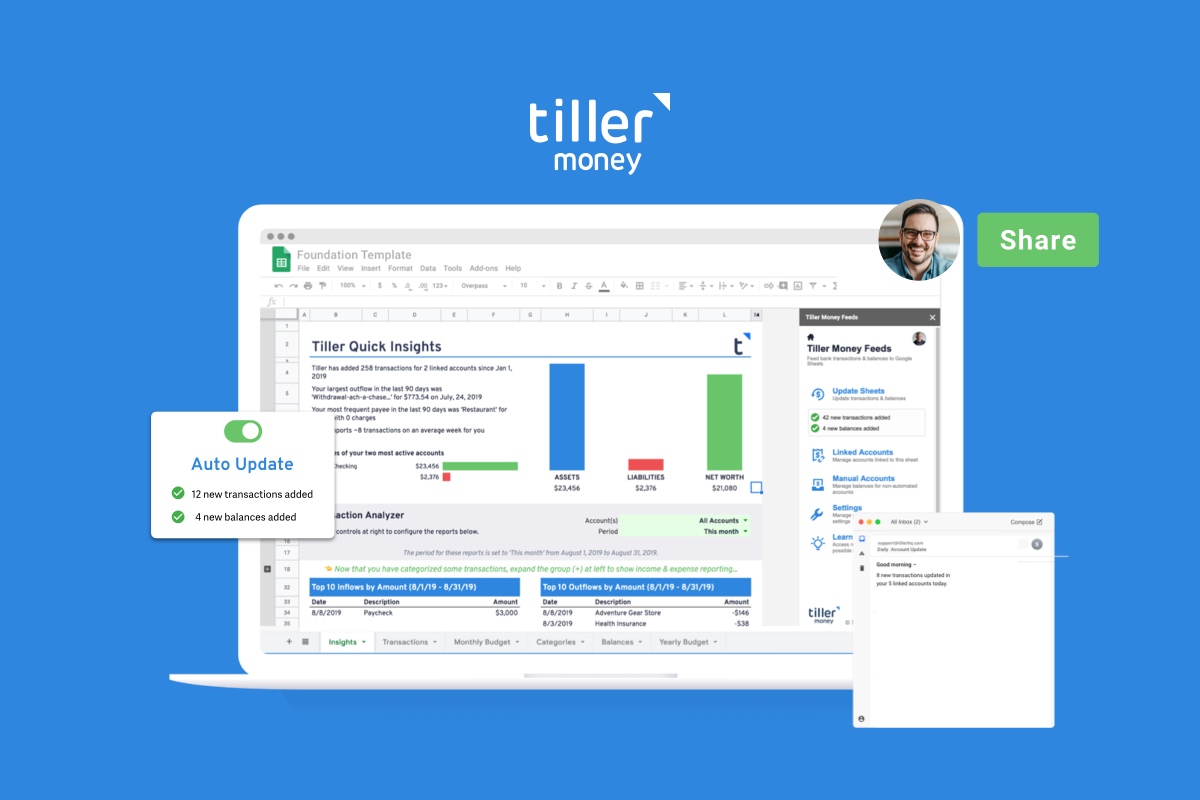
The Best Personal Finance App Isn’t an App
Why Google Sheets and Excel outperform dedicated budgeting apps for people who want a system they actually own and control.
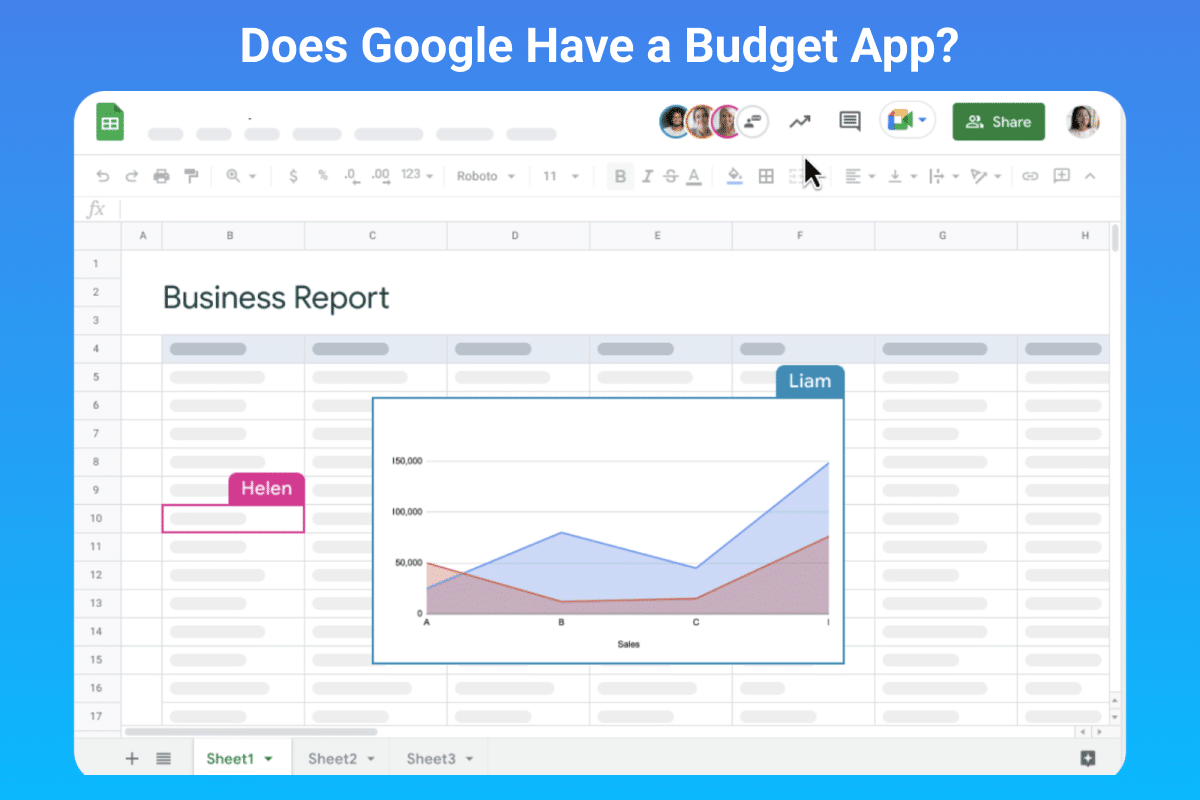
Is there a Google Budget App?
Google doesn’t make a dedicated budget app — but Google Sheets paired with Tiller does everything a budget app does, with more flexibility.
The Real Trade-Off Between Spreadsheets and Apps
The honest answer is that neither approach is universally better—they suit different habits, preferences, and financial situations.
Apps win on ease of entry. They’re guided, mobile-friendly, and require no setup knowledge. If you’ve never tracked your finances before and want to start quickly, an app will get you there faster. The structure is already built; you just fill it in.
Spreadsheets win on flexibility and longevity. You can build exactly the system you need, change it when your life changes, and keep your financial history indefinitely without worrying about a platform discontinuing service or changing its business model. Apps have shut down (Mint in 2024, Simple before that), pivoted to new pricing, or changed their features in ways that frustrated long-term users. A spreadsheet is yours, permanently.
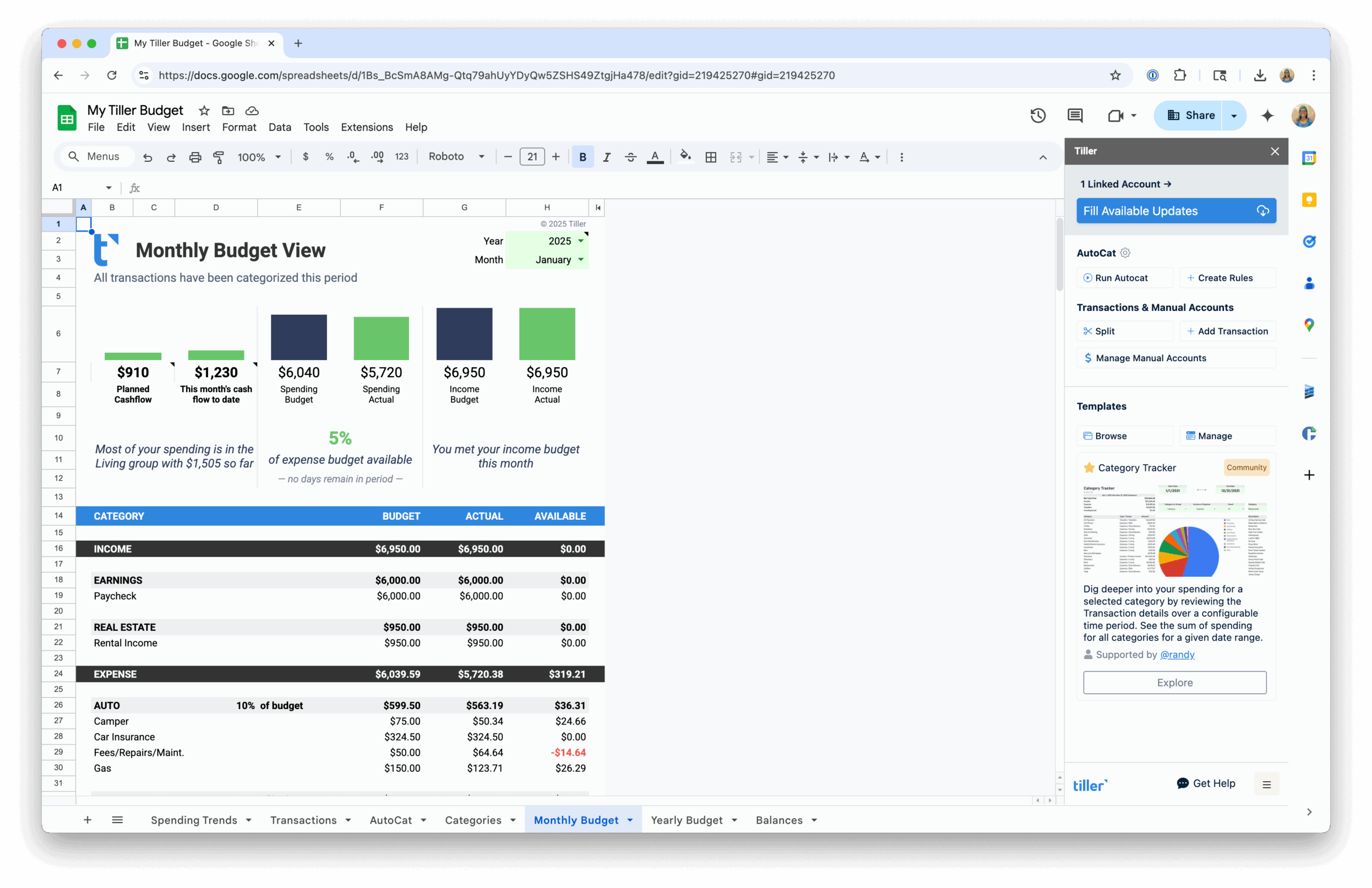
The maintenance objection—that spreadsheets require too much manual upkeep—has become less valid with automated tools. Tiller connects your bank accounts to Google Sheets or Excel and delivers daily transaction data automatically. The setup flexibility of a spreadsheet, without the manual import work that used to make spreadsheets impractical for daily use.
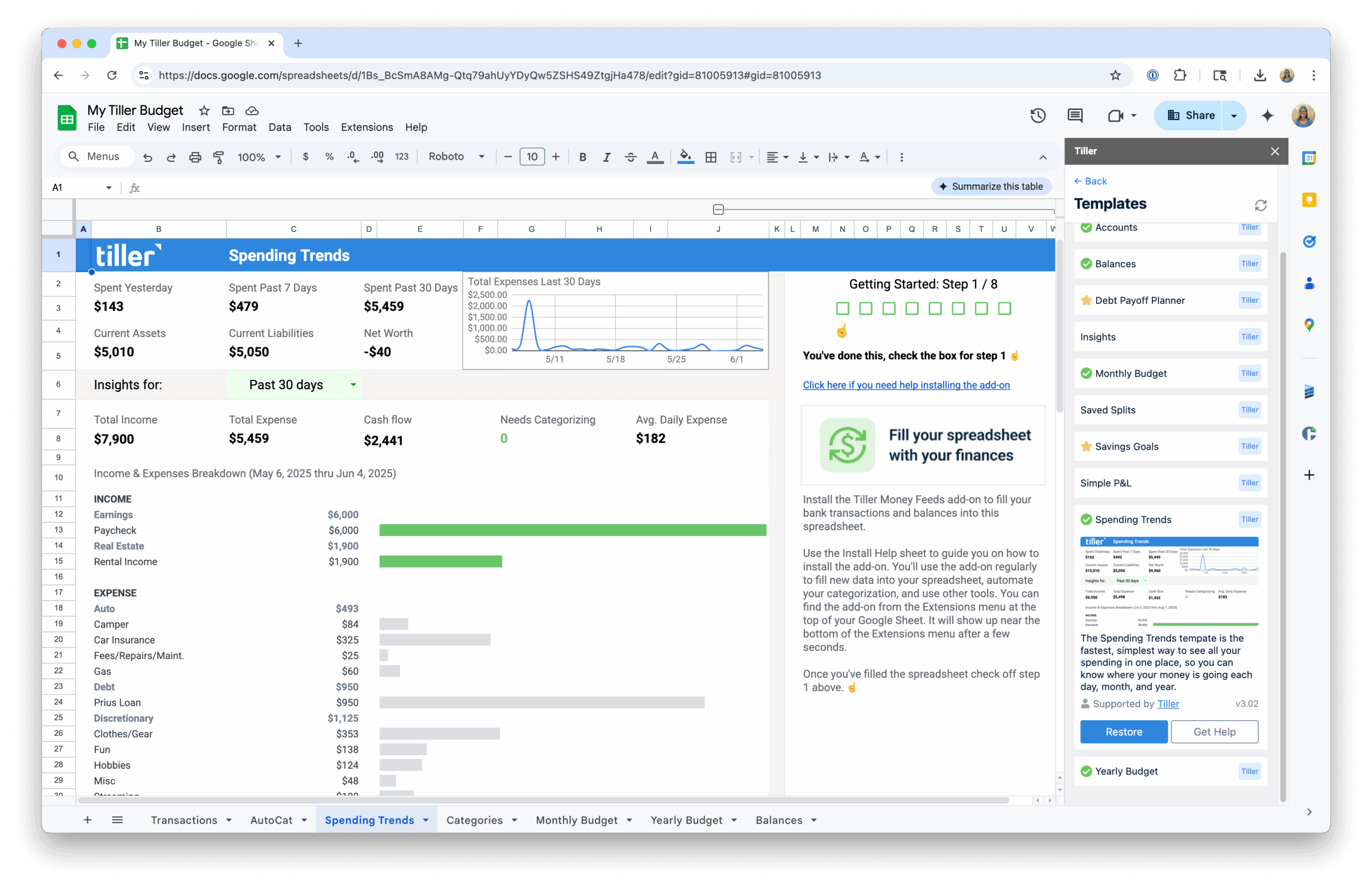
Looking at Specific App Comparisons?
If you’ve already decided spreadsheets are the right approach and want to understand how Tiller compares to specific apps you’ve used or considered, the other hub in this Resource Center covers those direct comparisons.
- Tiller vs. Budgeting Apps — Side-by-side comparisons between Tiller and popular apps including YNAB, Monarch, and Mint alternatives.
