
Tiller Resource Center > Spreadsheet Financial Systems
Doing Taxes in Spreadsheets
How to use a spreadsheet to stay organized, track deductions, estimate what you owe, and make tax season far less stressful—whether you file once a year or pay quarterly.
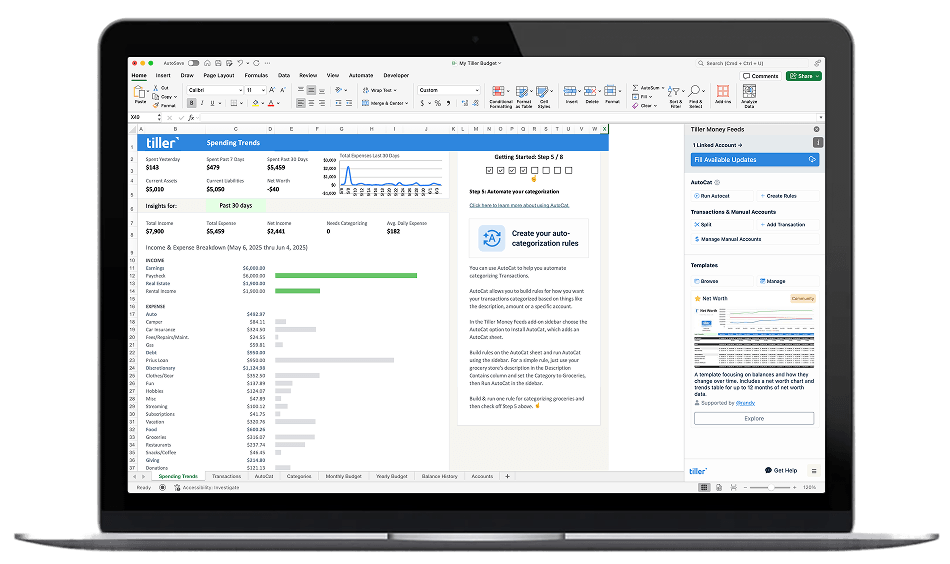
Tax season is stressful for most people—but a lot of that stress comes from poor tracking throughout the year, not from taxes themselves.
A spreadsheet won’t file your return, but it can do almost everything else: categorize your transactions by deductible type, track income from freelance or rental sources, estimate quarterly payments before they’re due, and give you a clean record to hand off to your accountant or plug into your tax software.
The people who find tax season easiest aren’t necessarily the most financially sophisticated. They’re the ones who’ve set up a simple, consistent system that captures the right information as they go—so there’s nothing to scramble for in April.
This hub collects the guides, tools, and workflows for building that system in a spreadsheet. Some are designed specifically for Tiller users who want to get the most out of their transaction data at tax time. Others are useful for anyone who keeps their finances in Google Sheets or Excel.
Start with these guides:

How to Prepare for Taxes Using a Spreadsheet
A practical guide to organizing your finances for tax time using a spreadsheet—from categorizing deductible expenses to building a year-end summary. Works with any spreadsheet setup.
How to Use Tiller for Tax Prep
A step-by-step walkthrough of Tiller-specific workflows for tax prep, including how to filter your deductible expenses, build a clean deductions sheet, and get your taxes done fast.

95 IRS Business Expense Categories (With Free Spreadsheets)
A comprehensive reference for self-employed filers, freelancers, and small business owners—every major IRS expense category organized for easy deduction tracking, with free spreadsheet templates.
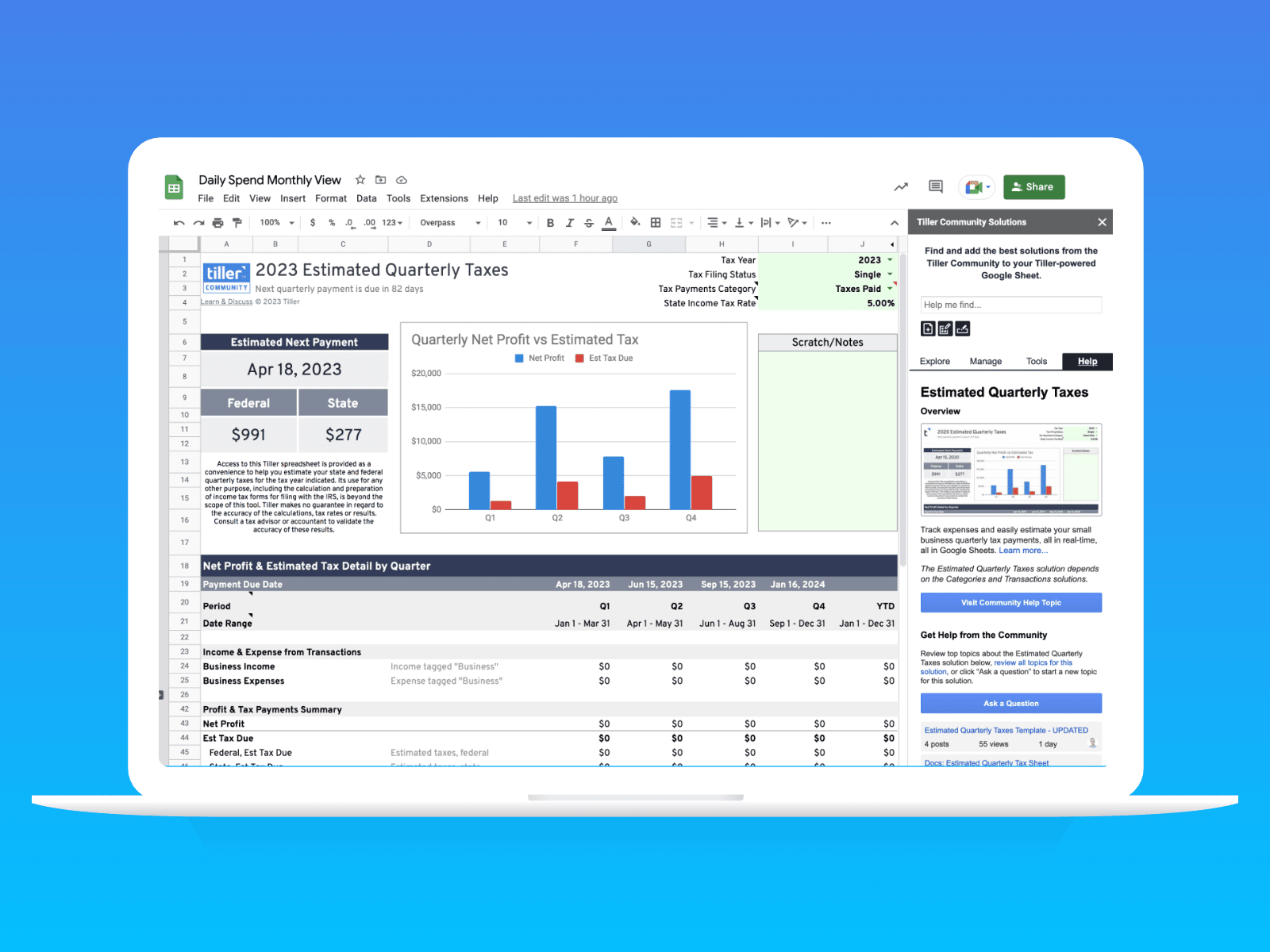
Spreadsheet for Estimating Quarterly Taxes in Google Sheets
A free Google Sheets template for calculating and tracking quarterly estimated tax payments—so you never miss a due date or underpay the IRS.

How to Track Airbnb Rental Expenses to Simplify Your Taxes
If you rent out a property on Airbnb, tracking expenses carefully is the difference between a stressful tax season and a straightforward one. This guide covers what to track and how to organize it in a spreadsheet.
Why a Spreadsheet Is the Best Tax Prep Tool You’re Not Using
Most tax software focuses on the filing moment—the few hours in February or March when you’re entering numbers and answering questions. A spreadsheet does something different: it captures the data all year long.
The difference matters a lot if you have any complexity in your finances. If you’re self-employed, a landlord, a freelancer, or someone with investment income, the hard part of tax prep isn’t filling out the forms—it’s knowing what your deductible expenses actually were, having records to back them up, and not missing anything in the rush of filing season.
A spreadsheet forces you to categorize transactions as you go. It creates a paper trail. It lets you run a quick summary at any point and see exactly where you stand. And if you’re using Tiller, your bank transactions are already flowing in automatically each day—so the categorization is most of the work.
The guides in this hub show you how to build that system: how to organize transactions by tax category, how to estimate what you’ll owe before the bill arrives, and how to walk into tax season with everything already sorted.
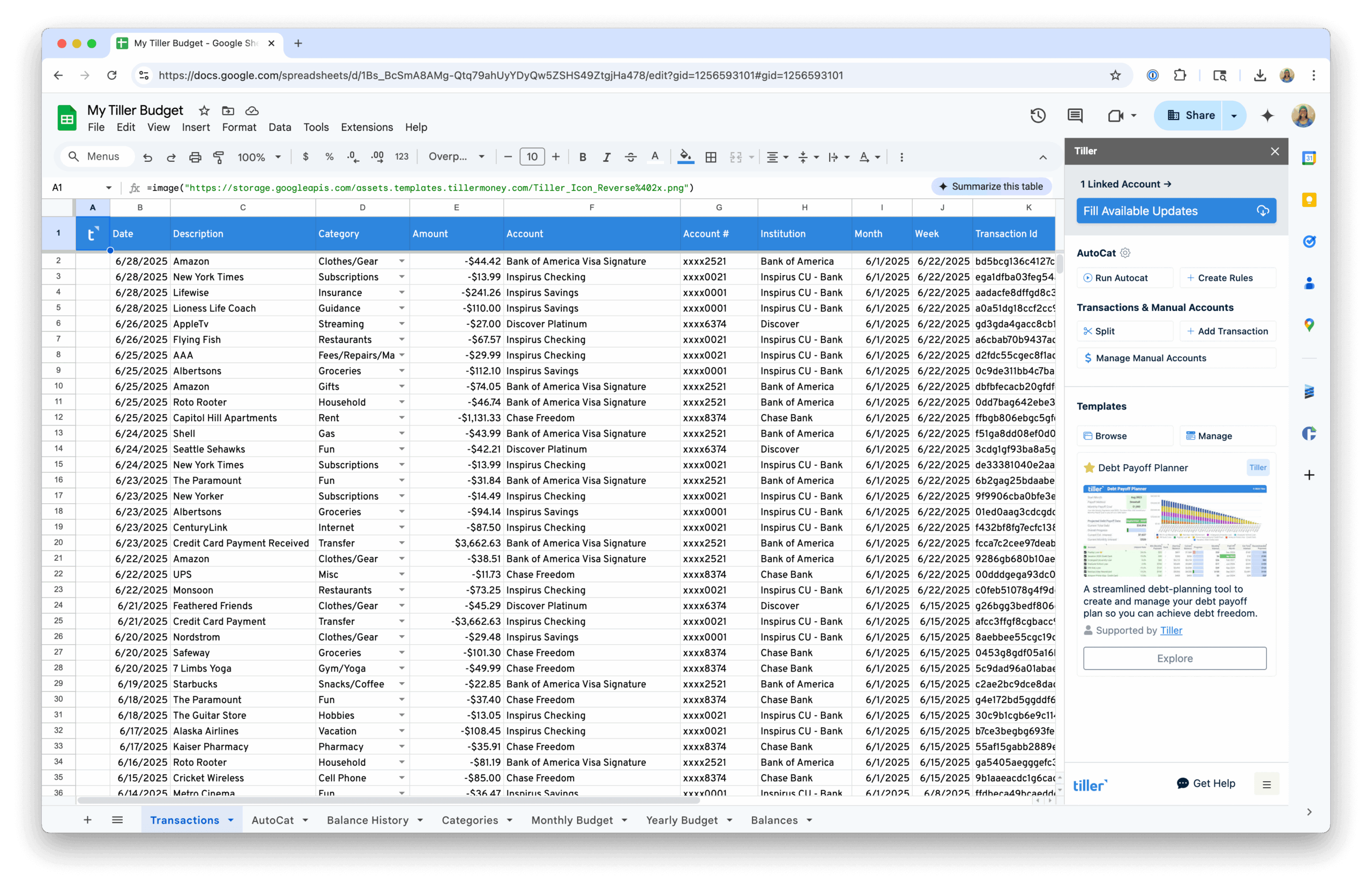

More Spreadsheet Financial System Guides
Tax prep is one piece of the Spreadsheet Financial Systems Resource Center. The other hubs cover the rest of your financial picture:
- Budgeting in Spreadsheets — Setting up and maintaining a monthly budget system in Google Sheets or Excel, from first categories to automated workflows
- Net Worth & Cash Flow Spreadsheets — Tracking what you own, what you owe, and how money moves through your life over time.
- Automated Personal Finance in Spreadsheets — Building a complete, automated financial system that connects your accounts and keeps everything current automatically.
