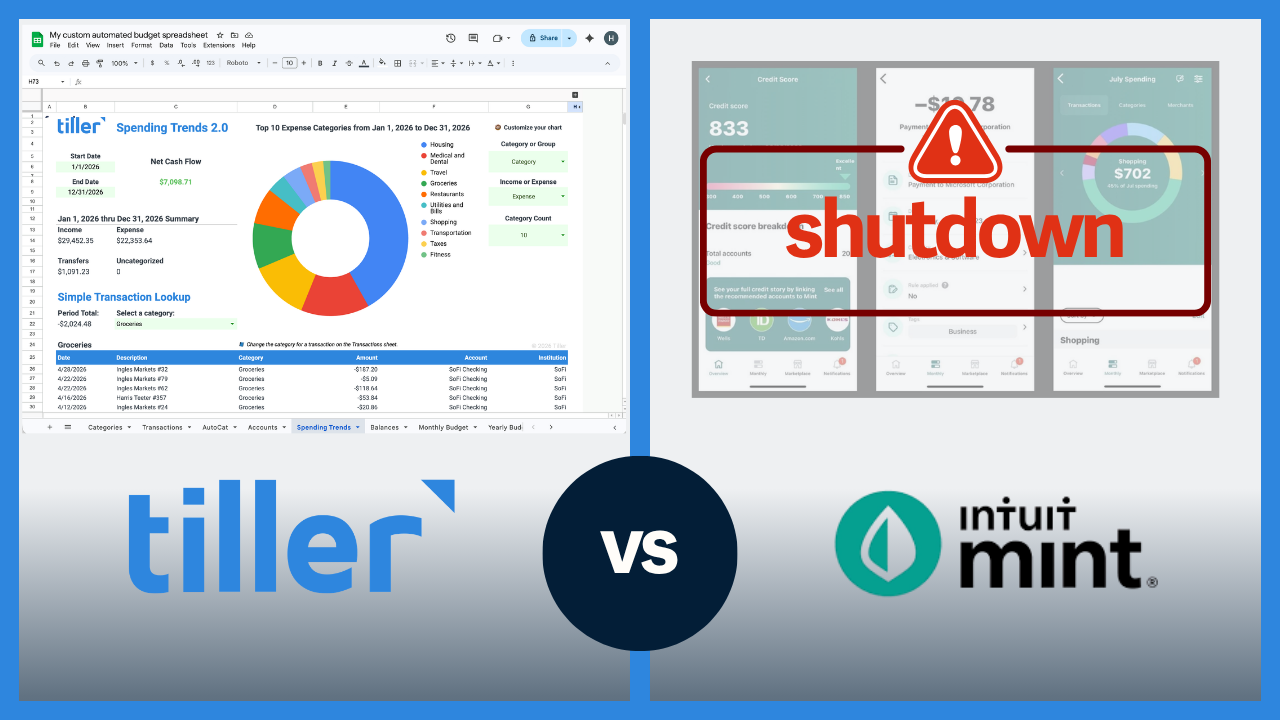
Mint shut down in March 2024, and many people are still looking for financial software that fits their needs. Credit Karma — Intuit’s suggested replacement — doesn’t do budgeting the way Mint did. Tiller is one of the strongest active replacements available. This guide covers what Tiller offers former Mint users, how it compares to other Mint replacements, and how to know if it’s the right fit for you.
What Mint did (and why it’s hard to replace)
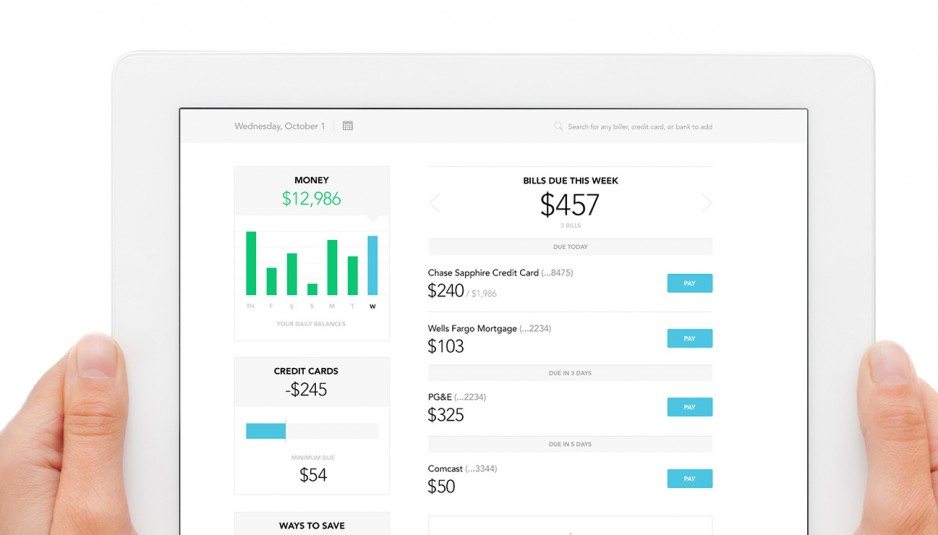
Mint was a great personal finance app. It automatically imported transactions from every connected account, organized them into budget categories with spending limits, sent alerts when you went over budget, and delivered a clean view of your net worth. And it did all of this for free in an easy-to-use and attractive mobile and web app.
See the full Tiller vs. Mint feature comparison
It’s been hard to replace for several reasons. Most alternatives fall into one of three buckets: They do active budgeting well but require more setup and effort than Mint did; they deliver a financial dashboard but with budgeting features too shallow to replace what Mint offered; or they’re free but operate on a business model that treats your data as the product. There isn’t an exact Mint replacement that does everything it did well.
What Tiller replicates from Mint
Here’s what Tiller does that Mint users relied on most.
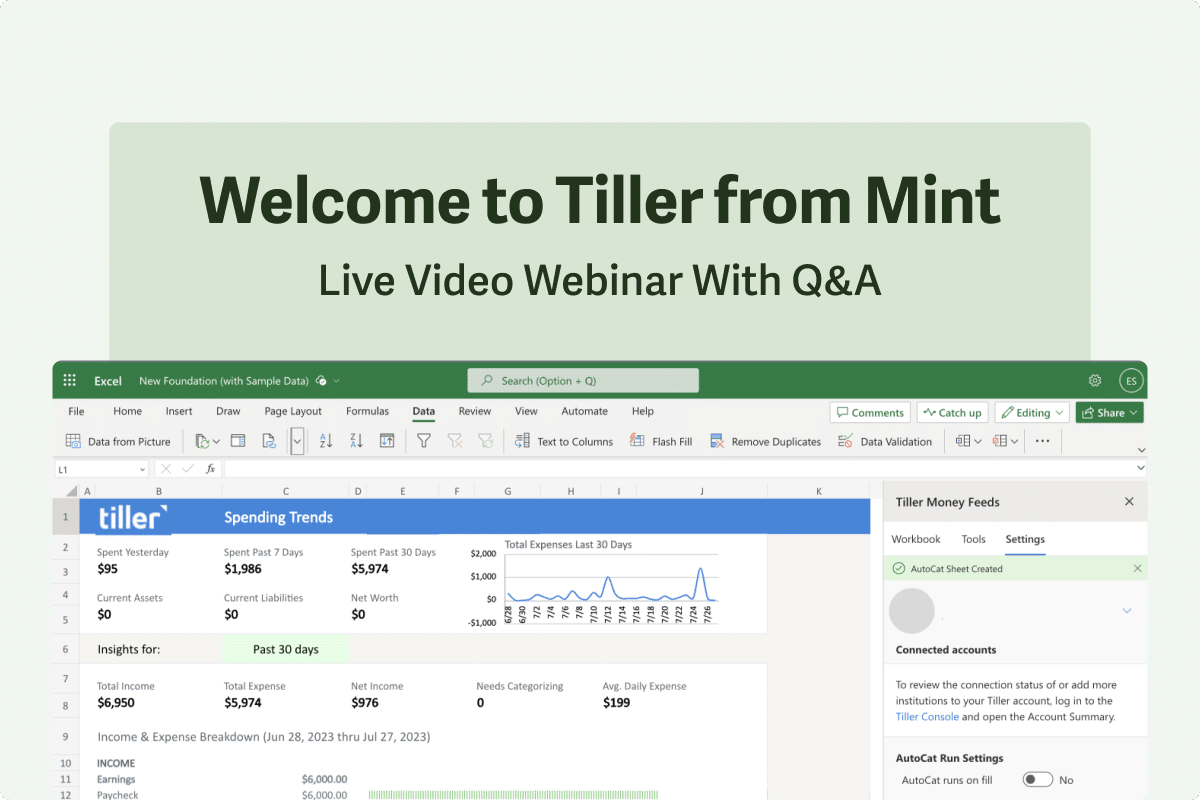
Automatic transaction import: Mint automatically synced transactions from all your accounts — checking, savings, credit cards, loans. Tiller does the same: You connect your bank accounts, and your transactions arrive daily in your Google Sheets or Excel spreadsheet.
Budget tracking by category: Mint’s budget feature let you set monthly spending limits by category and see how you were tracking against them in real time. Tiller’s Foundation Template includes the same concept — a budget vs. actual view by category that you set up once, and then it updates automatically each day. The difference is that Tiller’s version is fully customizable with your categories, limits, and structure.
Net worth monitoring: Mint tracked account balances across all connected accounts and gave you a running net worth snapshot. Tiller does the same. Your Foundation Template includes a net worth tracker that pulls from all connected accounts and updates automatically as new transactions arrive.
Account summary and daily digest: Mint sent a daily summary of your transactions and account balances. Tiller’s Hello Money does the same thing. Every morning, a summary of new transactions and current balances arrives in your inbox.
What’s different about Tiller
It’s spreadsheet-based. Tiller delivers your financial data into Google Sheets or Excel, not into a dedicated app. If you loved Mint’s native interface, this can be an adjustment. If you’re already comfortable in spreadsheets — or open to becoming more comfortable — it’s an upgrade because you get more control, more flexibility, and more ownership.
More upfront setup. Mint was almost entirely plug-and-play. Tiller’s Foundation Template gets you started quickly, but expect to spend 30–60 minutes on initial setup — connecting accounts, reviewing your first batch of transactions, mapping your existing budget categories, and so on. This is a one-time investment, not an ongoing burden.
It costs $99/year. Mint was free. Tiller is $99/year. The tradeoff is that Tiller’s business model is your subscription — not advertising, not selling you financial products, not monetizing your data. Your data belongs to you.
No credit score tracking. Mint included credit score monitoring. Tiller doesn’t. If credit score tracking matters to you, you’ll need a separate tool for that. Credit Karma handles this well, and it’s free — it just doesn’t replace Mint’s budgeting features, which is where Tiller comes in.
How Tiller compares to other Mint replacements
There are several options to replace Mint. Each one has its pros and cons, and which one is right for you depends on your situation.
YNAB ($109/year)
Best for: Structured zero-based budgeting with a guided methodology
YNAB (short for You Need a Budget) is a serious, well-regarded budgeting tool built around zero-based budgeting. You assign every dollar a job before you spend it. It’s more structured than Mint was, with a steeper learning curve. If you want a guided budgeting methodology and don’t mind the higher price and the adjustment period, YNAB is excellent. It’s not a passive financial overview tool; it’s an active money management system with a specific philosophy.
Monarch ($99.99/year)
Best for: App-based Mint replacement with collaborative budgeting
Monarch is the closest app-based replacement for Mint’s look and feel. It has automatic sync, budget tracking, net worth, and a clean interface. It was built with couples and shared budgeting in mind, which Mint did not have. It costs more than Tiller and offers less customization, but for users who want a polished app that doesn’t require any spreadsheet involvement, Monarch is a strong option.
Empower (formerly Personal Capital) (free)
Best for: Free investment tracking and net worth monitoring
Empower is an excellent free option for investment tracking and net worth monitoring. It has one of the best free financial dashboards available. Its budgeting features are not as comprehensive as Mint’s, though. If your primary goal is a high-level view of your wealth and investments, Empower is worth using. If you want active budget management, it won’t fill the gap Mint left.
Rocket Money (free, with a $7–$14/month premium “pay what you think is fair” option)
Best for: Passive money management — subscription tracking and bill negotiation
Rocket Money is better for subscription tracking and bill negotiation than for budgeting. Its passive money-saving features are helpful, but its active budgeting features are not deep enough to replace Mint for most users. If you want passive financial management — find and cancel unused subscriptions, negotiate lower bills — Rocket Money is worth a look.
Copilot Money ($95/year)
Best for: Apple users wanting a beautiful design
Copilot Money is a beautiful, AI-assisted budgeting app for iPhone and Mac users. It’s one of the best-designed personal finance apps available. It’s Apple-only (though with a recently introduced web version), which is a hard constraint for Android or Windows users. For fully Apple-invested households who want the most polished app experience available, Copilot is perhaps the best choice.
Simplifi ($71.88/year)
Best for: An app from a well-established company that feels close to Mint
Simplifi is a streamlined, app-based budgeting tool from Quicken, available on iOS, Android, and the web. It has automatic sync, a personalized spending plan, savings goals, and bill tracking. It’s a closer fit to Mint’s everyday-use feel than Quicken Classic is, and the mobile experience is one of its strengths. If you want a clean app that gives you a quick read on where your money is going, Simplifi is a good pick.
Is Tiller right for you as a Mint replacement?
Tiller is likely a great fit if:
- You used Mint’s transaction import and budget categories regularly and want the same core functionality
- You’re comfortable in Google Sheets or Excel — or open to learning the basics
- You want your financial data in a file you own permanently, not inside a platform that could shut down
- You want to customize your categories, budget structure, and reports beyond what Mint allowed
- You’re ready to pay a modest subscription for a tool that doesn’t monetize your data
Tiller is probably not the right fit if:
- You want a completely free tool (Empower and Rocket Money’s free tiers are worth exploring)
- You primarily track finances on your phone and want a polished native mobile app (Monarch or Copilot are better)
- You used Mint mainly for credit score monitoring (Credit Karma handles this better, for free)
- You don’t want any spreadsheet involvement
How to move your Mint data to Tiller
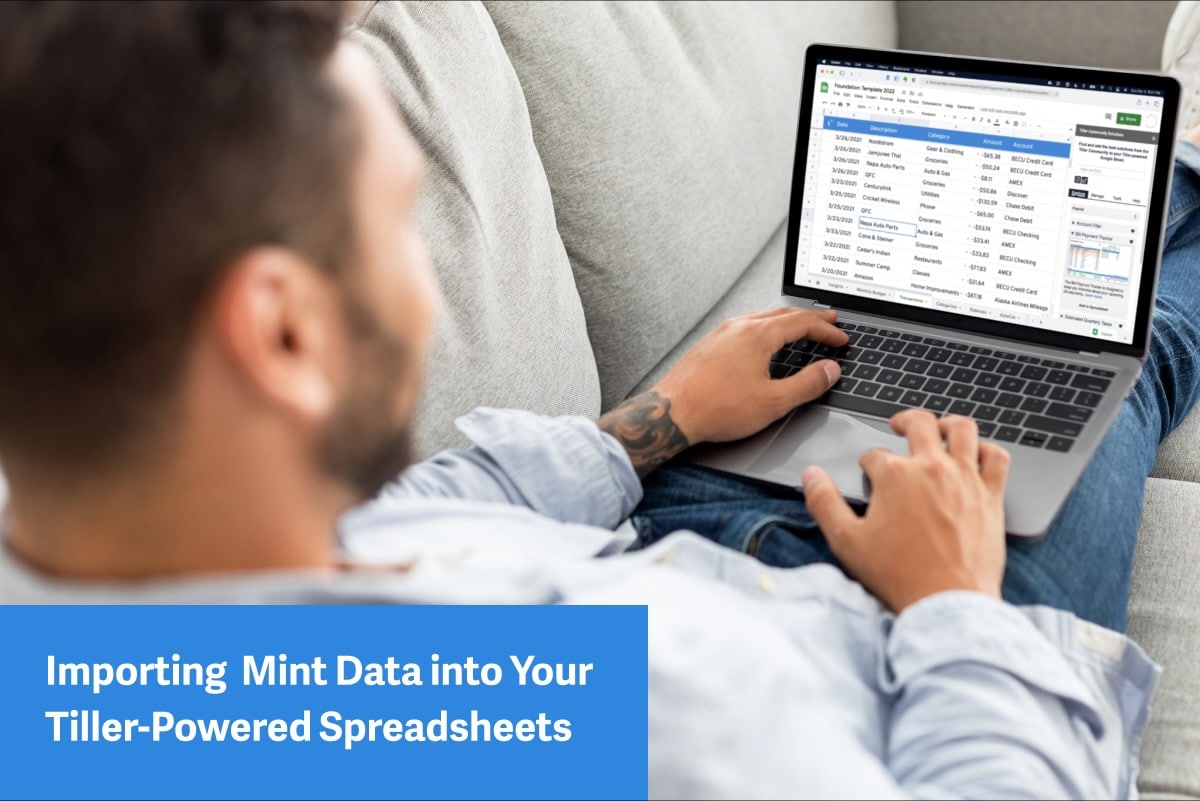
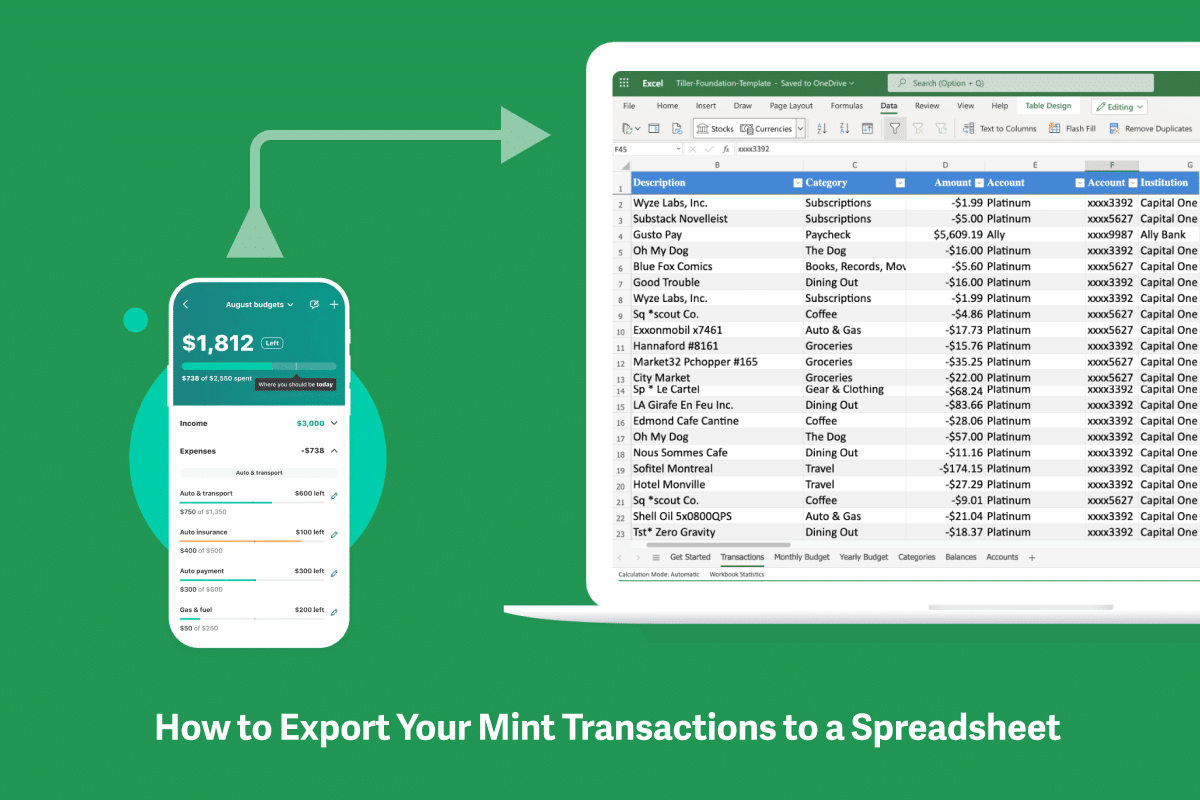
If you exported your Mint transaction history as a CSV before the shutdown, Tiller has a tool to import that data directly into your spreadsheet so you can retain your financial history. If you didn’t export before March 2024, that historical data is no longer accessible. You’d start fresh with Tiller from today’s accounts going forward.
Here is a step-by-step guide on how to easily Export Mint Transactions to a Spreadsheet
Most users are fully up and running with Tiller within an hour. Connecting accounts takes 15–20 minutes, reviewing the Foundation Template and mapping your budget categories another 20–30 minutes, and the first batch of transactions populates automatically.
Ready to see if Tiller is the right fit?
The 30-day trial gives you enough time to connect your accounts, import your first month of transactions, and see whether the spreadsheet approach works for you. If it clicks, you’ll have a financial system you own permanently. If it doesn’t, you’ll know within a week.
Frequently asked questions
What happened to Mint?
Intuit shut down Mint in March 2024 and directed users to Credit Karma, which it also owns. Credit Karma does not replicate Mint’s budgeting features. It’s primarily a credit score and financial product recommendation service. Most former Mint users looking for a true budgeting replacement have needed to look elsewhere.
What is the best replacement for Mint?
There’s no single best replacement. The right choice depends on what you used Mint for most. For active budgeting with full customization and data ownership, Tiller is the closest equivalent in terms of depth and capability. For the closest app-based experience to Mint’s interface, Monarch is a strong choice. For free investment tracking and net worth monitoring, Empower (formerly Personal Capital) is worth considering. For subscription tracking and bill management, Rocket Money has a useful free tier.
Is there a free Mint replacement?
Empower (formerly Personal Capital) is the strongest free alternative for net worth tracking and investment monitoring. Rocket Money has a free tier focused on subscription tracking. Neither replicates Mint’s budgeting depth for free. YNAB, Monarch, Copilot Money, Simplifi, and Tiller all cost between $71.88–$109/year but offer significantly more budgeting capability than Mint did.
Is Tiller a good Mint replacement?
For users who primarily used Mint for transaction tracking and budget management, yes, Tiller is one of the strongest replacements available. Like Mint, Tiller automatically imports transactions from all your connected accounts daily. Unlike Mint, it delivers that data into Google Sheets or Excel, where you manage your budget in a spreadsheet you own. The main tradeoffs are that Tiller costs $99/year (Mint was free), requires some initial setup, and doesn’t have a dedicated mobile app. The main upgrades are full customization, permanent data ownership, and no ads or data monetization.
Does Tiller import Mint data?
If you exported your transaction history from Mint before the shutdown (as a CSV file), Tiller has a tool to import that data into your spreadsheet, giving you continuity of your financial history. If you didn’t export your Mint data before March 2024, that historical data is no longer accessible, so you would start fresh with Tiller from your current accounts going forward.
What does Tiller do that Mint didn’t?
Tiller gives you complete control over budget categories and auto-categorization rules (Mint’s categories were famously inflexible), the ability to build custom reports and financial dashboards, permanent data ownership in a spreadsheet file you control, no ads or data monetization, and the ability to run multiple simultaneous budgets or tracking systems. Many former Mint users report that Tiller gives them significantly more insight and control over their finances than Mint did.
How long does it take to set up Tiller after Mint?
Most users are fully set up with Tiller within an hour: connecting bank accounts (15–20 minutes), reviewing the Foundation Template and customizing budget categories (20–30 minutes), and importing the first batch of transactions (ongoing but quick after the initial setup). If you have Mint transaction history to import, add another 15–20 minutes for that process.