
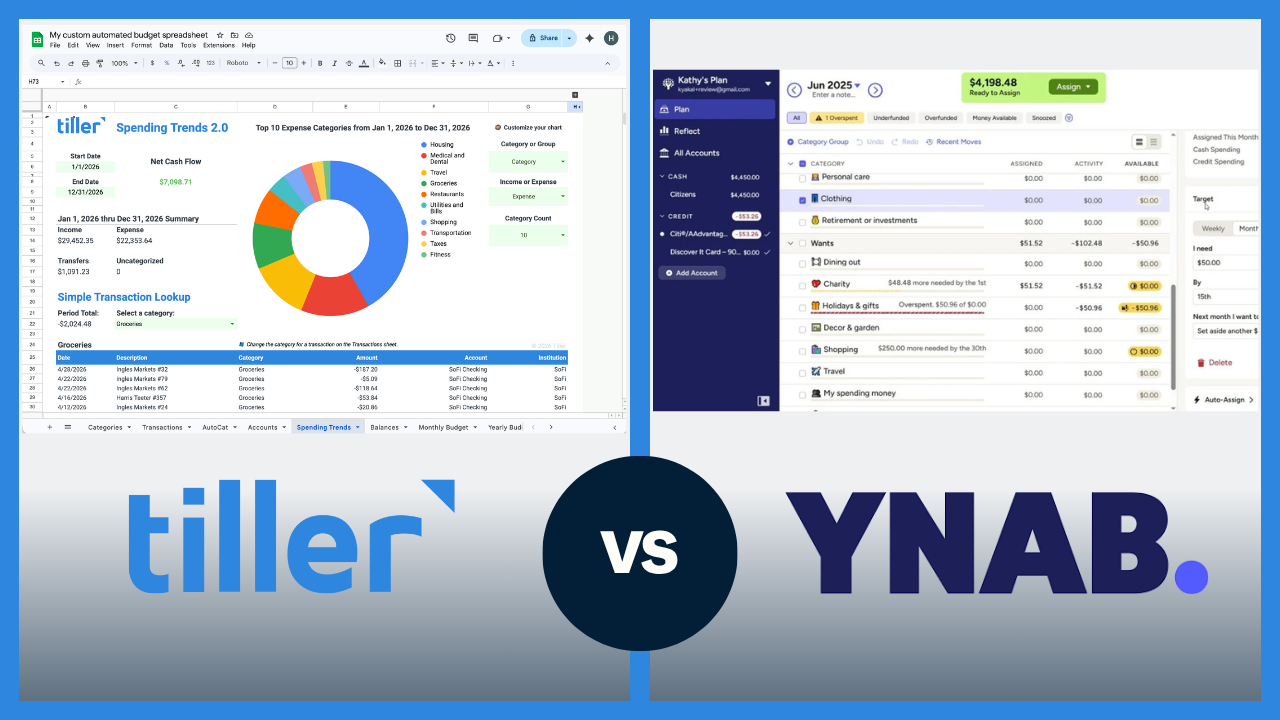
Tiller and YNAB both help you take control of your spending, but they’re built on opposite philosophies. YNAB gives you a structured method and an app to live inside. Tiller gives you raw transaction data and a spreadsheet to build whatever system you want.
The short answer
YNAB is a structured, app-based system built around zero-based budgeting. You work within YNAB’s method and structure.
Tiller is a financial automation tool that delivers your transactions into Google Sheets or Excel, and you can build whatever system works for you — even a zero-based budget.
If you want a guided, all-in-one app with a built-in method, YNAB is the better fit. If you want full control over your financial system in a spreadsheet you own, Tiller is the better choice.
Quick comparison: Tiller vs. YNAB at a glance
| Tiller | YNAB | |
|---|---|---|
| Price | $99/year | $109/year as of 04/26 |
| Platform | Google Sheets or Excel | App (iOS, Android, web) |
| Budgeting method | Flexible — you choose | Zero-based budgeting |
| Bank sync | Yes — automatic daily import | Yes — automatic sync |
| Customization | High — full spreadsheet control | Low — works within YNAB’s structure |
| Categorization | AutoCat — rule-based, 100% accurate on defined rules | App-based, manual assignment |
| Data ownership | You own your data and the spreadsheet | Stored in YNAB’s platform |
| Learning curve | Moderate (spreadsheet comfort helps) | Moderate (method takes adjustment) |
| Mobile app | No dedicated app | Yes, strong mobile app |
| Free trial | 30 days | 34 days |
How YNAB works
YNAB is built around zero-based budgeting, which means that every dollar you have gets assigned a “job” before you spend it. Rather than tracking what happened to your money, YNAB has you decide what your money should do before you spend it.
The daily flow is that transactions import automatically, you assign them to categories, and the budget view shows where you stand. The app is well-designed and available on iOS, Android, and the web. Learning the method takes most users 2–4 weeks to feel fully comfortable, and YNAB’s community and learning resources are excellent. YNAB has a passionate, loyal user base for good reason.
YNAB’s structure doesn’t allow building formulas, creating custom dashboards, or exporting data into a format you fully own and control. You work within YNAB’s system.
How Tiller works
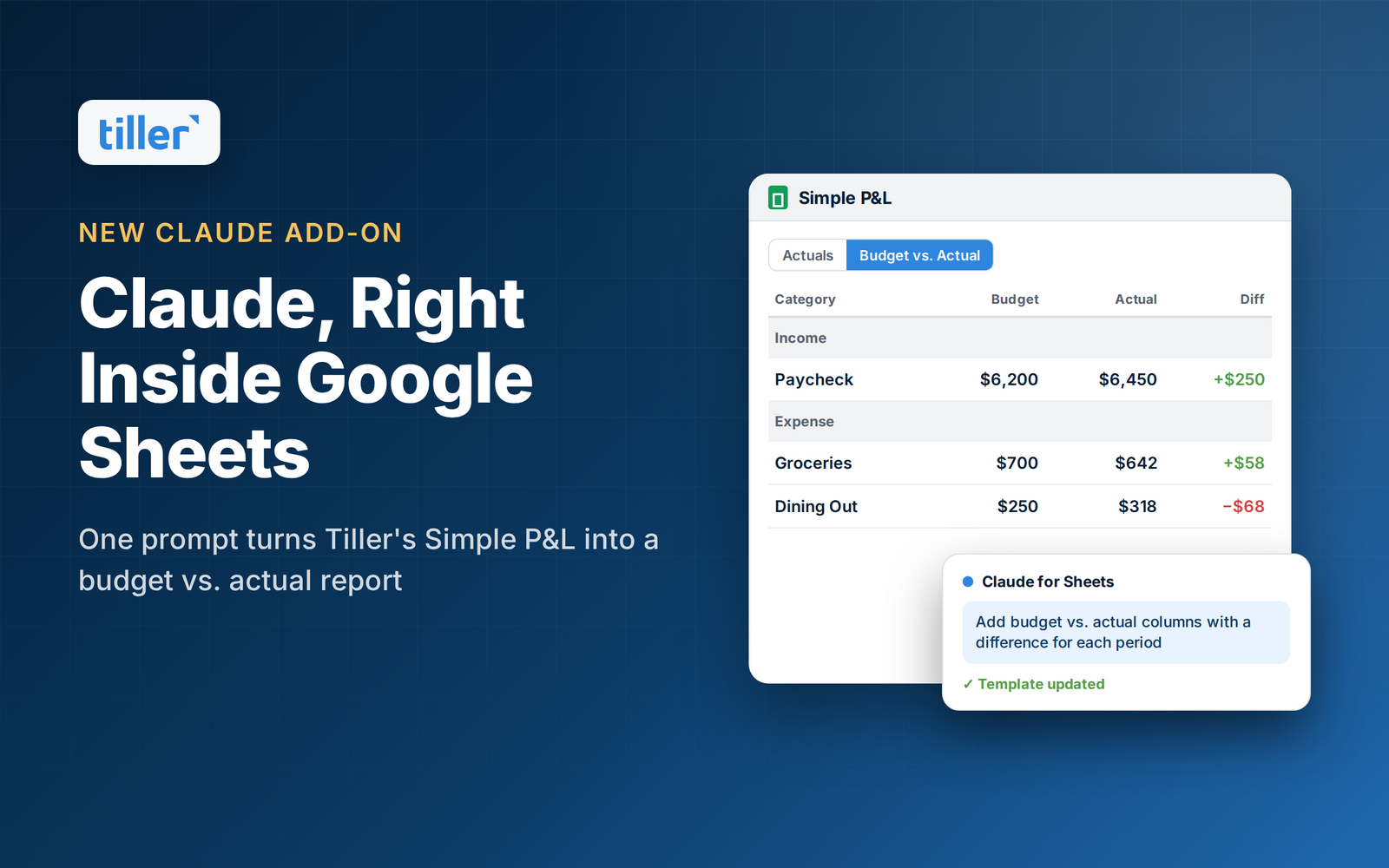
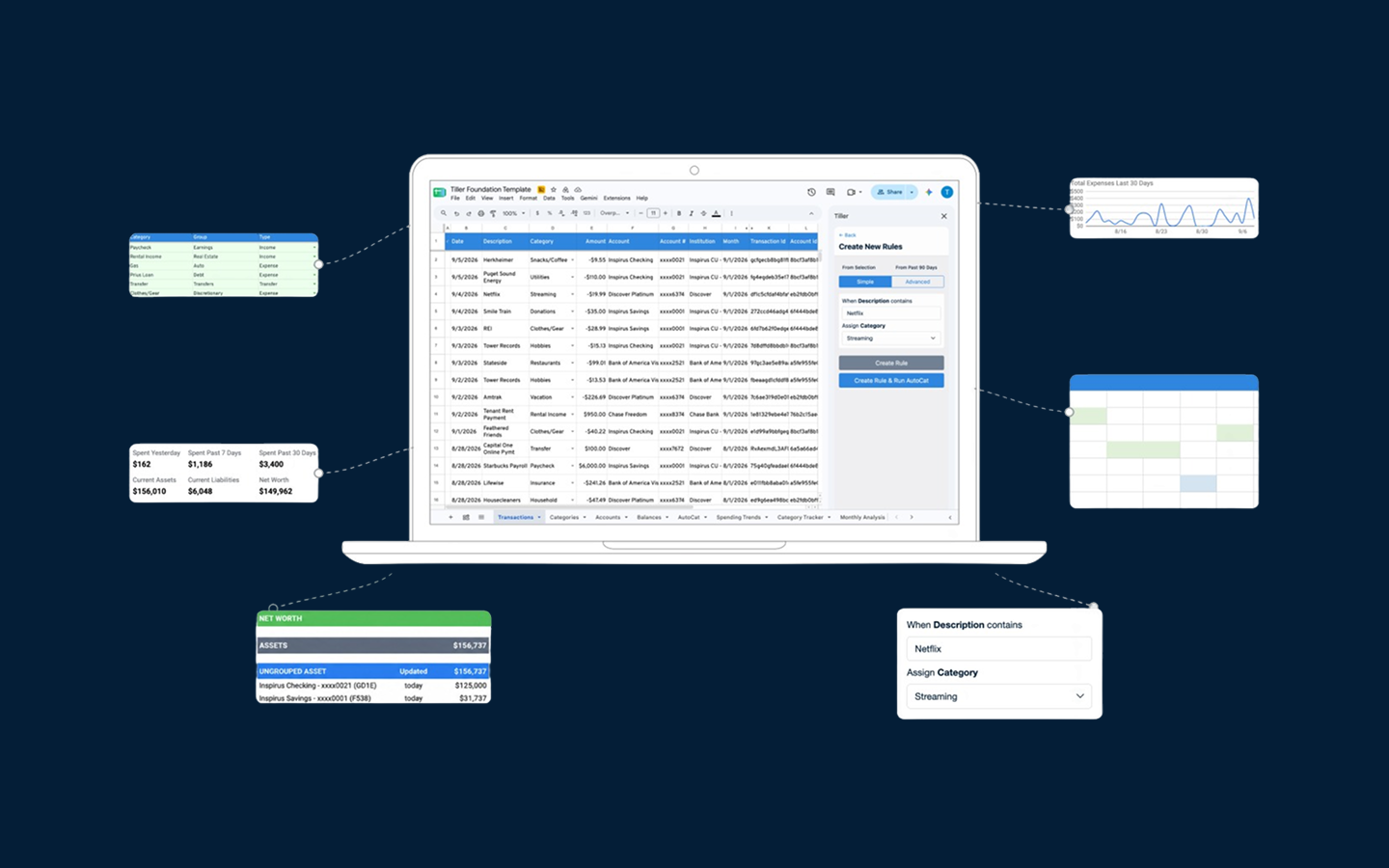
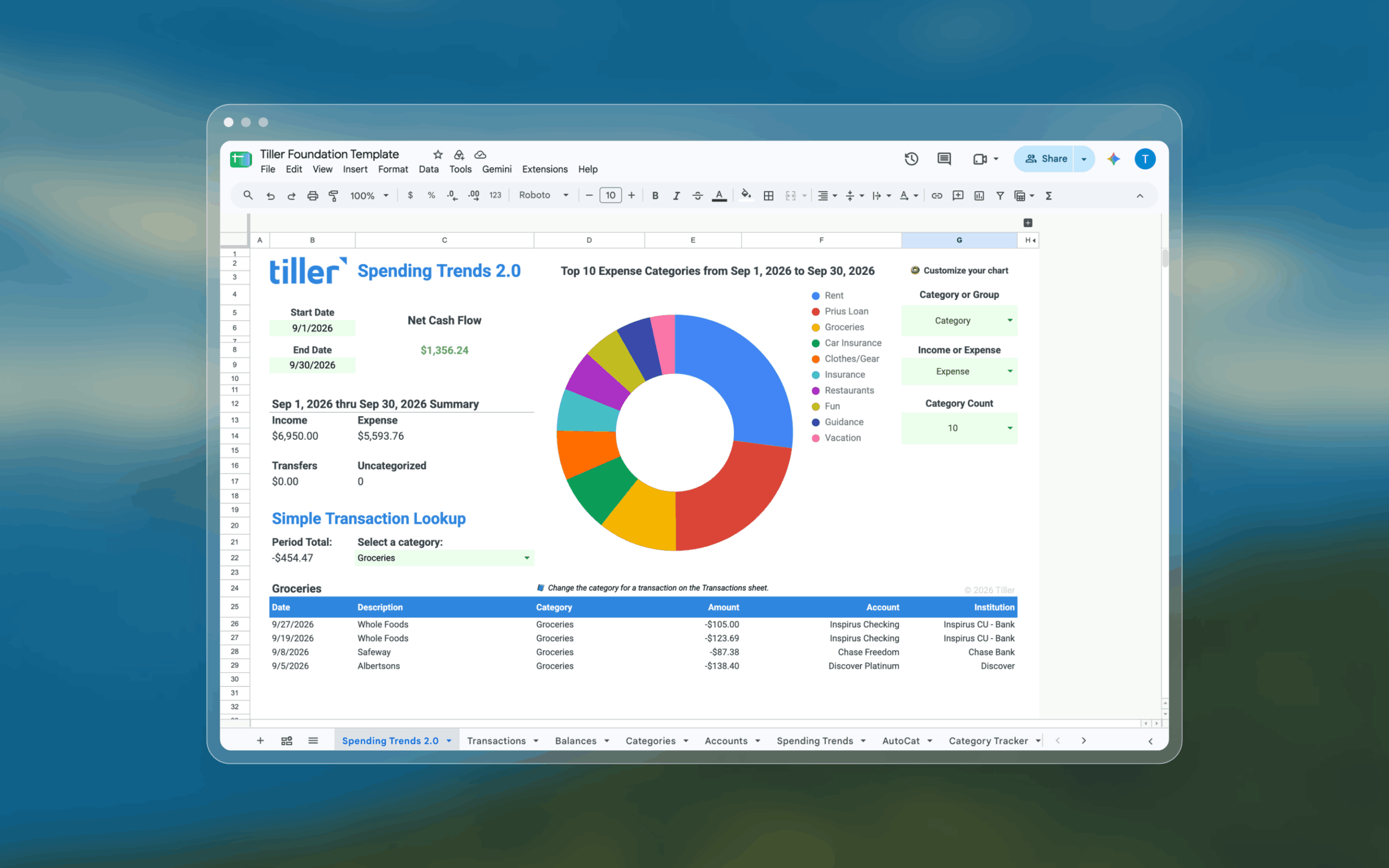
Tiller connects your bank accounts and pulls transactions and balances daily into Google Sheets or Excel via the Tiller add-on. The Foundation Template is the starting point — a pre-built budget vs. actual view, transaction log, and net worth tracker you can use as-is or customize completely.
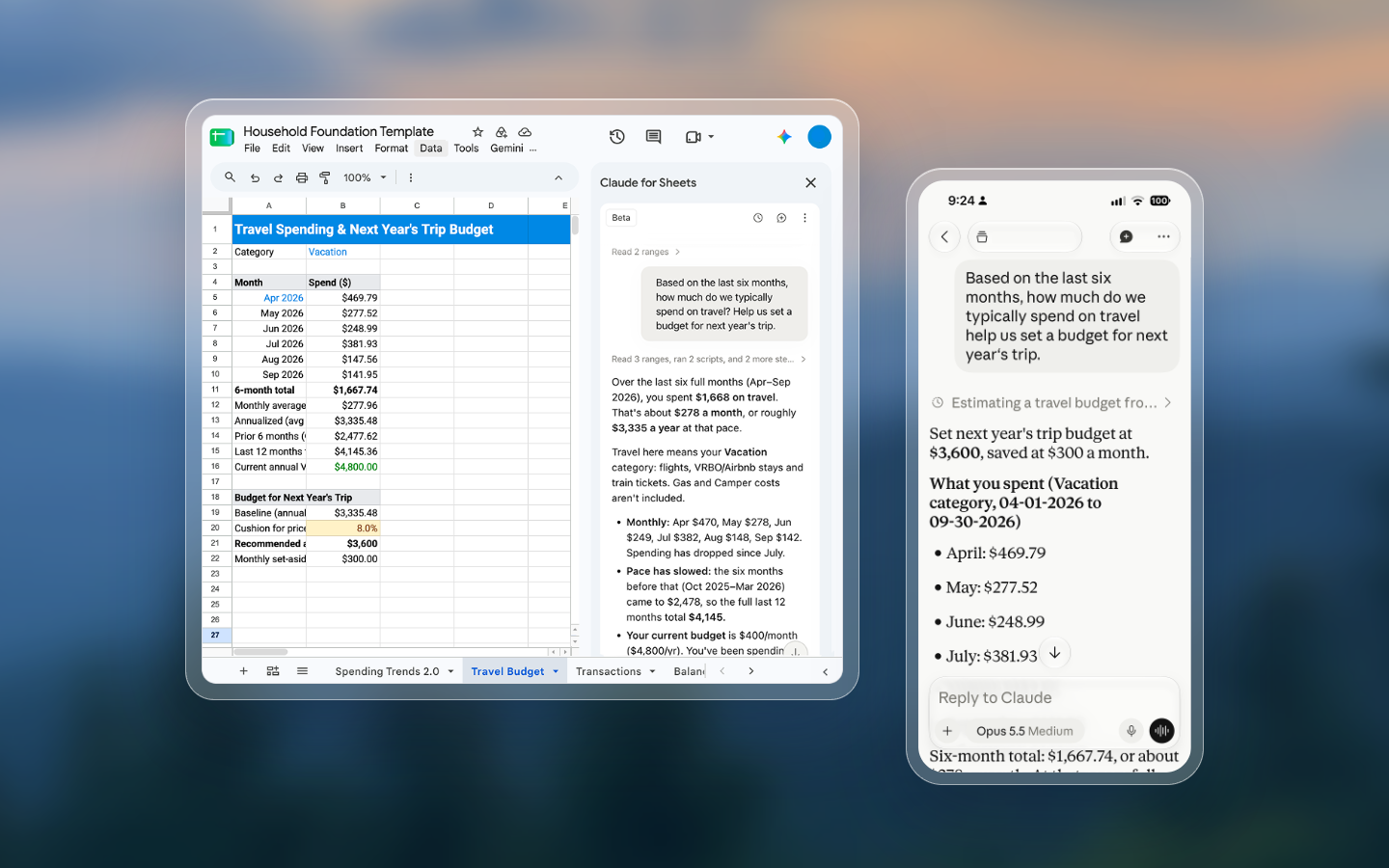
Every morning, your new transactions are waiting in your spreadsheet. You review them, confirm categories, and your budget updates automatically. Because Tiller runs in a spreadsheet you own, you add whatever columns, formulas, charts, or sheets your situation calls for. Tiller handles the data automation, and you handle the decisions. The approach requires some active involvement, but the system is entirely yours.
Because it runs in Google Sheets or Excel, Tiller works on every major platform and device. There’s no dedicated mobile app, but both Google Sheets and Excel have capable mobile apps.
Pricing
Tiller costs $99 per year with a 30-day free trial. YNAB costs $109 per year — or $14.99 per month billed monthly as of this writing — with a 34-day free trial.
Customization and data ownership
YNAB provides categories, reports, and budget views. You can customize within those parameters, but you can’t add formulas, build custom dashboards beyond what YNAB offers, or easily move your data into another format.
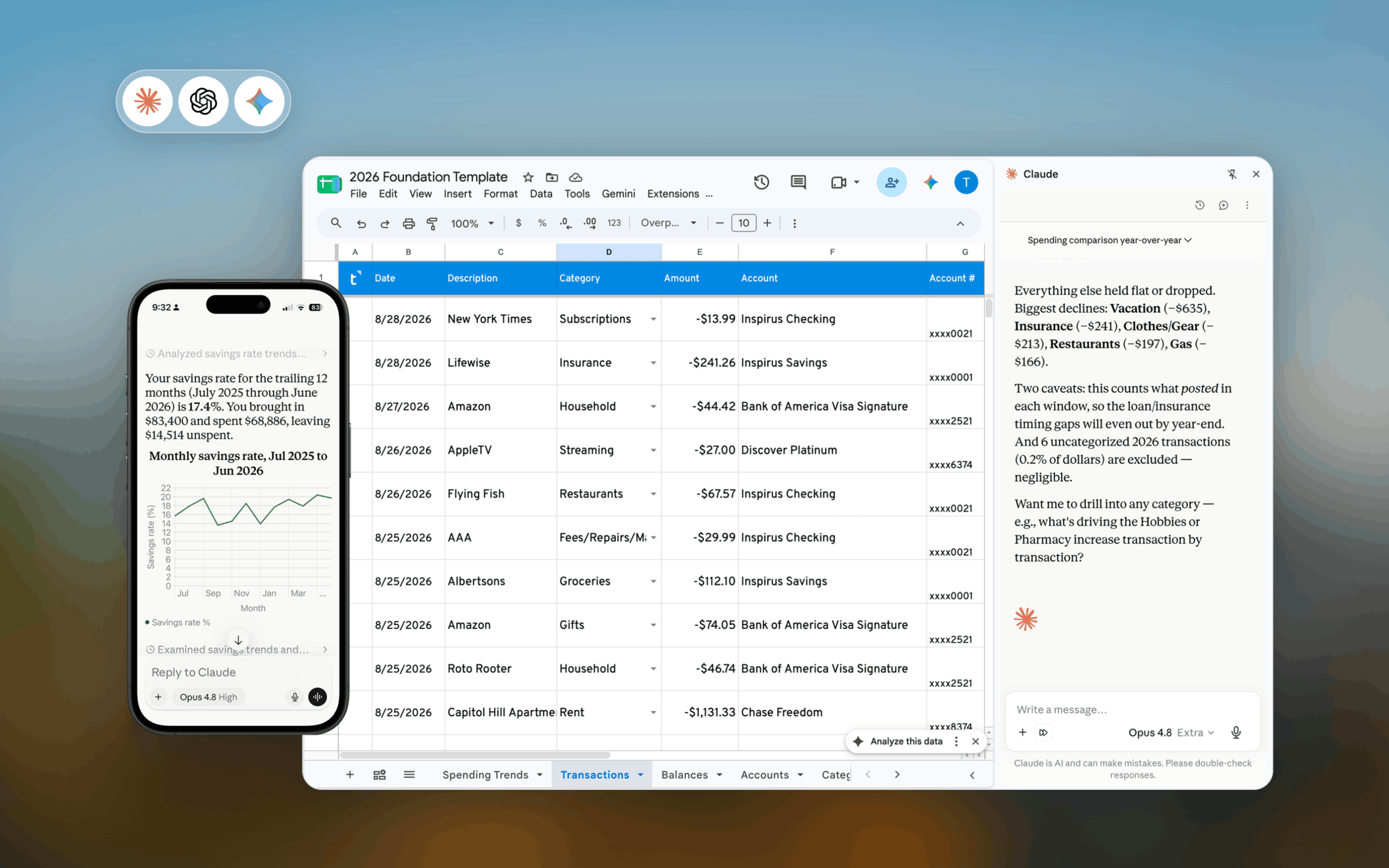
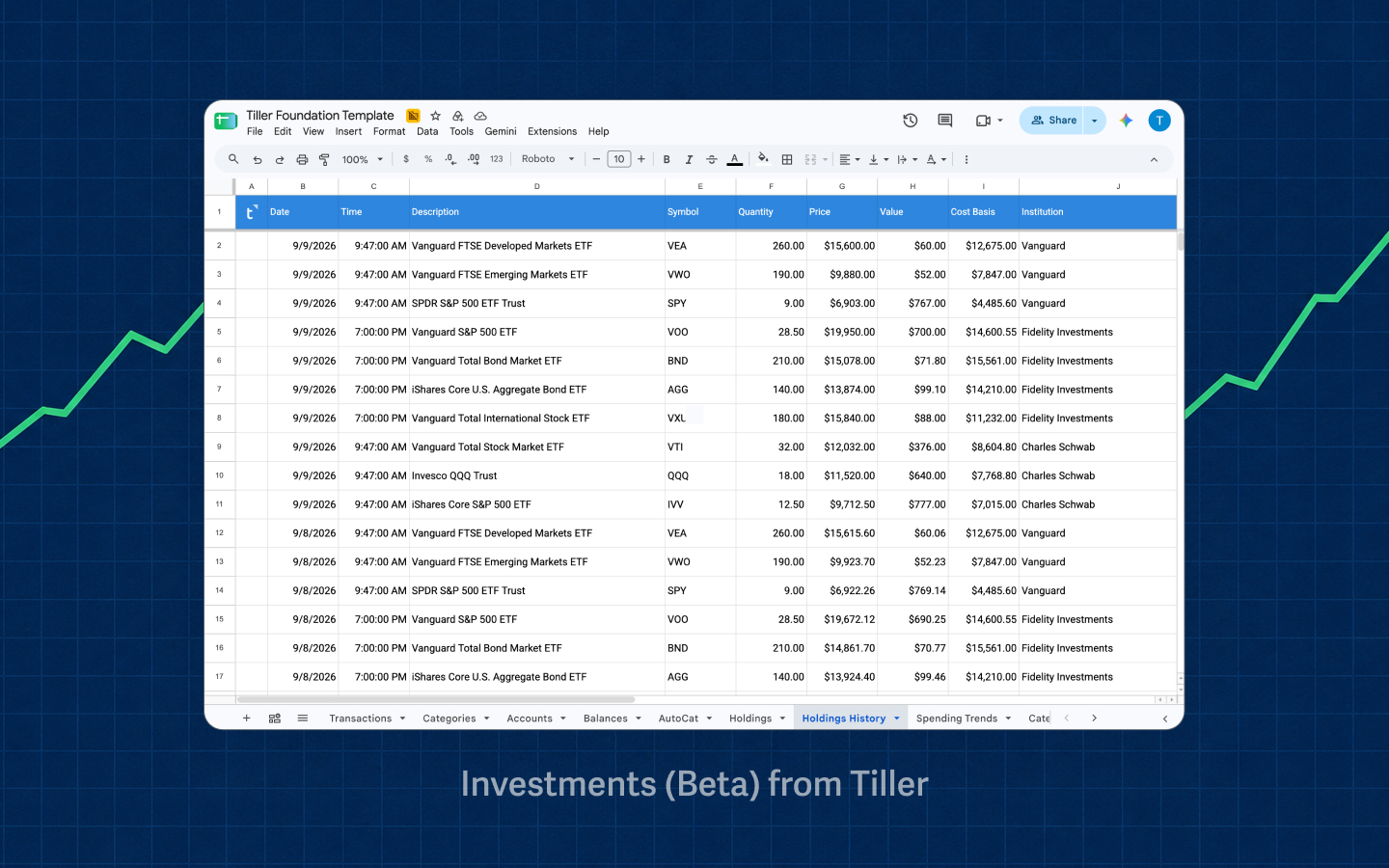
Tiller gives you complete control and ownership of your spreadsheet. Add a debt payoff tracker, a savings goal progress view, a net worth trend chart, a custom allocation dashboard — whatever your financial situation calls for. If Google Sheets or Excel can do it, Tiller can do it. Explore free Google Sheets budget templates.
Data ownership matters more than it used to. Mint shut down in 2024. If YNAB changes its pricing, shuts down, or you cancel your subscription, your financial history is stored in their format — you’d need to export before leaving and would lose access to all of their features. Your Tiller spreadsheet and all the data in it stay yours forever, regardless of what happens to Tiller as a company. The only thing you lose is the automated transaction import.
Who should choose YNAB
YNAB is likely the stronger fit if:
- You want a guided budgeting method rather than a blank canvas
- Zero-based budgeting specifically appeals to you — you want to assign every dollar a job before spending it
- You primarily track finances on your phone and want a polished mobile experience
- You don’t use Google Sheets or Excel regularly
- You want a strong community and structured learning resources (YNAB’s are excellent)
- You’ve tried spreadsheets before and found them frustrating
Who should choose Tiller
Tiller is likely the stronger fit if:
- You’re already comfortable in Google Sheets or Excel, or willing to learn
- You want a financial system that’s fully customizable — not YNAB’s layout
- You’ve used YNAB and felt constrained by its structure
- You want your data in a file you own and control permanently
- You’re interested in custom reports, net worth tracking, or financial modeling beyond basic budgeting
- You want a lower price point without losing core budgeting functionality
Switching from YNAB to Tiller
Before canceling YNAB, export your transaction history as a CSV file and take note of your budget category list — you’ll mirror that structure in Tiller’s Foundation Template. Tiller also has a help doc covering this transition.
Getting started with Tiller takes most users under an hour. You connect your accounts, review the first batch of imported transactions, map your categories, and check the budget view. Your category structure, your budgeting habits, and your transaction review routine carry over from YNAB. Tiller just moves that work into a spreadsheet you control.
Ready to make the switch? Start your free 30-day trial and connect your accounts in minutes.
The bottom line
YNAB and Tiller are both serious budgeting tools for people who want to be intentional about money. YNAB is the right call if you want a guided method and a polished app experience. Tiller is the right call if you want a flexible spreadsheet system you fully own. If Tiller sounds like the right fit, the 30-day free trial is the easiest way to find out.
Frequently asked questions
What is the main difference between Tiller and YNAB?
YNAB is a dedicated budgeting app built around zero-based budgeting — you assign every dollar to a category before spending it, and your entire financial system lives inside YNAB’s interface. Tiller is a financial automation tool that delivers your transactions into Google Sheets or Excel, where you build and manage your own financial system. YNAB provides the method; Tiller provides the data and the canvas.
What does YNAB do that Tiller doesn’t?
YNAB does three things Tiller doesn’t: enforces a zero-based budgeting methodology with built-in guidance for assigning every dollar a job, provides a polished native mobile app for iOS and Android with on-the-go transaction entry.
What does Tiller do that YNAB doesn’t?
Tiller gives you complete control over your financial system in a spreadsheet you own permanently. Every category, formula, chart, and report is yours to build however you want. Your data lives in a Google Sheets or Excel file that you own. If you cancel Tiller, your entire history stays intact. Tiller also costs less at $99/year versus YNAB’s $109/year, and works on any platform.
Is Tiller cheaper than YNAB?
Yes. Tiller costs $99 per year. YNAB costs $109 per year (or $14.99 per month if billed monthly) as of this writing. Both offer free trials — Tiller’s is 30 days, YNAB’s is 34 days.
Can Tiller replace YNAB?
For many users, yes — especially those comfortable with Google Sheets or Excel who want more flexibility than YNAB’s fixed structure allows. Tiller handles the core jobs YNAB does: automatic bank transaction imports, budget tracking, and category-based spending. It doesn’t include YNAB’s built-in zero-based budgeting method or a dedicated mobile app, but it gives you full control to build the budgeting system you want inside a spreadsheet.
Does Tiller support zero-based budgeting?
Tiller doesn’t enforce a specific budgeting method, but you can absolutely build a zero-based budget with it. The Foundation Template includes a budget sheet where you assign spending amounts by category. Some users replicate YNAB’s approach directly in their Tiller spreadsheet; others build something different.
What happens to my data if I cancel YNAB or Tiller?
If you cancel YNAB, your data stays accessible for a limited period but is stored inside YNAB’s platform. You should export it before canceling. If you cancel Tiller, your Google Sheets or Excel spreadsheet remains yours permanently. All your historical data, custom formulas, and budget structure stay exactly where they are, because the spreadsheet belongs to you, not Tiller.
Is Tiller good for someone who has never used YNAB?
Yes. You don’t need YNAB experience to use Tiller. Tiller’s Foundation Template gives you a ready-made budget, transaction log, and net worth tracker to start from. Most users are set up within an hour. Some familiarity with Google Sheets or Excel helps, but you don’t need to be an advanced user.
Which tool is better for tracking spending on mobile?
YNAB has a stronger mobile experience. Its iOS and Android apps are well-designed and make it easy to add transactions, check your budget, and track spending on the go. Tiller doesn’t have a dedicated mobile app — you access your spreadsheet through the Google Sheets or Excel mobile app, which works but isn’t as polished for quick transaction entry. If mobile-first tracking matters to you, YNAB has the edge.
Why do people switch from YNAB to Tiller?
The most common reasons are that YNAB’s price recently increased significantly, the zero-based method felt too rigid for their lifestyle, they wanted their financial data in a spreadsheet they fully own and can customize, or they were already heavy Google Sheets or Excel users and wanted their finances to live in the same environment.