
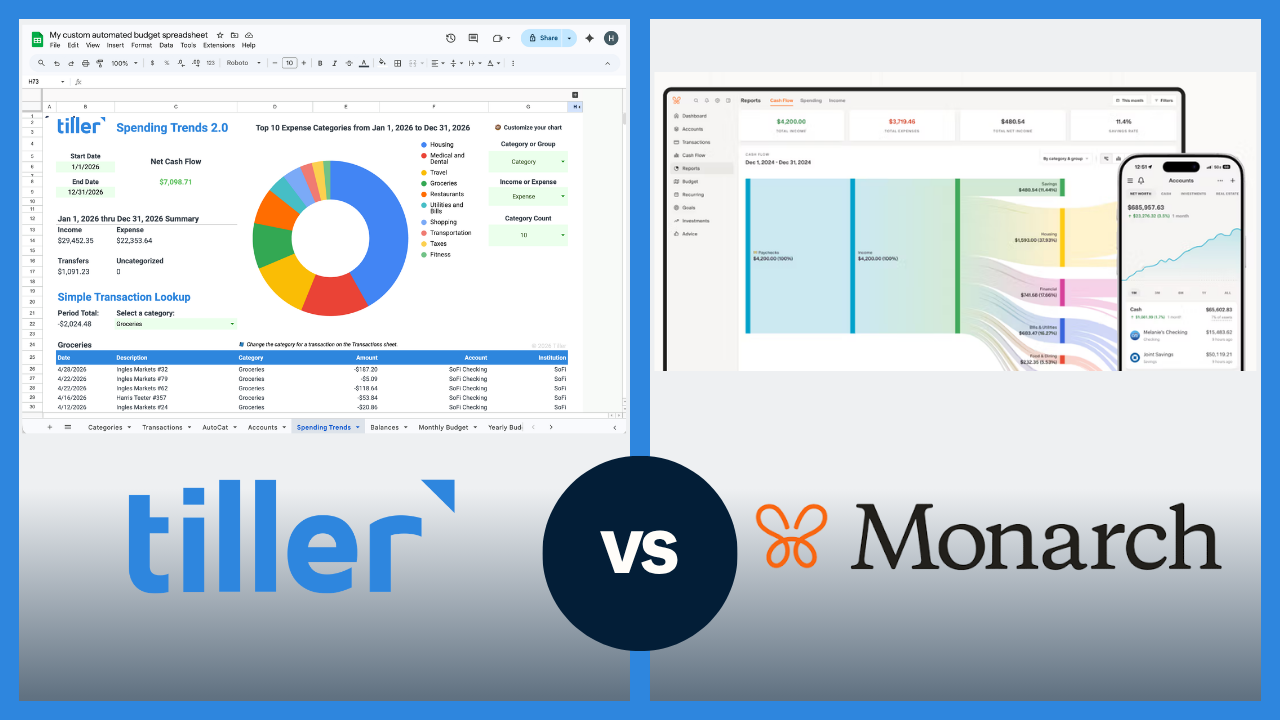
Monarch and Tiller are two of the strongest Mint replacements available, but they take very different approaches to personal finance. Monarch is a polished, all-in-one app. Tiller puts your bank data directly into a spreadsheet you own and control.
The short answer
Monarch is a full-featured budgeting app with automatic bank sync, collaborative budgeting tools, and a polished interface.
Tiller is a financial automation tool that delivers your transactions daily into Google Sheets or Excel, where you build and manage your own financial system with full control over structure, formulas, and reporting.
If you want the best all-in-one budgeting app experience with a strong mobile interface and no spreadsheet required, Monarch is likely the better fit. If you want your financial data in a spreadsheet you fully own — with the flexibility to build whatever system works for you — Tiller is likely the better choice.
Quick comparison: Tiller vs. Monarch at a glance
| Tiller | Monarch | |
|---|---|---|
| Price | $99/year | $99.99/year for Core, $199.99/year for Plus as of 04/26 |
| Platform | Google Sheets or Excel | App (iOS, Android, web) |
| Bank sync | Yes — automatic daily import | Yes — automatic sync |
| Budgeting approach | Flexible — you choose your method | Built-in budgets, goals, and cash flow |
| Customization | High — full spreadsheet control | Moderate — works within Monarch’s structure |
| Collaborative budgeting | Delegate Access | Yes — built for couples/households |
| Data ownership | You own your data and the spreadsheet | Stored in Monarch’s platform |
| Net worth tracking | Yes (Foundation Template) and additional community templates | Yes (built-in) |
| Mobile app | No dedicated app | Yes, strong mobile app |
| Free trial | 30 days | 7 days |
How Monarch works
Monarch connects all your financial accounts, syncs transactions automatically, and organizes everything into a polished dashboard covering spending, budgeting, goals, net worth, and cash flow. The setup is guided and relatively quick, and transactions are auto-categorized from the start.
What sets Monarch apart are its collaborative features and its breadth. It was built with couples and shared budgets in mind. Multiple household members can log in, see the same financial picture in real time, and track shared goals. Its goal tracking, net worth view, and visual reports are strong out of the box. The mobile app is one of the better ones in this category.
Monarch does have a few limits. You work within Monarch’s interface and data model. You can customize categories and goals, but you can’t write formulas, build custom dashboards beyond what Monarch provides, or export your data into a format you fully own and control.
How Tiller works
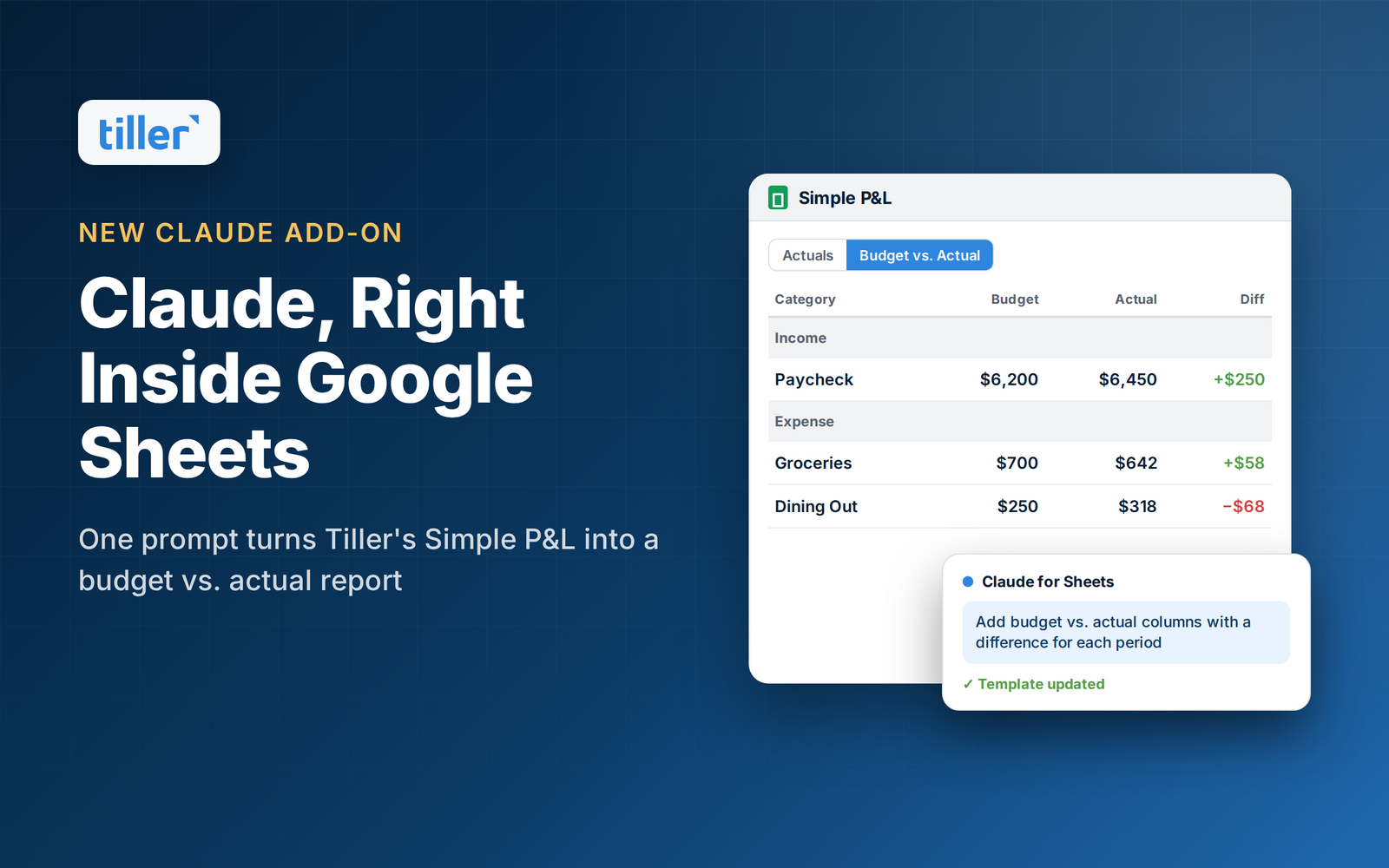
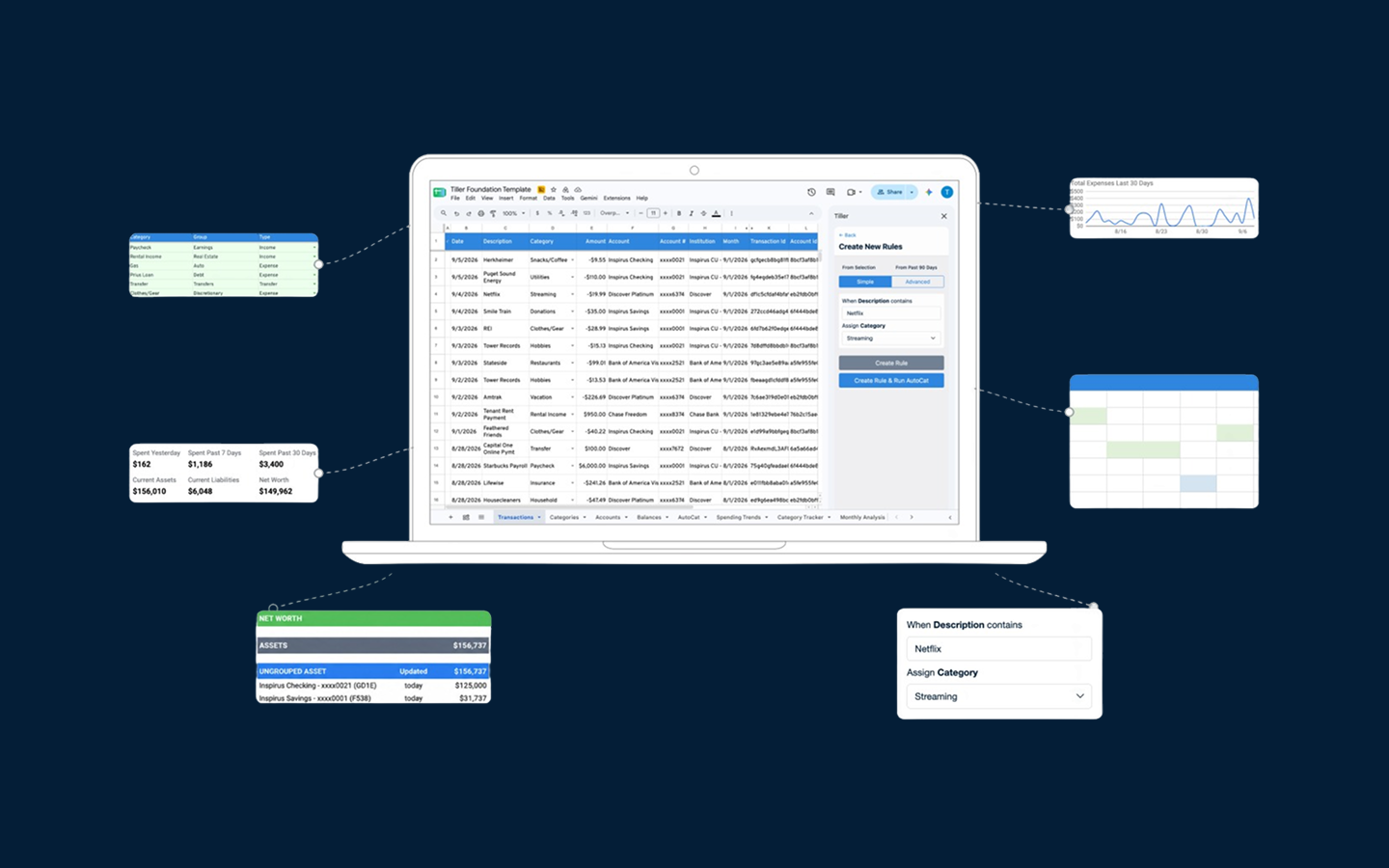
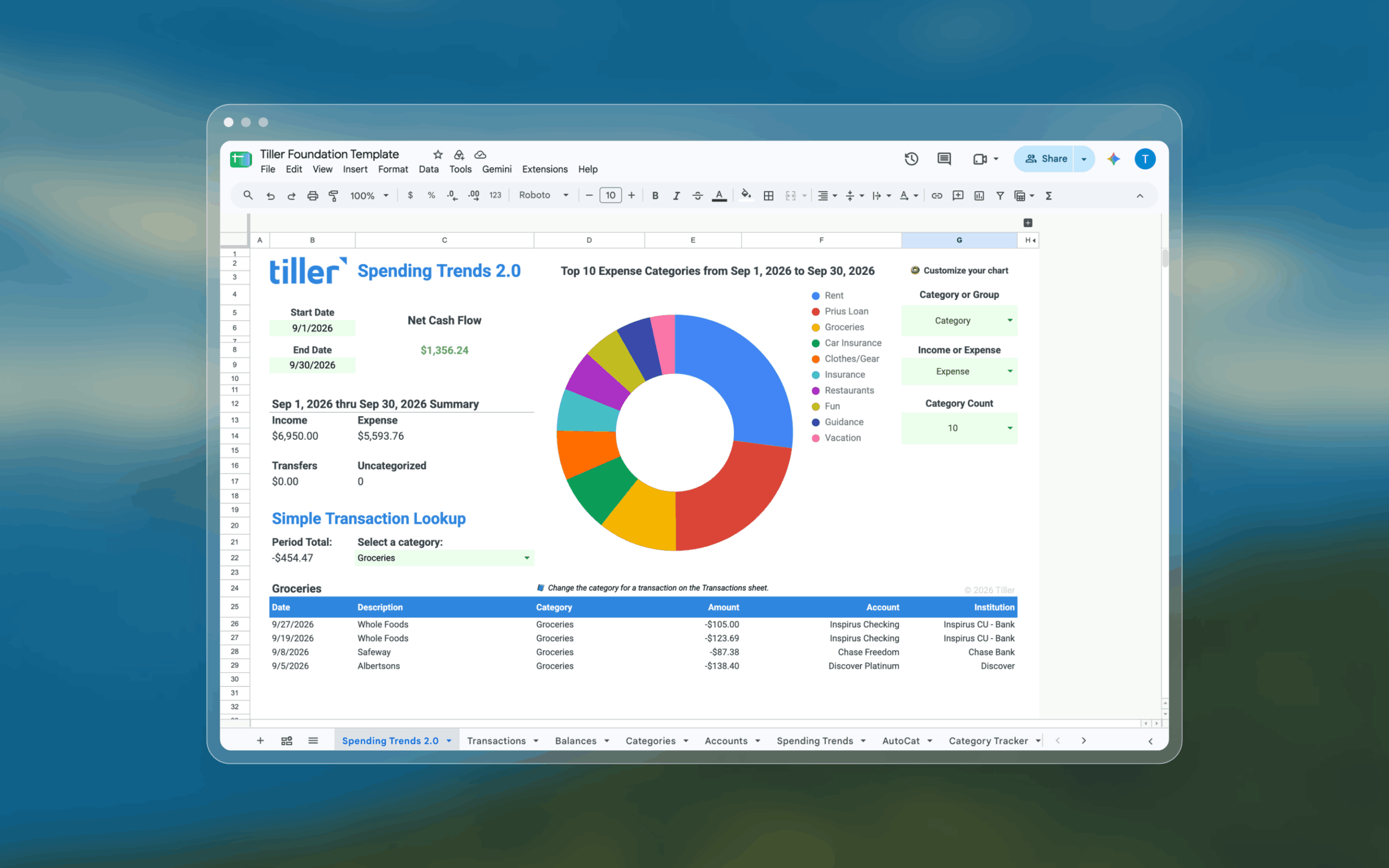
Tiller connects your bank accounts and delivers your transactions and account balances daily into Google Sheets or Excel via the Tiller add-on. The Foundation Template gives you a pre-built budget vs. actual view, transaction log, and net worth tracker — ready to use from day one, and fully customizable from there.
Day-to-day, the workflow is simple: Every morning, your new transactions are waiting in your spreadsheet. Review them in two minutes, and your month-to-date budget view updates automatically. Because the system lives in a spreadsheet, you add whatever columns, formulas, charts, or sheets your situation calls for.
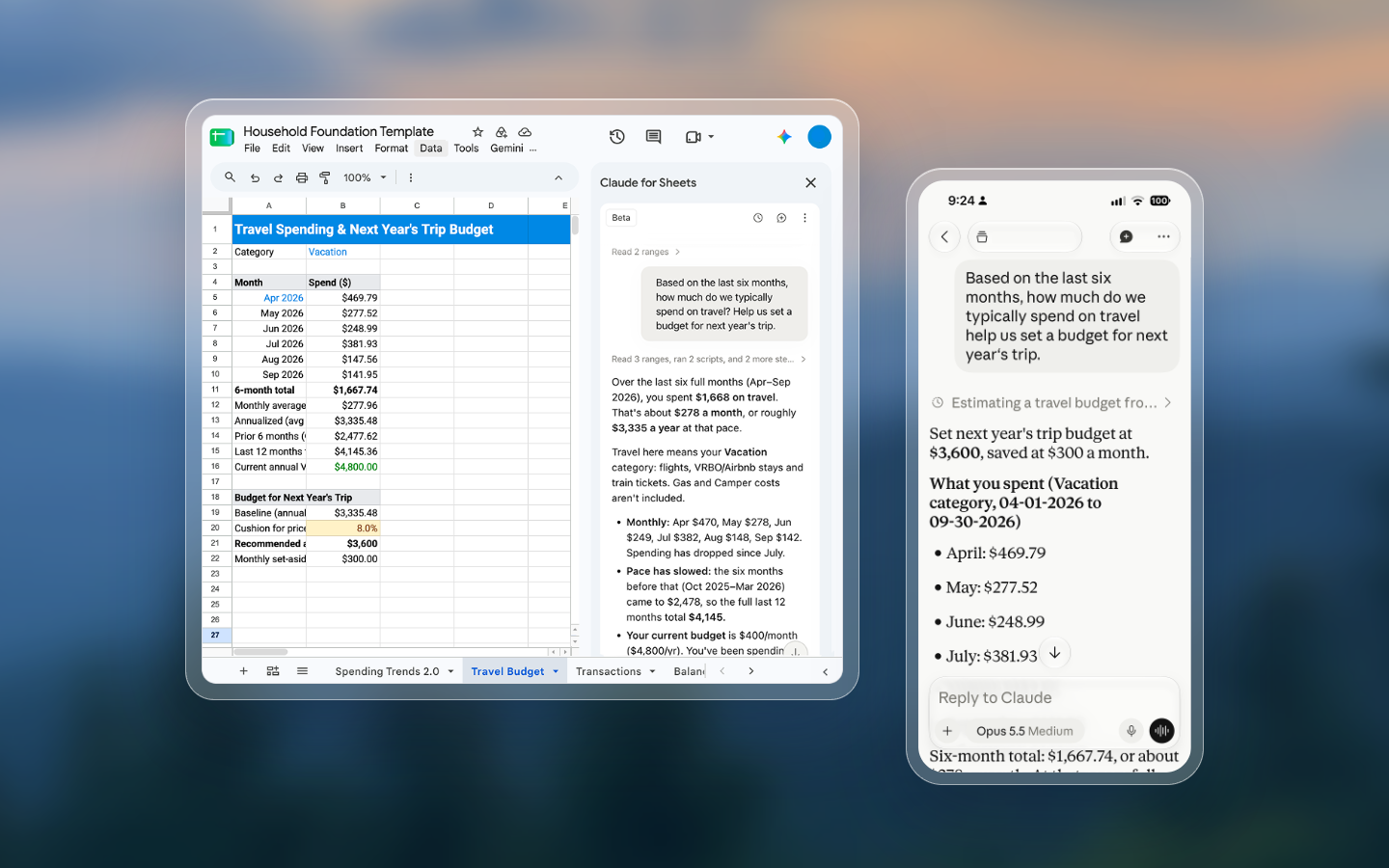
Because Tiller runs in Google Sheets or Excel, it works on any device — iPhone, Android, Mac, Windows, Chromebook. There’s no dedicated mobile app, but Google Sheets and Excel both have capable mobile apps. If you want your financial system accessible everywhere and structured exactly the way your life works, Tiller gives you that.
Pricing
Tiller costs $99 per year with a 30-day free trial. Monarch costs $99.99 per year for Core or $199.99 for Plus as of this writing and comes with a 7-day free trial.
Customization and data ownership
Monarch offers meaningful customization within its app — custom categories, budget amounts, spending rules, some reporting flexibility. But you’re always working within Monarch’s interface and data model. You can’t write formulas, build custom dashboards beyond what Monarch provides, or do financial modeling.
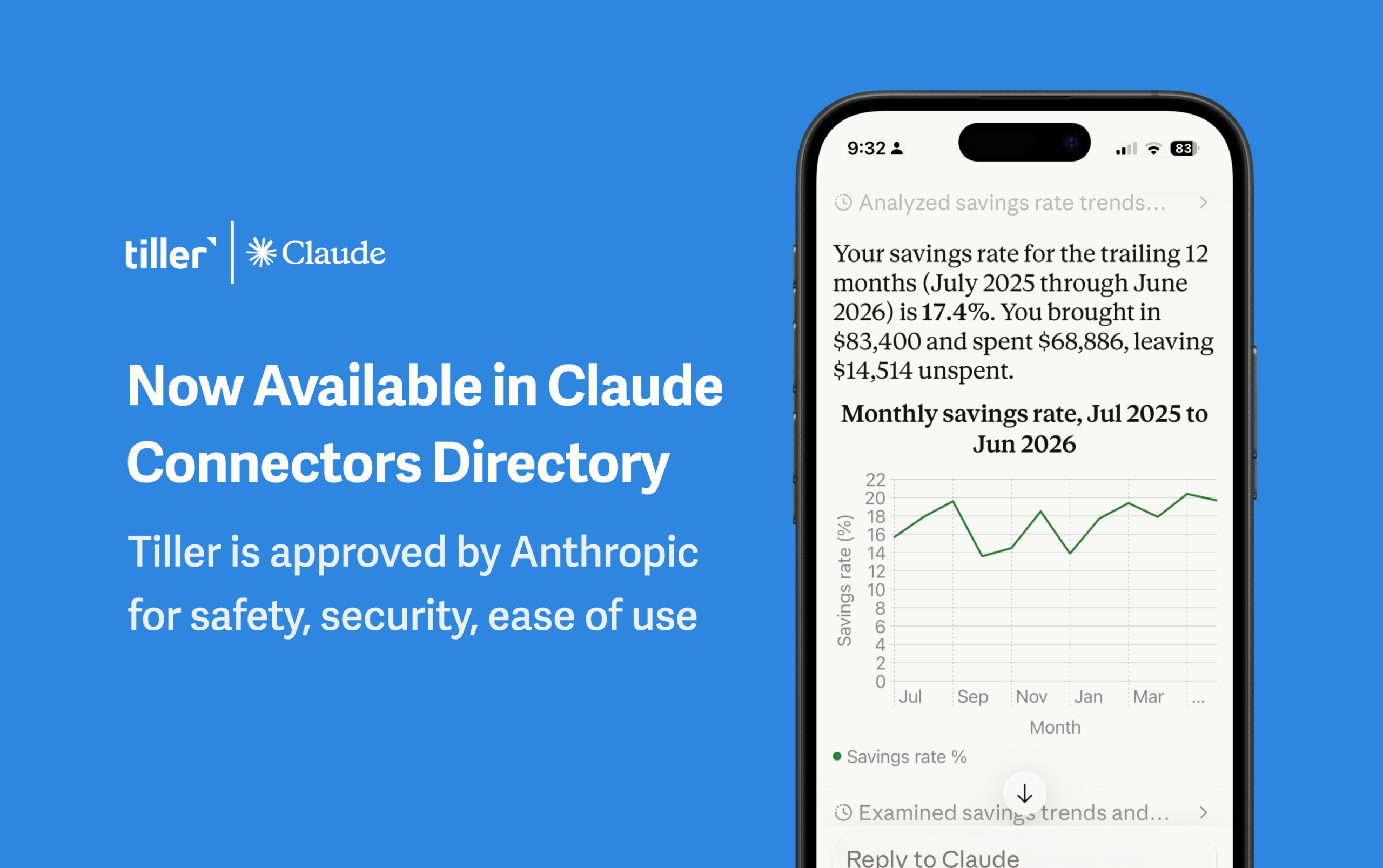
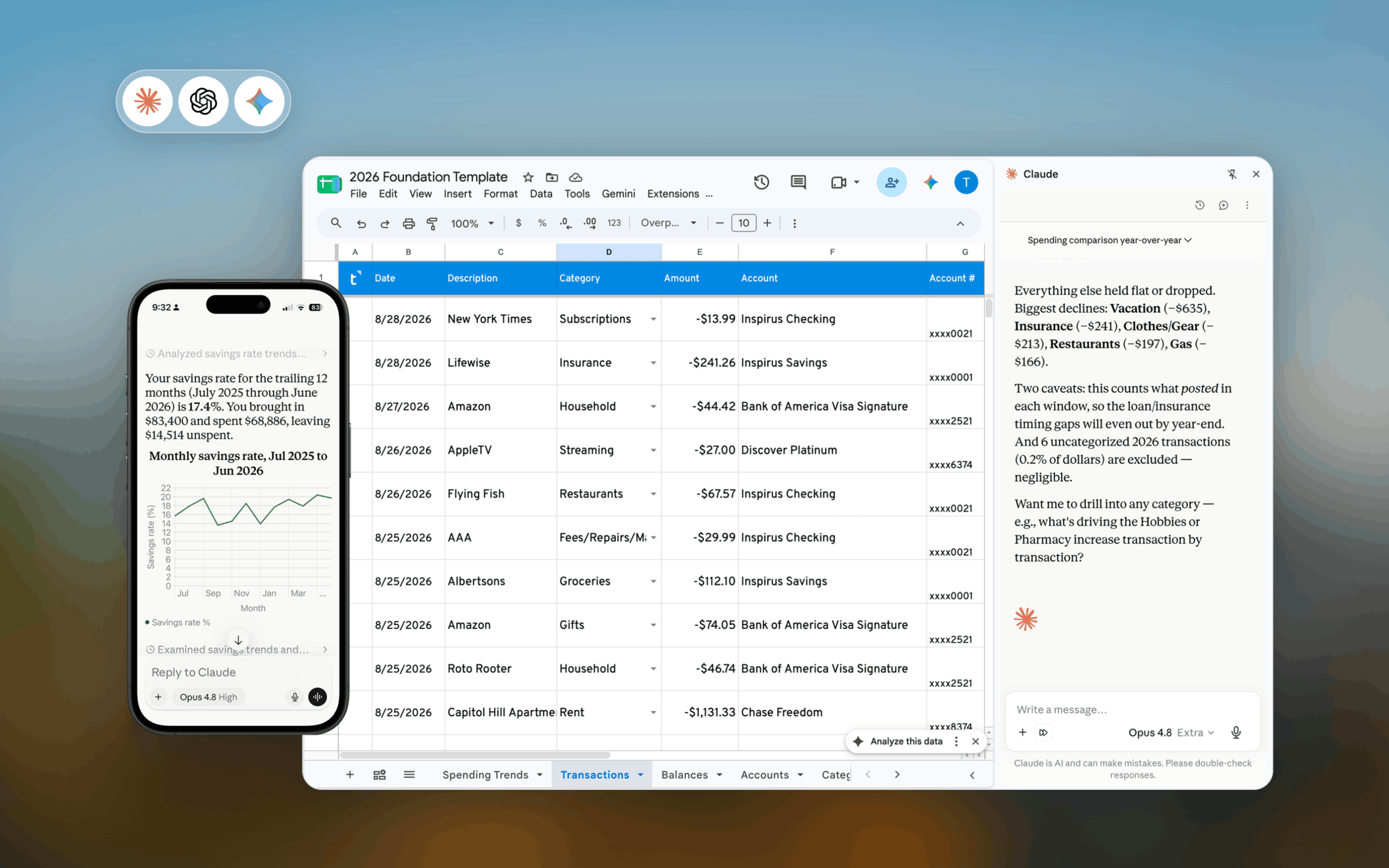
Tiller’s structural advantage is that the spreadsheet is completely yours. Add a debt payoff tracker that shows your exact payoff date under different payment scenarios. Build a savings rate calculator that updates automatically. Create a custom net worth chart going back 10 years. If you can do it in Google Sheets, you can do it in Tiller.
With Tiller, your financial system is a spreadsheet you own permanently. With Monarch, your financial system lives inside Monarch’s platform. If Monarch changes its pricing, shuts down, or changes its model, your data is at risk. Your Tiller spreadsheet exists on your Google Drive or your computer forever, regardless of what happens to Tiller as a company.
For a full walkthrough of building this kind of system, see how to build a complete personal finance system in a spreadsheet.
Collaborative budgeting — where Monarch has an edge
Monarch was built with couples and households in mind. Shared budgets, multiple users on one account, shared goals, and a joint real-time view of finances are core features, not add-ons. If you and a partner both want to actively participate in your financial system from your own devices, Monarch is a strong choice.
Tiller can be shared via Google Sheets or Excel sharing — a partner can view or edit the spreadsheet with the right permissions — but it’s not purpose-built for collaborative use. One person typically owns and manages the spreadsheet.
Who should choose Monarch
Monarch is likely the stronger fit if:
- You want a polished, guided app experience with no spreadsheet involved
- You and a partner want to budget together with a shared, real-time view
- You primarily track finances on your phone
- You don’t use Google Sheets or Excel in your daily life
- You want built-in goal tracking, net worth graphs, and cash flow analysis without building anything
- You came from Mint and want the closest equivalent app experience
Who should choose Tiller
Tiller is likely the stronger fit if:
- You’re already comfortable in Google Sheets or Excel (or willing to learn)
- You want your financial system structured exactly the way your situation requires — not Monarch’s layout
- You want your data in a file you own and control, independent of any platform
- You’re the primary financial manager in your household and want maximum flexibility
- You want to build custom reports, dashboards, or financial models beyond what any app provides
- You want a lower price point with a 30-day free trial before committing
Switching from Monarch to Tiller
If you’re currently using Monarch and thinking about making the switch, the transition is straightforward. Before canceling, export your transaction history as a CSV and take note of your budget category list so you can mirror it in Tiller’s Foundation Template.
Getting started with Tiller takes most users under an hour: connect your accounts, review the first batch of imported transactions, map your categories to match the ones you were using in Monarch, and check the budget view. Within a few days of daily review, you’ll have a working system. Core habits from using Monarch carry over — transaction review, category budgeting, monthly check-ins. Tiller just moves that work into a spreadsheet you control.
Ready to make the switch? Start your free 30-day trial and connect your accounts in minutes.
The bottom line
Monarch and Tiller are both serious, well-built tools that serve different users. Monarch is the right call if you want a polished, collaborative app experience that works on any device without touching a spreadsheet. Tiller is the right call if you want your financial data in a spreadsheet you fully own, with the flexibility to build your system exactly as you need it.
Frequently asked questions
What is the main difference between Tiller and Monarch?
The main difference is platform and flexibility. Monarch is a full-featured budgeting app with automatic bank sync, collaborative budgeting tools, and a polished interface. Everything happens inside Monarch’s app. Tiller is a financial automation tool that delivers your transactions daily into Google Sheets or Excel, where you build and manage your own financial system. Monarch provides a complete, guided experience; Tiller provides the data and a blank canvas.
What does Monarch do that Tiller doesn’t?
Monarch does three things Tiller doesn’t: purpose-built collaborative budgeting where multiple household members can log in and track shared goals in real time, a polished native mobile app for iOS and Android, and built-in goal tracking with visual progress dashboards.
What does Tiller do that Monarch doesn’t?
Tiller gives you complete control over your financial system in a spreadsheet you own permanently. Every category, formula, chart, and report is yours to build however you want. Your data lives in a Google Sheets or Excel file that belongs to you — if you cancel Tiller, your entire history stays intact. Tiller also costs less at $99/year versus Monarch’s $99.99/year for Core.
Is Tiller cheaper than Monarch?
Yes. Tiller costs $99 per year. Monarch costs $99.99 per year for Core or $199.99 for Plus as of this writing. Tiller offers a 30-day free trial, Monarch offers 7 days.
Can Tiller replace Monarch?
For many users, yes — especially those comfortable with Google Sheets or Excel who want more flexibility and data ownership than Monarch provides. Tiller covers the core jobs Monarch does: automatic bank transaction imports, budget tracking, net worth monitoring, and spending by category. It doesn’t include Monarch’s built-in collaborative budgeting or dedicated mobile app, but it gives you full control to build the system you want in a spreadsheet you own.
Does Tiller work for couples or shared budgeting?
Tiller can be shared via Google Sheets sharing, but it’s not purpose-built for collaborative budgeting. One person typically manages the spreadsheet, and a partner can view or edit it with the right sharing permissions. If collaborative budgeting — where both partners actively participate, track their own spending, and share goals — is a core requirement, Monarch may be the stronger choice. Tiller works best for households where one person manages the finances.
What happens to my data if I cancel Tiller or Monarch?
If you cancel Monarch, your financial data stays accessible temporarily but is stored inside Monarch’s platform — you’d need to export it before canceling. If you cancel Tiller, your Google Sheets or Excel spreadsheet remains yours permanently. All your transaction history, custom formulas, budget structure, and reports stay exactly where they are, because the file belongs to you, not Tiller.
Is Tiller a good Monarch alternative?
Yes, particularly for users who want more control over their financial system than Monarch allows. Tiller handles the same core jobs — automatic transaction imports, categorization, budget tracking, and net worth — but in a fully customizable spreadsheet environment. The tradeoff is that Tiller requires more initial setup and some comfort with spreadsheets, while Monarch is more guided and polished out of the box.
Which tool is better for tracking finances on mobile?
Monarch has a stronger mobile experience. Its iOS and Android apps make it easy to check spending, add transactions, and track your budget on the go. Tiller doesn’t have a dedicated mobile app. You access your spreadsheet through the Google Sheets or Excel mobile app, which works but isn’t as polished for quick on-the-go use. If mobile-first tracking is important to you, Monarch has the edge.
Why do people switch from Monarch to Tiller?
The most common reasons are that they want their financial data in a spreadsheet they fully own rather than inside a platform that could change its pricing or shut down (Mint’s 2024 closure is a frequent reference point), the fixed structure of Monarch feels limiting for users who want custom reporting or more advanced financial modeling, or they’re heavy Google Sheets or Excel users who prefer to keep everything in one environment.