

Every budgeting app makes a choice you didn’t get to make. It decides how your categories work, what your reports look like, and where your data lives.
A spreadsheet makes none of those choices for you.
That’s why a growing number of serious personal finance people prefer spreadsheet budgeting and why the gap between app-based tools and spreadsheet systems matters more than most people realize.
You build your own system
Budgeting apps are opinionated by design. YNAB enforces zero-based budgeting. Monarch uses its own category structure. Copilot Money decides what your dashboard looks like. This can be an advantage, and it works well for many people. But it also means you’re working within someone else’s framework, not yours.
A spreadsheet starts as a blank canvas. Your categories reflect how you think about money, not a generic list of preset options. Your budget structure matches how you get paid. Your reports show the numbers you care about. Nothing is locked in.
Or you can start with a prebuilt template and modify it to meet your needs. And you can continue to modify it as your money and life situations change.
The result is a financial system that gets more useful over time as you refine it, rather than one that always feels like a compromise because it wasn’t designed for your situation specifically.
Consider a freelancer with irregular income versus someone on a biweekly salary. These two people need completely different budget structures. An app gives the same template. A spreadsheet lets each person build what best works for their income pattern, spending habits, and financial goals.
Your data is yours — permanently
When you budget in an app, your financial data lives in that company’s database. You can usually export it, but the export doesn’t always give you everything you want. For example, it will be missing any charts, tables, and reports that the app provided. When a company shuts down (for example, Mint in 2024), changes its pricing, gets acquired, or pivots its product, your system goes with it.
A spreadsheet is a file. It lives on your Google Drive or your computer. If you cancel Tiller tomorrow, your three years of transaction history, custom formulas, net worth trend going back to 2021 all stay exactly where they are. No export, migration, or data loss. The file is yours. The only thing you lose is the automatically imported transactions.
This matters more than people realize. The most financially engaged people who have been tracking their finances for five or more years have the most to lose from platform dependency. Spreadsheets solve this problem.
A spreadsheet budget is a file you own. A budgeting app is a service you rent access to.
Customization that goes all the way
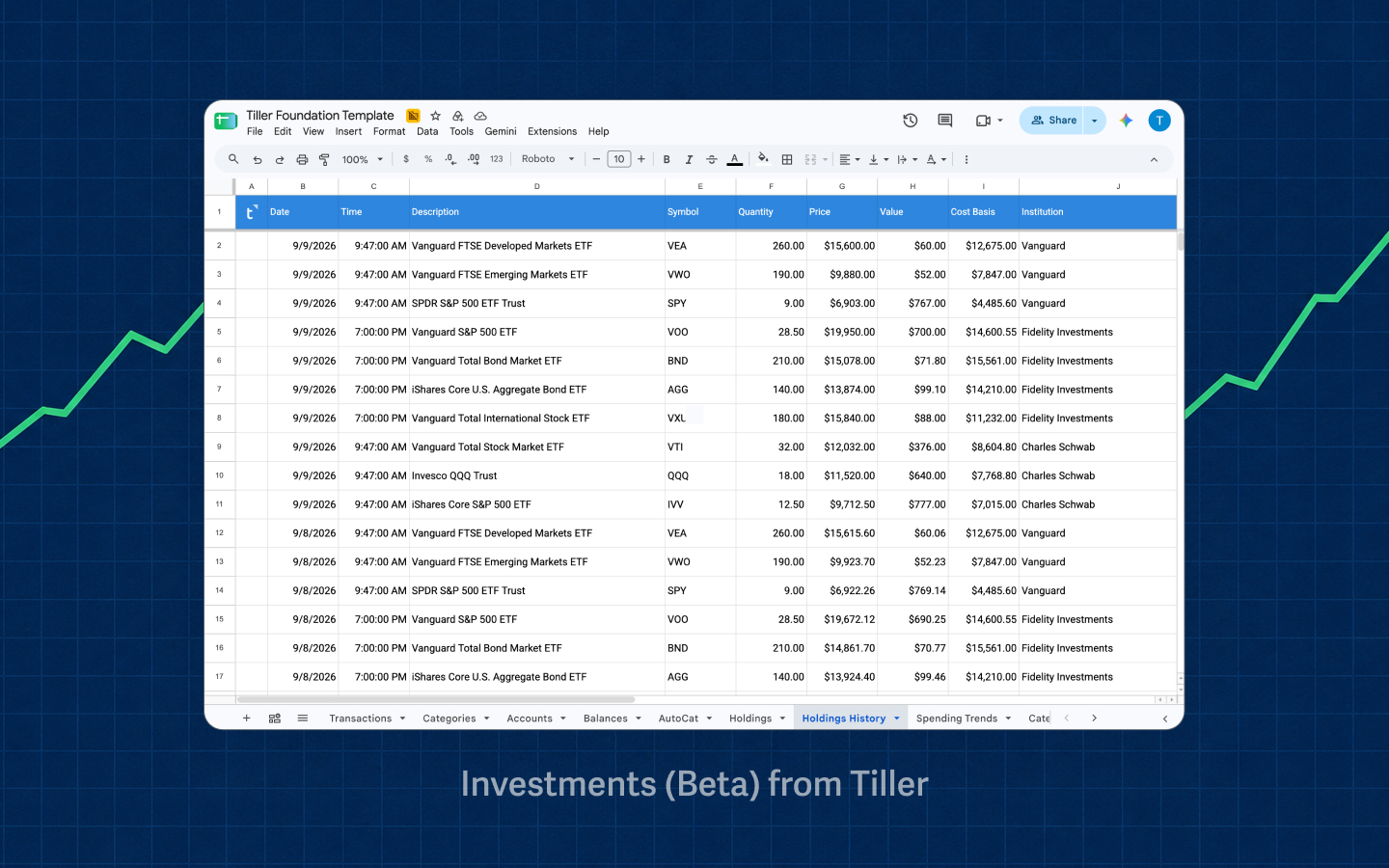
“Customizable” is a word every budgeting app uses. But there are limits. Some apps let you rename categories or set category rules. Some let you rearrange your budget amounts. But none of them let you add a column to your transaction log, build a formula that calculates your savings rate automatically, create a chart that shows net worth versus debt over 24 months, or set up a custom envelope system that matches exactly how you think about money.
Spreadsheet customization has infinite variations:
- A debt snowball tracker that updates automatically as you pay down balances
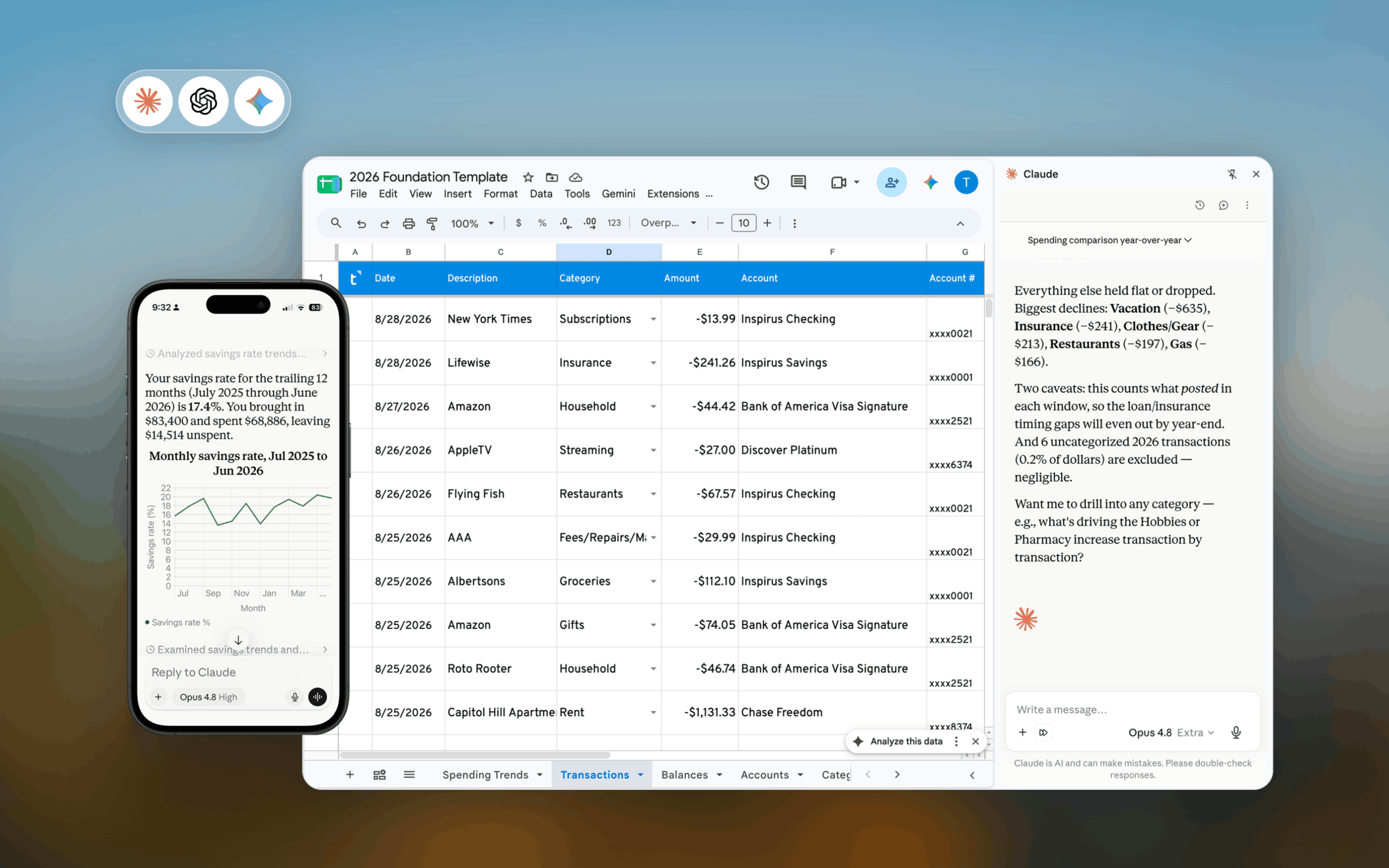
- A savings rate calculator that factors in irregular income months differently from regular ones
- A net worth trend chart going back to whenever you started tracking
- A tax deduction log that automatically tags and totals certain transaction categories
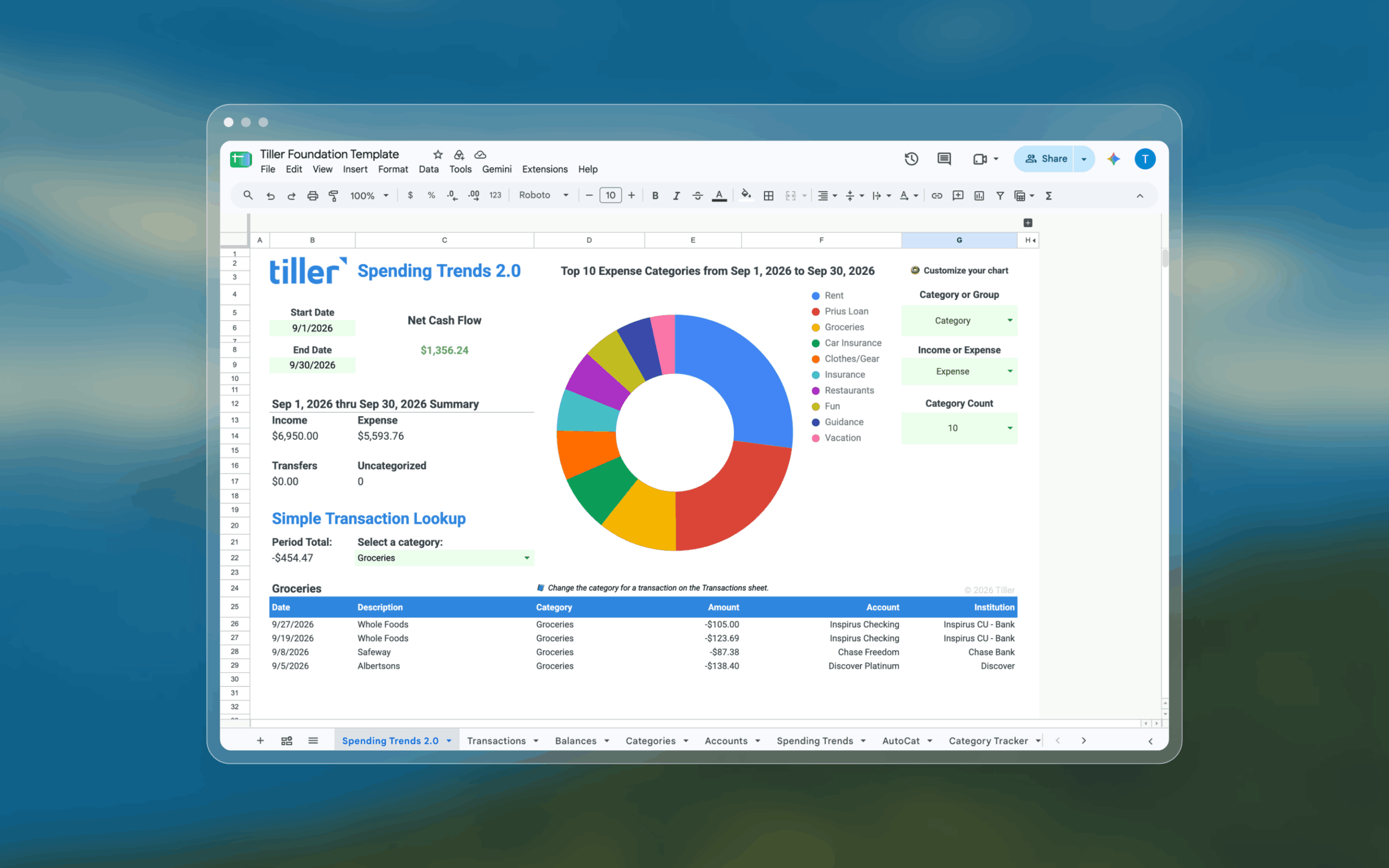
- A year-over-year spending comparison by category
None of these requires advanced spreadsheet skills. They just require the freedom to add a column or write a formula — or find an existing template or formula to get you started.
Flexibility that grows with your life
Life changes. You get married and need to merge two financial systems. Or you buy a house and need to track mortgage principal, escrow, and home equity. Maybe you start a side business and need to separate personal and business expenses. Or you have a kid and need to add a college savings tracker.
Apps can sometimes handle these types of changes if they have those features already built in. But spreadsheets handle these changes the day you need them to, because you just add a sheet or a column. You don’t have to wait for a feature to be added or come up with a complicated workaround. You build what you need when you need it.
Long-term users of spreadsheet systems tend to have richer, more nuanced financial pictures than app users — not because they’re more disciplined, but because their tool never forced them to simplify.
The one real objection — and how Tiller solves it
Spreadsheet budgeting has one real drawback: manual transaction entry. Downloading CSVs from five bank accounts, pasting them in, cleaning up formatting, and categorizing 200 transactions a month is not a habit most people can sustain. It’s a good reason to choose an app instead.
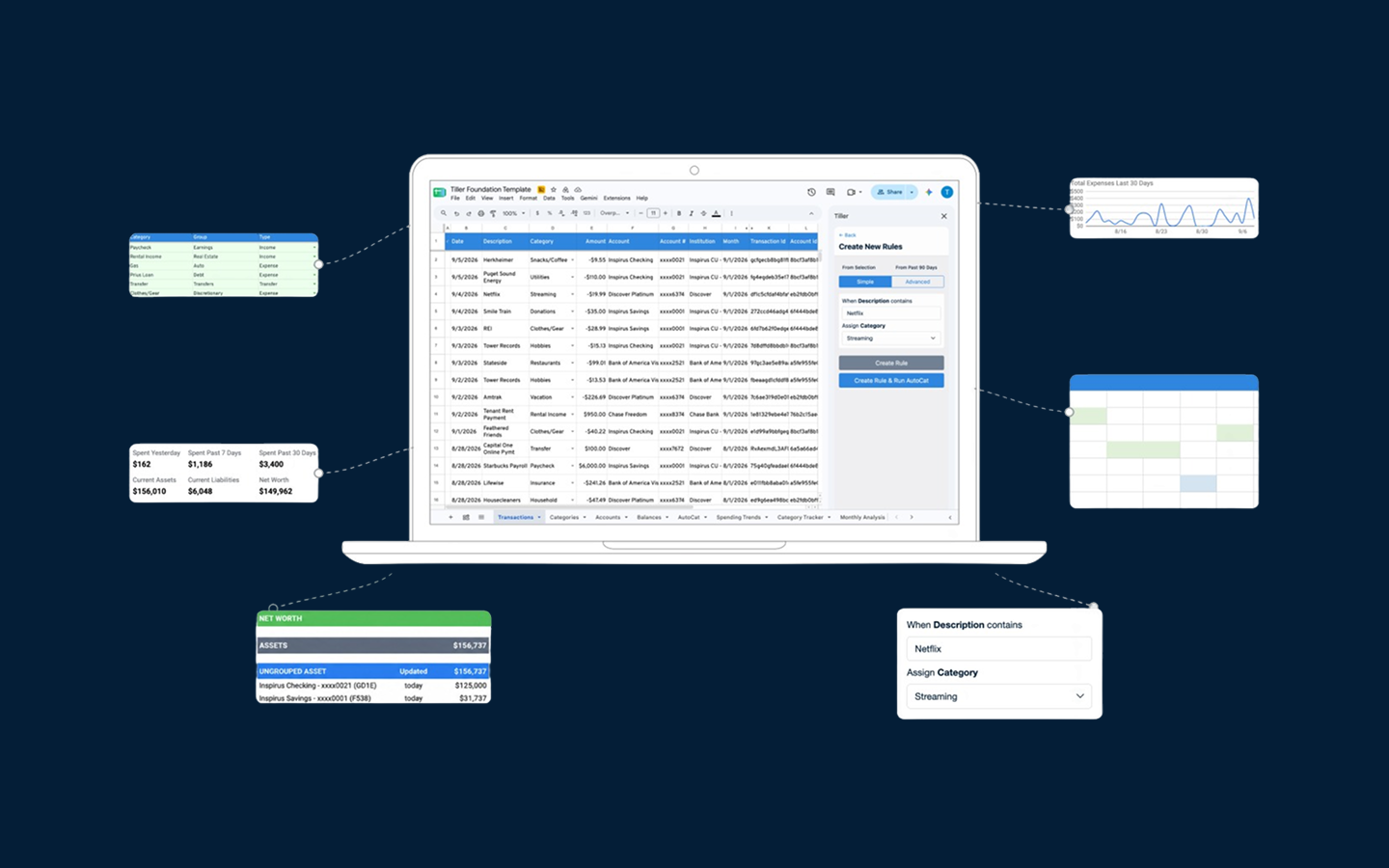
Tiller closes this gap completely. It connects to your bank accounts and delivers new transactions and account balances to your Google Sheets or Excel file every day, automatically. The data appears in your spreadsheet the same way it would arrive in an app. Then you simply review and categorize any entries that weren’t automatically categorized.
You’re left with all the control, flexibility, and ownership of a spreadsheet but with transaction import handled automatically. The reason people have historically had to choose between “easy” (app) and “powerful” (spreadsheet) no longer exists.
What spreadsheet finance looks like in practice
A typical week for a spreadsheet budgeter using Tiller might look like this: Sunday morning, you open your spreadsheet and see 12 new transactions from the week. Nine of them are already categorized by AutoCat — groceries, gas, and subscriptions. Three need a look: an Amazon charge that could be household or business, a restaurant you haven’t been to before, and a transfer between accounts. You categorize those three, glance at the budget view, and you’re done in under five minutes. Your month-to-date spending is current. Your net worth tracker updated automatically.
After some time using your spreadsheet, you have a financial system that is entirely yours. Categories reflect how you spend your money, reports show the numbers you care about, and you’ve built up a history that’s yours to keep. You get the financial clarity most apps never quite deliver.
Is spreadsheet finance right for you?
Spreadsheet finance is a powerful approach, but it’s not for everyone.
It’s probably the right fit if:
- You want a financial system that reflects your specific situation, not a generic template
- You’re comfortable with Google Sheets or Excel, or are willing to learn the basics
- You want to own your financial data permanently
- You’ve used a budgeting app and found it limiting or inflexible
- You’re a serious, engaged budgeter who reviews transactions regularly
It’s probably not the right fit if:
- You want to set it up once and never think about it again (an app might serve you better)
- You have no interest in spreadsheets and don’t want to develop any
- Mobile-first, on-the-go transaction tracking is your primary need
Frequently asked questions
Why do people prefer spreadsheets for budgeting?
People who stick with spreadsheet budgeting for several years often describe it as the one financial tool they’ve never felt the need to replace. The reasons usually come down to four things: a system that matches how they think about money, data that lives in a file they own, reports and trackers they built for their situation, and a setup that adapts as life changes without waiting for a product update.
Is a spreadsheet better than a budgeting app for personal finance?
It depends on what you want from a financial tool. Budgeting apps are faster to set up, easier to use on a phone, and require no spreadsheet knowledge. They work well if you want a finished, guided system. Spreadsheets are more flexible and give you complete ownership of your data, but require more setup and some comfort with how spreadsheets work. For people who want a financial system that matches their specific situation exactly — rather than adapting to a pre-built interface — spreadsheets are better.
What are the benefits of spreadsheet budgeting?
The main benefits are that you control the structure (categories, budget layout, report design), your data lives in a file you permanently own rather than inside a third-party platform, you can build any custom tracking or reporting your situation requires, and the system evolves with your life. For people willing to invest a small amount of time in setup, spreadsheet budgets tend to produce clearer, more personalized financial pictures than app-based alternatives.
What is the downside of budgeting in a spreadsheet?
The historical downside was manual transaction entry. That’s now solvable: Tiller connects your bank accounts to Google Sheets or Excel and imports transactions automatically each day, removing the data-entry step while preserving the flexibility and ownership a spreadsheet provides.
What does it mean to own your financial data?
When your financial data lives in a spreadsheet, it lives in a file on your Google Drive or computer. You can open it, copy it, modify it, or keep it forever. You aren’t locked into a system, and you don’t have to export your data. If you stop using any paid tool associated with it, the file and all your historical data remain unchanged. Contrast this with app-based budgeting, where your data lives inside the company’s platform. If they shut down (as Mint did in 2024), change their pricing, or change their terms, your access to that data is at risk.
How do I automate a spreadsheet budget so that I don’t have to enter transactions manually?
Use Tiller. It connects your bank and credit card accounts to Google Sheets or Excel and imports transactions and balances each day. The data flow mirrors an app — transactions appear, you review and categorize — but the structure, categories, and reporting are yours to control.
Can I share a spreadsheet budget with my partner?
Yes. Google Sheets can be shared with any Google account with view or edit permissions, and Excel files can also be shared, making shared budgeting in Tiller straightforward. Both partners can see the same data in real time, review transactions together, or divide responsibility for different parts of the spreadsheet. This can be more flexible than most dedicated apps, which usually require a separate family or household subscription and constrain how shared budgeting is structured.