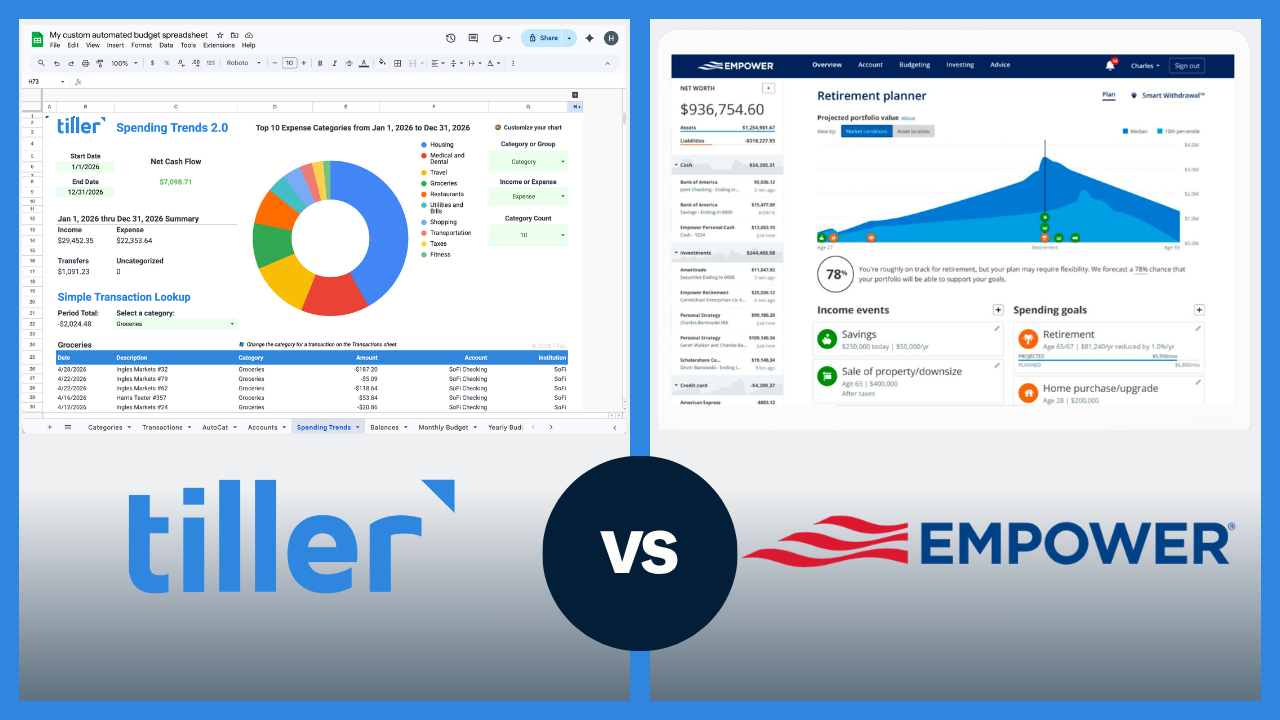

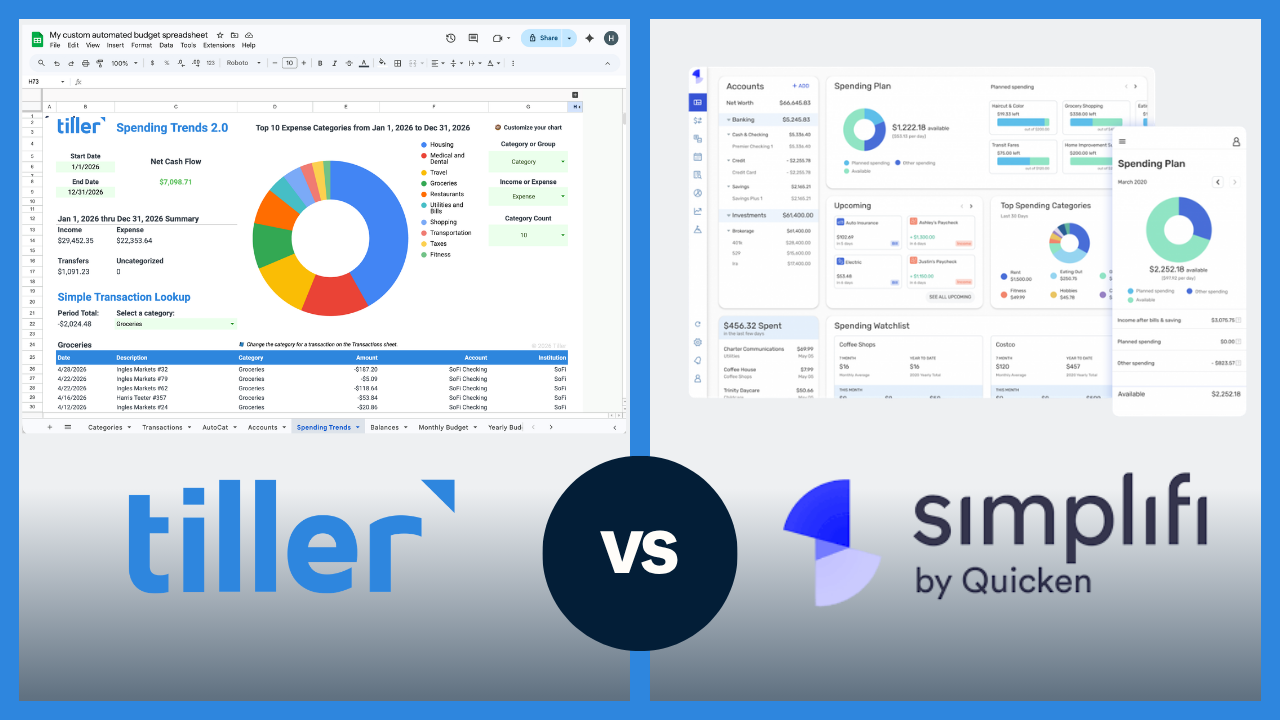
Quicken Classic and Simplifi are both Quicken products, but they’re built for very different users. Quicken Classic is a legacy desktop personal finance software with decades of history. Simplifi is Quicken’s newer, app-based budgeting tool aimed at a different, more mobile-first audience. This page covers how Tiller compares to both.
First: Quicken Classic or Simplifi?
Quicken Classic (formerly just “Quicken”) is desktop software for Windows (a Mac version is available, but it is less robust). It’s built for users who want deep financial management — including investment tracking, bill pay, rental property tracking, small-business finances, and tax planning. It’s best for users with complex finances who want desktop software with decades of transaction history. Pricing depends on which tier you select.
Simplifi by Quicken is a separate, cloud-based app (iOS, Android, web) that costs $71.88/year ($5.99/month billed annually) as of this writing. It has a modern, clean interface focused on spending tracking, budget watchlists, and savings goals. It’s much closer in positioning to Monarch Money or Copilot than to classic Quicken, and it’s built for people who want a simple, low-friction financial overview.
Part 1: Tiller vs. Quicken Classic
Quick comparison: Tiller vs. Quicken Classic at a glance
| Tiller | Quicken Classic | |
|---|---|---|
| Price | $99/year | $47.88–$131.88/year depending on tier |
| Platform | Google Sheets or Excel (any device) | Windows primary; Mac available |
| Bank sync | Yes — automatic daily import | Yes — automatic sync |
| Investment tracking | Via custom sheets | Yes — deep, built-in |
| Bill pay | No | Yes (some tiers) |
| Rental property tracking | No | Yes (Home & Business tier) |
| Small business features | Limited | Yes (Business tier) |
| Budgeting depth | High — fully customizable | Moderate — built-in reports |
| Data ownership | You own the spreadsheet | Local data file (QDF) |
| Customization | High — full spreadsheet control | Moderate — within Quicken’s structure |
| Mobile app | No dedicated app | Limited mobile companion |
| Free trial | 30 days | 30-day money-back guarantee |
How Quicken Classic works
Quicken Classic does more than most personal finance tools. It imports transactions from connected accounts, maintains a detailed register for every account, generates financial reports, and tracks investments at the security level — cost basis, performance, capital gains, and dividends. In higher tiers, it handles bill pay, rental property tracking, and small business bookkeeping. It’s complex, legacy software that handles a wide range of use cases.
Quicken stores your data locally in a QDF file on your computer, not in the cloud. Quicken is great for users who have been building their financial records for 15–20 years and want to keep that history in a format they fully control. Day-to-day use of Quicken involves downloading transactions, categorizing them, reconciling them, and running reports.
Where Tiller wins against Quicken Classic
Cross-platform flexibility. Quicken Classic is Windows-primary. The Mac version is available but less robust, and there’s no native Android app. Tiller works identically on any device that runs Google Sheets or Excel — Mac, Windows, Chromebook, Android, iOS.
Customization without limits. Quicken Classic’s reports and budgeting views are pre-built — you work within Quicken’s structure. Tiller is a spreadsheet, so every category, formula, chart, and view is yours to define. If you’ve ever felt boxed in by Quicken’s report templates, Tiller removes that constraint.
Simplicity and cost for budget-focused users. If your primary use case is budgeting and transaction tracking — not investment tracking, bill pay, or rental properties — you’re likely paying for several features that you’re not using.
Collaboration. Quicken’s QDF file is local and single-user. Tiller’s Google Sheets and Excel foundation means you can share your financial system with a partner, accountant, or anyone else with the right access.
Where Quicken Classic wins
Investment tracking depth. Quicken tracks individual securities — cost basis, performance, capital gains, and dividends — at a level Tiller doesn’t match out of the box. Tiller tracks account balances and transaction-level activity but doesn’t maintain per-security investment records. For serious investors, Quicken is the stronger tool.
Bill pay. Some Quicken tiers include bill pay directly from the software. Tiller has no bill pay capability.
Rental property and small business. Quicken’s Home & Business tier handles rental income, tenant tracking, and Schedule E reporting. Tiller can be customized for some of this, but it’s not purpose-built for it.
Decades of history. Many Quicken users have 15–20 years of transaction history in their QDF file and don’t want to transfer their data or learn a new system.
Part 2: Tiller vs. Simplifi by Quicken
Simplifi by Quicken: a brief comparison
Simplifi is Quicken’s modern, app-based budgeting tool available on iOS, Android, and the web. Its core features include spending watchlists, savings plans, auto-categorization, and a clean cash flow view.
Where Simplifi and Tiller differ most is that Simplifi is a fixed-structure app — you work within its interface, and there aren’t many customization options. Tiller is a spreadsheet you own — you have full control over categories, formulas, and reports. Tiller’s data lives in a file you own permanently; Simplifi’s lives in Simplifi’s platform.
Simplifi has a stronger mobile app and lower setup friction than Tiller. For users who want passive financial awareness at minimal cost, it’s a reasonable tool.
Quick comparison: Tiller vs. Simplifi at a glance
| Tiller | Simplifi by Quicken | |
|---|---|---|
| Price | $99/year | $71.88/year (as of May 2026) |
| Platform | Google Sheets or Excel (any device) | App and web (iOS, Android, web) |
| Bank sync | Yes — automatic daily import | Yes — automatic sync |
| Budgeting approach | Flexible — fully customizable | Spending watchlists and savings plans |
| Customization | High — full spreadsheet control | Low — works within Simplifi’s structure |
| Categorization | AutoCat — rule-based, 100% accurate on defined rules | Auto-categorization with limited customization |
| Investments | Via custom sheets | Yes, customizable |
| Data ownership | You own the spreadsheet | Stored in Simplifi’s platform |
| Mobile app | No dedicated app | Yes, strong mobile app |
| Free trial | 30 days | 30 days |
New to Tiller? See how Tiller works →
Who should choose Quicken Classic
Quicken Classic is likely the stronger fit if:
- You have complex finances — investment portfolios, rental properties, or small business bookkeeping — that require tracking beyond basic budgeting
- You want per-security investment records including cost basis and capital gains
- You prefer software that stores your data locally rather than in the cloud
- You’ve used Quicken for years and have a long transaction history you want to maintain
- You need bill pay built into your financial software
Who should choose Simplifi
Simplifi is likely the stronger fit if:
- You want a low-cost, mobile-first budgeting overview without committing to a spreadsheet
- You primarily track finances on your phone and want a polished app experience
- You want spending watchlists and savings goals in a simple, guided interface
- You don’t need deep customization — Simplifi’s structure works for your situation
- You want investment account visibility alongside your everyday budgeting
Who should choose Tiller
Tiller is likely the stronger fit if:
- You’re primarily a budgeter — not managing investments, rental properties, or small business finances — and don’t need Quicken’s complexity
- You’re comfortable in Google Sheets or Excel and want your financial system to live there
- You want full control over budget categories, reports, and financial structure
- You want your data in a file you own permanently, independent of any platform
- You’re a serious, active budgeter who wants to review transactions and make deliberate spending decisions
- You want one system that covers budgeting, net worth tracking, and custom financial reporting
The bottom line
vs. Quicken Classic: If your primary use case is investment tracking, rental property management, or small business finances, Quicken’s depth is hard to match. If you primarily want budgeting and financial management in a flexible, cross-platform system, Tiller is likely the better fit.
vs. Simplifi: Simplifi is a solid option for passive financial awareness. Tiller is for people who want to be engaged with their finances — with full control over how their system is built and a data file they own forever.
Frequently asked questions
What is the difference between Quicken Classic and Simplifi?
Quicken Classic and Simplifi are two separate products from the same company. Quicken Classic is desktop personal finance software — primarily Windows-based — with deep investment tracking, bill pay, and tools for complex financial situations, including rental properties and small business bookkeeping. Simplifi by Quicken is a modern, app-based budgeting tool available on iOS, Android, and the web. It’s designed for simple spending tracking and savings goals, not detailed investment management. They share a brand but are built for different users with different needs.
Quicken Classic: best for complex finances, investment tracking, and long-term desktop users.
Simplifi: best for simple, mobile-first spending awareness at low cost.
Is Tiller better than Quicken Classic?
It depends on your primary use case. For investment tracking, rental property management, or small business finances, Quicken’s depth is hard to match. For budgeting, transaction tracking, and financial management in a flexible, cross-platform spreadsheet you own, Tiller is typically the stronger choice. Tiller works on any platform — Mac, Windows, Chromebook, Android, iOS — while Quicken is Windows-primary. If you primarily want to budget and track spending rather than manage investments, Tiller is likely the better fit.
Is Tiller cheaper than Quicken Classic?
Compared to Quicken Classic, it depends on the tier. Quicken’s pricing varies by tier. Pricing ranges from $47.88–$131.88/year, so which one is cheaper depends on your needs. Simplifi ($71.88/year) costs nearly the same as Tiller.
Does Tiller work on Windows?
Yes. Tiller works anywhere Google Sheets or Microsoft Excel does, including Windows, Mac, Chromebook, iOS, and Android.
Is Simplifi a good Mint replacement?
Simplifi is a reasonable Mint replacement for users who primarily want Mint’s spending overview and basic budget categories at a low cost. Its budgeting features are less detailed than Mint’s, and customization is limited—you work within Simplifi’s fixed structure. For users who primarily valued Mint’s transaction management and depth of active budgeting, Tiller is typically the closer replacement.
Can I import my Quicken or Simplifi data into Tiller?
Tiller does not have a direct Quicken data import tool, though it’s possible to import some data. Historical Quicken transaction data can be exported as QIF or CSV and manually imported into your Tiller spreadsheet. Most users switching from Quicken choose a clean start date and maintain their Quicken file for historical reference while running Tiller. For Simplifi, check out this dedicated guide to switching to Tiller from Simplifi.
What does Tiller do that Simplifi doesn’t?
Tiller gives you full control over your financial system. Every budget category, formula, chart, and report is yours to define in a spreadsheet you own permanently. Simplifi is a fixed-structure app. You work within Simplifi’s spending watchlists and savings plans, but you can’t build custom reports or formulas. Tiller’s data lives in your Google Drive or Excel file forever; Simplifi’s data lives inside Simplifi’s platform. For users who want to be genuinely engaged with their finances and build a system that matches their situation exactly, Tiller provides that; Simplifi provides a polished overview.
What does Quicken Classic do that Tiller doesn’t?
Quicken Classic is better at three things: per-security investment tracking (cost basis, capital gains, and portfolio performance by holding), built-in bill pay, and rental property or small-business bookkeeping tools. Quicken’s investment tracking in particular is best-in-class for a personal finance tool. It maintains decades of portfolio history at the individual security level. Tiller tracks account balances and transaction-level activity but doesn’t maintain per-security investment records.