
Tiller Resource Center > Spreadsheet Templates
Net Worth & Financial Tracking Templates
Spreadsheet templates for tracking your complete financial picture—net worth, retirement planning, cash flow, and long-term progress—in Google Sheets or Excel.
Tax season is stressful for most people—but a lot of that stress comes from poor tracking throughout the year, not from taxes themselves.
A spreadsheet won’t file your return, but it can do almost everything else: categorize your transactions by deductible type, track income from freelance or rental sources, estimate quarterly payments before they’re due, and give you a clean record to hand off to your accountant or plug into your tax software.
The people who find tax season easiest aren’t necessarily the most financially sophisticated. They’re the ones who’ve set up a simple, consistent system that captures the right information as they go—so there’s nothing to scramble for in April.
This hub collects the guides, tools, and workflows for building that system in a spreadsheet. Some are designed specifically for Tiller users who want to get the most out of their transaction data at tax time. Others are useful for anyone who keeps their finances in Google Sheets or Excel.
Browse the templates:

7 Best Free Retirement Planning Spreadsheets (Updated 2026)
A curated guide to the best free retirement planning spreadsheets available—covering calculators, projection models, and withdrawal scenario planners. Includes both standalone templates and Tiller-connected options for tracking retirement accounts automatically.
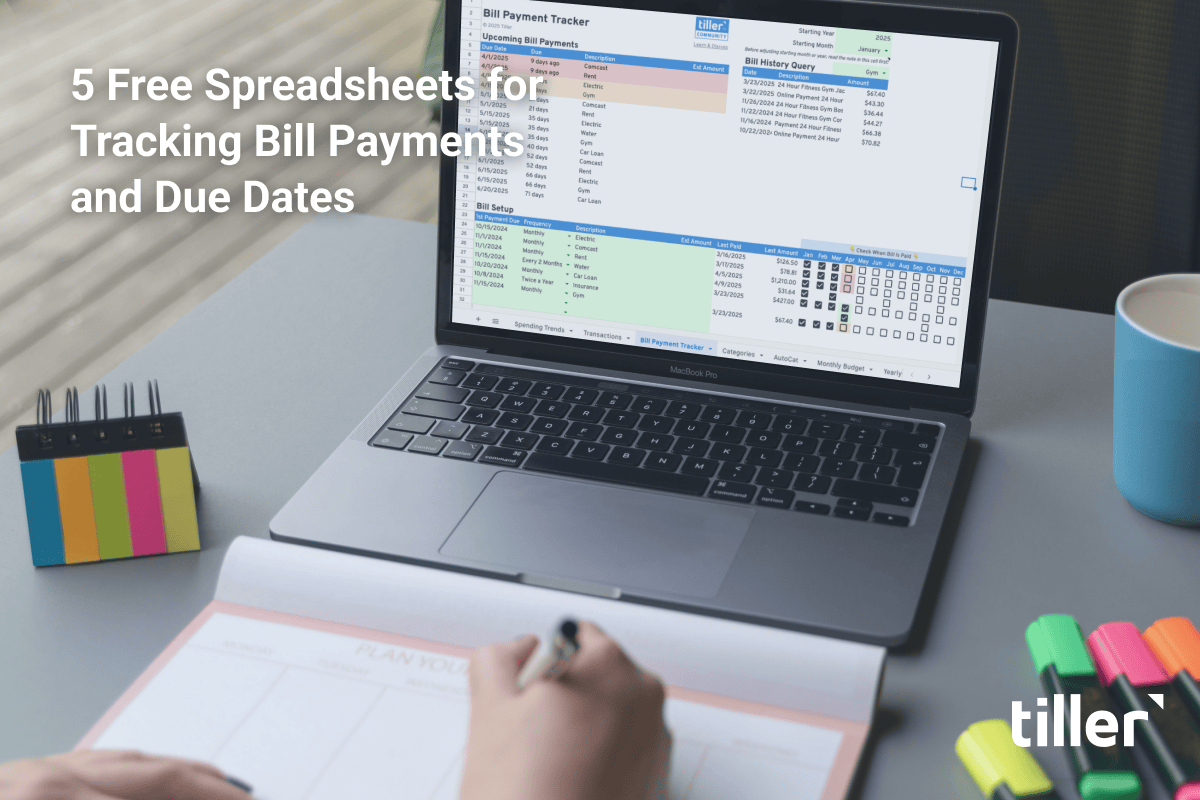
5 Free Spreadsheets for Bills to Track Payments and Due Dates (Updated 2026)
This page offers five free spreadsheet templates designed to help users track monthly bills, due dates, payments, and balances. It emphasizes how these tools can prevent missed payments and save on interest. The article highlights the benefits of manual bill tracking for accuracy and cash flow management, and provides options for both Google Sheets and Microsoft Excel users. It also includes a bonus section on using a simple to-do list for bill tracking.
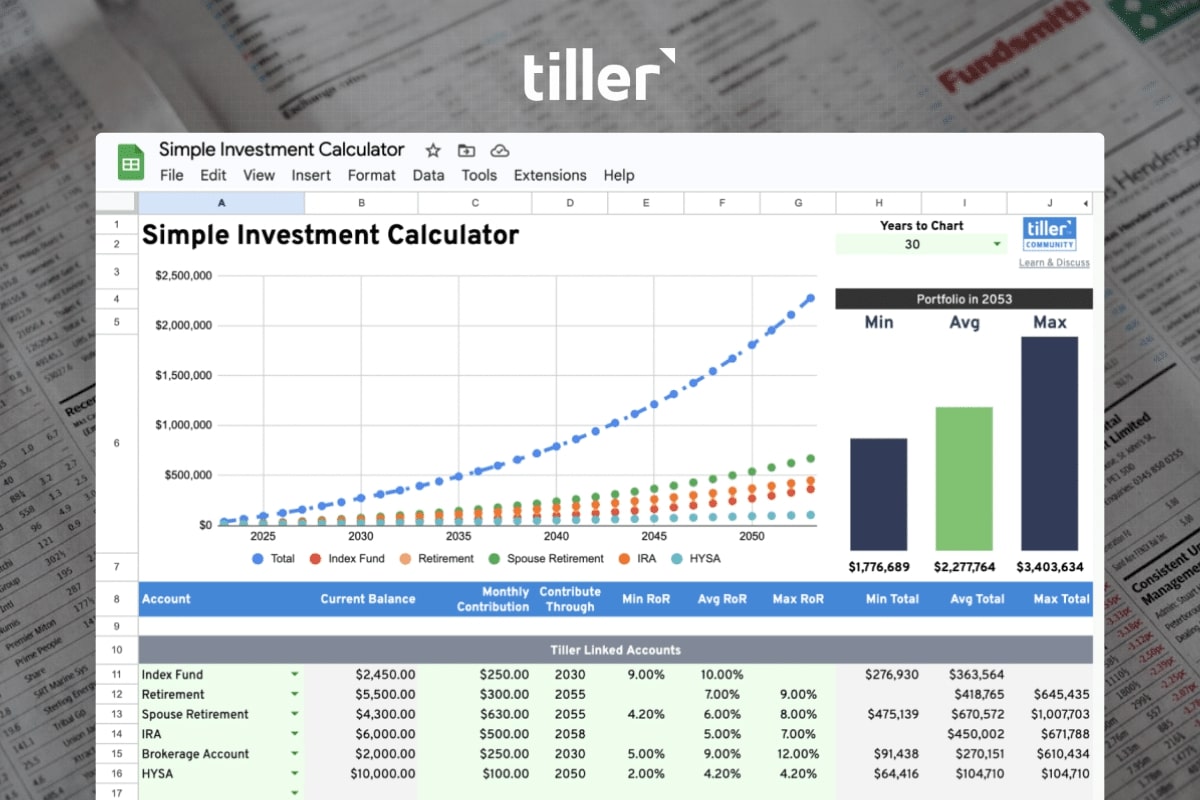
6 Flexible, Free Investment Spreadsheets With Real-Time Trends (Updated 2026)
This article from Tiller discusses the benefits of using investment spreadsheets for tracking portfolios, emphasizing privacy, simplicity, and flexibility. It highlights how both Google Sheets and Excel can automate stock pricing data, with Google Sheets offering real-time updates. The post then provides a curated list of free investment spreadsheet templates for both platforms, including tools for tracking daily prices, managing asset allocations, and calculating investment goals. It also suggests related resources like net worth and retirement planning templates.
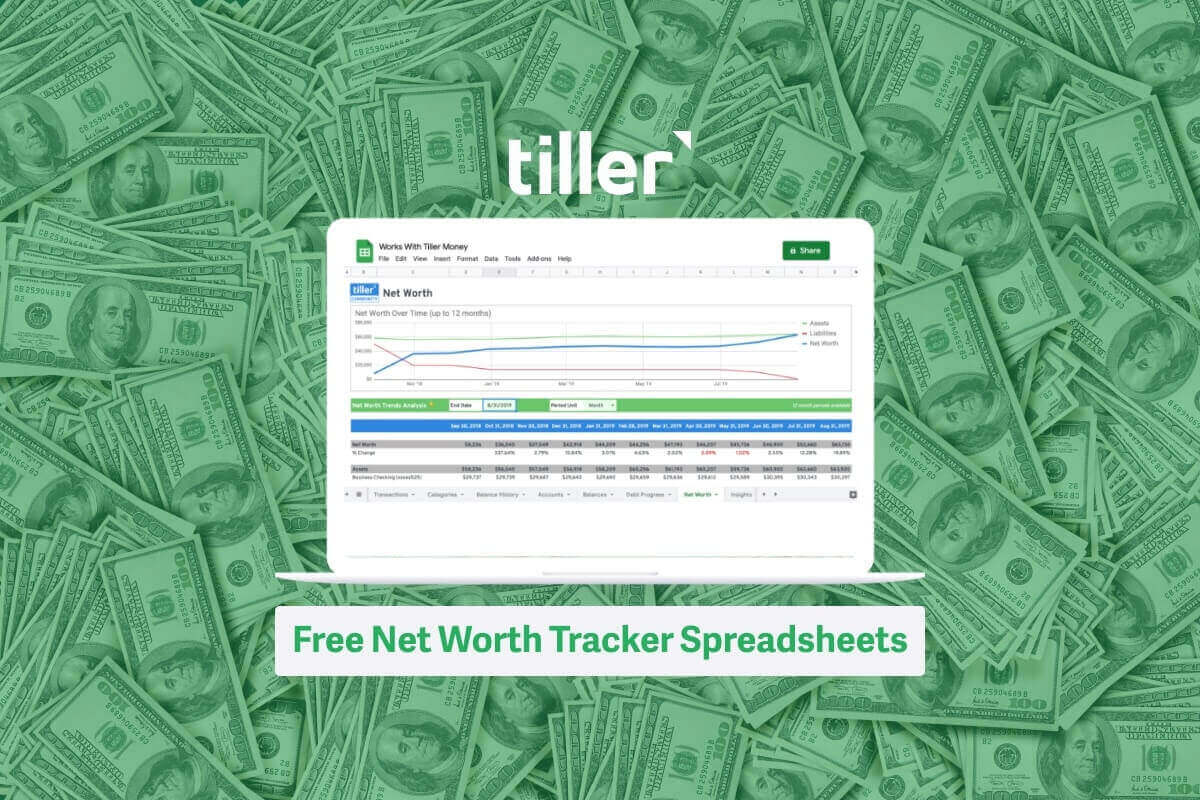
9 Best Free Net Worth Spreadsheets (Updated for 2026)
This article reviews nine of the best free net worth spreadsheet templates available for 2026. It explains the importance of tracking net worth for financial health and decision-making, defining assets and liabilities. The article then details each spreadsheet, highlighting its features and benefits for users. It aims to help individuals organize their finances and monitor their progress towards financial goals.

Personal Finance Tracking Spreadsheet Pack
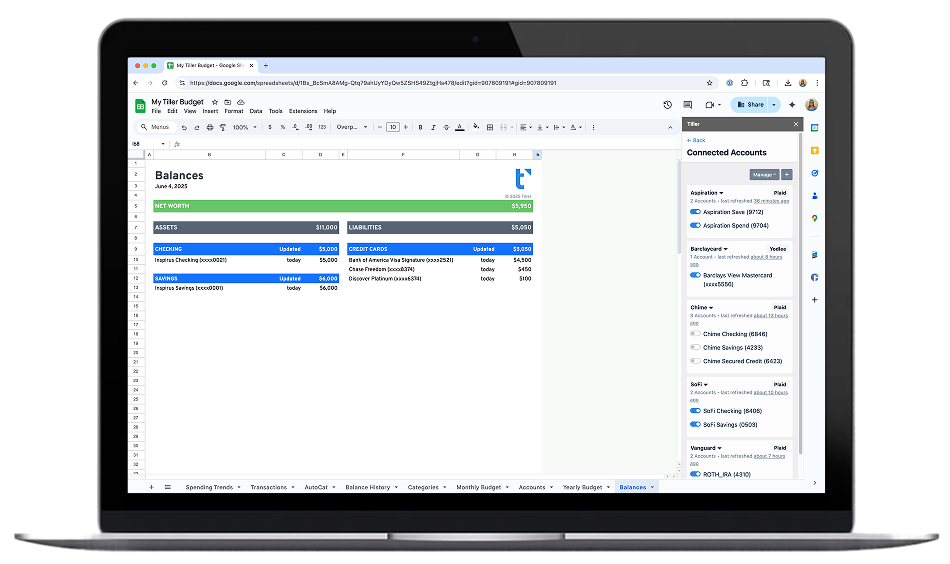
A collection of tracking templates for monitoring your complete financial life—net worth, account balances, income tracking, and spending summaries—in a coordinated set of sheets.
Cash Flow Templates for Google Sheets & Excel
Templates for tracking and projecting cash flow—money in vs. money out—by week, month, or quarter. Includes both static planning templates and automated options connected to live transaction data.
Why These Templates Work Best with Live Data
A net worth template that you update manually once a month gives you a useful snapshot. A net worth tracker connected to your actual accounts—updating daily as balances change—gives you something closer to a real-time financial dashboard.
The difference matters most when you’re trying to build habits around financial awareness. A spreadsheet that’s always current is one you actually open and check. One that requires 30 minutes of manual updates to reflect reality tends to get opened less and less.
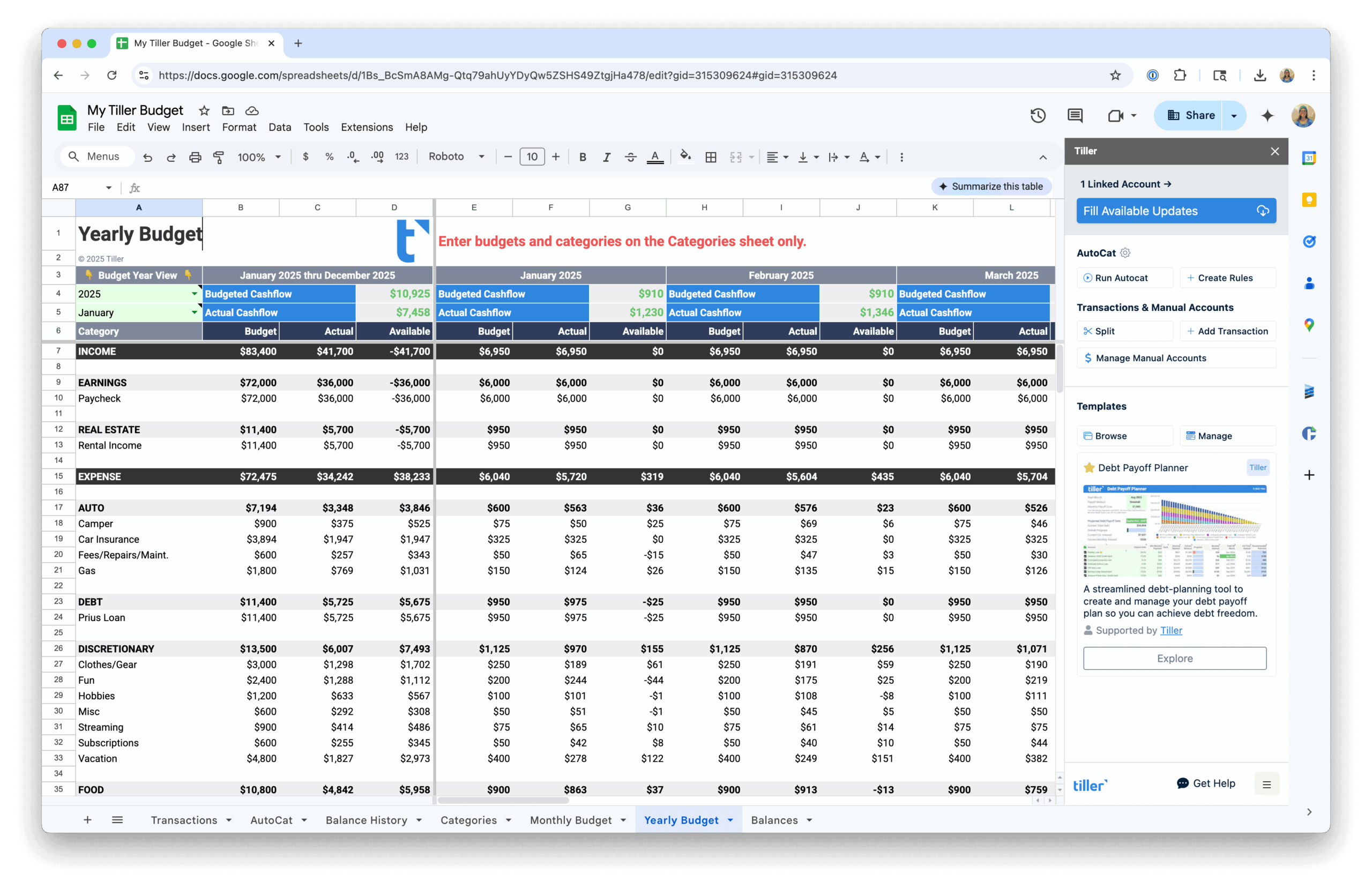
Tiller’s Foundation Template includes a built-in net worth tracker as part of a complete automated financial system. It connects to your bank accounts, investment accounts, and loans—so your asset and liability balances update automatically every morning. You can use the templates in this hub as standalone tools, or connect them to Tiller for ongoing live data.
Other Template Collections
For templates focused on other areas of personal finance:
- Budget Spreadsheet Templates — Monthly budget templates, annual trackers, and templates for specific budgeting methods.
- Debt Payoff Spreadsheet Templates — Templates for tracking debt, planning payoff strategies, and managing multiple loans.
- Template Collections & Toolkits — Multi-purpose template packs covering budgeting, tracking, and planning together.
