


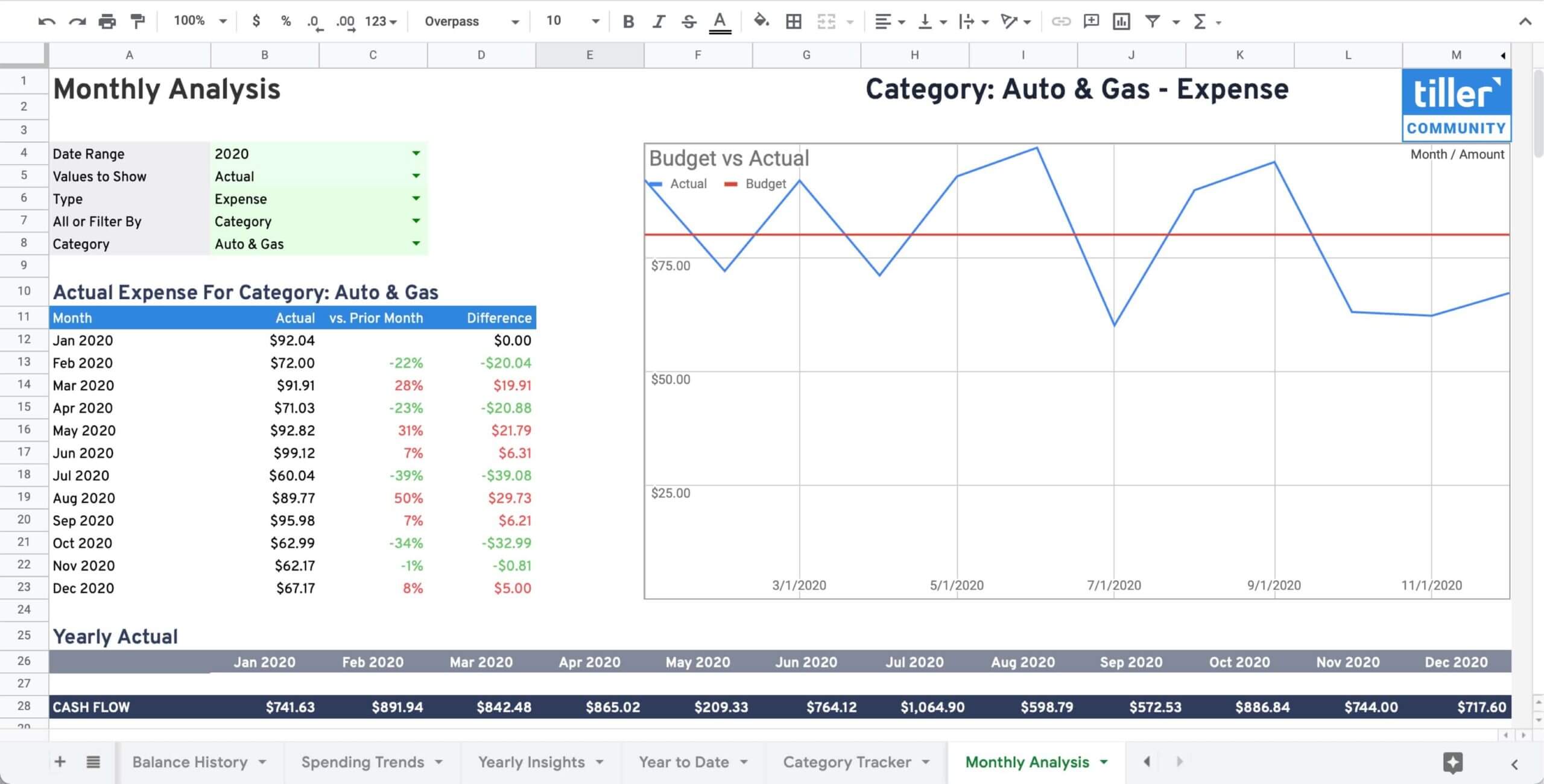
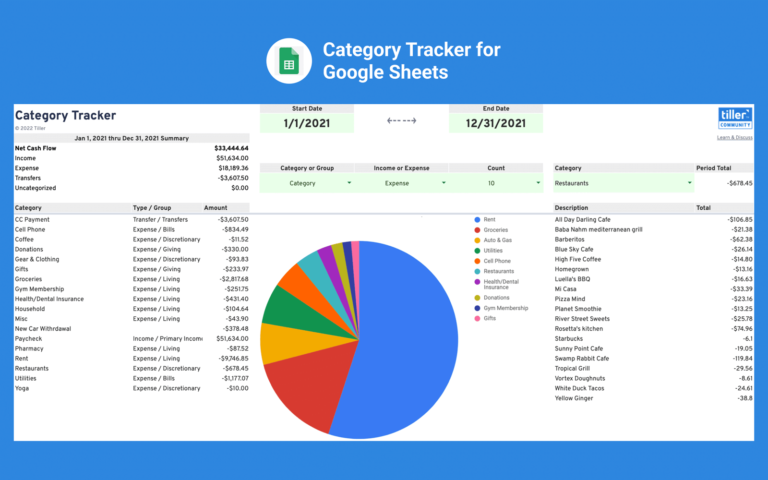
Use this Monthly Analysis sheet for Google Sheets with your Tiller Foundation Template to drill down and visualize your budget, actuals, or remaining organized by type, group, and category, and get a comparative analysis of how your budget and spending have changed over time.
Benefits
- See month-over-month spending per category for income or expense categories.
- Compare your increase or decrease in spending per category.
- Review your budget, actual, or available money in detail for each month.
- Compare month over month financial trends for spending groups.
- Helpful visualization to see how your spending is changing each month.
Installation
This template requires a free trial or active subscription of Tiller to try.
- Launch Tiller Money Feeds
- Under Templates near the bottom, click Browse
- Find the template in the list using search or scroll to find it
- Click the template name in the list to expand its card
- Click Install to add the template to your spreadsheet
- Read more in the Tiller help center
Support & Documentation
- View documentation for the Monthly Analysis template for Google Sheets here the Tiller Community
- All Tiller Community Solutions are exclusively supported in the Tiller Community


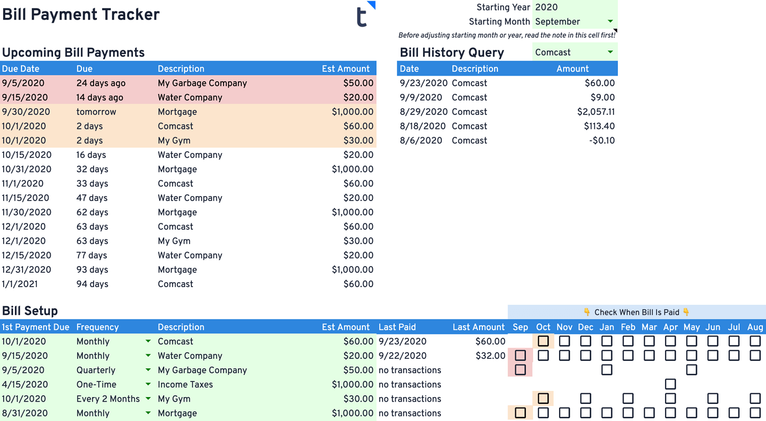
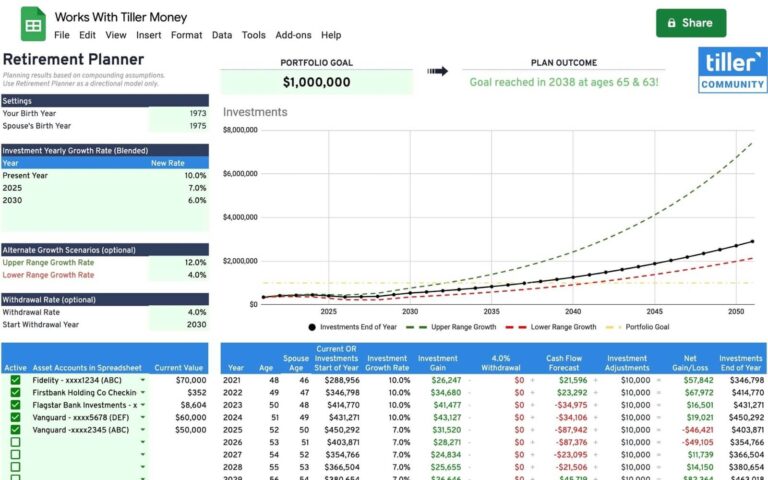
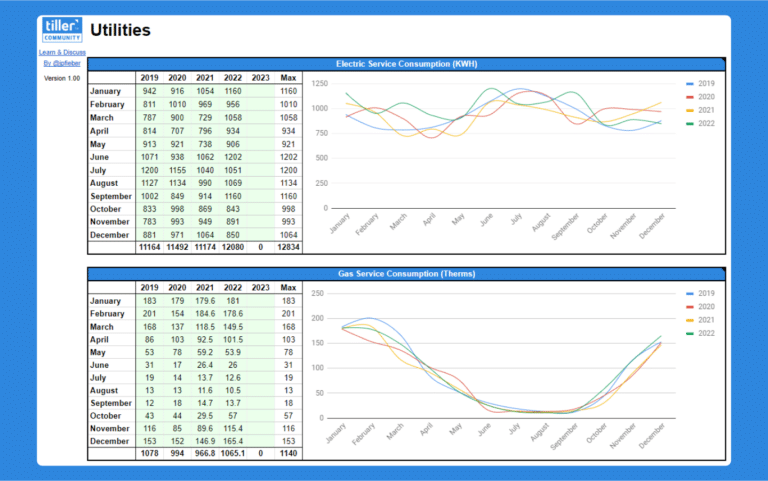

How can I look at both actual and budget for both.
I installed Tiller Labs Solutions, but I dont see anything buy a black background. No option to choose “Add a Solution”
Are you saying, @cdperez194, that the add-on stalls when you launch it on the welcome screen (which is dark blue)? Do you see any text? Usually, after a few seconds, the add-on moves from the welcome screen to a menu with options like Add a Solution.
Randy
I’m not sure I understand your question, @dkth06. Can you be more specific about what you’re trying to do? Thanks.
Hi Randy,
It just stays on the welcome screen. Mine is a black screen and says “Solution discovery & management tool for your Tiller Money-powered spreadsheets”