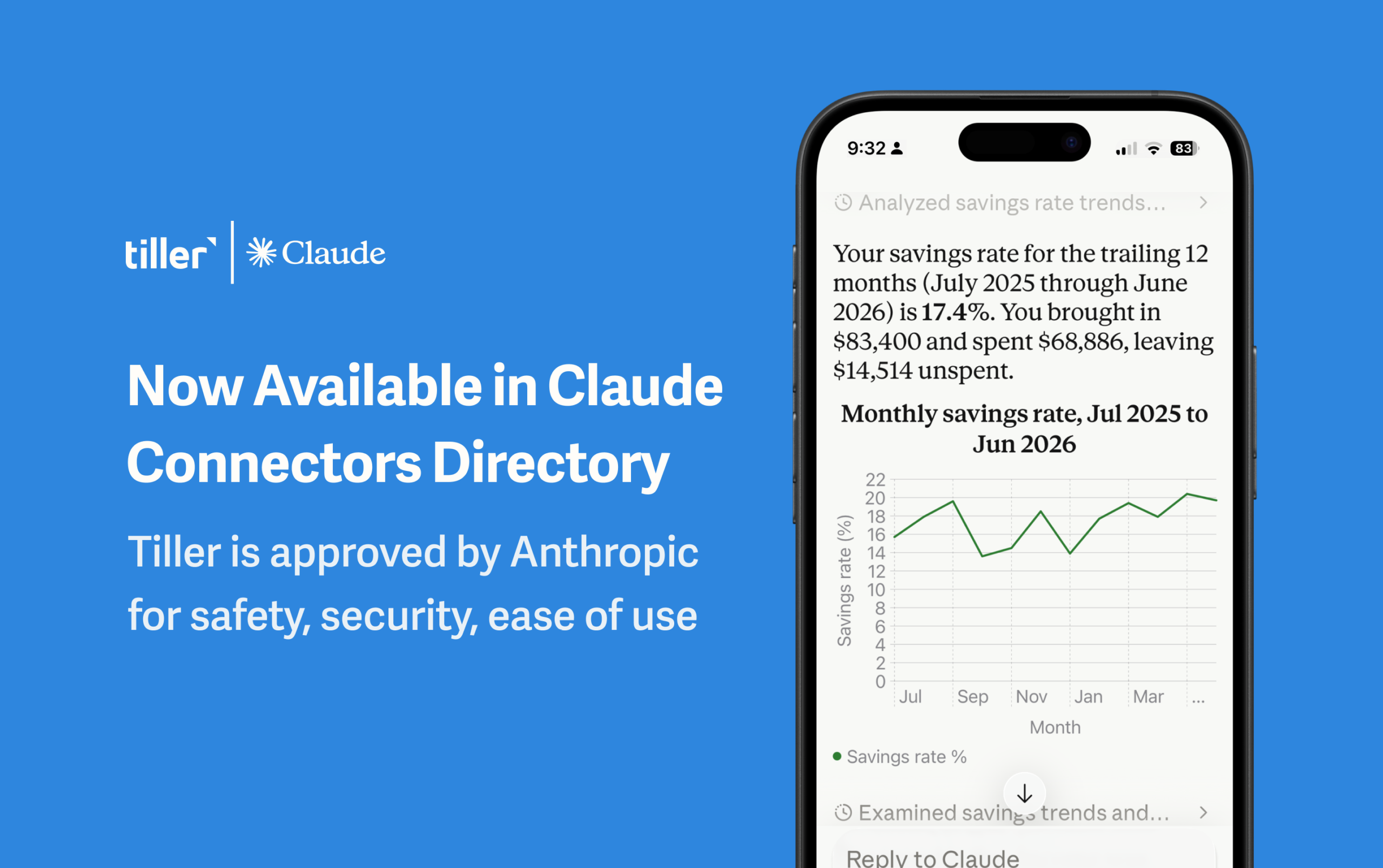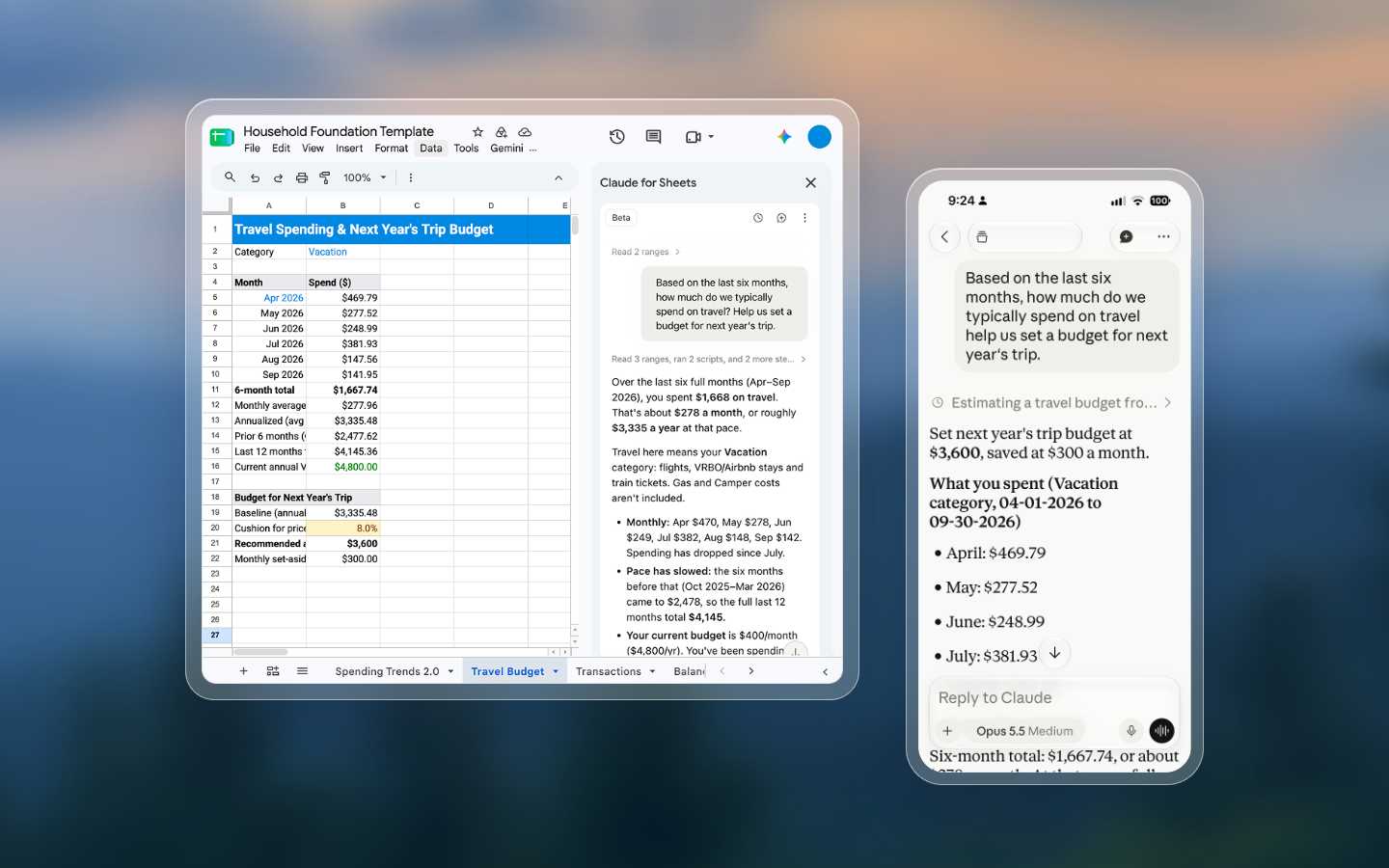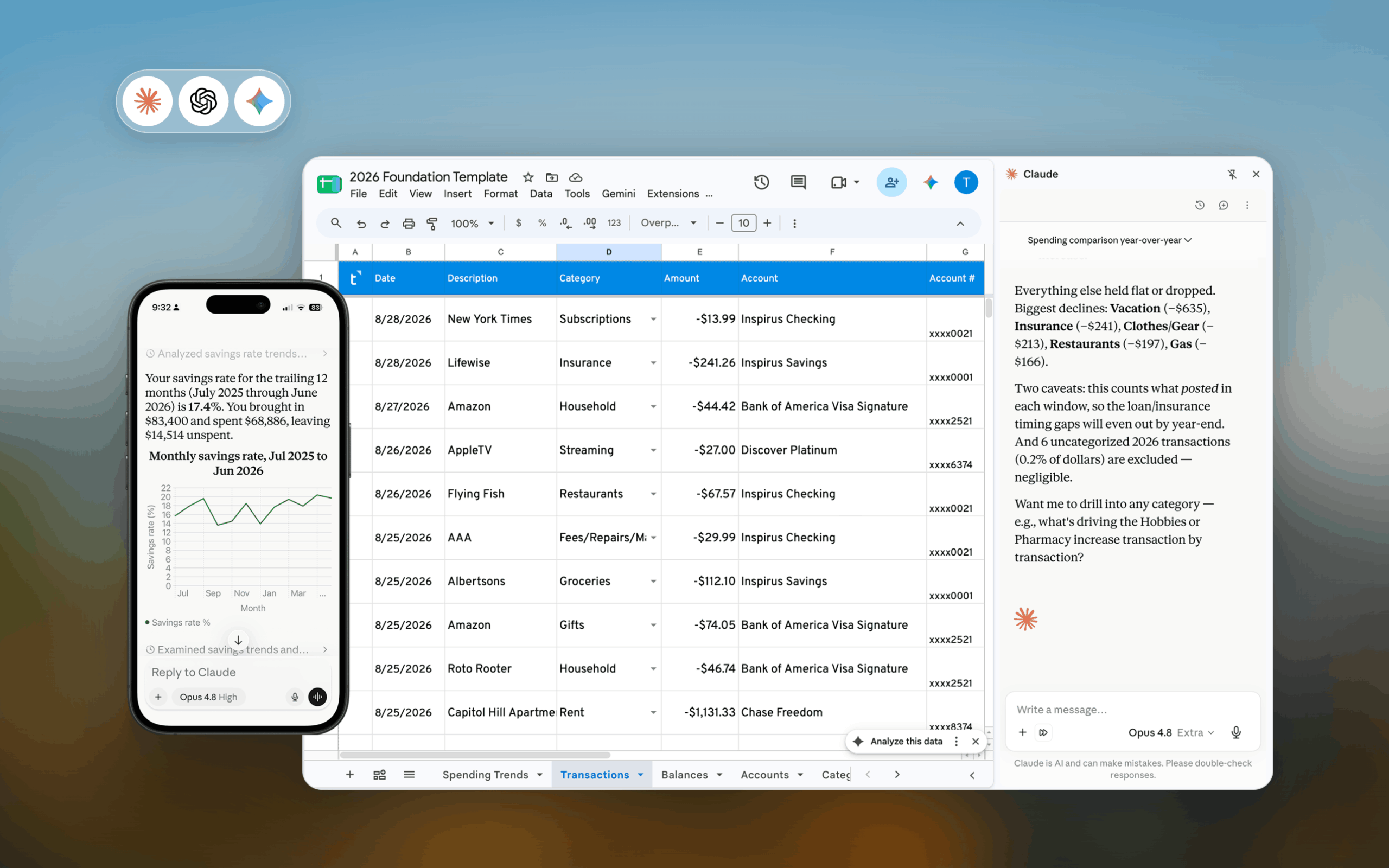

When we introduced the Tiller Claude Connector in September, it could read your transactions and update categories.
Many of you asked for more, and here’s what it can do now:
- Read your whole spreadsheet: every column on your Transactions sheet (including columns you’ve added), plus Balance History, Holdings, and Holdings History. “What’s my net worth trend?” and “How concentrated is my portfolio?” are fair game.
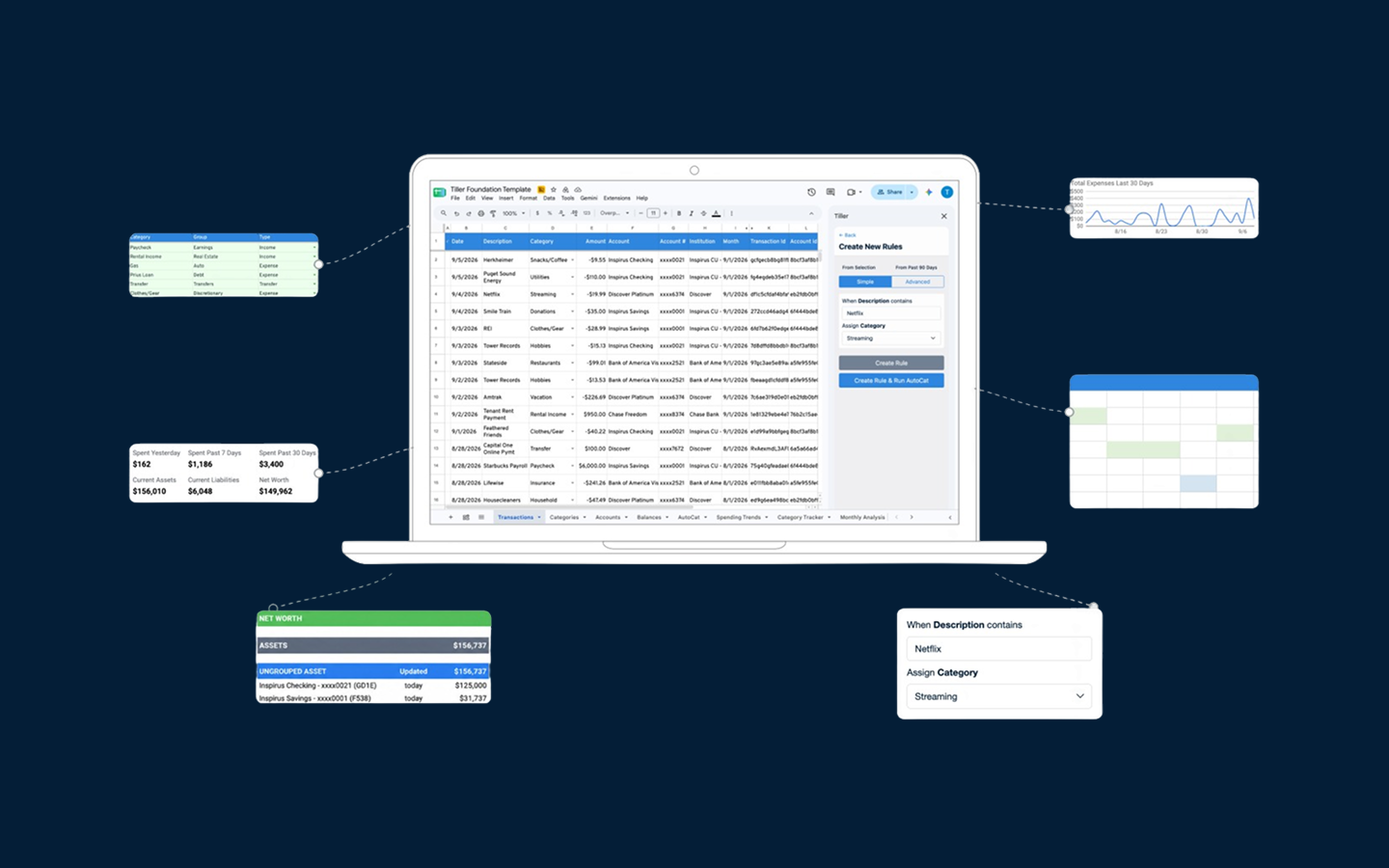
- Edit any Transactions column: not just Category and Note, but tags, custom columns, and anything else you track.
- Manage categories: add categories, change a category’s group or type, hide it from reports, and rename groups. Renaming categories is coming soon!
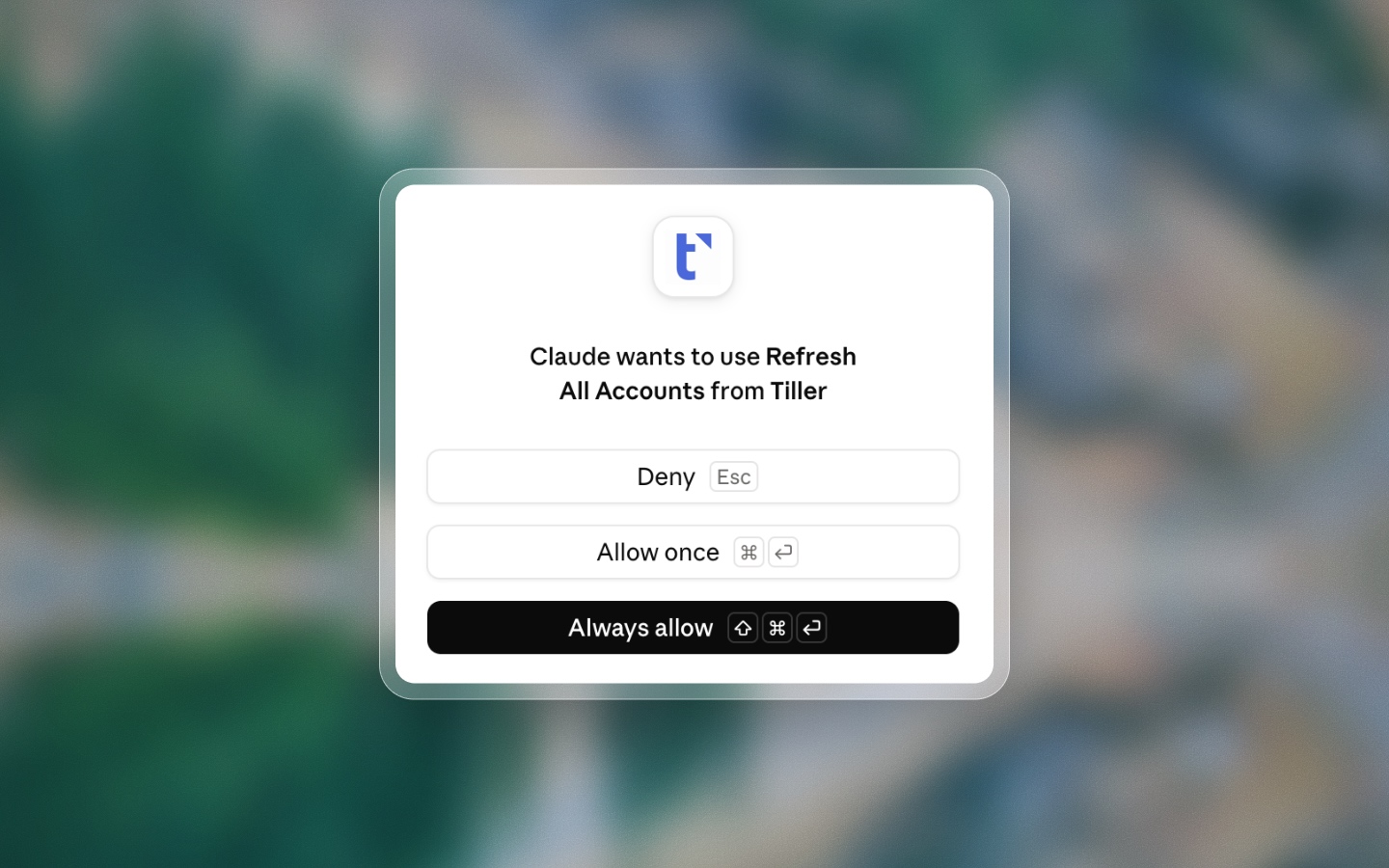
- Refresh your accounts: just like Refresh Accounts in the Console.
- Delete rows when you ask it to. It always asks you to confirm first, and this currently works only in Claude Code.
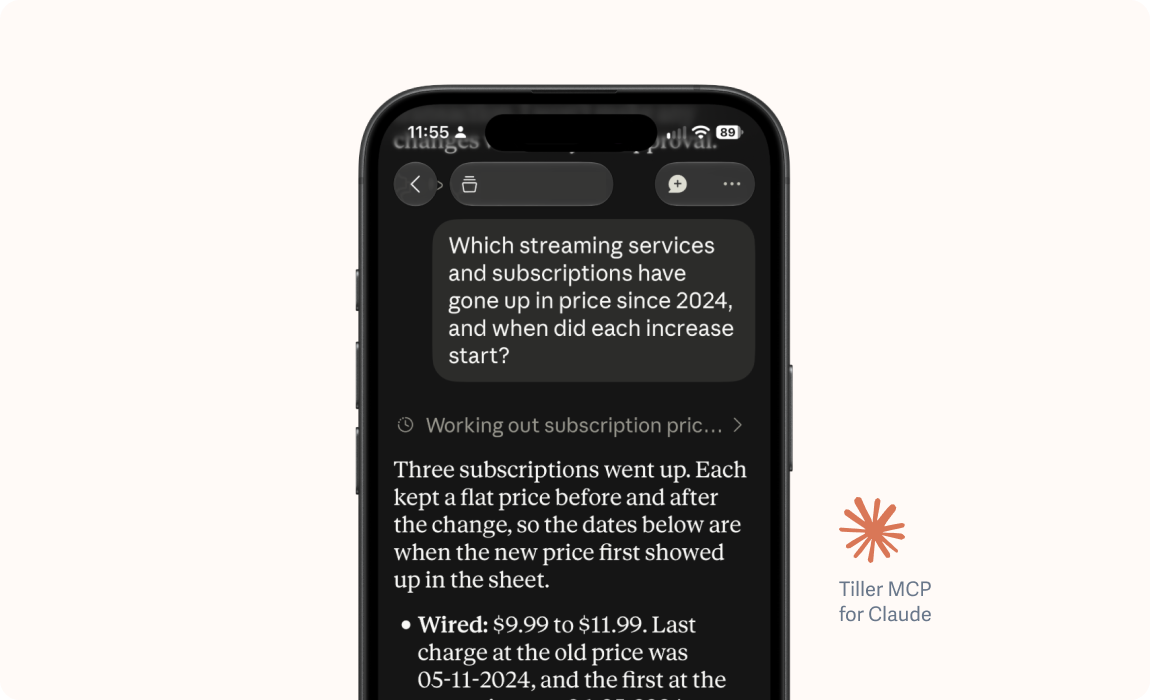
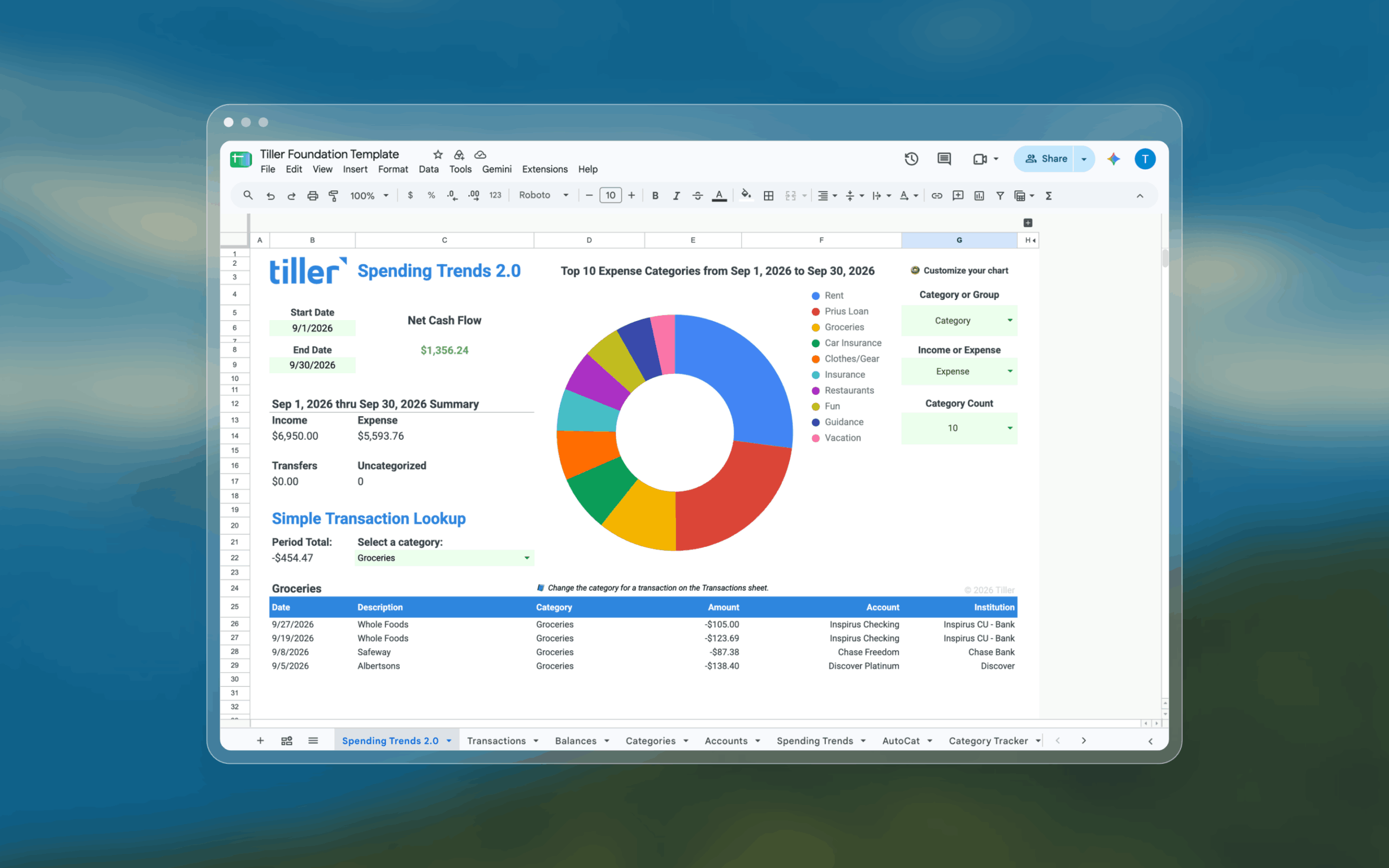
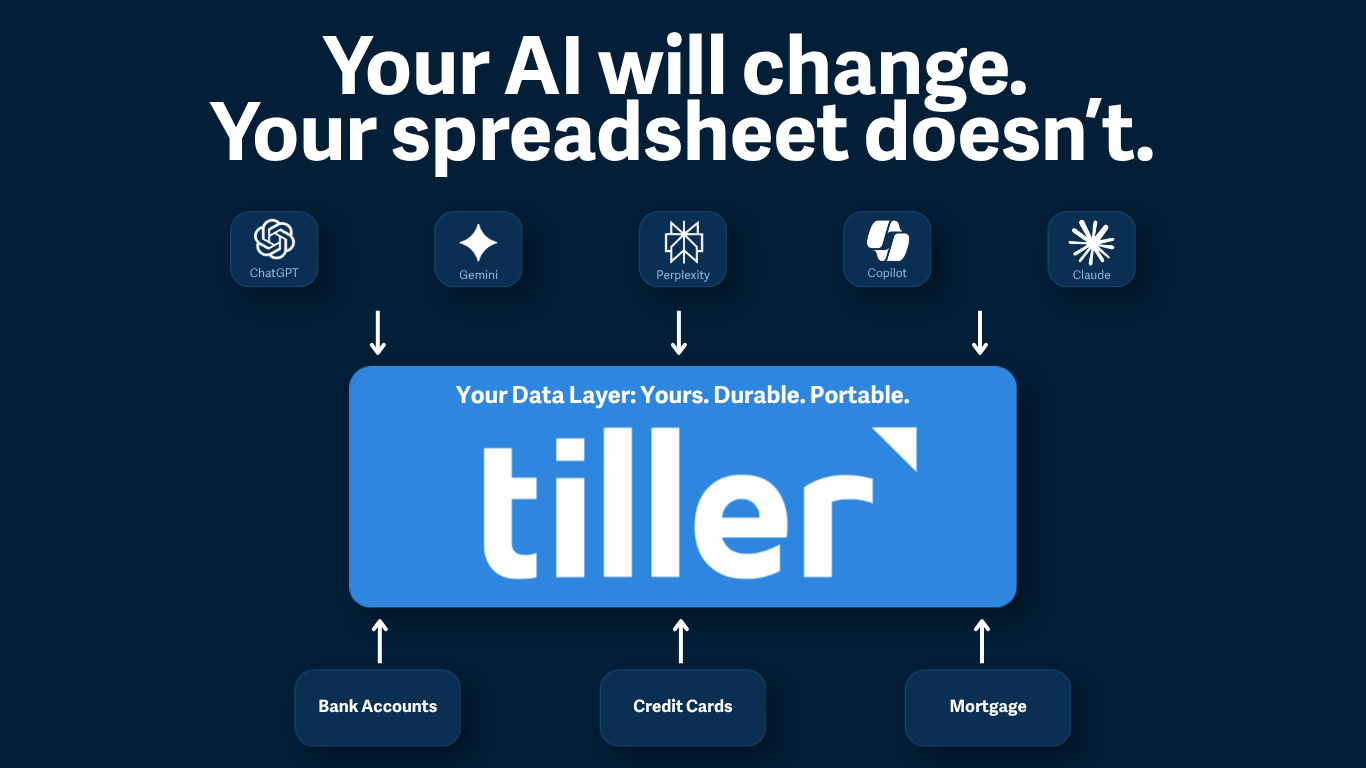
As before, the connector works with your spreadsheet, not a separate Tiller database, and it asks before it writes anything.
Here’s how to connect if you haven’t tried it yet. If you’re building workflows with it, or any AI tool, we’d love to see them in AI Workflows.
Also updated: manage your categories from the Tiller Console
Categories are where Tiller becomes yours. Until now, changing them meant working in the spreadsheet, and renaming one meant a find-and-replace across your Categories, Transactions, and AutoCat sheets.
Now when you select a spreadsheet in the Console, you’ll see a new Categories view along the top between Linked Accounts and Templates. Right now this feature is available for Direct Fills Google Sheets AND Excel workbooks! For Excel workbooks, the Tiller Money Feeds add-in has to be open in order for this feature to work.


Managing categories allows you to:
- Add categories that will appear nearly instantly in your Categories sheet
- Rename a category and Tiller updates it on your Categories, Transactions, and AutoCat sheets
- Move categories to a different group and updates your Categories sheet
- Hide categories from reports with one click
- Delete categories you no longer use, with a confirmation showing exactly what will change first
- Add or rename groups
Every change writes straight back to your Tiller-powered Google Sheet.
You can still edit the Categories sheet directly if you prefer, but we’re excited about these changes because they handle all the heavy lifting of rethinking your categories for you in a few simple clicks.