In July 2026, Tiller shipped 5 updates to its Google Sheets and Microsoft Excel budgeting tools: a redesigned Tiller Console that now works on your phone and lets you edit transactions in your browser; Direct Fills which pushes new transactions into your sheet in real time; Plaid as a second bank data aggregator to improve connectivity; a Data Cleanup tool for merging accounts and removing duplicates; and a smarter AutoCat with two new categorization methods, Description Match and AI Suggest.
That’s the short version of Tiller’s biggest release in years. Below is what changed, why it matters, and how to turn it on.
Or watch the video recap of Tiller’s “What’s New” webinar — everything you need to know about the new Tiller Console, Direct Fills, Plaid as a second data aggregator, AI-powered AutoCat, and where Excel support is headed.
The Console now lives on your phone
The single most requested feature in Tiller’s history is here: you can now manage your finances on your phone.
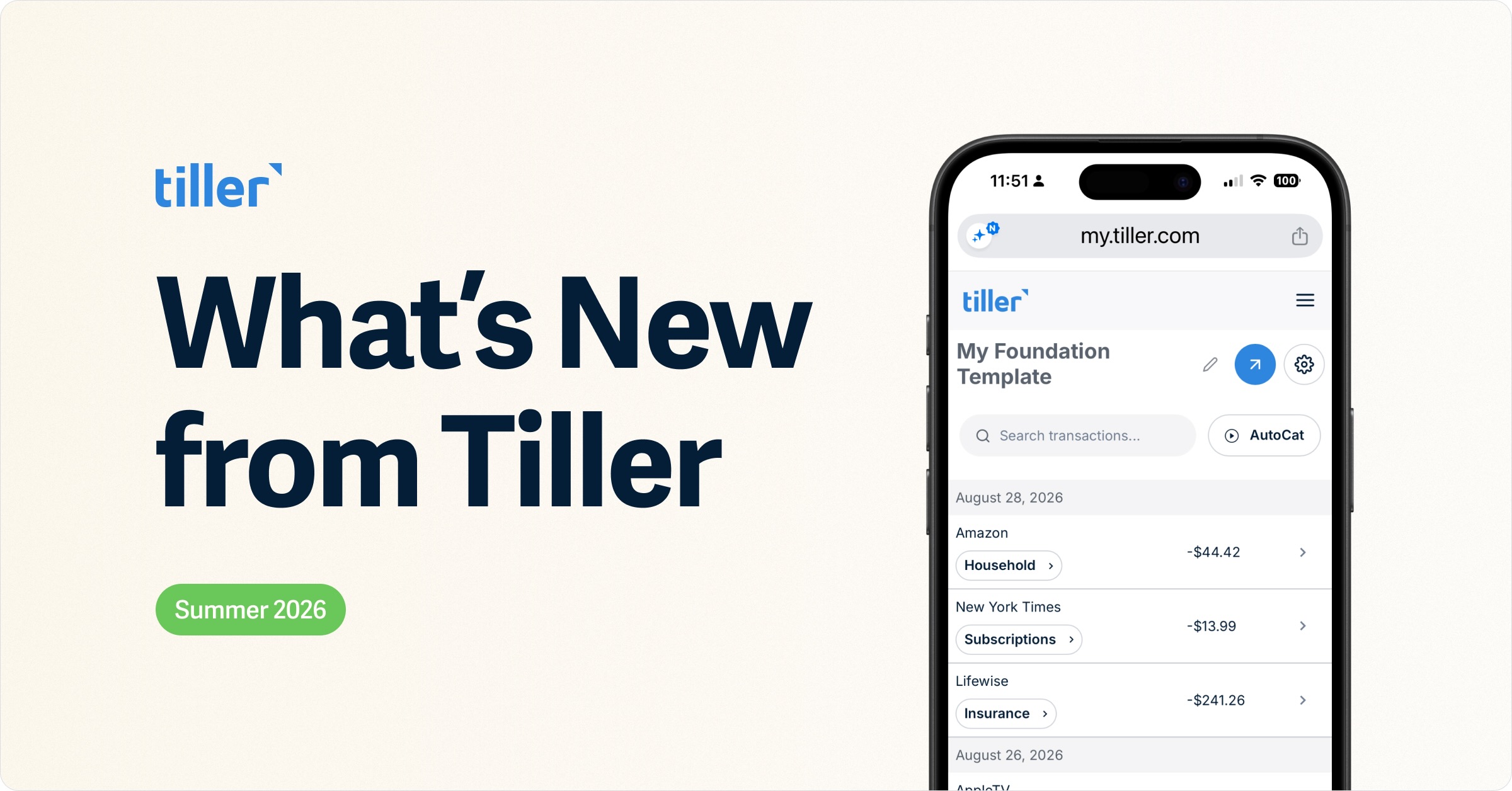
The Tiller Console – the web dashboard where you manage linked accounts, review transactions, and run AutoCat – has been rebuilt as a responsive web app. Add it to your home screen, and you get an app-like experience: check your accounts, search your transactions, and re-categorize something the moment you remember what it was, all from the couch or on the go. There’s no separate iOS or Android download to manage; it’s the same Console, now sized for your thumbs.
The redesign also reorganizes everything around three clear areas: Spreadsheets, Accounts, and Hello Money. Inside a spreadsheet, a dedicated Linked Accounts view surfaces any account that hasn’t refreshed recently right at the top, so a broken connection can’t hide from you. And if you’re on Direct Fills (more on that next), a full Transactions view lets you search, edit, and categorize right in the browser, without opening your spreadsheet at all.
If you haven’t checked out the Console in a while, this is the update to log in for.
Direct Fills, your data, in real time
Direct Fills is the difference between a budget you have to fetch and one that keeps itself up to date.
For years, Tiller pulled your transactions through a Google Sheets sidebar that refreshed a few times a day and only when you clicked “Fill” or waited for a scheduled run. It worked, but as more people joined and data grew, that approach hit real limits on speed and reliability.
Direct Fills replaces it by connecting straight to Google Sheets’ API. When your linked account refreshes and new transactions come in, they land in your spreadsheet right away. No button. No waiting for the next scheduled sweep. Your budget is simply up to date when you look at it.
It’s also the foundation for the best new features; the Console’s in-browser Transactions view and the upgraded, AI-powered AutoCat both require it.
Direct Fills also makes several new features possible, like the Console’s Transactions view and the upgraded AI-powered AutoCat. These features are only available after you upgrade your spreadsheet.
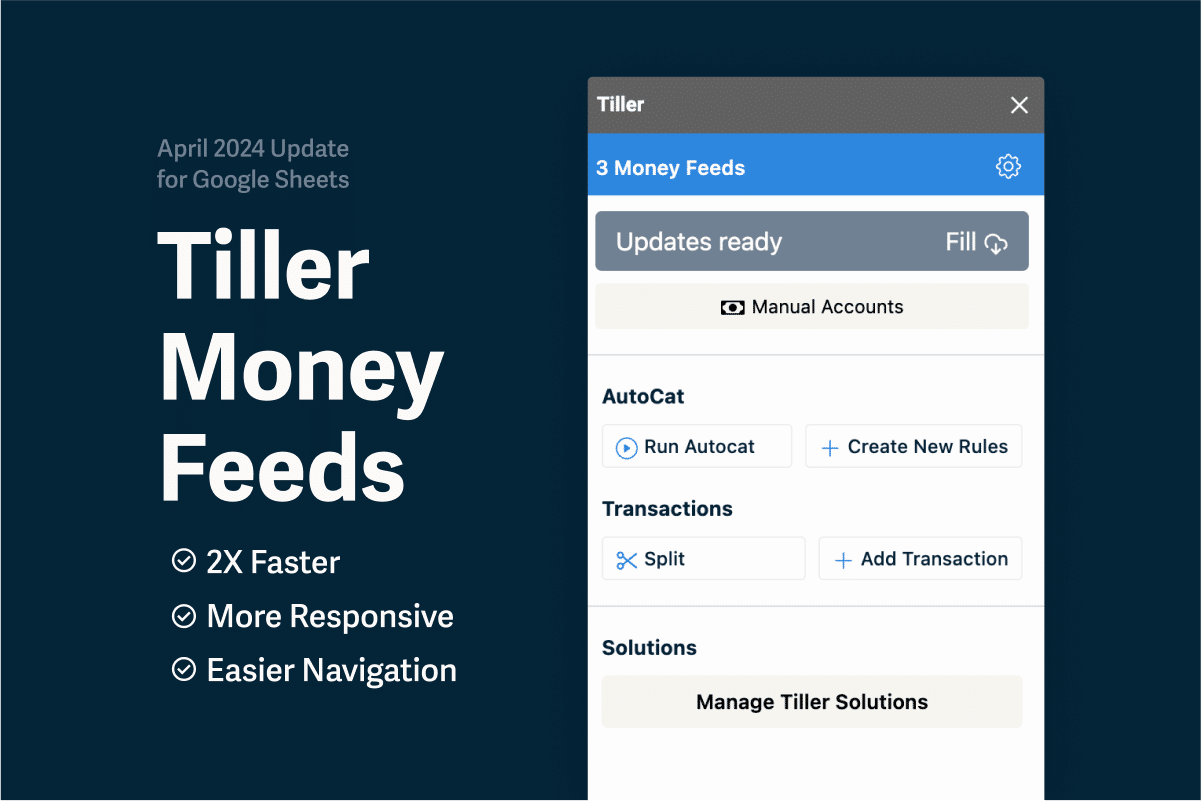
How do I upgrade to Direct Fills? From the Tiller Console, select your Sidebar Fills spreadsheet. If you’re not already on Direct Fills, you’ll see an upgrade option at the top. (The Tiller Money Feeds sidebar sticks around for things like splitting transactions, adding manual entries, and installing templates, some of which may move into the Console over time.)
Plaid: a second way to connect a bank
Everyone has that one account that keeps dropping its connection. Now you have a second route to fix it.
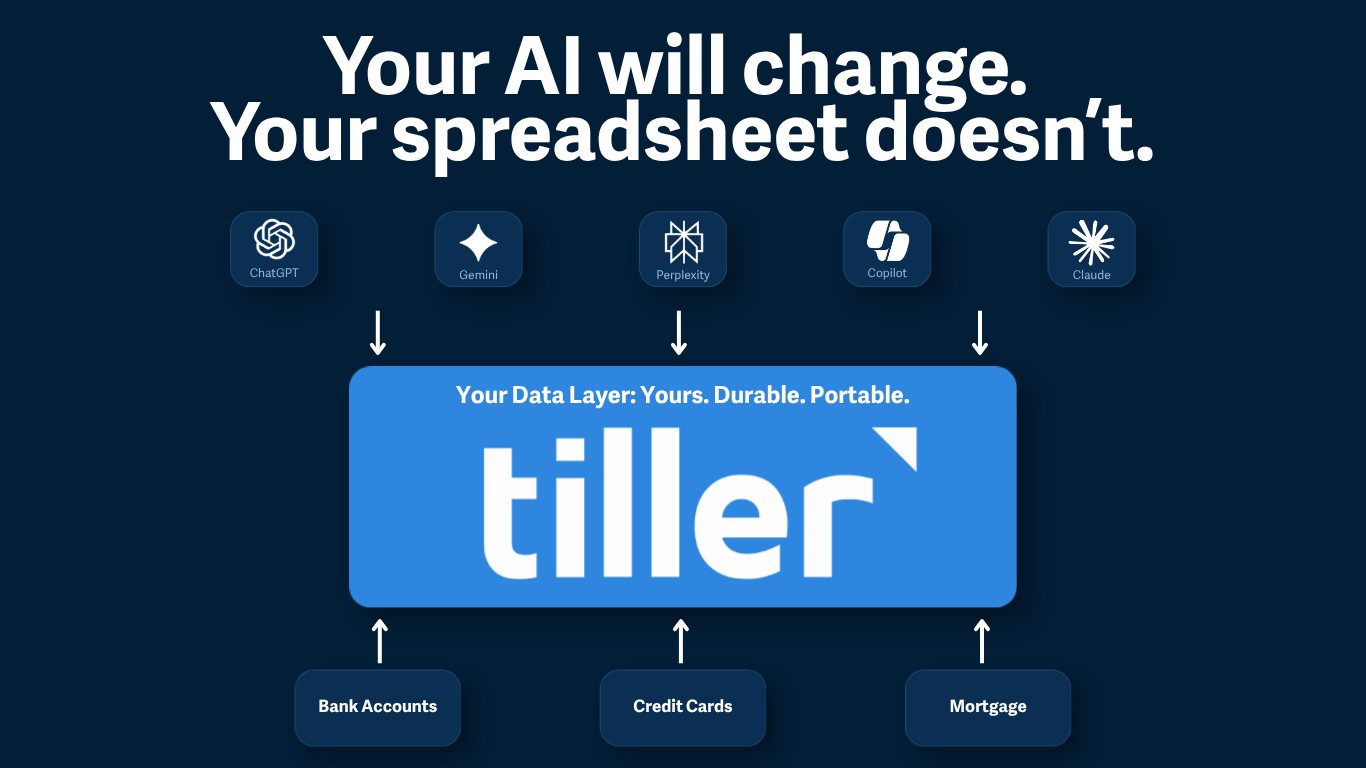
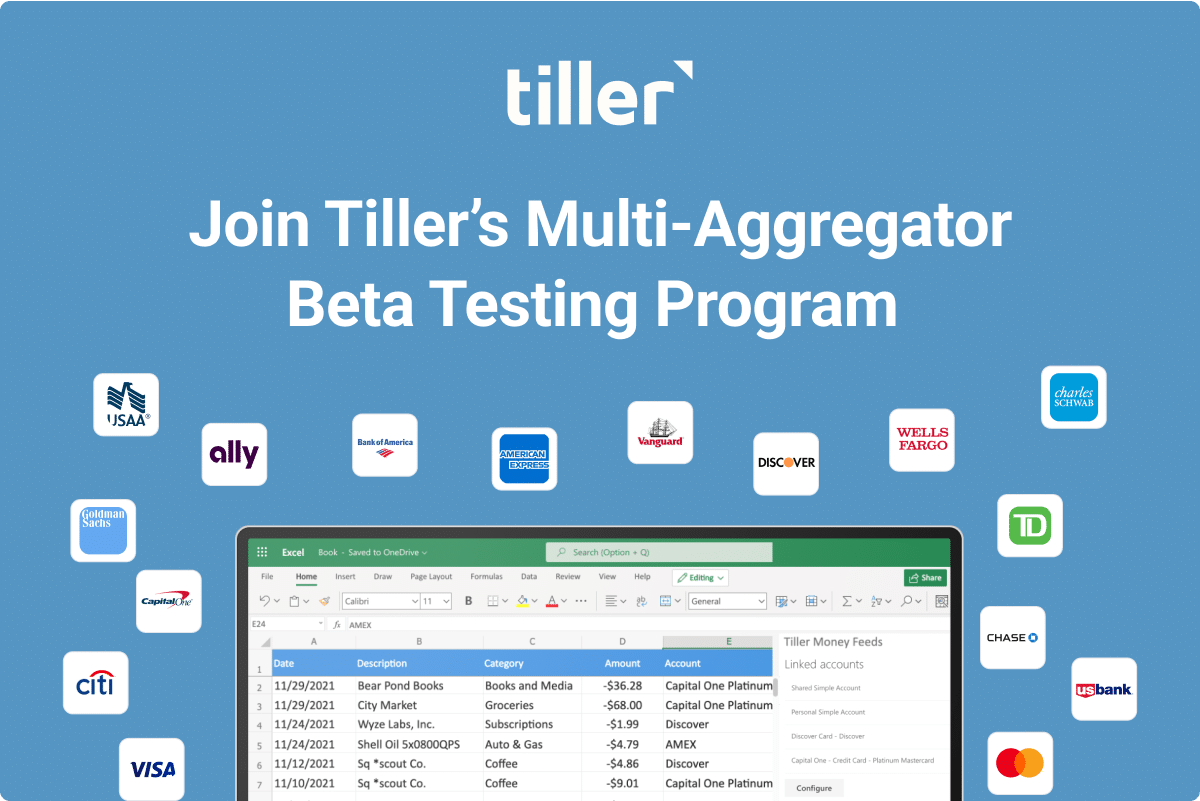
Plaid is a bank-data aggregator – the service that securely links apps like Tiller to your bank. It joins Yodlee, Tiller’s original provider, as an alternative you can reach for when a specific account won’t behave.
Neither one is universally better; connection quality depends on your particular bank. One thing to know: Tiller’s Plaid integration currently supports student loans, but not mortgages or other loan types, so Yodlee remains the right call for those.
The guidance from the team is simple – if your current connections work, leave them alone. Only try Plaid for an account that’s giving Yodlee persistent trouble.
How to try it? Go to the Accounts section of the Console, select “Add Account,” and look for the option to connect with a different provider if your institution isn’t found or isn’t working. Test the new connection in a separate or test spreadsheet for about a week before switching your main sheet over.
Data Cleanup: switch connections without the mess
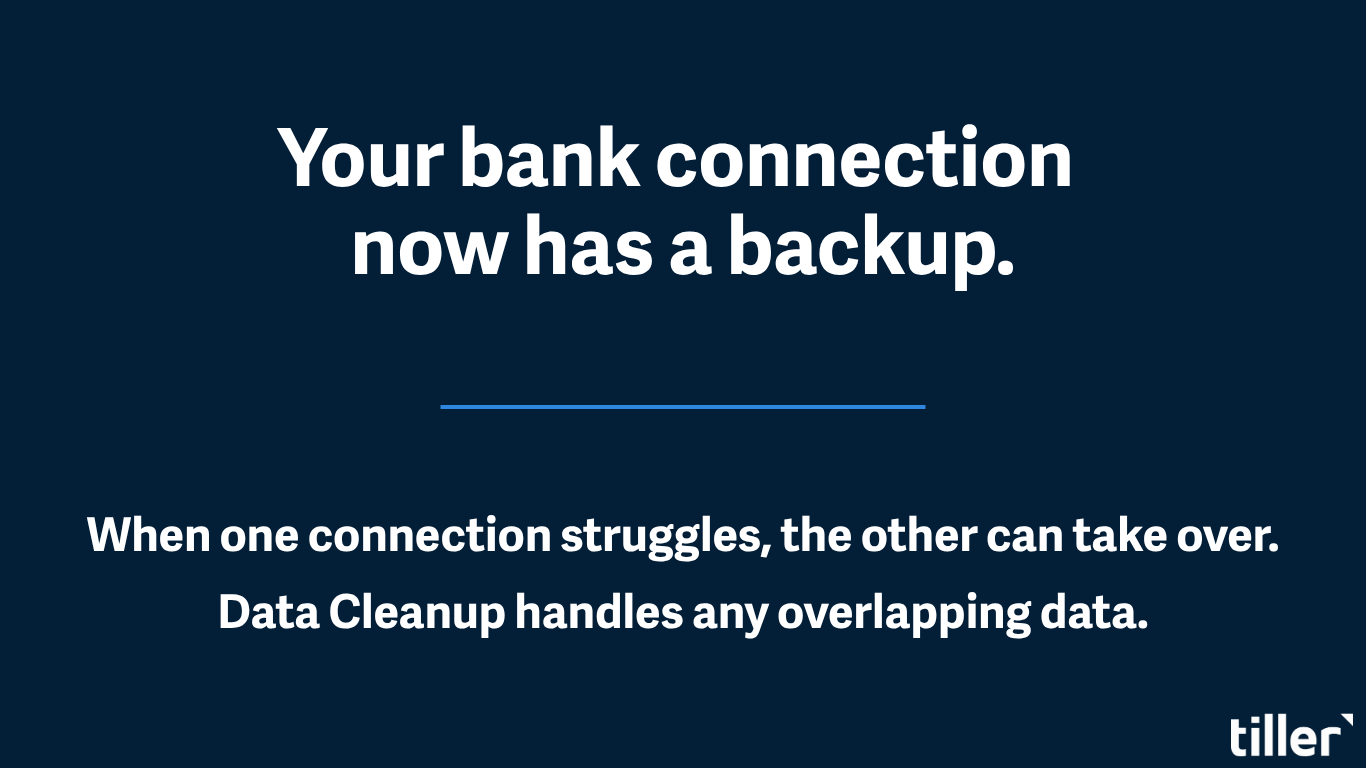
Changing how an account connects used to create headaches: duplicate accounts, duplicate transactions, broken balance history. The new Data Cleanup tool (Google Sheets for now) exists to make that switch painless.
When you unlink an old connection, the tool asks how you want to handle that account’s data. You can merge the old account’s balance history into the new one and clear out duplicate transactions in a single pass, so your reports and net-worth history stay intact. Full step-by-step guidance for switching aggregators is here.
AutoCat gets smarter: Description Match & AI Suggest
Categorizing transactions is the chore that makes people abandon budgets. AutoCat now does far more of it for you, with three layers working in a deliberate order and with your privacy protected at every step.
- Description Match. It looks at how you’ve categorized similar transaction descriptions before and applies the same category going forward — no rule required.
- AI Suggest. An optional AI layer handles the leftovers that the first two methods can’t confidently resolve.
The order is the whole point: maximum control from your Rules, maximum automatic coverage from the layers behind them.
Here’s the part that matters in an age of nervousness about AI and money: AI Suggest is opt-in, and can be turned off entirely, and never lets your data be used to train a model. It runs on Google’s Gemini, and if you choose to use it, your transactions are not used to train Google’s models. Prefer no AI at all? Keep it off and run on Rules and Description Match alone. This is the Tiller promise applied to AI: your data works for you, and only you.
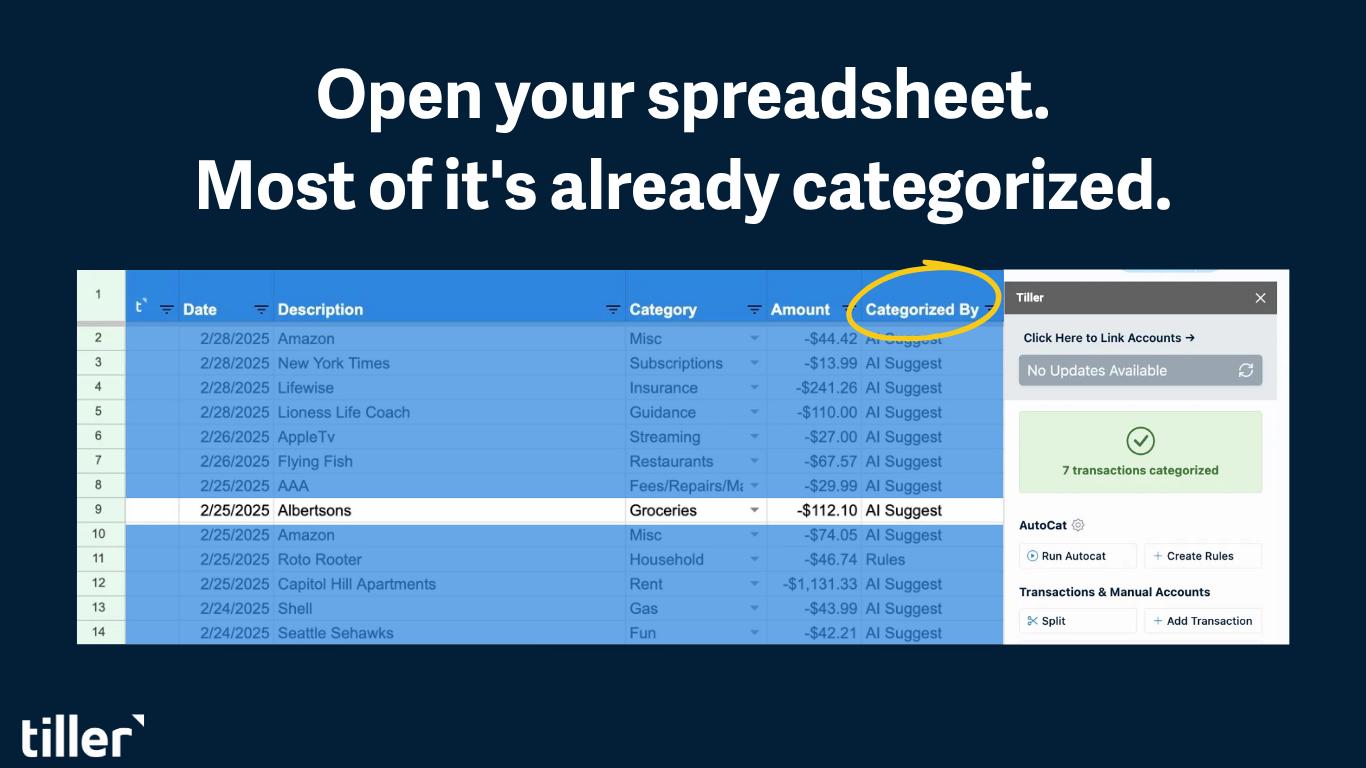
Want to see what did the categorizing? Add a column called “Categorized By” to your Transactions sheet. From then on, it shows whether each transaction was categorized by Rules, Description Match, or AI Suggest. (It only labels transactions categorized after you add the column.)
These new methods currently run on Google Sheets using Direct Fills.
Why some features hit Google Sheets first
Categorizing transactions is the chore that makes people abandon budgets. Short version: it’s a technical gap, not a snub. Google Sheets offers strong, well-supported APIs that make real-time fills and in-app AI possible; Excel doesn’t yet offer a comparable API for third-party apps to build the same automatic connection.
Excel still has real strengths – Sidebar Fills on Excel are fast and reliable – and because most Tiller users are on Google Sheets, new features get proven there first and then brought over. AutoCat and AI Suggest for Excel are planned, not abandoned.
New to Tiller?
If you’ve been looking for a way to run your money that automates the busywork but still lets you own and customize everything, this is what Tiller is: a complete financial system built on the spreadsheet you already trust. Your transactions flow in automatically, categorize themselves, and stay yours.
Frequently Asked Questions
Does Tiller work with Excel or only Google Sheets?
Both. A few of the newest features — Direct Fills, Description Match, AI Suggest, and Data Cleanup — are available only in Google Sheets for now, with Excel prioritized in future updates.
Should I switch from Yodlee to Plaid?
Only if a specific account has a persistent, unresolved connection issue. Plaid supports student loans, but not other loan types, and neither provider is universally better. It depends on your bank.
Is AI Suggest safe to use with my financial data?
It’s opt-in and can be turned off completely. Rules and Description Match use no AI at all. AI Suggest runs on Google’s Gemini, and if you use it, your data is not used to train Google’s models.
What makes Direct Fills faster than the old approach?
A direct integration with Google’s Sheets API, replacing the Apps Script sidebar Tiller launched with in 2019, which had reached its scalability limits as the platform grew.
Will Tiller ever have a mobile app?
There isn’t a native iOS or Android app, but the redesigned Tiller Console is fully mobile-friendly – add it to your home screen for an app-like experience, including editing transactions on the go.
Can I move my data from Excel to Google Sheets?
Yes, though it’s manual for now: create a new Google Sheet in the Console, link your accounts to it as a Direct Fills sheet, and reinstall any Community Solutions add-in tabs, since customizations don’t transfer automatically. Full guidance is here.
Have a question we didn’t cover? Ask in the Tiller Community or search the Tiller Help Center. You can also reach the team via the chat tool in the Tiller Console or email support@tiller.com. These updates were announced in our July 2026 What’s New session.