Stay on top of the money in your Tiller spreadsheet simply by chatting with Claude: Tiller’s MCP is approved by Anthropic for safety, security, and ease of use.
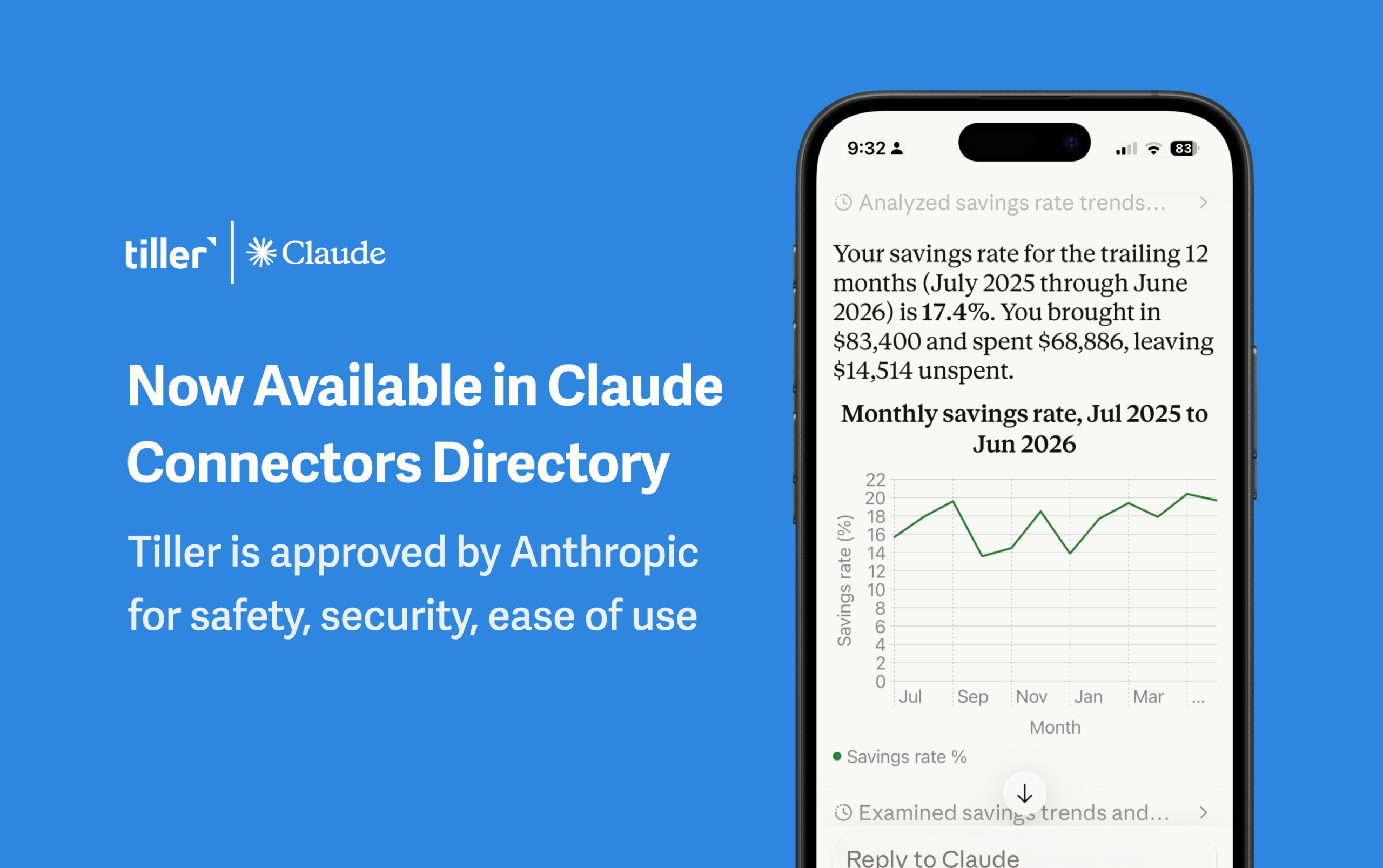
Tiller’s official Claude MCP has been approved by Anthropic for safety, security, and ease of use and is now available in Claude’s Connectors Directory.
This means you can connect your Tiller spreadsheet to Claude, ask questions about your money in plain language, and get answers back from your own numbers.
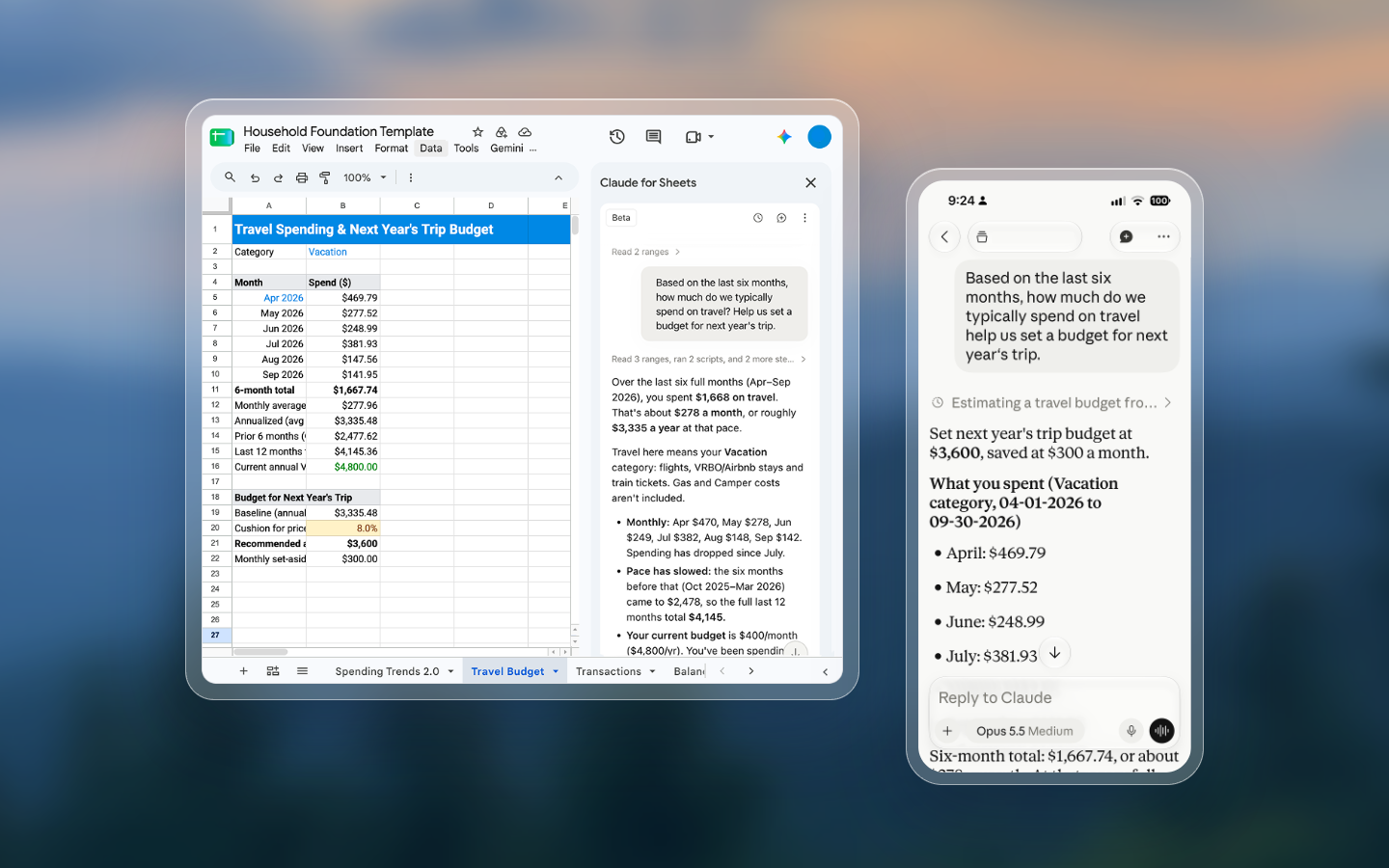
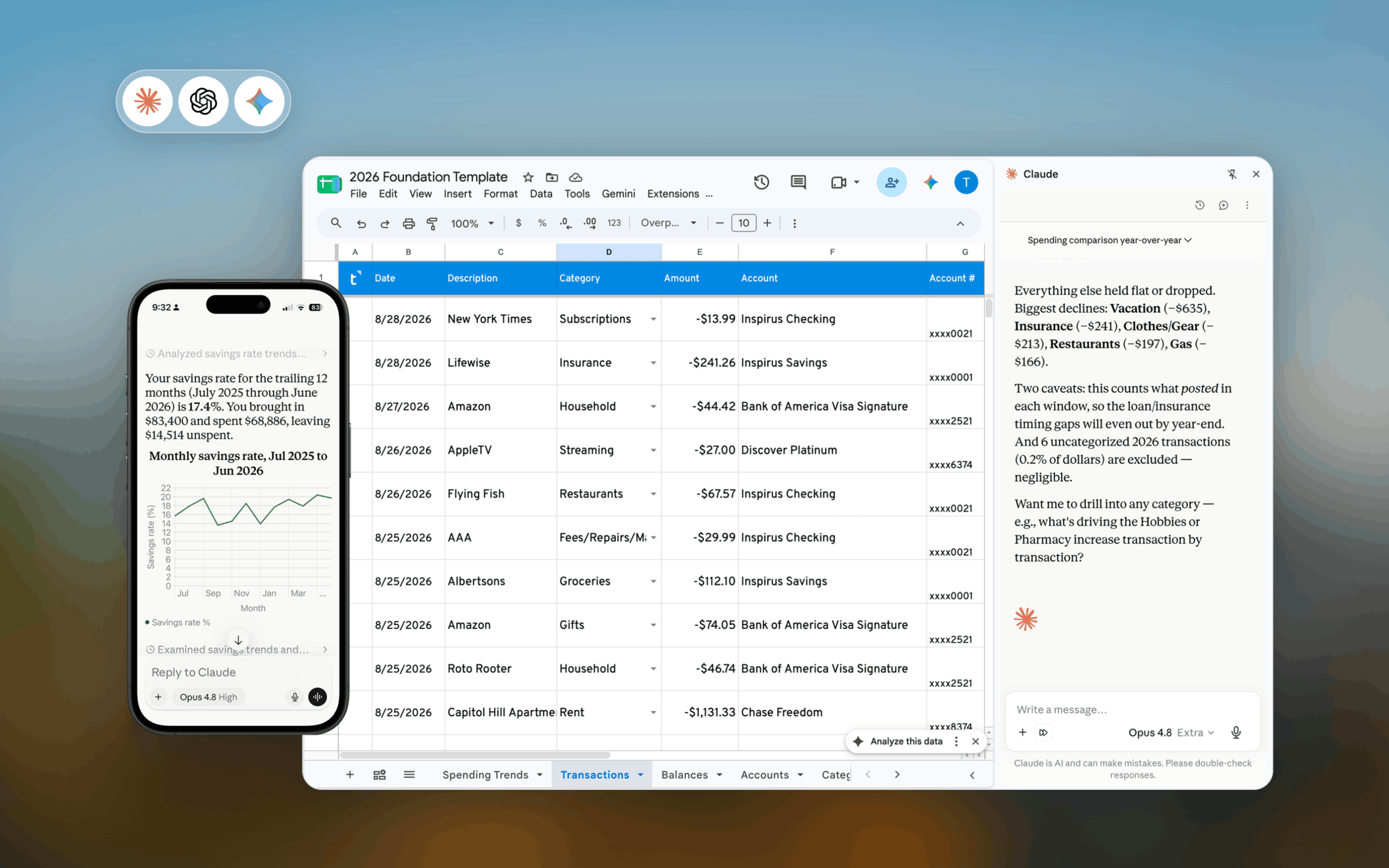
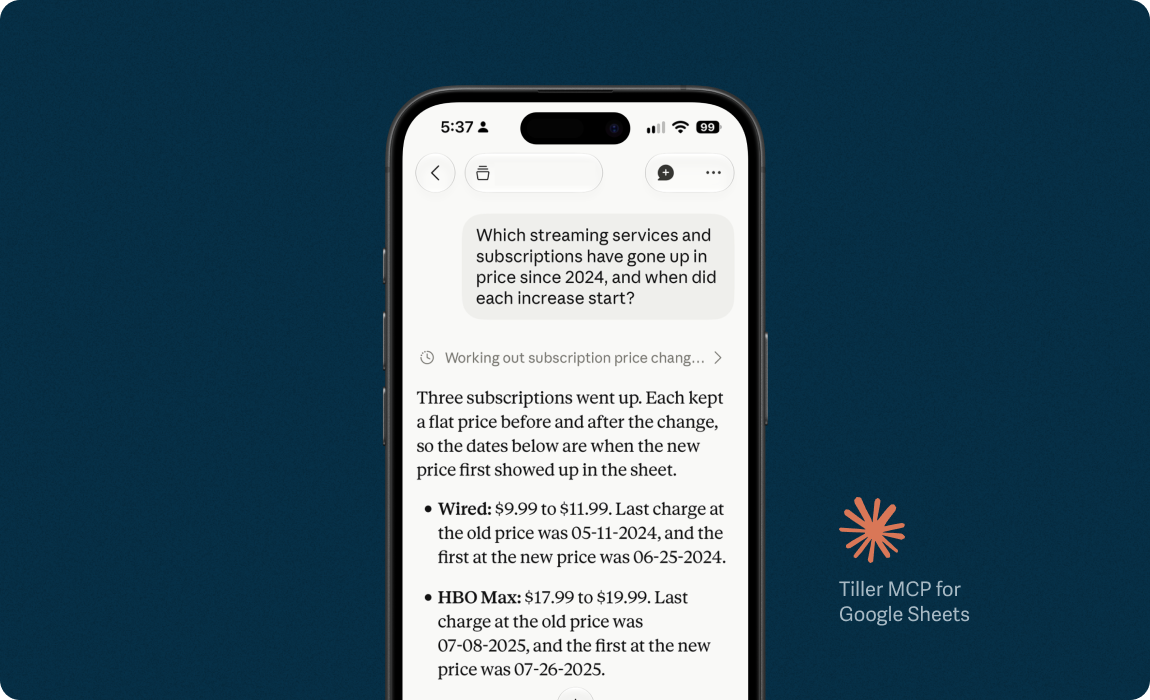
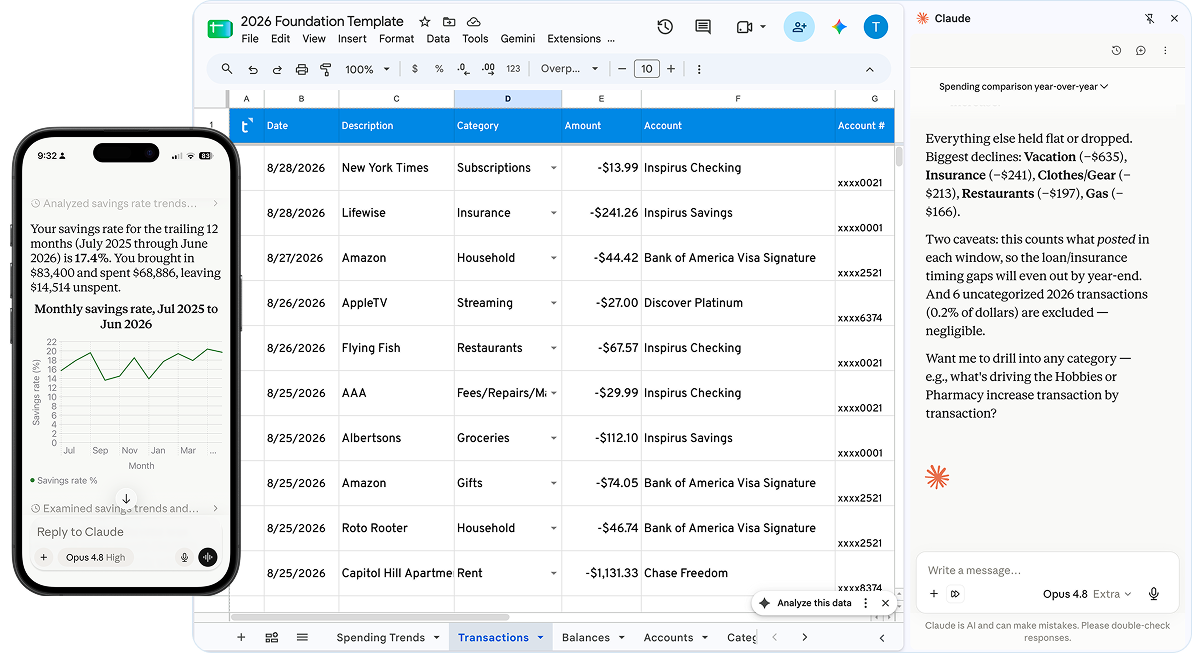
Simply open Claude and ask something like, “Where did my money go this week?” or “What did I spend on groceries this month versus last month?” or “Show all my recurring subscriptions in a list.” Claude answers in chat from your own Tiller transaction sheet.
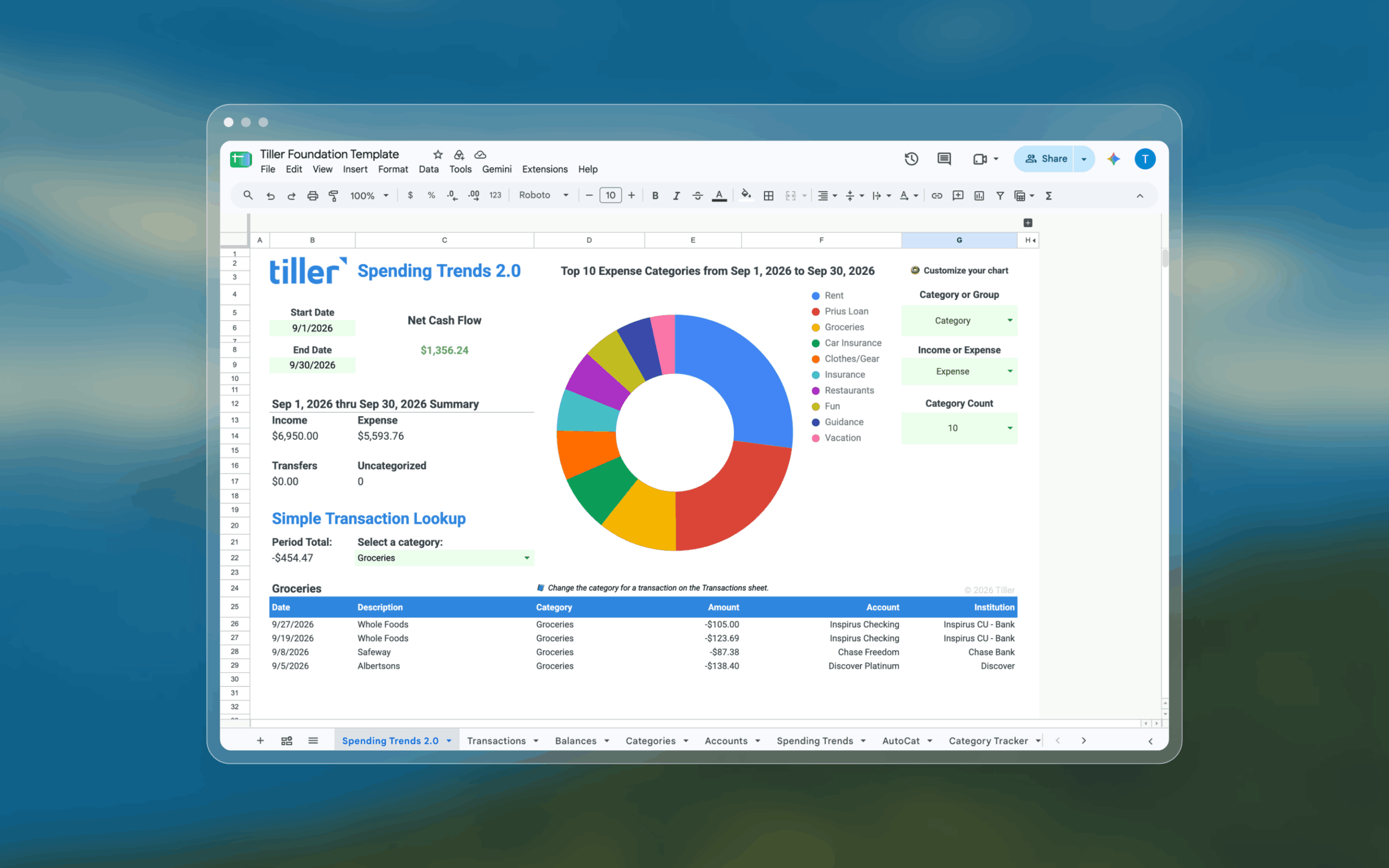
You can compare one month or year to another, break down your spending by category or merchant, spot recurring charges, and find what to cut.
And you can always verify Claude’s answers against your spreadsheets.
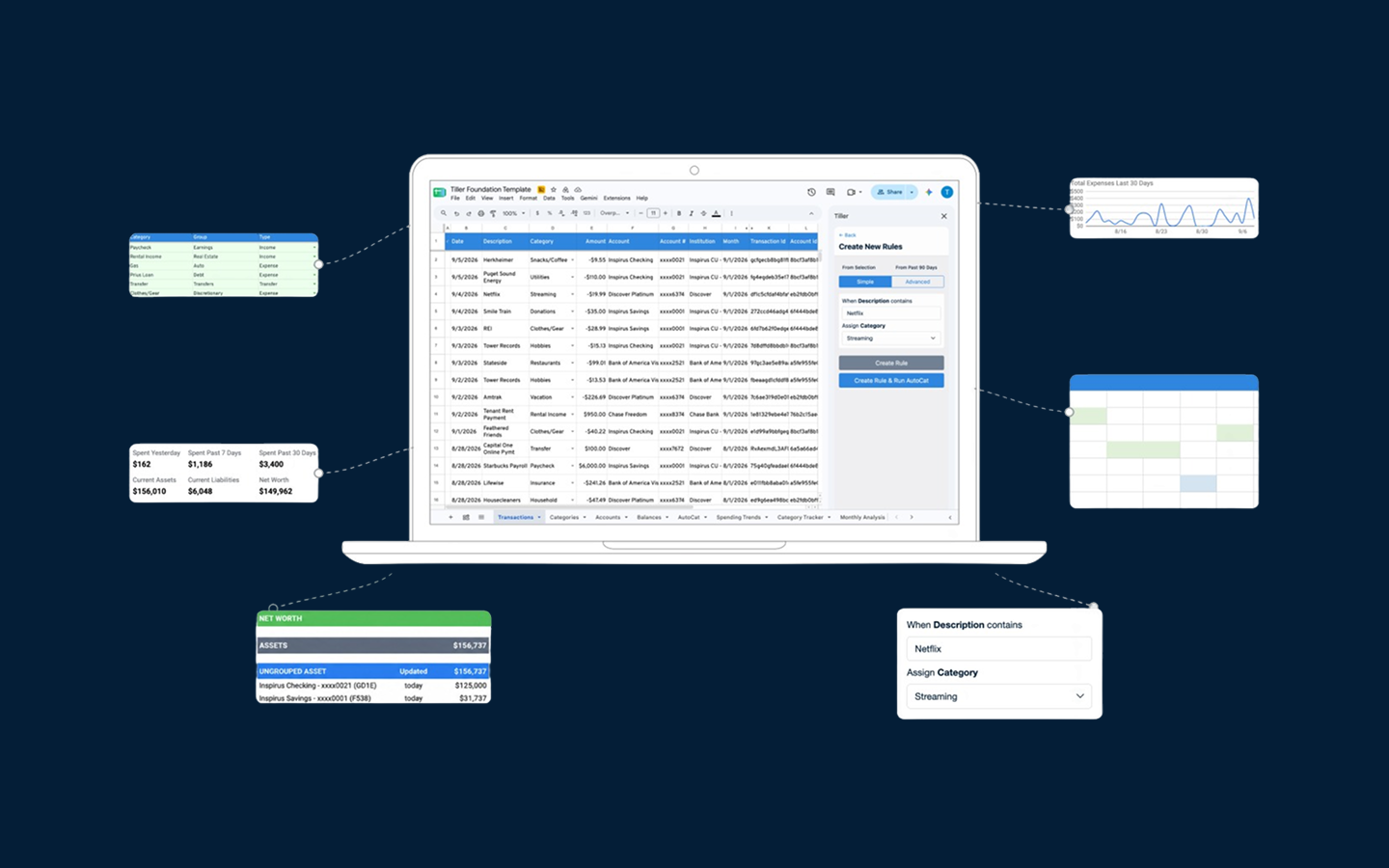
Claude can also help maintain your Transactions sheet. Ask it to categorize all your Safeway transactions as groceries, or suggest categories for anything you haven’t categorized this week.
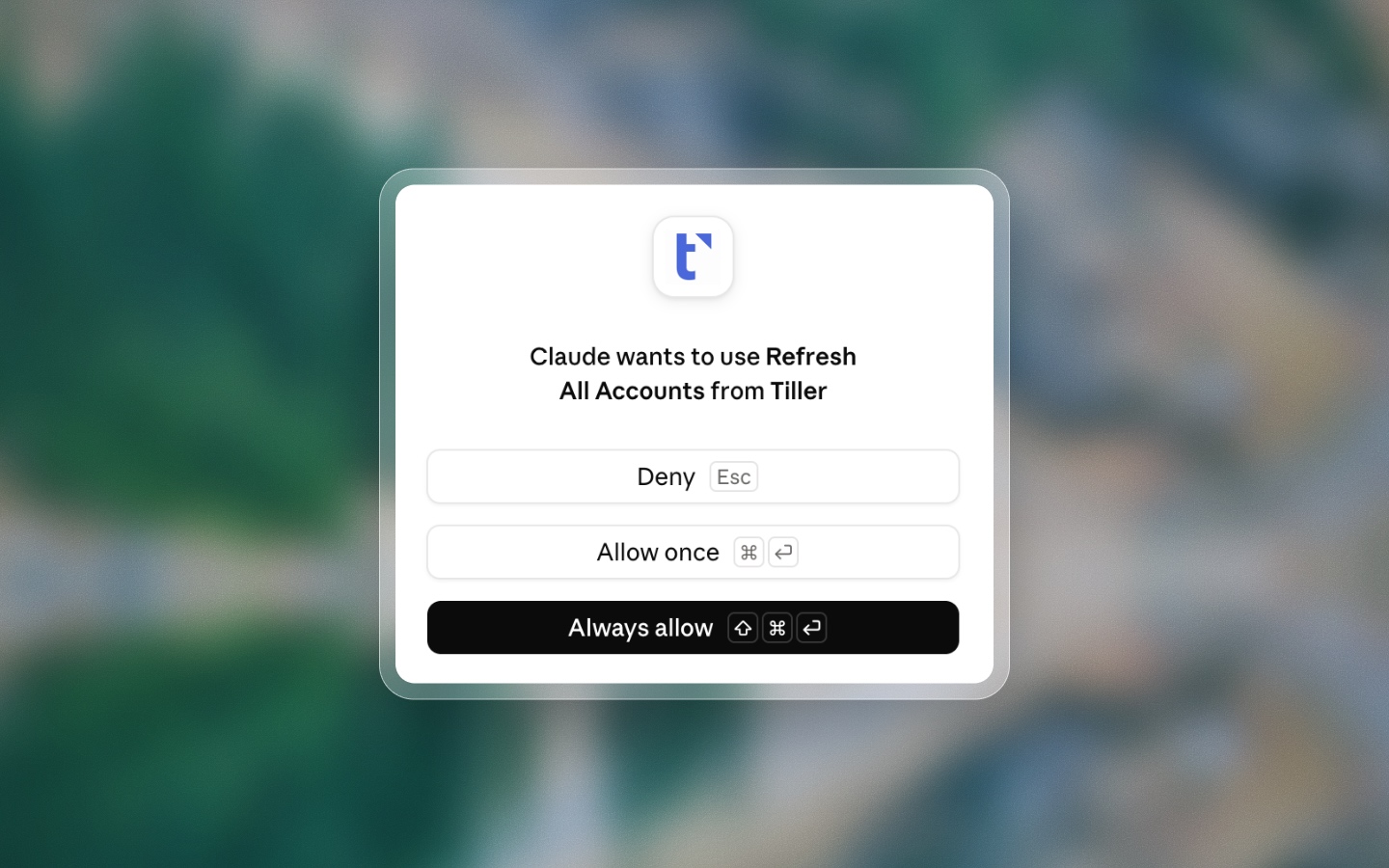
You approve the proposed changes before they reach the sheet, and the affected rows stay available for you to inspect, revise, or roll back. You stay in control the whole time.
How are Tiller customers using AI?
Over in the Tiller Community, a member named thefakewaves anticipated our new Claude connector before we shipped it:
“Spreadsheets are the ultimate way to have complete control of your data. Most of my productivity workflows have moved to Claude Code / Cowork…. Agent based productivity seems to be exactly in the “spirit of Tiller.”
That’s exactly right. The “spirit of Tiller” is about helping you stay on top of your money in the way that works best for you. For many of our customers, today that means AI:
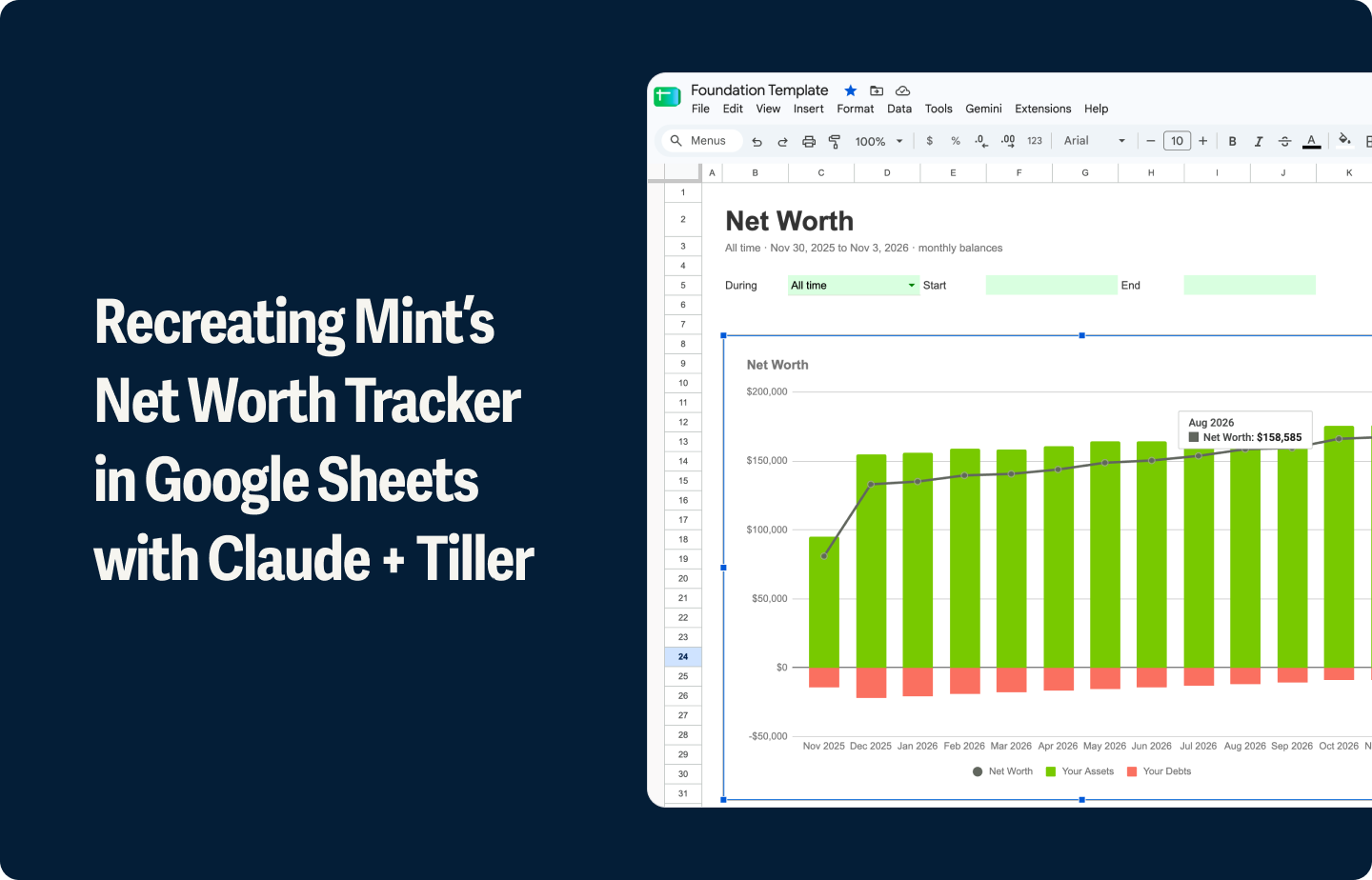
- johnkwheeler84 handed Claude Cowork three tabs from his Foundation Template and asked it to rebuild his monthly budget from 2025 transactions, flagging any category that drifted more than 30% from average. Claude finished in three minutes.
- blaine.atkins connects Claude Cowork to his Tiller sheets to build his budget, runs validations, and tracks price increases on recurring charges.
- on Hacker News, a developer used Claude with his Tiller data to flag subscriptions and predict his cashflow better than any other tool he’d tried.
When we surveyed hundreds of our customers about using Tiller and AI, the majority said they wanted to ask where their money went, get alerts about anomalies, and stay on top of categorizing transactions.
Those are the tasks we prioritized when we built the new Claude connector. They now work everywhere you access Claude.
Tiller as Your Source of Financial Truth in the Age of AI
Today’s AI models can provide quick, personalized answers about your money. But they’re only as useful as the data they’re querying.
Tiller provides a current, structured, verifiable source of that data, with potentially years of categorized transactions, corrections, reports, and household context gathered in one place owned by you.
Other personal finance services offer MCPs, but they run outside Anthropic’s official directory, so you have to set them up manually. With Tiller’s connector, your data stays in the spreadsheet you already own and use.
We think that’s the right model for personal finance and AI. Your financial data belongs to you, and any tool that touches it should respect that.
AI should only provide answers about your data, not control it.
How to install Tiller for Claude
To use Tiller for Claude, open the Tiller listing in Claude’s directory and connect there. Or, in Cowork or Code, go to Customize, then Connectors, hit the + button, find Tiller, and choose Connect. It’s available to all Claude users, including on the free plan.
New to Tiller? You can start a 30-day free trial at tiller.com.
Not sure where to get started? Here are some real queries Claude suggested I run on my own Tiller Foundation Template:
- Am I net positive, and is the trend holding?
- Where’s my discretionary spend drifting?
- Which categories blow up my budget every month?
- What am I paying in fees and interest by lender?
- What’s my restaurants-to-groceries ratio, and is it rising?
- What’s my recurring subscription load?
- How did X category move year over year?
- What’s my savings rate and trend?
I’d love to hear how you end up using this, what questions you catch yourself asking Claude, and where it surprises you. Drop me a note.
Happy exploring!
FAQ
Do I have to use AI with Tiller?
No. AI is opt-in, and Tiller works fully without it. Your accounts still feed into your spreadsheet daily, and you get the same clarity with our templates or your own reports. Tiller won’t share your transactions and balances with any AI without your consent.
What can I do with the Claude connector?
Ask questions and get answers from your real numbers, like how much you spent on groceries this month or whether you paid rent yet. Compare one month or year to another, list your recurring subscriptions, or find spending to cut. If you run a business or LLC, ask Claude to separate business from personal or total your deductible spend for the quarter. Every answer traces back to a row you can open and check.
How is this different from using Claude in a browser?
The connector queries your Tiller spreadsheet through an API and computes across every row server-side. A browser session reads whatever the page renders, which truncates and misparses on scroll.
How does Claude read my data?
Your financial record stays in a spreadsheet you own, and Claude reads from it. Claude does the analysis or categorizing, and the numbers stay in your file, where you can open them, check them, and keep them. Switch AI tools next year and your record comes with you.
Why does Tiller data work so well with AI?
Because it’s structured the way a model can actually read. Your Transactions and Balance History tabs are flat, append-only logs. Every row is one entry with plain headers like Date, Description, Category, and Amount, and the raw data sits on its own tab away from charts and formulas.
Tiller hands the AI a clean, ready-to-read ledger.
Doesn’t feeding a big spreadsheet to an AI hit limits?
The Claude connector avoids this. It turns your question into a query, runs the filtering and the math on the server against your full table, and hands back a clean number with a count of the rows behind it. The model reasons over the answer. That’s why the connected version of your sheet gives better answers than the same file pasted into a chat.
How do I know the numbers are right?
Every query returns an audit that flags uncategorized transactions and missing categories, quantifies the gap in dollars, and refuses to answer when the data is too broken.
Can Claude edit my sheet?
Yes. Claude can update category and notes on up to 100 transactions per bulk write, and confirms the target category exists before writing anything.
Can the AI change my spreadsheet?
Only in the ways you allow. The Claude connector can propose edits, like categorizing your Safeway transactions as groceries, and you approve each change before it reaches the sheet, where you can inspect or undo it. In-spreadsheet tools and shared-file chats act on the file you give them, so keep a copy if you want a clean original. Many community members deliberately treat their sheet as read-only and let the AI propose changes without applying them.
Is my data safe?
Anthropic reviewed the connector for safety, security, and ease of use before listing it. Claude only sees four operations: list sheets, list categories, query transactions, and update category and note.
Is my data used to train AI models?
With Tiller’s own AI Suggest, no. It runs under terms that prohibit training on the data Tiller sends, and it’s opt-in. With outside tools like ChatGPT, Claude, or Gemini, training depends on that tool’s own settings, which you control in its data controls. When you use another company’s AI, its privacy terms apply, so it’s worth a quick check.
What is AI Suggest?
AI Suggest is Tiller’s built-in categorization feature. It suggests categories for your transactions based on your own categories and your past categorized transactions. It’s opt-in, and it’s been a customer favorite since release. It runs on Google Gemini under terms that bar training on the data Tiller sends. You stay in control of which suggestions you accept.
Can I use ChatGPT, Gemini, or other AI tools with Tiller?
Yes. You can share your Tiller spreadsheets with tools like ChatGPT, Claude, or Gemini through their chat or browser interfaces. Connect the tool to your Google Drive, OneDrive, or desktop so it reads your live file, or copy and paste the data in.
Can I build my own connection to Tiller?
Yes, if you’re technical. Some community members have built their own connections to their Tiller sheets, including local, open-source setups that give an AI read-only access to their data. These are do-it-yourself projects, not official Tiller features, so you take on the setup and the upkeep. For most people, the Claude connector in the directory is the simpler path.
Does using AI with Tiller cost extra?
Tiller is $99/year. You can use an assistant you already pay for, a free tier, or no AI at all. Some connectors and assistants require a paid plan on the AI side, so check the tool you choose. Your Tiller subscription doesn’t depend on which AI you use on top of it.
How do I keep the AI’s answers accurate?
Check the answer against your sheet. Open the file, trace a number back to the transactions behind it, and confirm the AI read them right. AI is strong at language and weaker at precise math, so treat totals and calculations as drafts to verify. This is exactly why an owned, structured spreadsheet helps. It gives you a source of truth to audit against. The connector also shows its work, reporting how many rows it summed and flagging uncategorized transactions.