Why is it so hard to manage money together?
Shared finances get hard when two people are looking at different information. One person checks the credit card app, the other checks the bank, and nobody has the full picture when it’s time to talk.
The usual workarounds don’t fix that. A budgeting app gives you both a login, but you’re stuck with its categories, its charts, and its idea of how a household should work. A shared spreadsheet gives you flexibility, but someone has to keep it updated, and the person who built it becomes the only one who really understands it.
And even with good data, the conversation itself is the hard part. “Are we spending too much on eating out?” turns into a debate about whose memory is right. What couples actually need is a neutral, always-current answer that both people trust.
The Insight
Add your partner as a secondary user on your Tiller account, share your Tiller spreadsheet with them, and have each of you connect Claude to Tiller.
You’ll both be able to ask Claude questions about the exact same spreadsheet, from your own Claude accounts, with the same capabilities.
One source of truth, two people, and an AI assistant that reads the actual numbers instead of guessing.
Money is a team sport for most households. Couples, partners, roommates, adult children helping aging parents, a small business owner and their bookkeeper: they all need to look at the same numbers and come to the same conclusions.
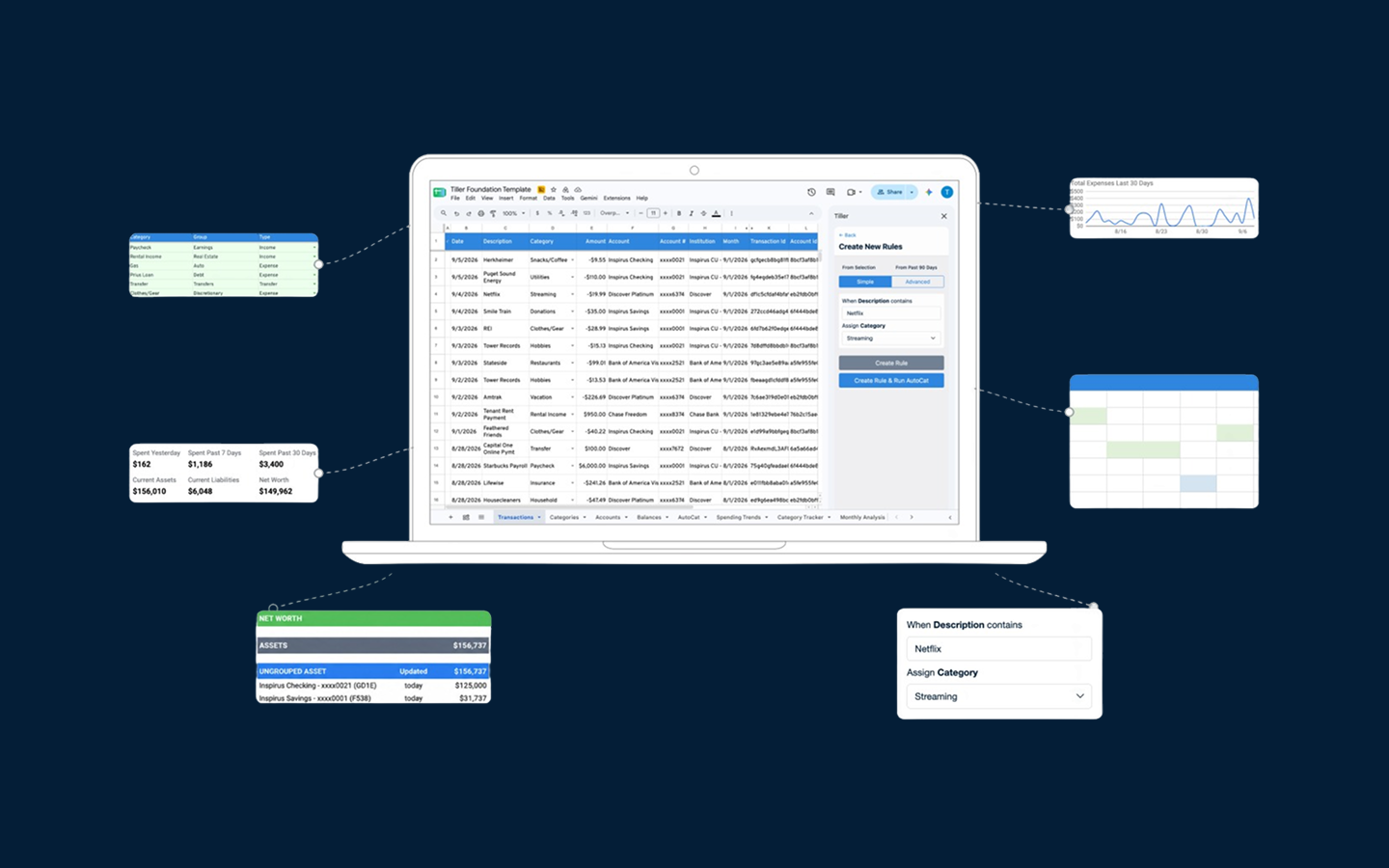
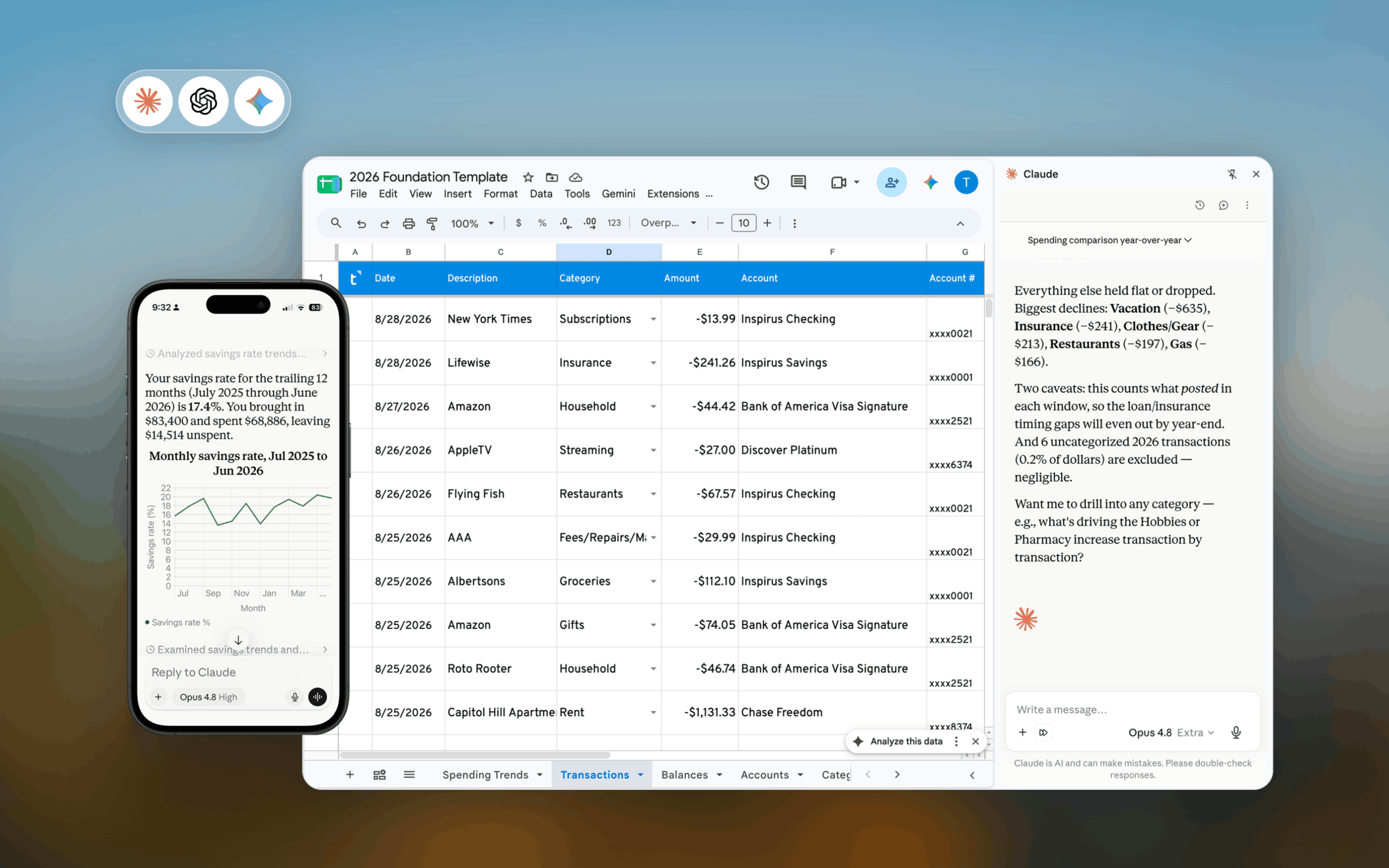
Tiller has always made that easier by putting your bank data into a spreadsheet you both can open. Now, with Tiller’s Claude connector, you can both talk to that spreadsheet, too.
How does collaborating with Claude and Tiller work?
Tiller lets you add up to five secondary users to your account. Each secondary user signs in with their own Google or Microsoft login, opens the spreadsheets you’ve shared with them, and can connect Claude to Tiller from their own Claude account. Once connected, a secondary user has the same Claude capabilities as the primary Tiller account holder.
That means:
- You both ask questions about the same spreadsheet. No exports, no copies, no “which version is current?” Claude reads your live Tiller data every time either of you asks.
- You each get your own conversations. Your partner can dig into their side projects or questions privately in their own Claude account, while you work on yours. When you sit down together, you’re both working from identical numbers.
- You both can make changes. Either of you can ask Claude to categorize transactions or add notes, and those edits are written straight back to the shared sheet.
What can Claude do with your Tiller data?
Tiller’s Claude connector uses MCP (Model Context Protocol), an open standard that lets AI assistants securely work with your real data. Instead of pasting numbers into a chat or uploading a CSV, you just ask. Claude pulls exactly what it needs from your Tiller spreadsheet, does the math, and answers.
Here’s what the connector gives Claude:
| Capability | What it means for you |
|---|---|
| Find your spreadsheets | Claude locates your Tiller sheets and the accounts linked to each |
| Read your categories and budgets | Answers use your exact category names, groups, and monthly budget amounts |
| Query transactions | Filter, search, sort, total, and break down spending on any column, including custom columns you’ve added |
| Update transactions | Recategorize transactions or add notes, written back to your sheet |
| Check balances | Current balance per account, balance on any date, and trends over time |
| Review investments | Current holdings ranked by value, and how each position has changed |
| Delete rows | Delete transactions, balance history entries, or holdings when using Claude Code. |
A few things make this especially good for two people sharing a budget:
- Transfers are handled for you. Credit card payments and moves between accounts are classified separately, so they don’t inflate income or spending totals. No more arguing over double-counted numbers.
- Your rules are respected. Categories you’ve hidden from reports stay out of the totals unless you ask for them.
- Big questions work too. Claude pages through large date ranges automatically, so a full-year review is just one question.
- Ready-made reports. Preset prompts for a Spending Report, Income vs. Expenses, Spending Trends, and Budget vs. Actual are built right in, so either of you can run the monthly check-in in seconds.
Why is a spreadsheet the best foundation for AI-powered budgeting?
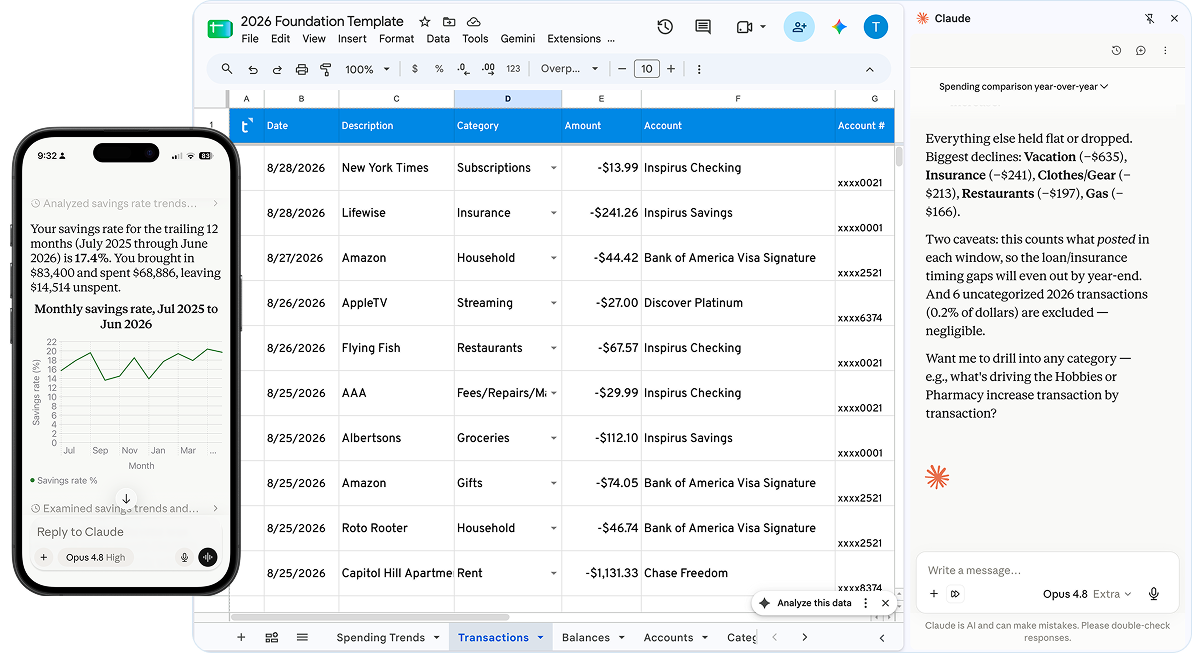
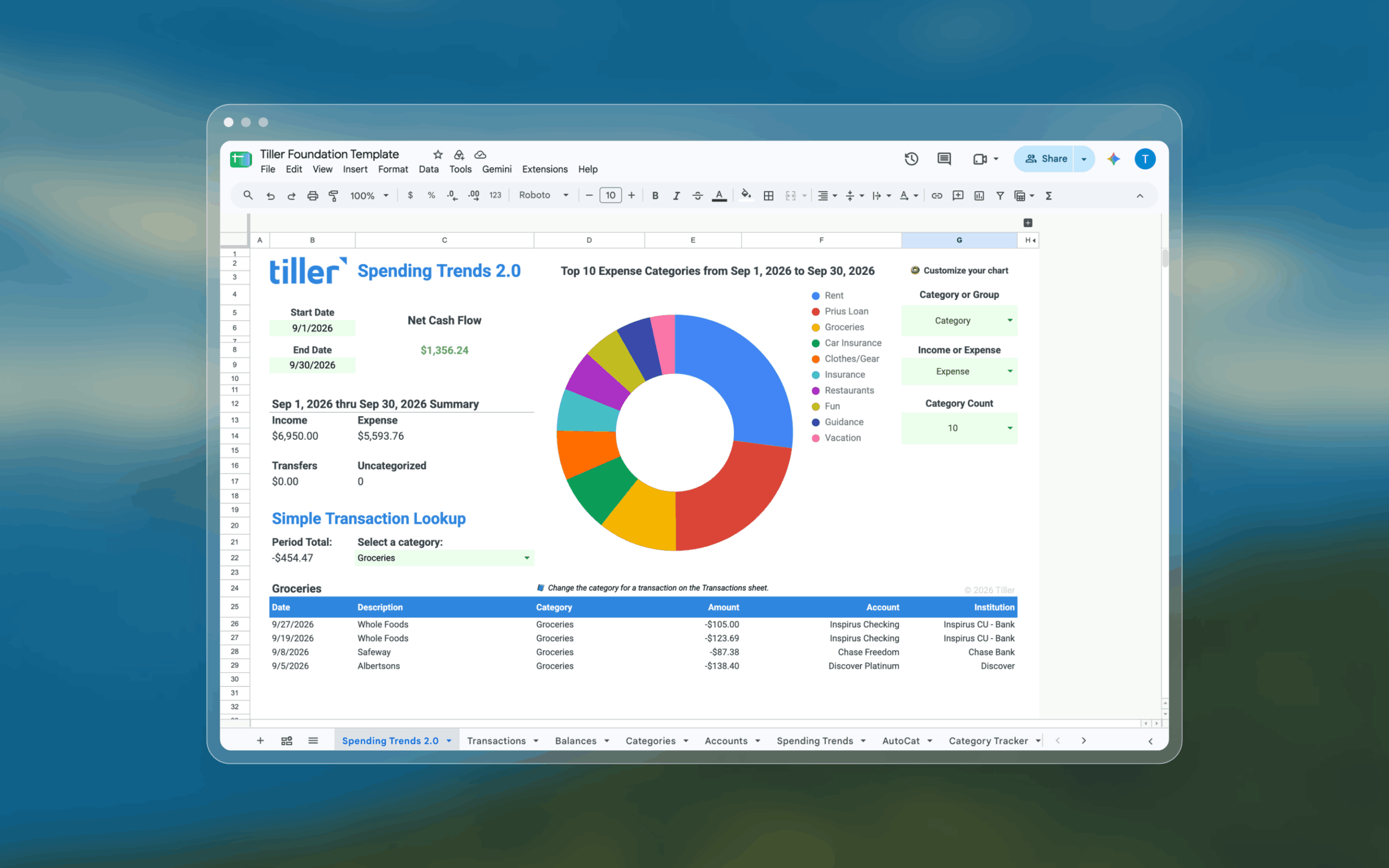
A spreadsheet is the most flexible place your financial data can live, and that flexibility is what makes Claude so useful. Budgeting apps lock your data inside their own screens. With Tiller, your transactions, balances, and holdings land in a Google Sheet or Excel workbook that you own and can shape however your household works.
- Your categories, your way. “Kids’ activities,” “His fun money,” “Her fun money,” “House projects.” Make the categories that match real life, and Claude will use them exactly as you named them.
- Custom columns become superpowers. Add a column for who made the purchase, which household member it’s for, or whether it’s reimbursable. Claude can filter and total on custom columns, so “How much did I spend from our joint account versus my own this quarter?” just works.
- Build the view each of you wants. One partner loves a detailed monthly budget sheet. The other just wants a one-page dashboard. Both can live in the same spreadsheet, fed by the same data.
- Nothing is a black box. Every number Claude gives you can be traced back to rows in your sheet. If an answer surprises you, open the spreadsheet and look.
- It grows with you. Moving in together, merging accounts, having a baby, planning for retirement. A spreadsheet adapts as your life changes, without waiting for an app to add a feature.
Put those together and you get something no single-purpose app offers: a financial system built around your household, with an AI assistant that understands it.
What can you ask Claude together? Example prompts
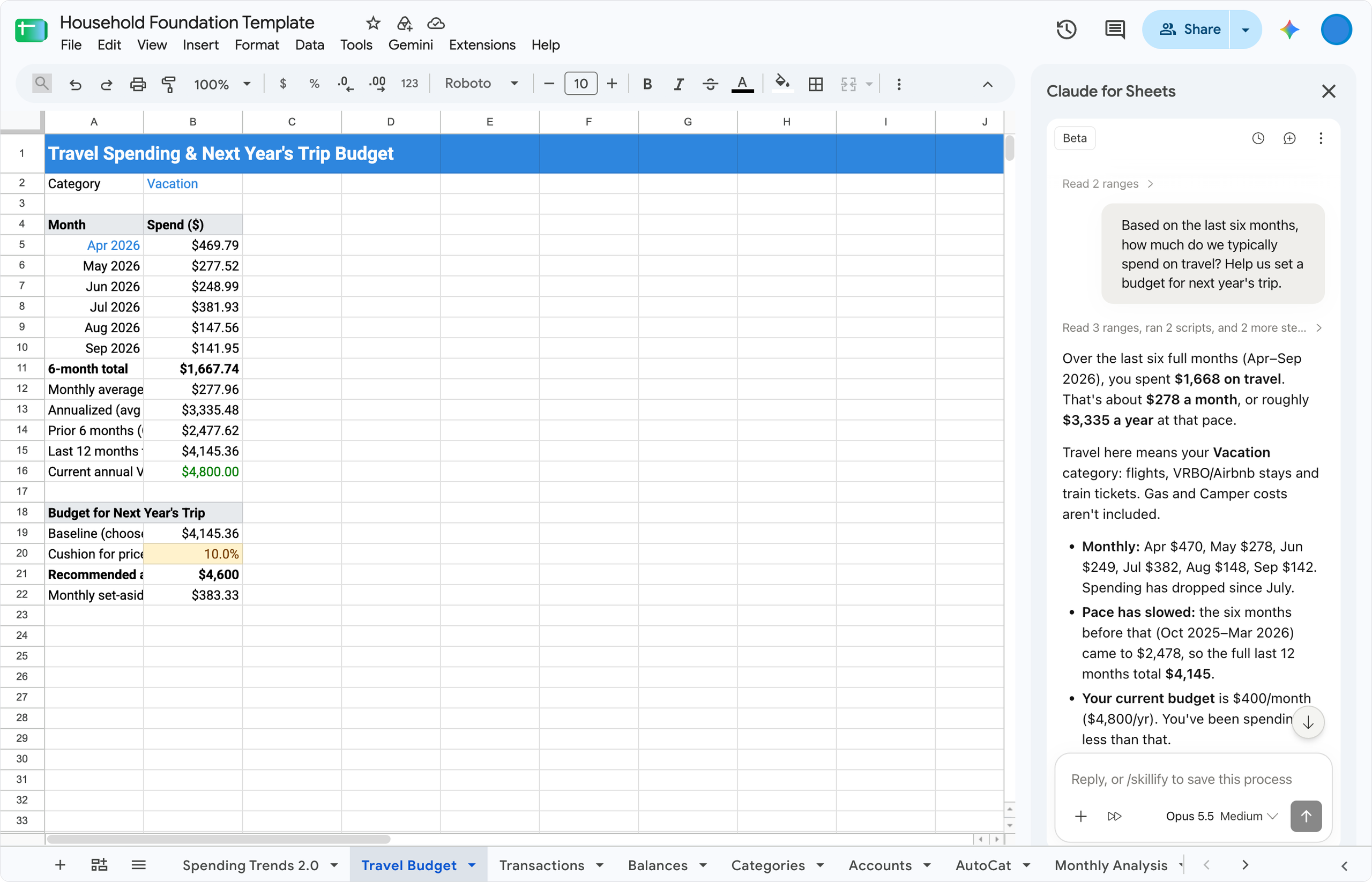
The best prompts are specific about the time period and name the spreadsheet if you have more than one. Here are ideas to try with your partner.
The monthly money date
- “Run a Budget vs. Actual for September in our Household Budget spreadsheet. Which categories were we over on?”
- “Compare our spending in Q3 to Q2. What changed the most?”
Settling the friendly debates
- “How much did we spend on Restaurants each month this year? Is it trending up?”
- “Show me every Amazon transaction over $100 from last month.”
Splitting the work
- “Show me the uncategorized transactions from the last two weeks and suggest categories using our Categories sheet.” Then, “Yes, apply those.”
- “Add a note to the Costco transaction on October 3 that says ‘Birthday party supplies.'”
Planning ahead
- “What’s the balance trend in our savings account since January?”
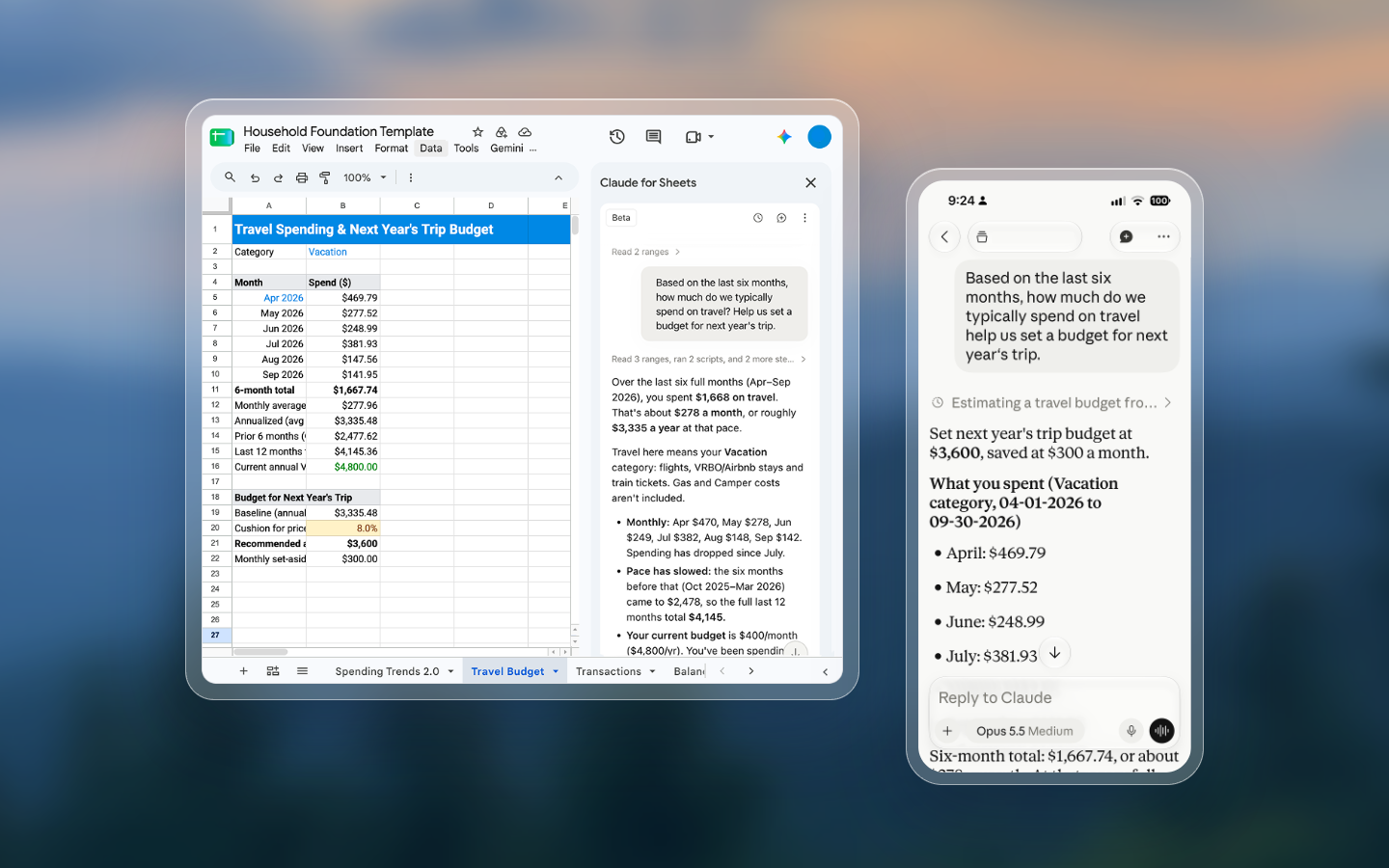
- “Based on the last six months, how much do we typically spend on travel? Help us set a budget for next year’s trip.”
- “Summarize our current investment holdings and how they’ve changed this year.”
Because you’re both connected to the same data, one person can start the analysis on a lunch break and the other can pick up the same question at night and get the same answer.
How to set up shared finances with Tiller and Claude
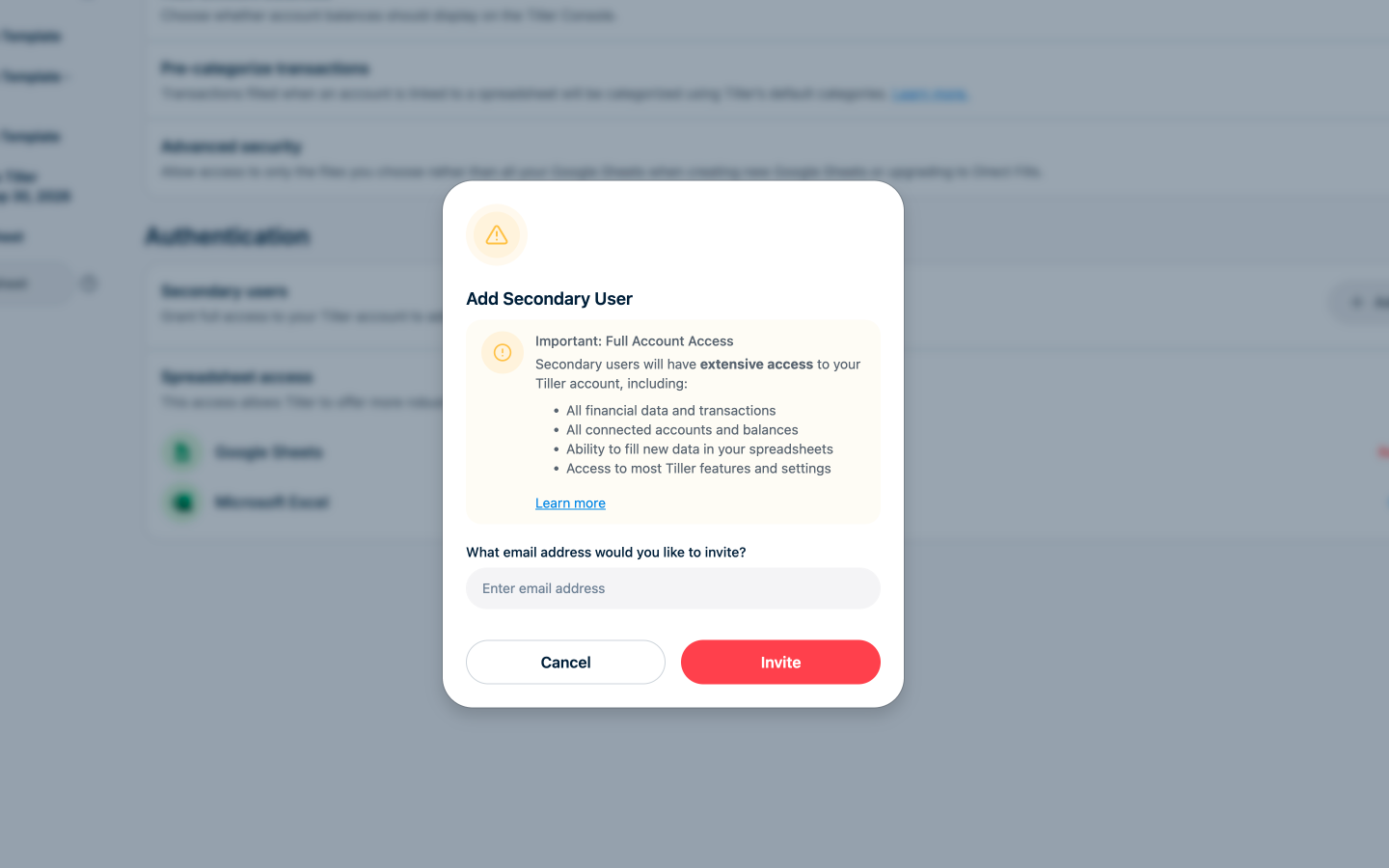
Setup takes about 10 minutes. Both of you will need Google Chrome for the secondary user steps.
- Invite your partner as a secondary user. In the Tiller Console, go to Settings and click “Add user” under Secondary users. Use an email address tied to their Google or Microsoft account.
- Have them join your account. Your partner visits my.tiller.com/secondary in Chrome and signs in. They won’t get an email invite, so send them the link. If they see “no account found,” they should contact Tiller support rather than create a new account.
- Share your spreadsheet. In Google Sheets, share your Tiller spreadsheet with the same email they used to join. Give them edit access so Claude can write categories and notes for them. For Excel, keep the workbook on OneDrive with edit access for both of you.
- Each person connects Claude to Tiller. In Claude (web or desktop, free plans work), open the Tiller connector, click Connect, and sign in with your own Tiller login.
- Start asking. Open a new chat with the Tiller connector on and try a preset like Spending Report, or ask your own question.
For full details, see Add a secondary user, Sharing and permissions in Google Sheets, and Connecting AI Tools to Tiller via MCP.
Is it private and secure?
You stay in control of who sees what. Sharing your money doesn’t mean giving up control of it.
- Access is explicit and temporary. Claude can only reach your Tiller data after you connect it, and it only pulls data when you ask a question. Tiller doesn’t store that data anywhere.
- Your conversations are yours. Tiller has no access to your chats with Claude, and your partner’s Claude conversations stay in their own account. Whether your chats are used for model training is a setting inside Claude.
- Spreadsheet access is your call. Secondary users only see spreadsheets you explicitly share with them.
- The primary account holder keeps the keys. Secondary users can’t change billing, add or remove bank connections, or add other users.
- Using AI is optional. Tiller works exactly as it always has whether or not you connect Claude.
Frequently asked questions
Can two people use Claude with the same Tiller spreadsheet? Yes. Add the second person as a secondary user on your Tiller account, share the spreadsheet with them, and have each person connect Claude to Tiller with their own login. Both can query and update the same spreadsheet.
Does a secondary user have the same Claude features as the primary user? Yes. When it comes to the Claude connector, secondary users can do everything the primary user can: read transactions, balances, and holdings, and update categories and notes.
How many people can share a Tiller account? You can add up to five secondary users, such as a spouse, business partner, or financial advisor.
Do we both need a paid Claude plan? No. A free Claude account works with the Tiller connector, though usage limits vary by Claude plan.
Can Claude change our spreadsheet? Claude can update the Category and Note columns on the Transactions sheet for Google Sheets. It asks before applying changes, and in Google Sheets every edit appears in version history. If you want additional auditing you can prompt Claude to add a note in the Note column (add the Note column if it doesn’t exist) to record that it applied changes and who did it.
Does it work with Excel? Secondary users can share an Excel workbook stored on OneDrive. The Claude connector currently works with Tiller-powered Google Sheets.
Which AI tools work with Tiller? Tiller recommends Claude. Other MCP-compatible tools can connect but haven’t been validated.
Get on the same page, literally
The best money conversations start from shared facts. Tiller keeps your household’s transactions, balances, and investments flowing into a spreadsheet you both own and can shape however you like. Claude turns that spreadsheet into something you can both talk to, whenever and wherever the question comes up.
One spreadsheet. Two people. Zero arguments about whose numbers are right.
Ready to try it?
Start a free Tiller trial, add your partner as a secondary user, and connect Claude to Tiller in minutes.