This summer’s updates are all about keeping your spreadsheet better connected to your banks, and keeping you better connected with your money.
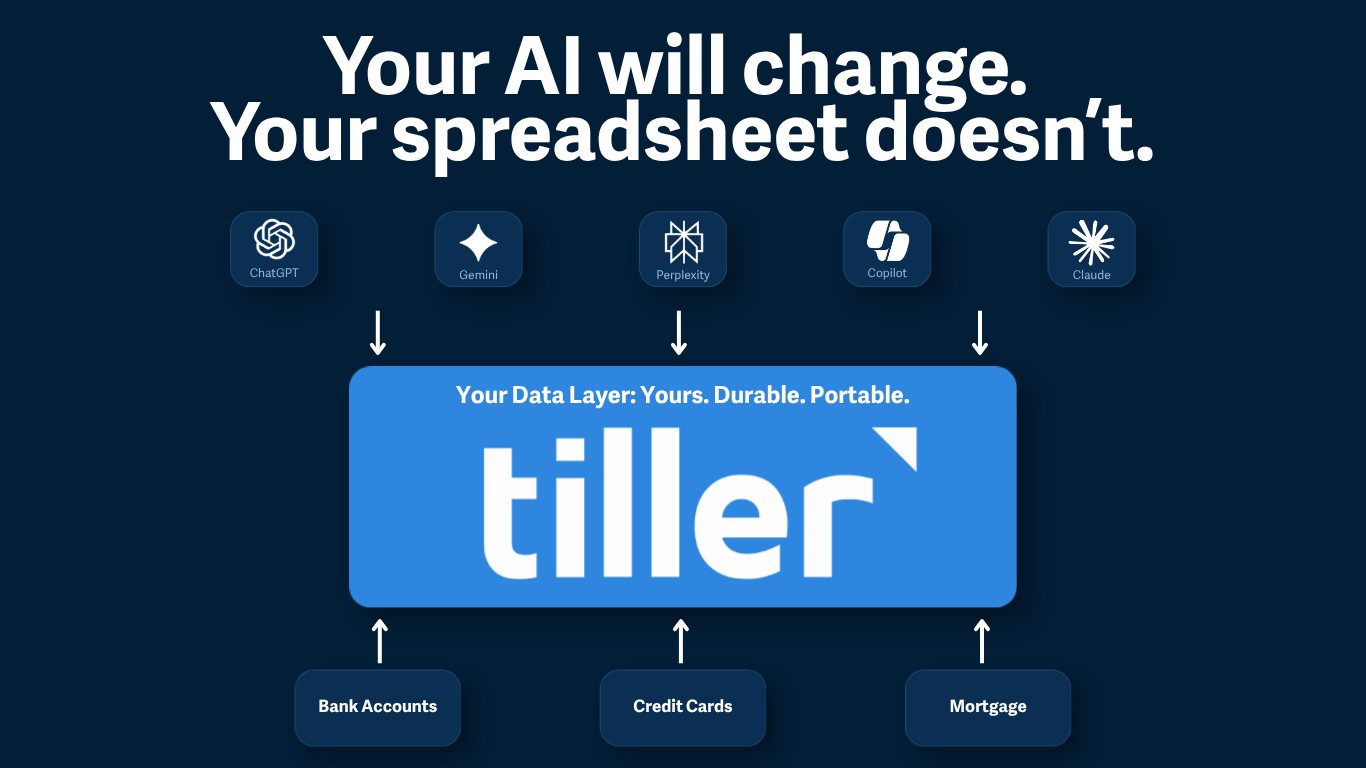
Welcome Plaid, For Even More Reliable Bank Feeds
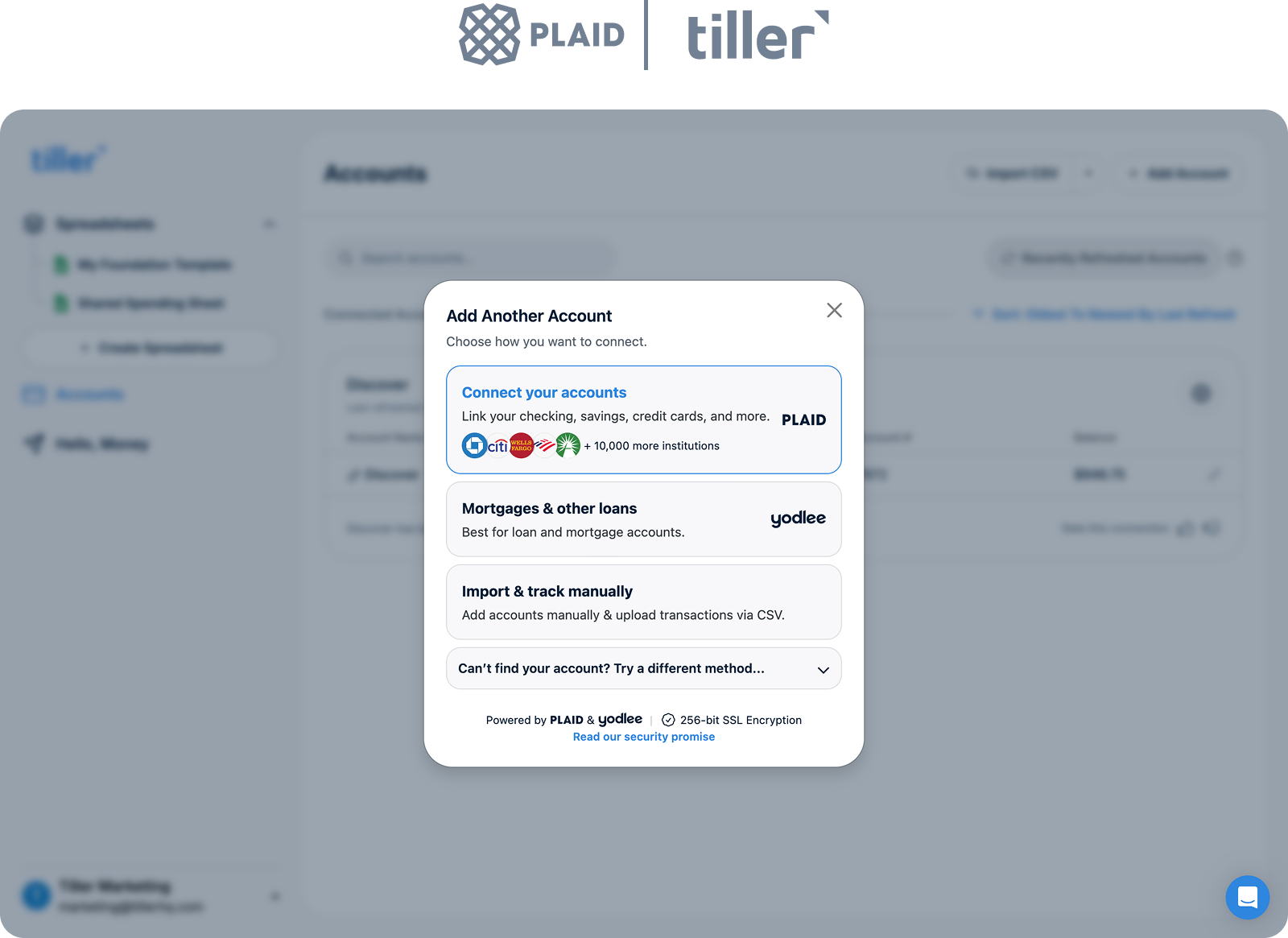
Tiller welcomes Plaid as a second aggregator. We’re excited to now offer Plaid in addition to Yodlee as a financial aggregator for both Google Sheets and Microsoft Excel.
Plaid is one of the services that connects to your bank and brings your balances and transactions into your spreadsheet. It’s a helpful fallback if a bank connection becomes unreliable.
Your existing connections keep working, so if they work well, leave them alone. Reach for Plaid on an account Yodlee keeps dropping.
Our Plaid integration supports student loans but not mortgages or other loan types, so keep using Yodlee for those. Test your Plaid connections in a separate sheet for a week before switching from Yodlee.
Mobile Console to Check Your Money on the Go
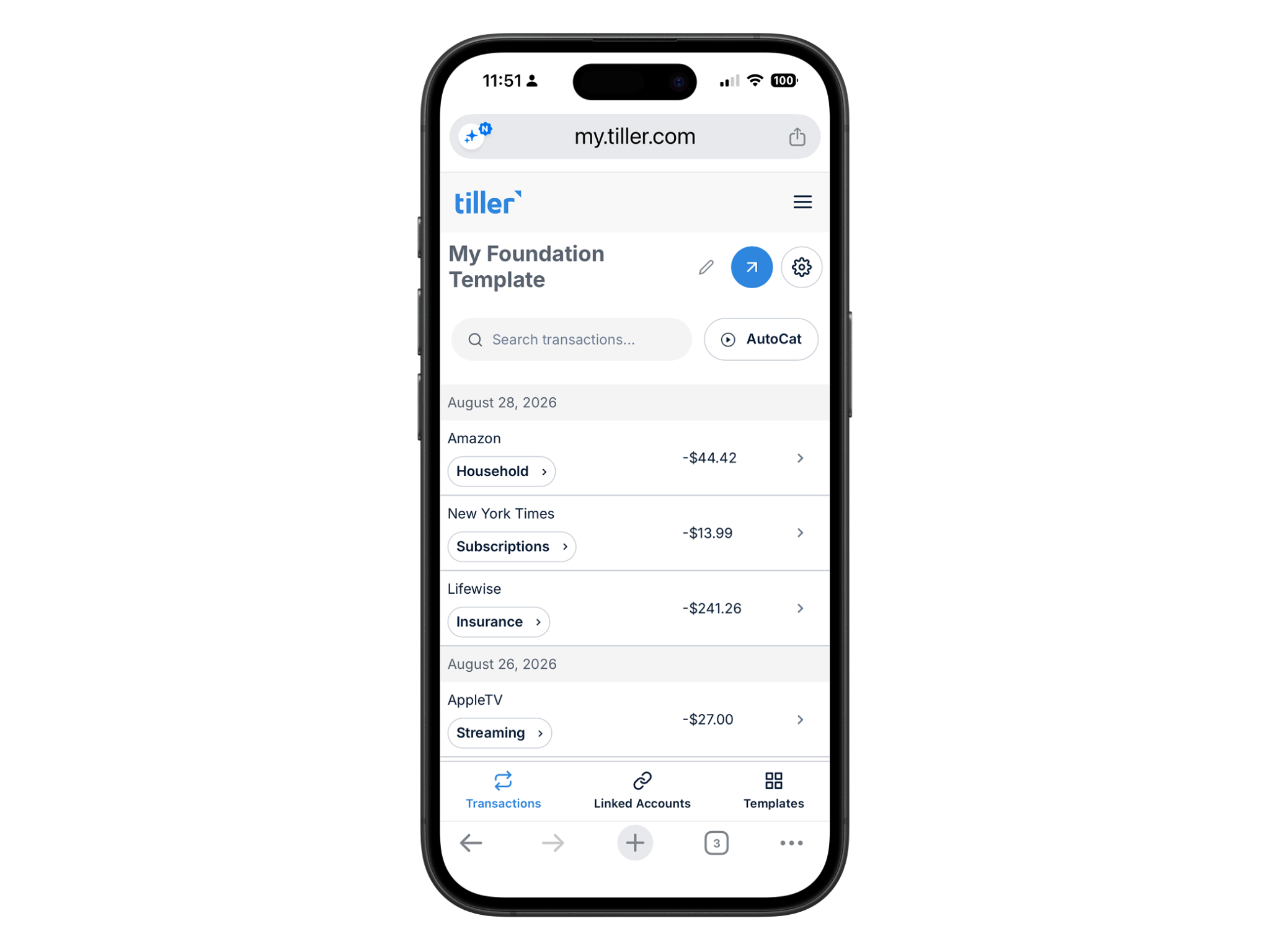
Tiller’s single most requested feature is live: the Console now works on your phone.
The Console is Tiller’s web dashboard at my.tiller.com, where you connect accounts, link your spreadsheet, refresh data, and manage settings.
It’s now rebuilt as a responsive web app. Nothing to download, nothing to update. Simply login to the Console on your phone to check balances, review your accounts, and if you use Google Sheets, search and recategorize your transactions.
For an even more app-like experience, add the Console to your phone’s home screen:
Direct Fills for Faster, Fresher Financial Data
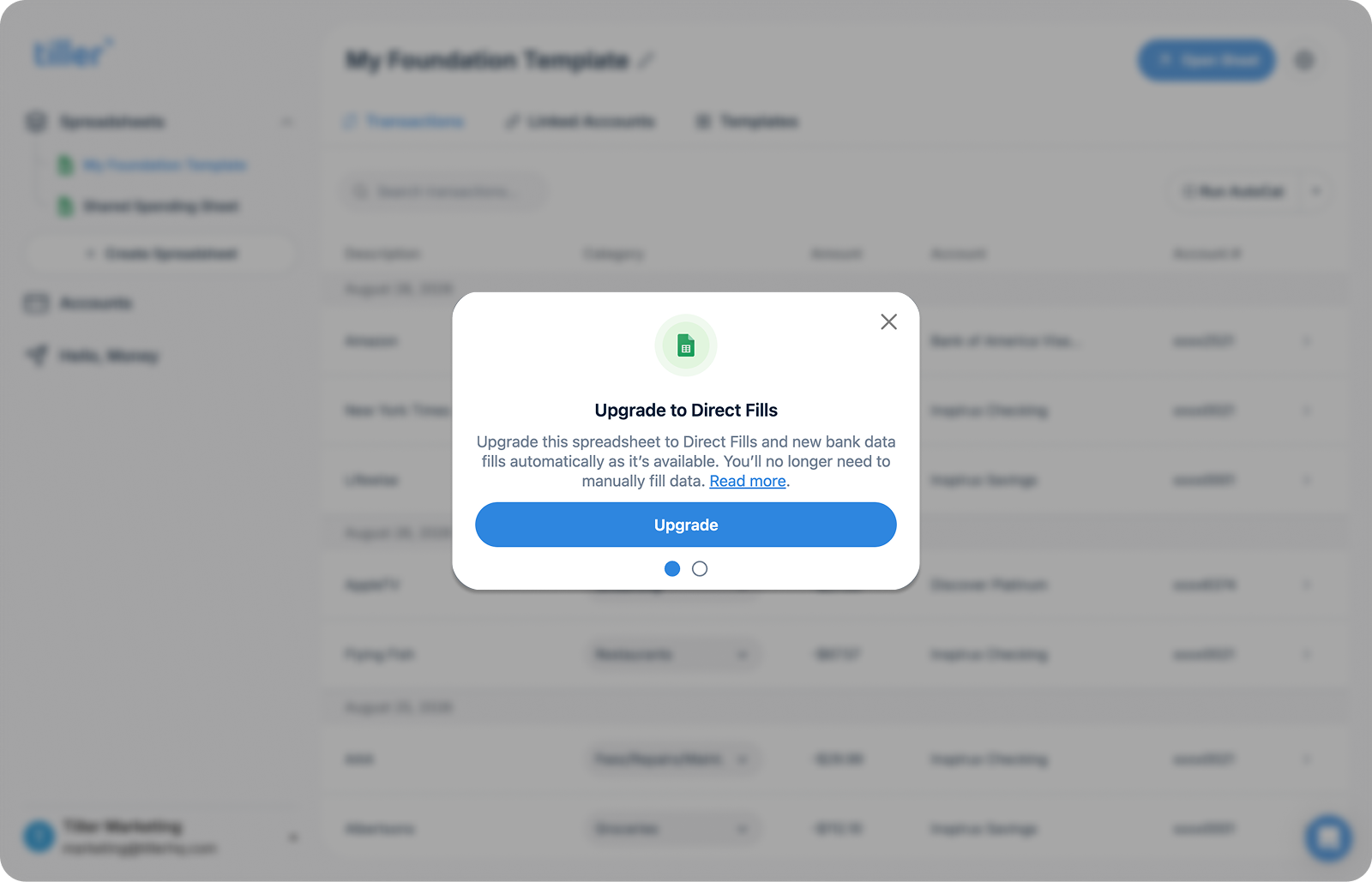
Direct Fills keep your spreadsheets updated with new transactions the moment your bank posts them, instead of waiting for a scheduled sweep or for you to hit Fill.
Direct Fills connect straight to the Sheets API, replacing the Apps Script sidebar we launched in 2019, which had reached its limits as Tiller grew. You’ll upgrade your spreadsheet to get it:
- Open the Console.
- Select your Sidebar Fills sheet.
- Choose the upgrade option at the top.
Browse Templates from the Console
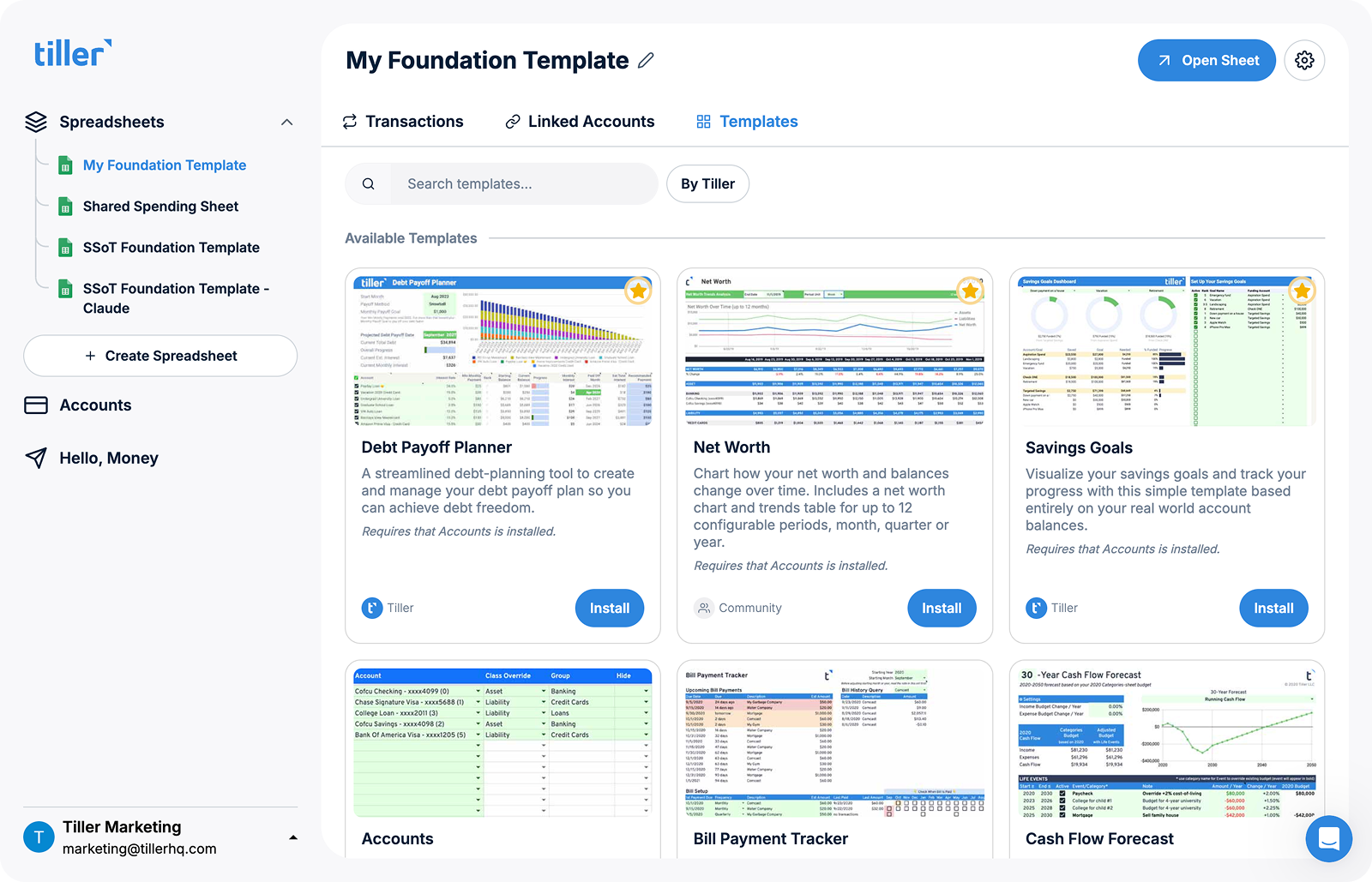
You can now browse, update, and add templates to your Google Sheet in one click, without leaving the Tiller Console.
That makes it faster to add new ways to understand, organize, and plan your money without rebuilding your spreadsheet from scratch.
Browse templates for questions like:
- Category Tracker: Where is my money actually going?
- Debt Payoff Planner: What should I pay off first, and when will I be debt-free?
- Net Worth: Am I moving forward year over year?
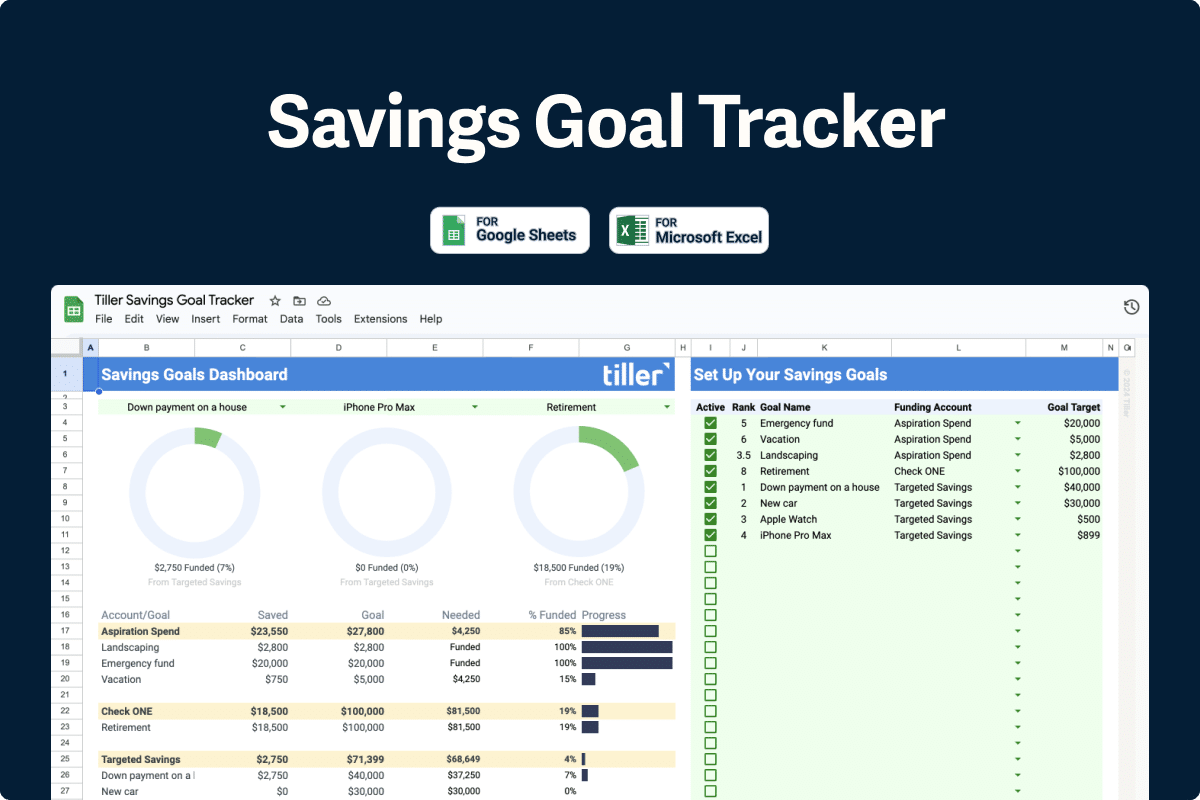
- Savings Goals: How close am I to what I’m saving for?
There are dozens more. Some are built by Tiller. Others come from the Tiller Community. And because they’re spreadsheets, you can always see how they work and edit them to fit how you think.
If You Use Excel or Sidebar Fills on Google Sheets
Templates are still available through the Tiller Money Feeds sidebar, exactly as before.
P.S. Want a template that isn’t there yet? Drop us a line. Many of the templates available today started with someone asking for one.
New Ways to Categorize Your Data with AutoCat
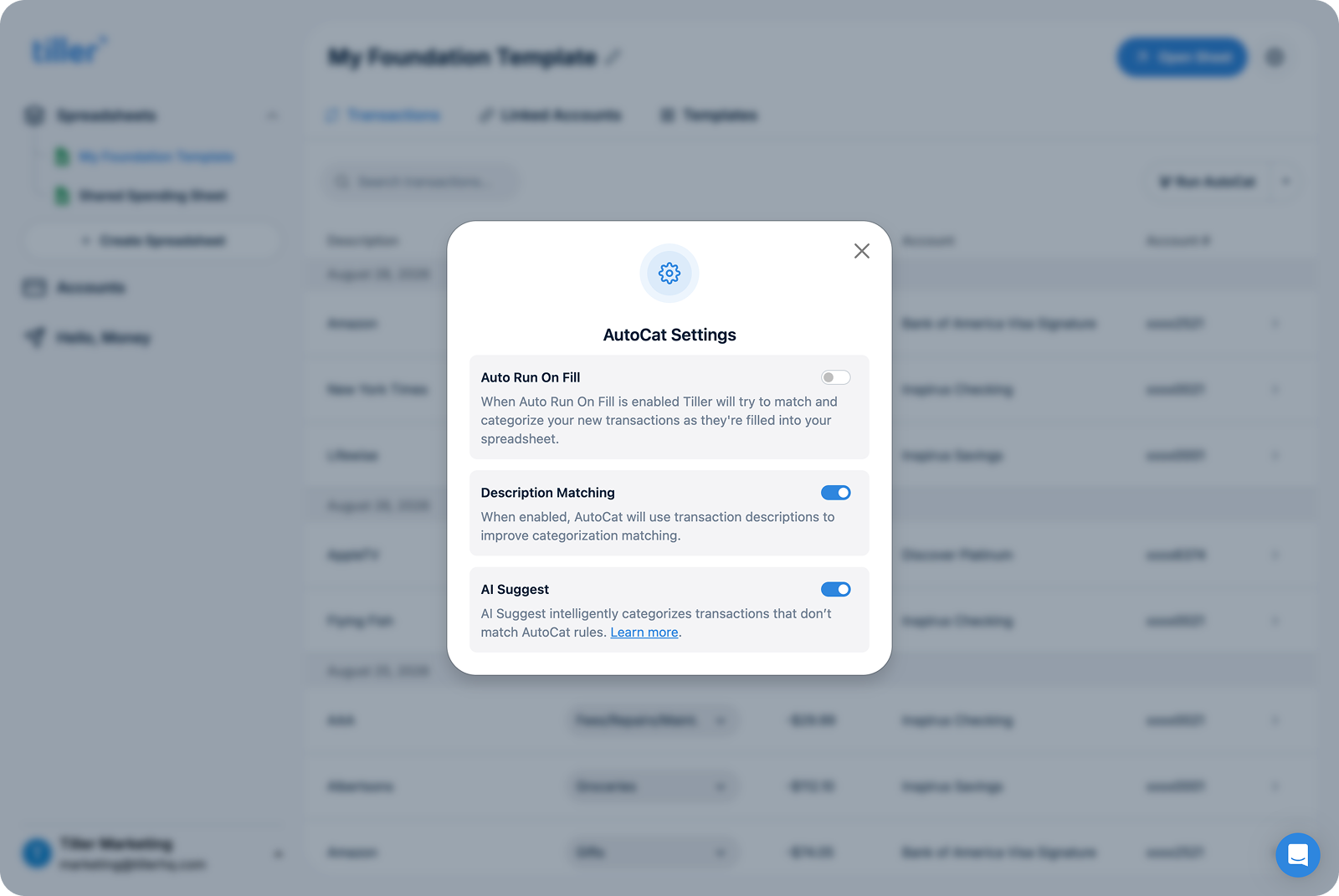
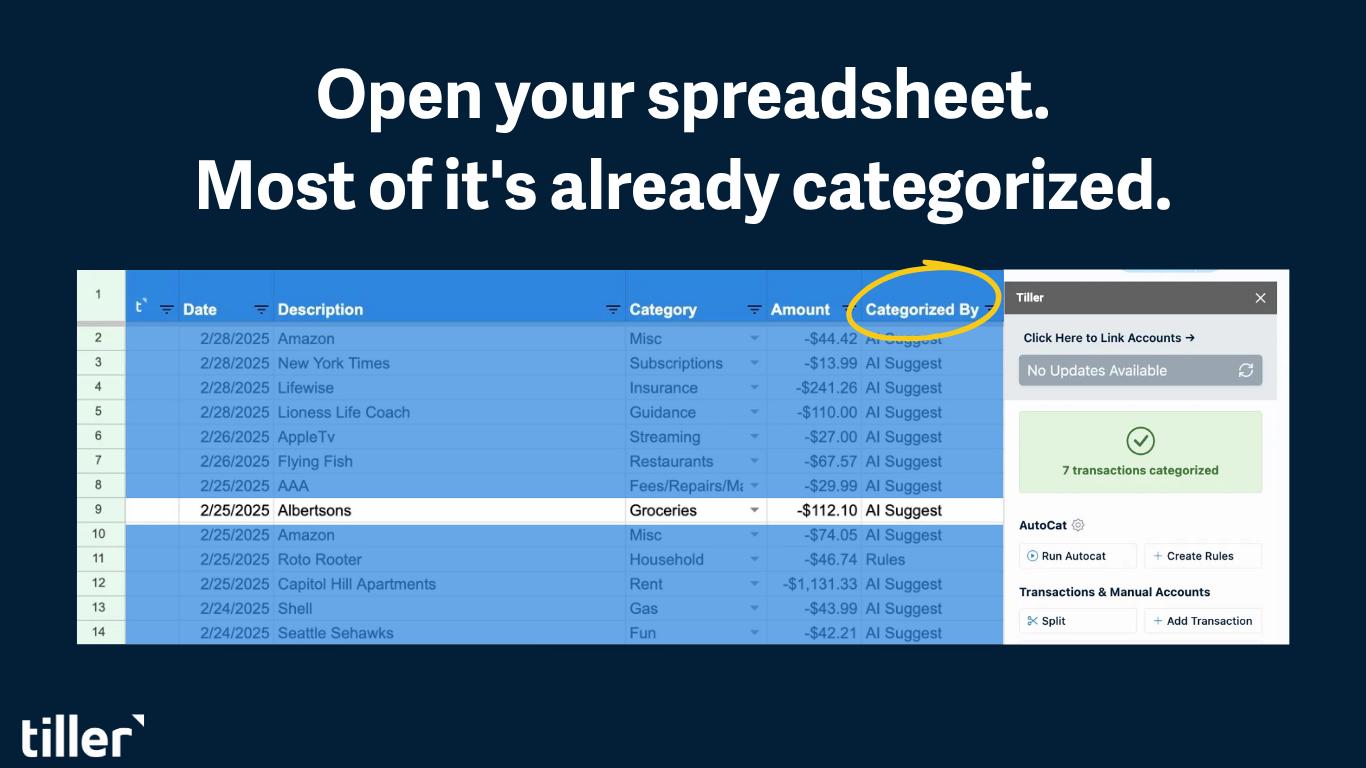
Description Match looks at how you’ve categorized similar descriptions before and applies the same category going forward. It’s pattern matching against your own history, with no rule to write and no AI involved.
AI Suggest is a separate layer that handles what Rules and Description Match can’t confidently resolve. It’s off by default, and you turn it on in the Console. It runs on Gemini, and your transactions are not used to train the model. Rules and Description Match work exactly as they always have.
To see which method categorized a transaction, add a column called Categorized By to your Transactions sheet. From then on, AutoCat labels each transaction Rules, Description Match, or AI Suggest.
Data Cleanup: Say Goodbye to Duplicate Transactions
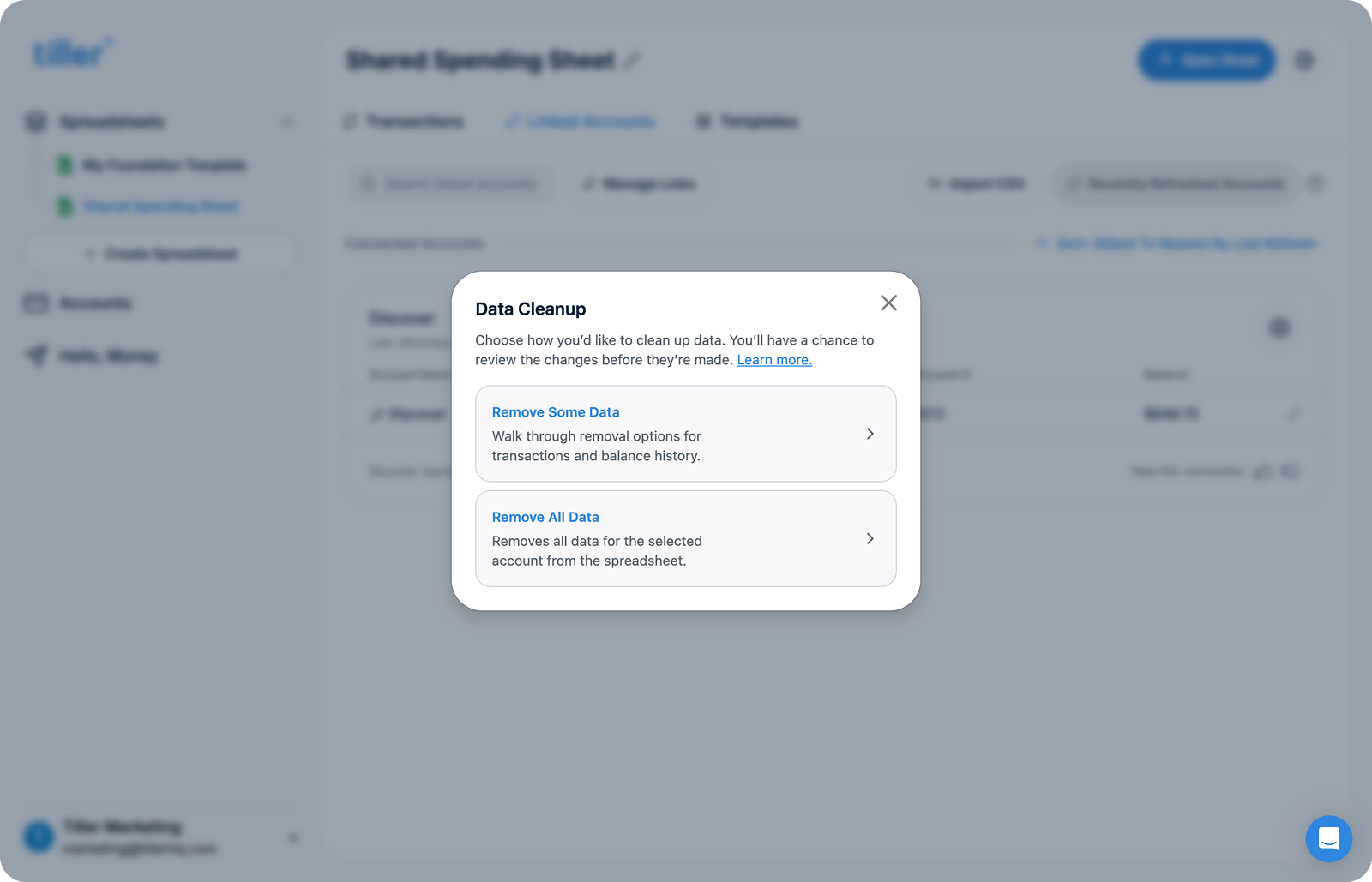
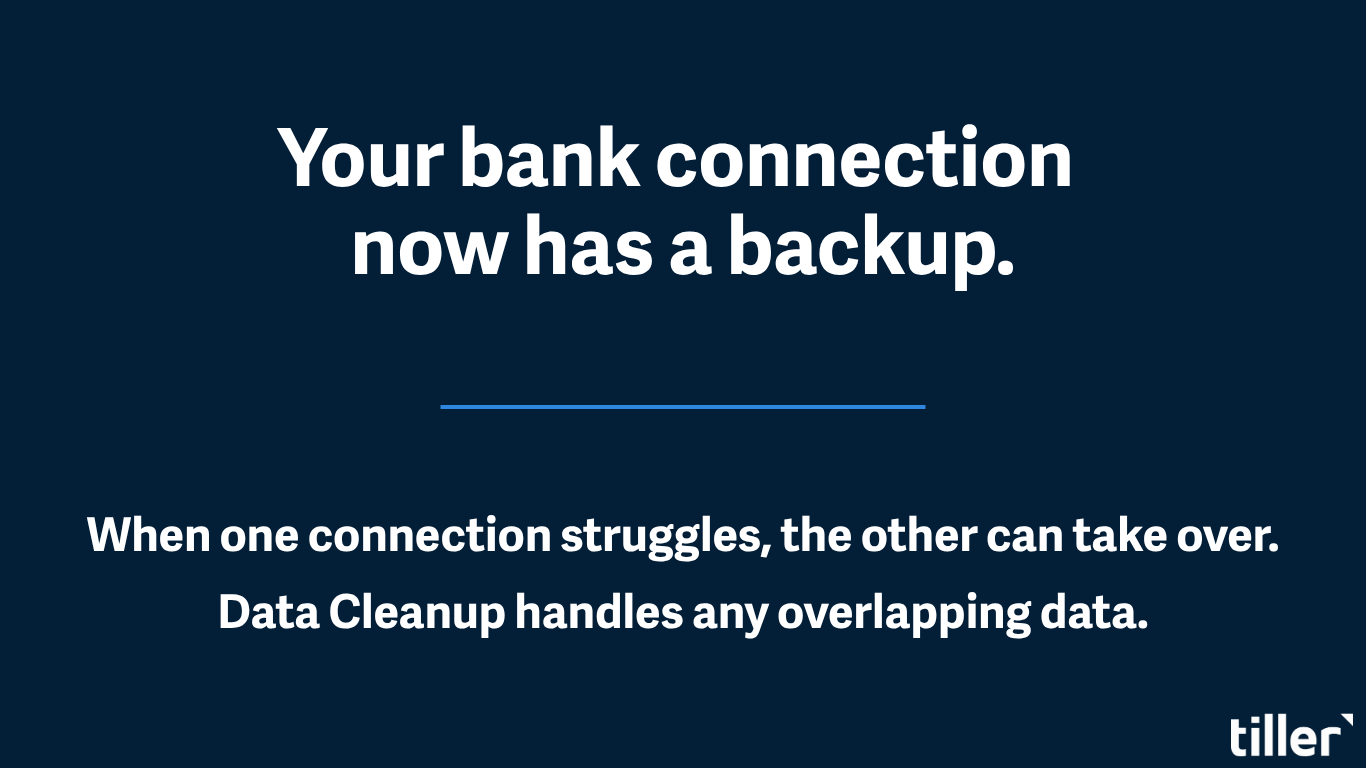
Switching an account between aggregators used to leave you with duplicate accounts, duplicate transactions, and messy balance history. Data Cleanup merges the old account’s history into the new one and clears the duplicates in a single pass.
We Haven’t Forgotten You, Excel 💚
Direct Fills, Description Match, AI Suggest, and Data Cleanup are Google Sheets only right now, because of an API gap between the two platforms.
Sheets exposes APIs that let us write to the file in real time, and Excel doesn’t currently offer the equivalent for third-party services. Data Cleanup, AutoCat and AI Suggest for Excel are planned. We don’t have a date just yet.
(Also: Fills in Excel have always been faster than in Google Sheets. Direct Fills for Google Sheets addresses this gap.)