Over the past weeks, Tiller’s engineering team has swarmed on improving the speed, performance, and design of the Tiller Money Feeds add-on for Google Sheets.
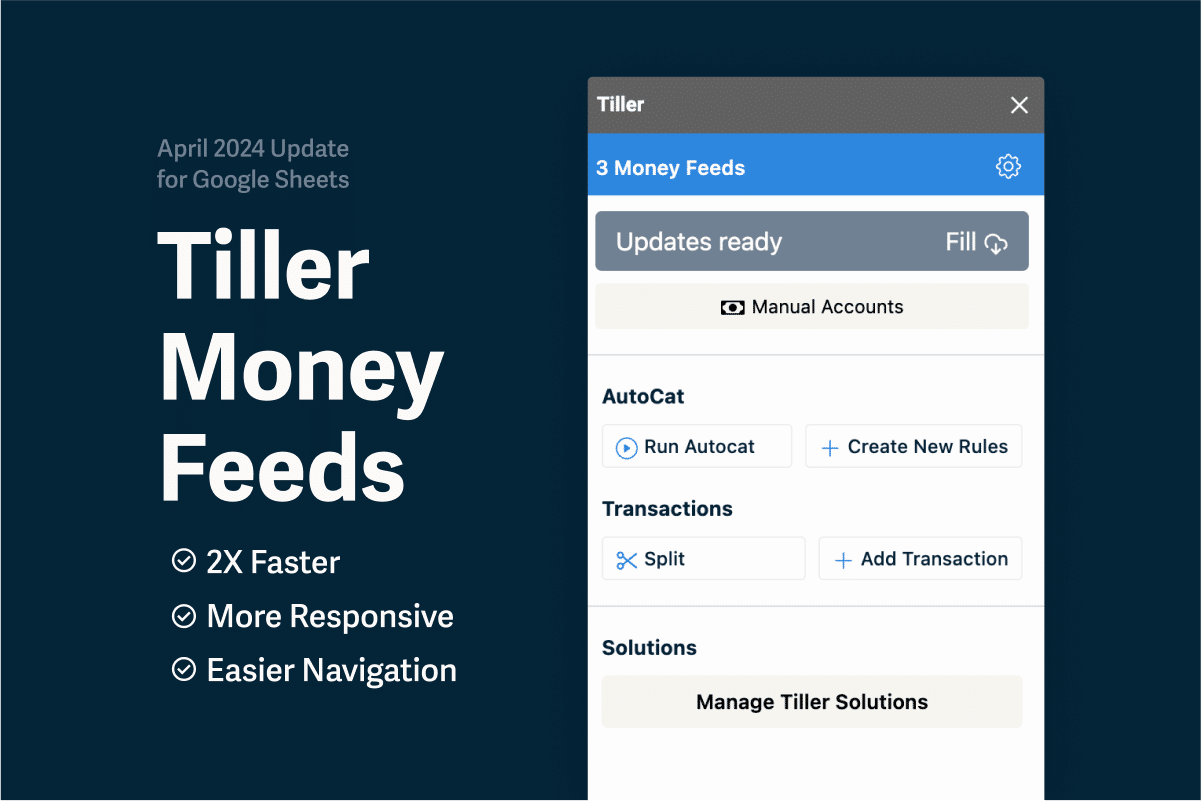
Navigating through the Google Sheets sidebar had occasionally become excruciatingly slow. The sidebar was also due for a design refresh. Today we’re launching the first phase of our Tiller Money Feeds remodel.
First, we greatly improved the launch speed of the add-on from the Google Sheets Extensions menu.
The sidebar menus have also been reorganized so your most common and important daily financial tasks are more efficient.
In our next development cycle we’ll focus on reworking the remaining screens with the updated design. We’ll also continue to improve the speed of navigating through the add-on.
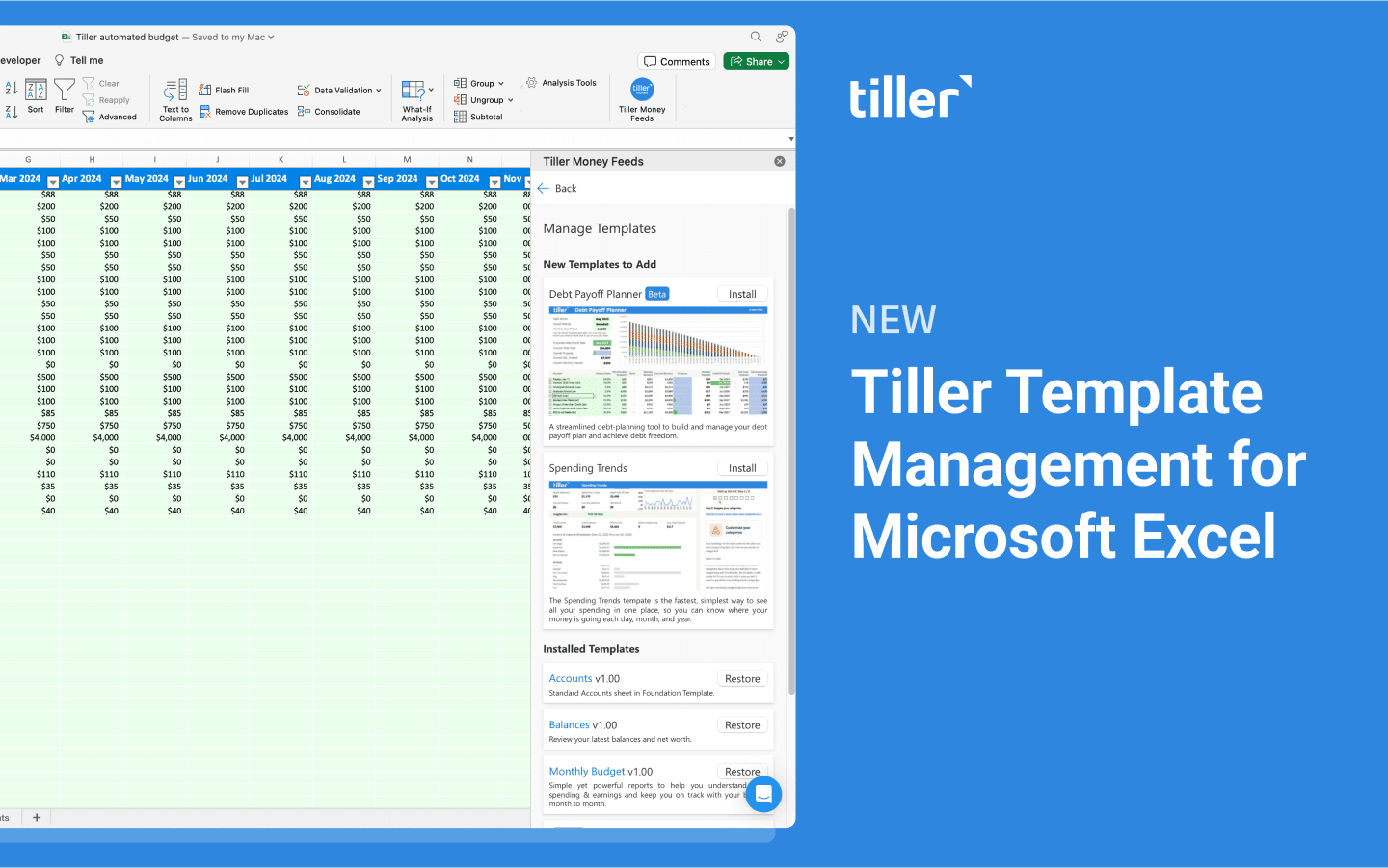
In future cycles we expect to transition the Excel add-in to the new design and continue to improve performance issues in the add-on.
You can read more on our Help Center about the changes and where to find tools or features you’re used to accessing.
What is Tiller Money Feeds?
Tiller Money Feeds automatically imports all your spending, income, transfers, and balances directly into Google Sheets and Microsoft Excel each day, where you can customize everything and manage your money, your way. All while keeping your data and privacy under your control.