
If you use Tiller, you know the routine. Open your spreadsheet, launch the sidebar, click refresh, wait, and click fill. Some users loved it so much they joked about wanting a coffee mug that said: “Refresh and Fill.”
That friction is gone.
What is Direct Fills
Direct Fills is a new way for Tiller to deliver your bank and credit card transactions directly into your Google Sheet, without the sidebar or extra steps. When your accounts refresh, your data is just there.
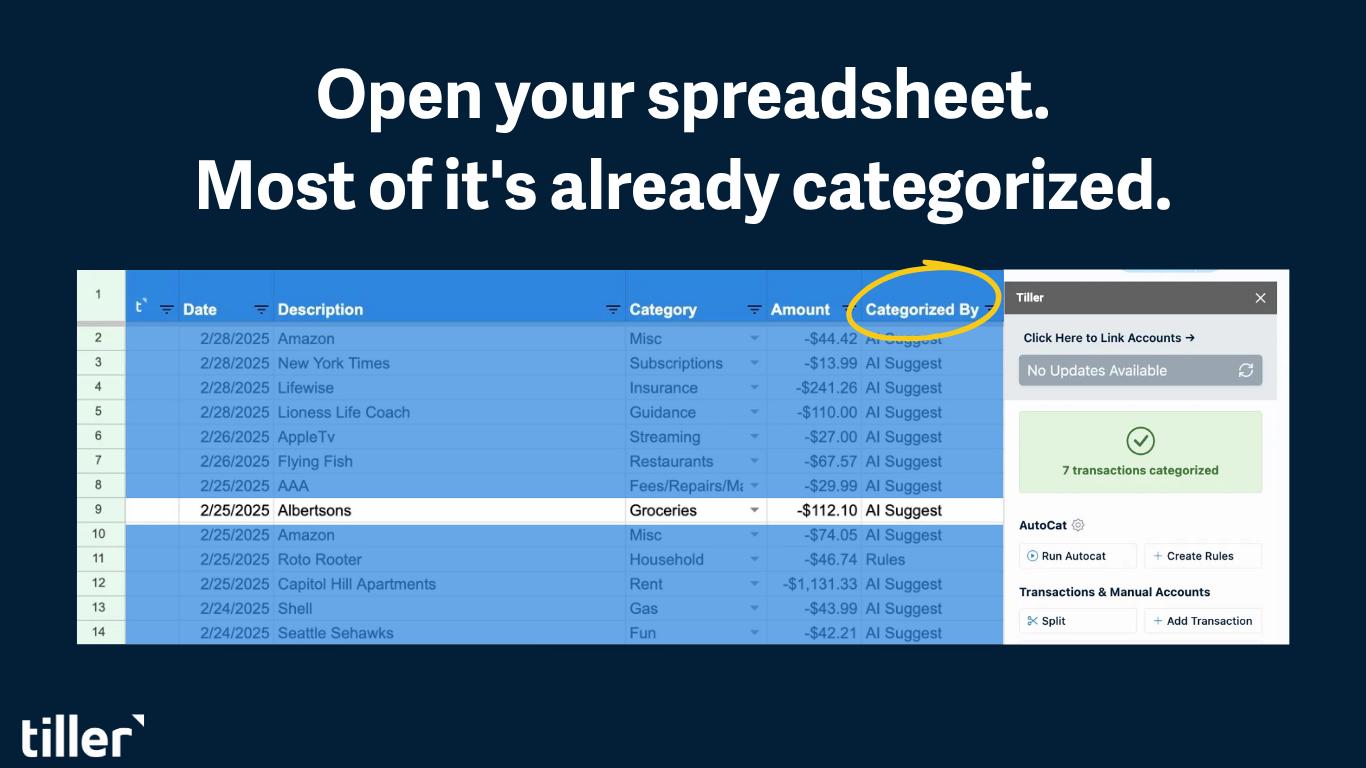
If you use AutoCat, you can enable Auto Run on Fill, so your categorization rules fire simultaneously. When you open your sheet, your latest spending is already categorized and waiting.
Why it matters
Fewer steps mean fewer chances to forget. It means your spreadsheet is updated before you even think to check it. And Direct Fills opens the door to things that weren’t possible before, including mobile workflows and faster AutoCat processing.
What this means for you
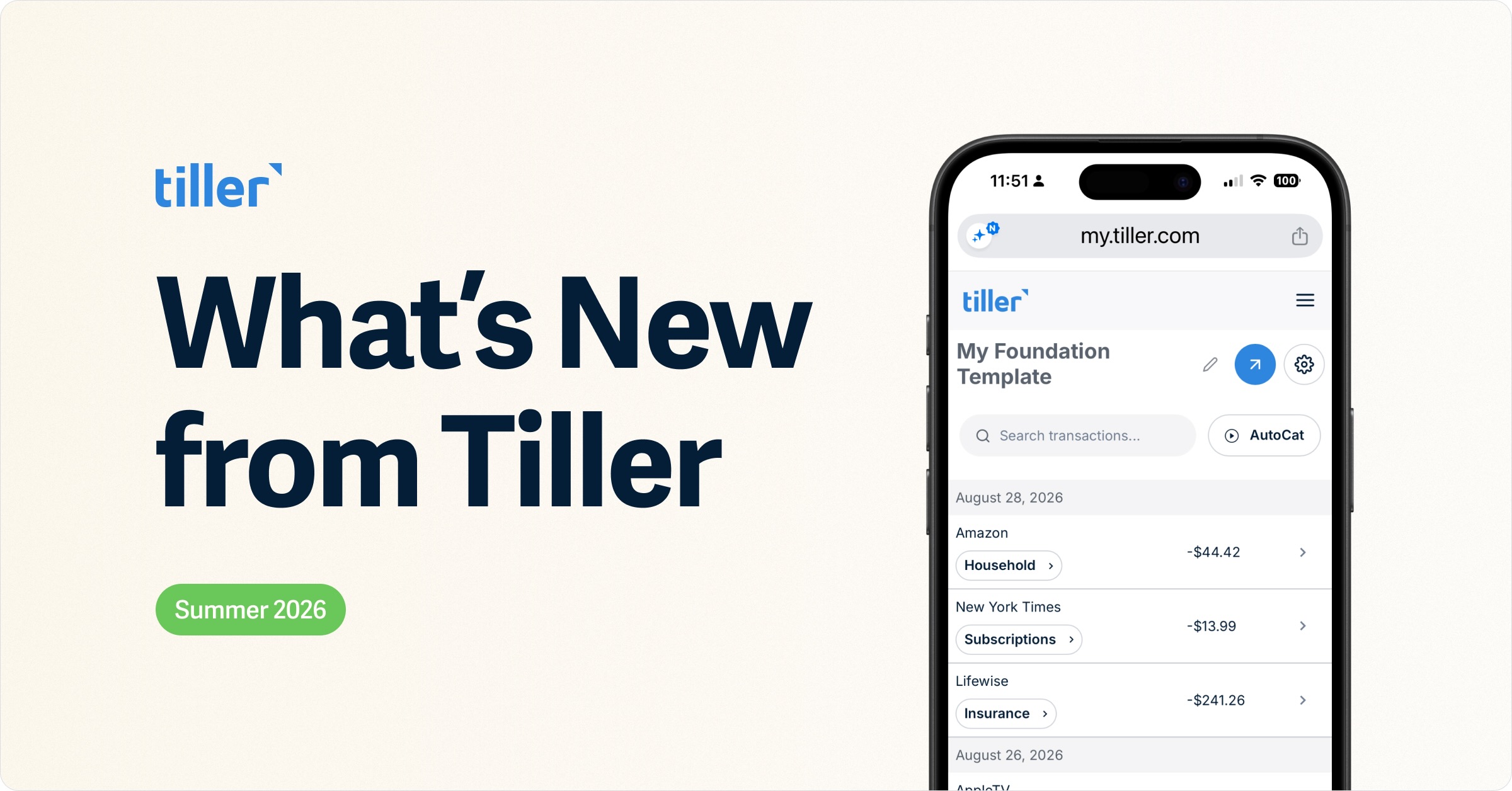
Already a Tiller user? Any new Tiller-powered Google Sheet you create now runs on Direct Fills by default. If you have older sheets, you can upgrade them from the Tiller Console.
Visit the Help Center for details on upgrading your existing sheets.
New to Tiller? Every Google Sheet you create runs on Direct Fills from day one. Nothing to set up.
Coming back to Tiller? The friction that frustrated you is gone.